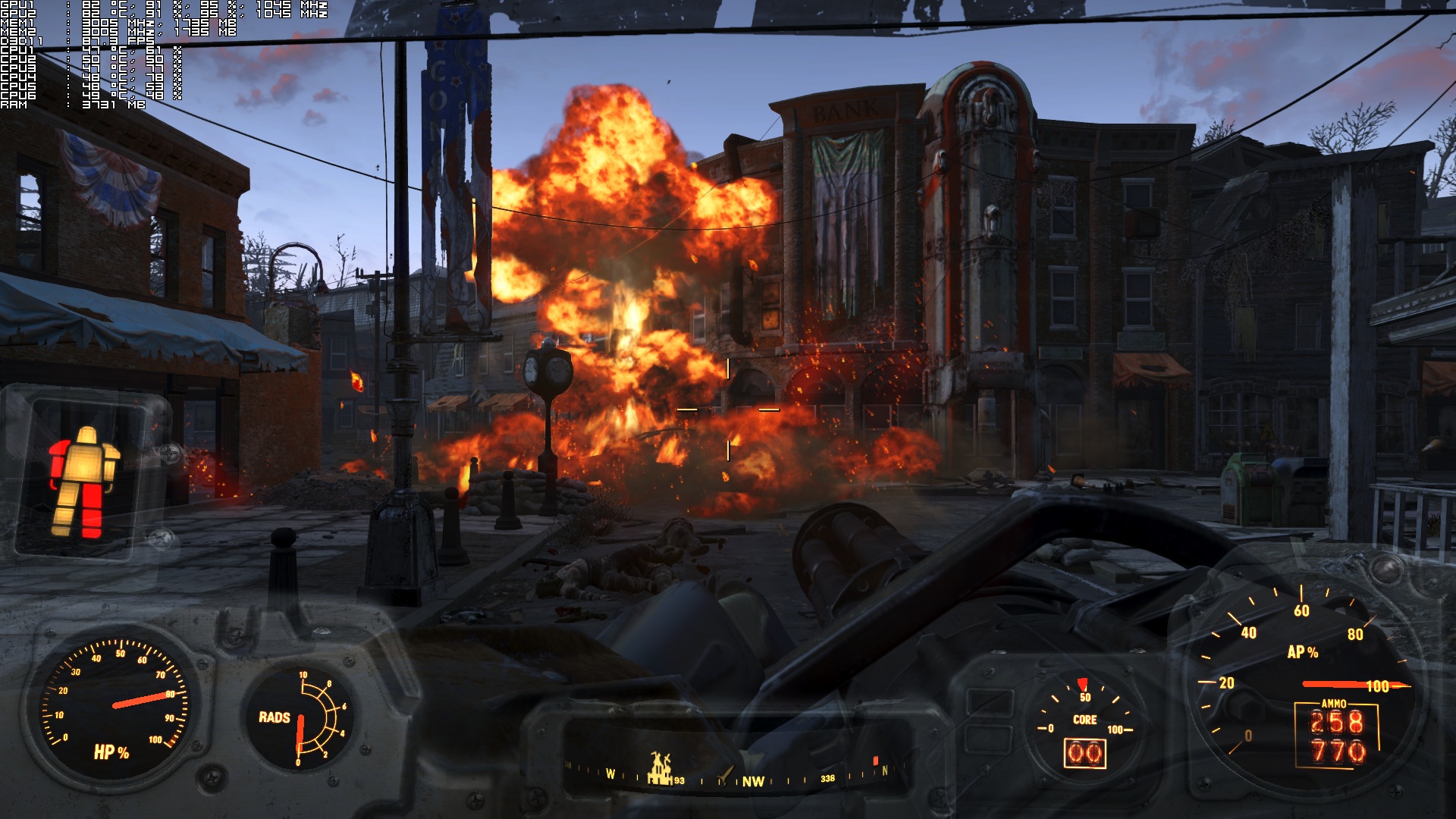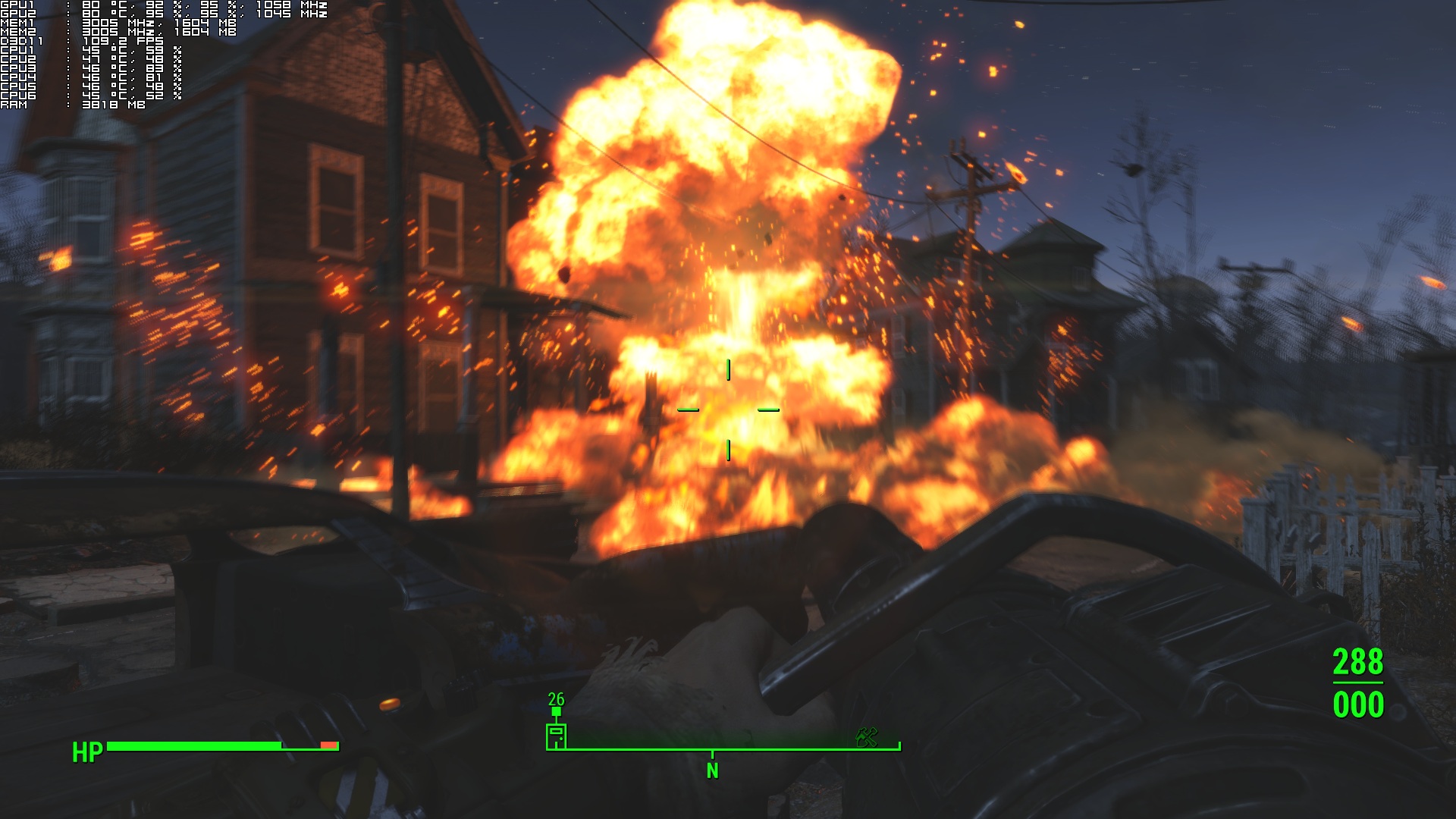
Fallout 4 is a highly anticipated game that will, undoubtedly, be a huge commercial success. Powered by an enhanced version of the Creation Engine, Fallout 4 supports new graphical features and looks better than Skyrim or Fallout 3/New Vegas (vanilla versions). The game has just been released on the PC and it’s time to see how this title performs on the PC platform.
As always, we used an Intel i7 4930K (turbo boosted at 4.0Ghz) with 8GB RAM, NVIDIA’s GTX690, Windows 8.1 64-bit and the latest WHQL version of the GeForce drivers. NVIDIA has not included any SLI profile for this title as of yet, however PC gamers can quite easily enable it. All you have to do is head over at NVIDIA’s Control Panel, find the game, and force “alternate frame rendering 2”. While this is still not a perfect solution, SLI scaling is great for the most part. As you can see below, there are scenes in which SLI scaling drops to 60-70%, so here is hoping that NVIDIA will release an official SLI profile in the next few days/weeks.
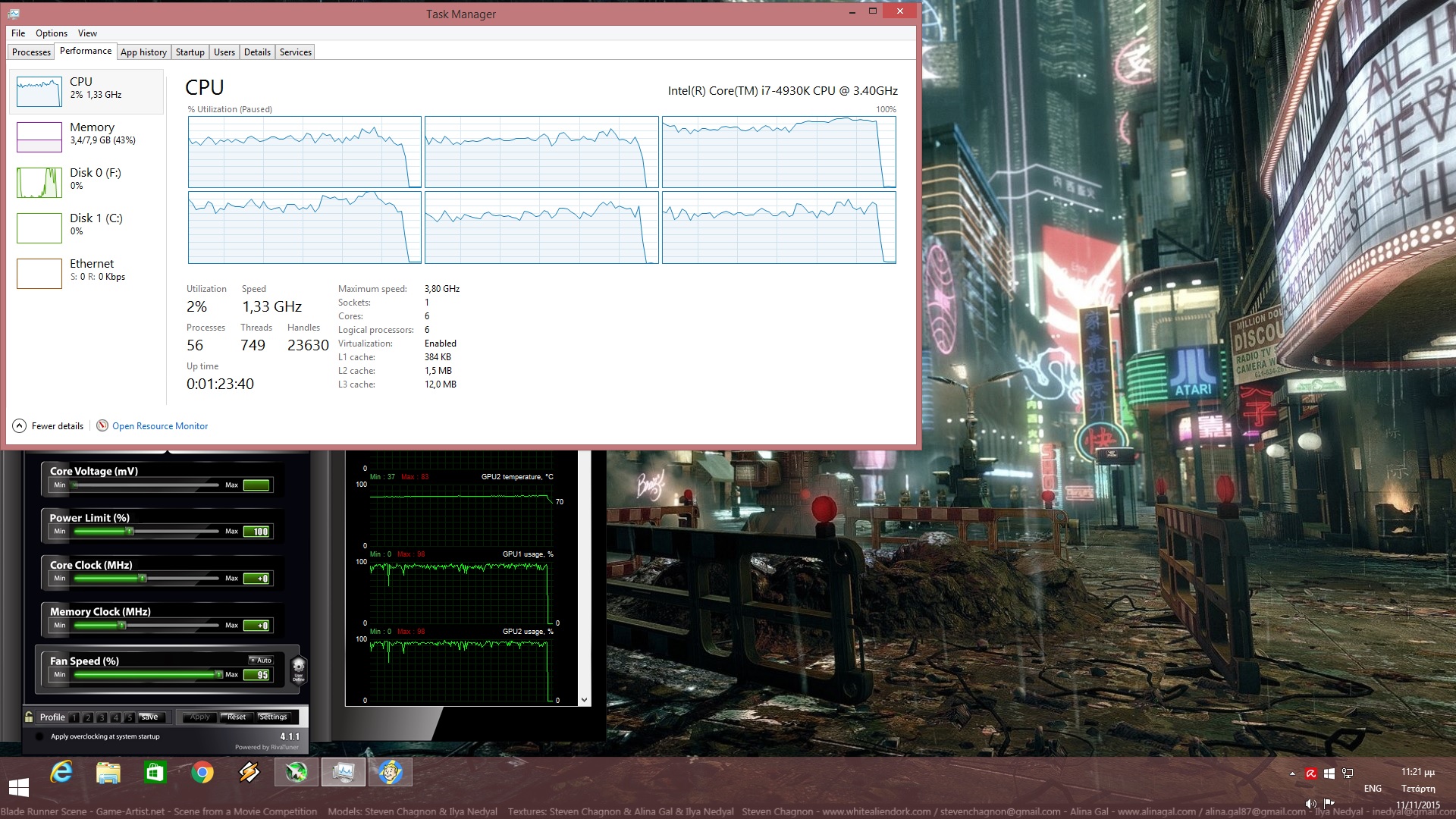
Despite the fact that we’re dealing with an open-world title, Fallout 4 is friendly to older CPUs and requires a high-end GPU in order to shine. Bethesda did an incredible work overhauling Creation’s multi-threading capabilities and as a result of that, the game scales on more than four CPU cores. With Hyper Threading enabled, we witnessed even greater scaling to twelve threads, so kudos to the team for improving the most annoying performance issue of Skyrim.
We are also happy to report that the game performs exceptionally well even on modern-day dual-core CPUs. Fallout 4 almost ran with constant 60fps on our simulated dual-core system. There were minor drops to 40-50fps, but that’s really nothing to really complain about (for those gaming on such old CPUs). Ironically enough, Fallout 4 is the third open-world title that does not really require a high-end CPU (Mad Max and Metal Gear Solid V: The Phantom Pain). Whether this has anything to do with the underwhelming CPU raw power of current-gen consoles remains a mystery. Still, this is good news to all owners of older CPUs as they will be able to upgrade to high-end GPUs without the fear of bottlenecking them.
As we’ve already said, Fallout 4 is a “GPU bound” title. With SLI disabled, a single GTX680 was simply unable to offer a constant 60fps experience at 1080p with Ultra settings. In order to hit that mark, we had to lower our settings to Medium. Those who can deal with various drops to 50fps can enable High settings (but switch their AA option from TAA to FXAA). With SLI enabled, the game ran without major performance issues, though as we already said there were some scenes in which SLI scaling was not as good as we had hoped.
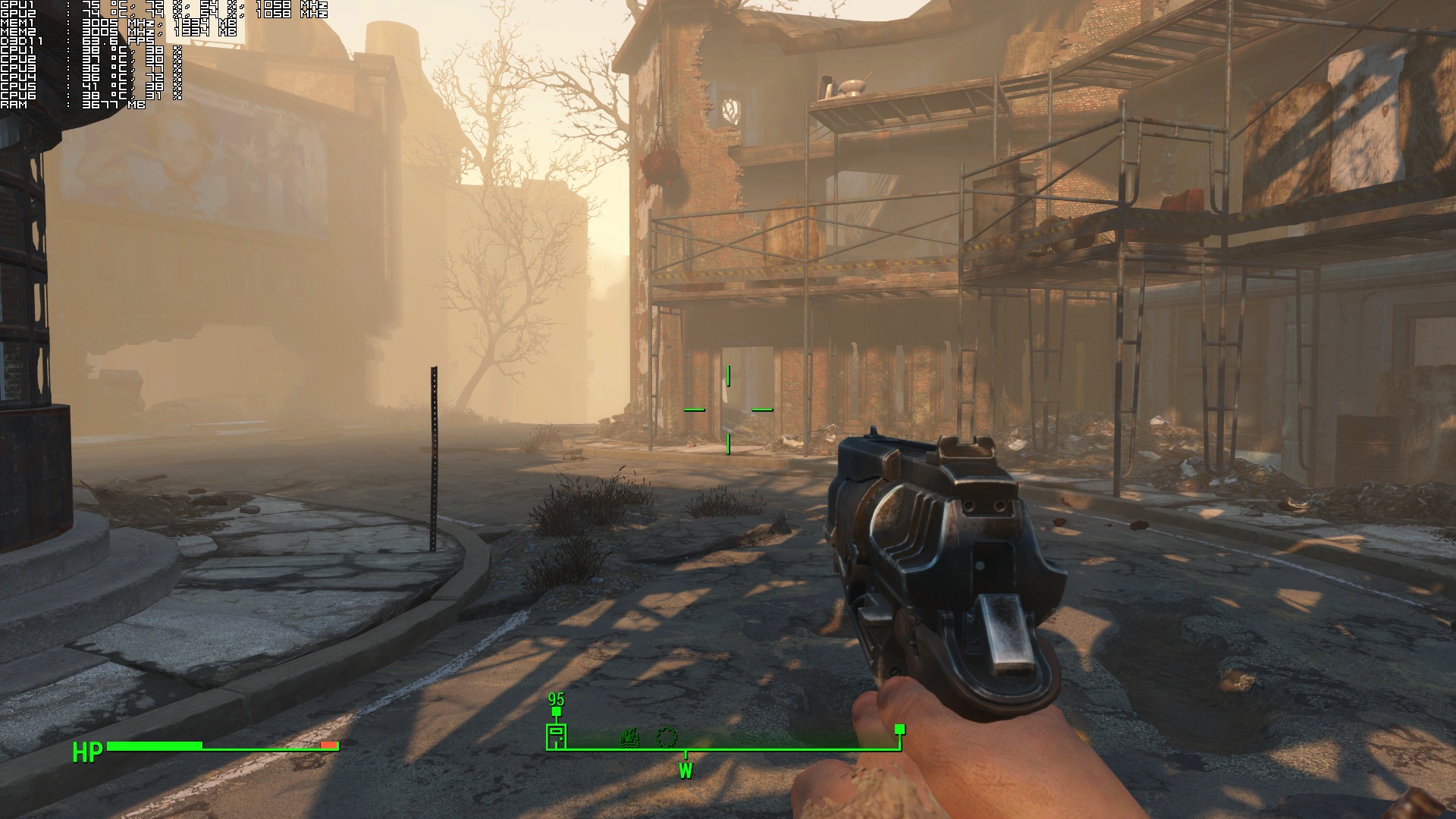
As you may already know, Fallout 4 is locked at 60fps (that is unless you disable Vsync via NVIDIA’s Control Panel. Thanks Sean). And since Bethesda has tied the game’s engine speed to its framerate, we highly recommended leaving that cap in place. Apart from some really weird physics bugs that occurred, we had major syncing issues during dialogues, lock picking becomes really sensitive and ultra fast, and we got stuck/locked after using terminals when we unlocked the game’s framerate. Yes, a higher framerate would be a nice welcome but let’s be honest here; a constant 60fps is not that bad.
Bethesda has included proper on-screen keyboard indicators and PC gamers can navigate all menus with the mouse. However, there is no option to turn off the game’s annoying mouse acceleration or change its FOV. Thankfully, as we’ve already reported, there are workarounds to these issues. Still, some proper in-game options would be nice. Oh, and there are no in-game graphics options. This means that in order to find the ideal options for your own PC system, you will have to completely exit the game, tweak its graphics options, and re-launch it.
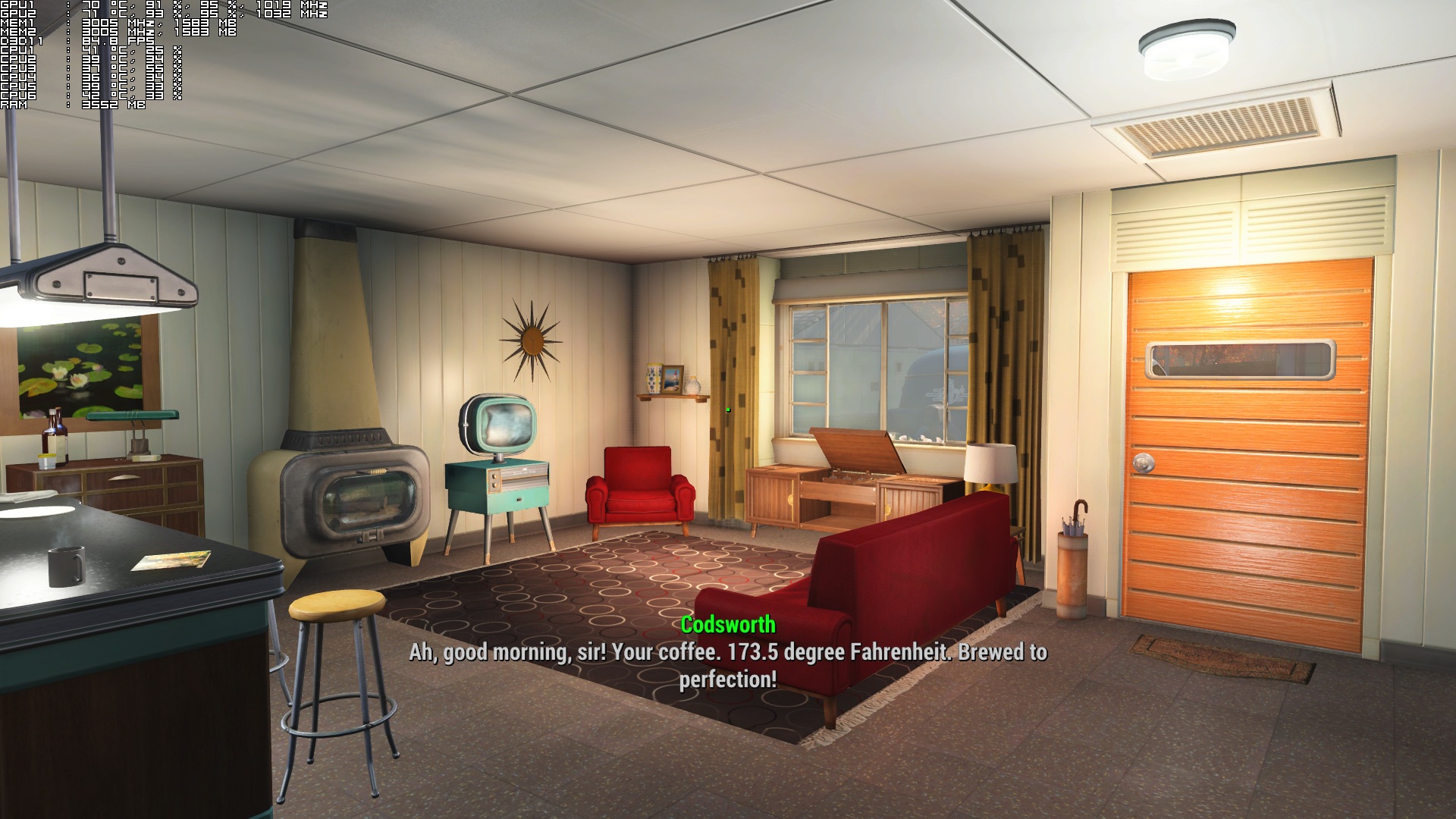
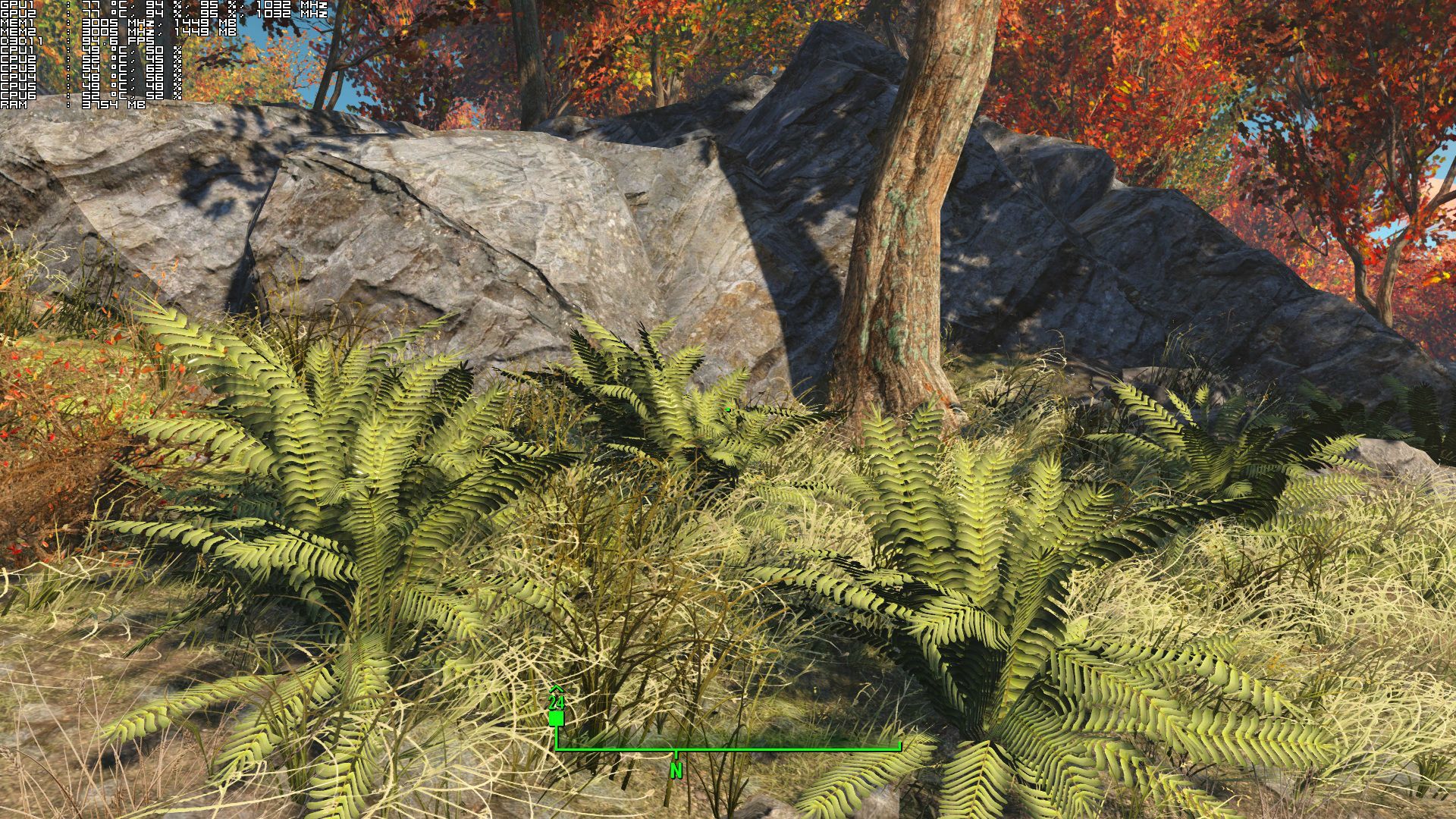
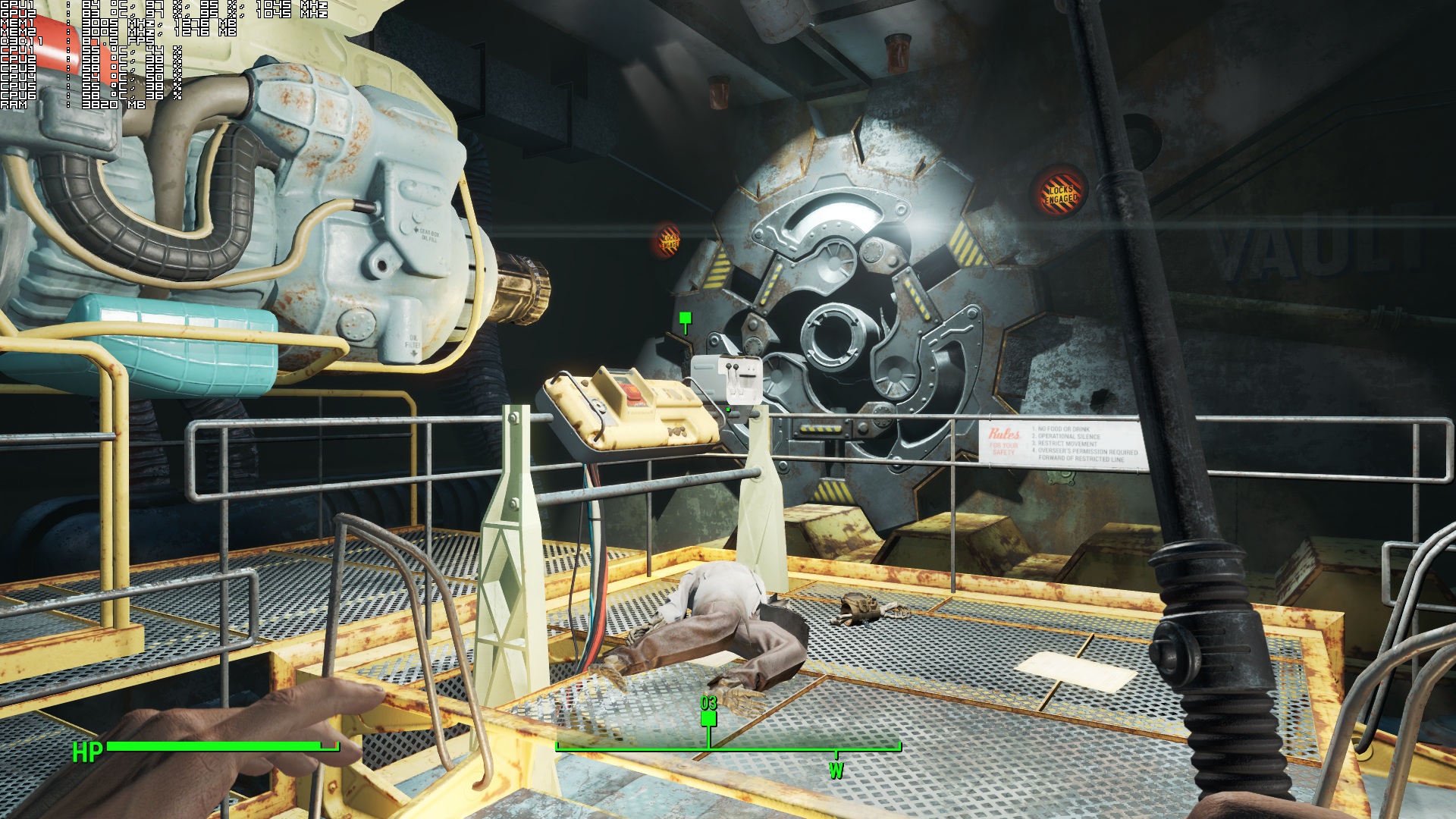
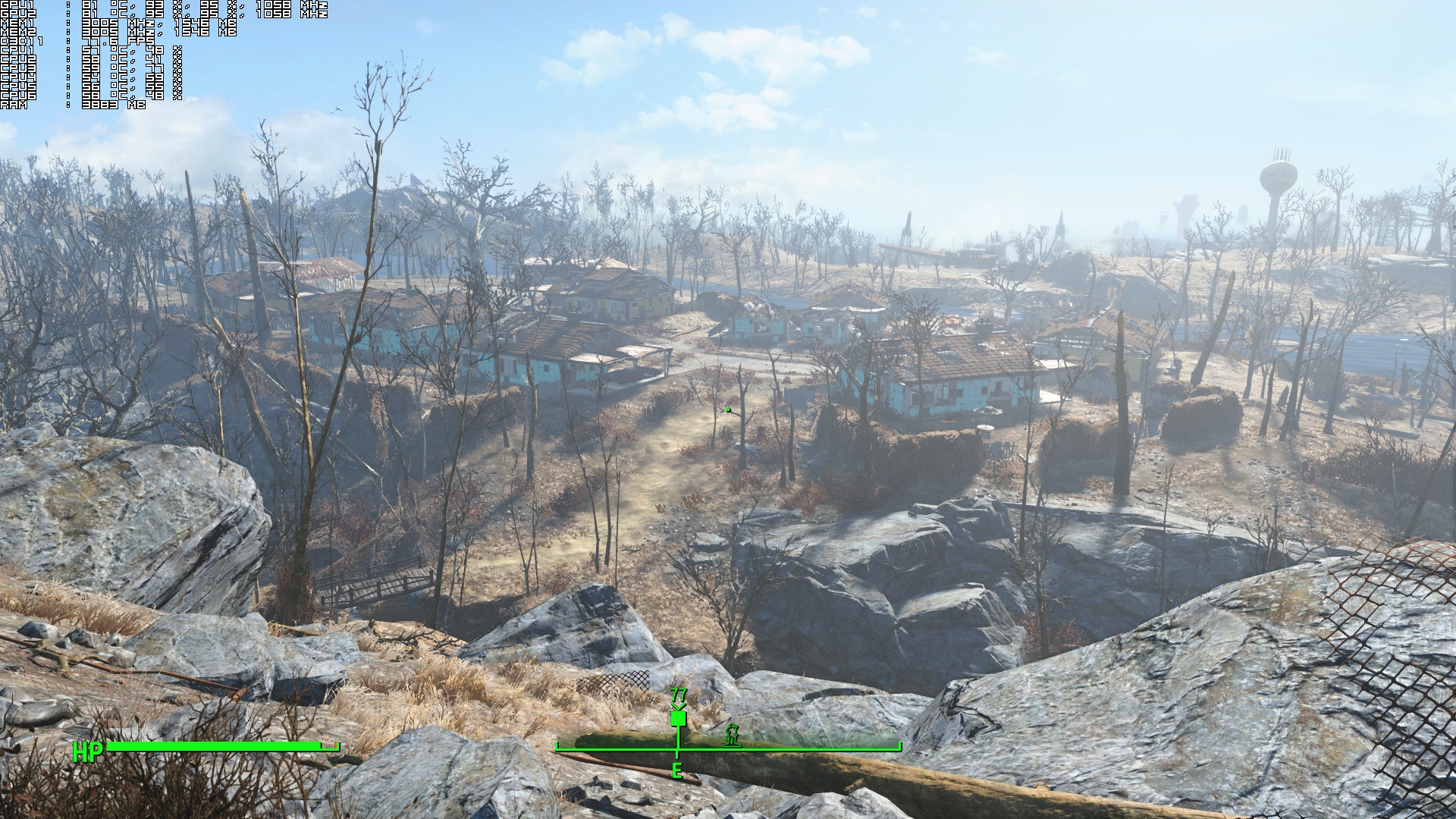
Graphics wise, Fallout 4 looks way better than what we all initially thought. Fallout 4 does not come close to the visuals of The Witcher 3: Wild Hunt, however it’s far from being described as an “old-gen” title. Bethesda has implemented physically based rendering, volumetric lighting, screen space ambient occlusion and screen space reflections, as well as a new cloth simulation system. The end result is pleasing to the eye, though there are some shortcomings here and there. For instance, there is noticeable pop-in even with Ultra settings enabled. Moreover, the difference between Medium and Ultra textures is as minimal as it can get. And the dog looks awful compared to the wolves of The Witcher 3: Wild Hunt or to DD of Metal Gear Solid V: The Phantom Pain.
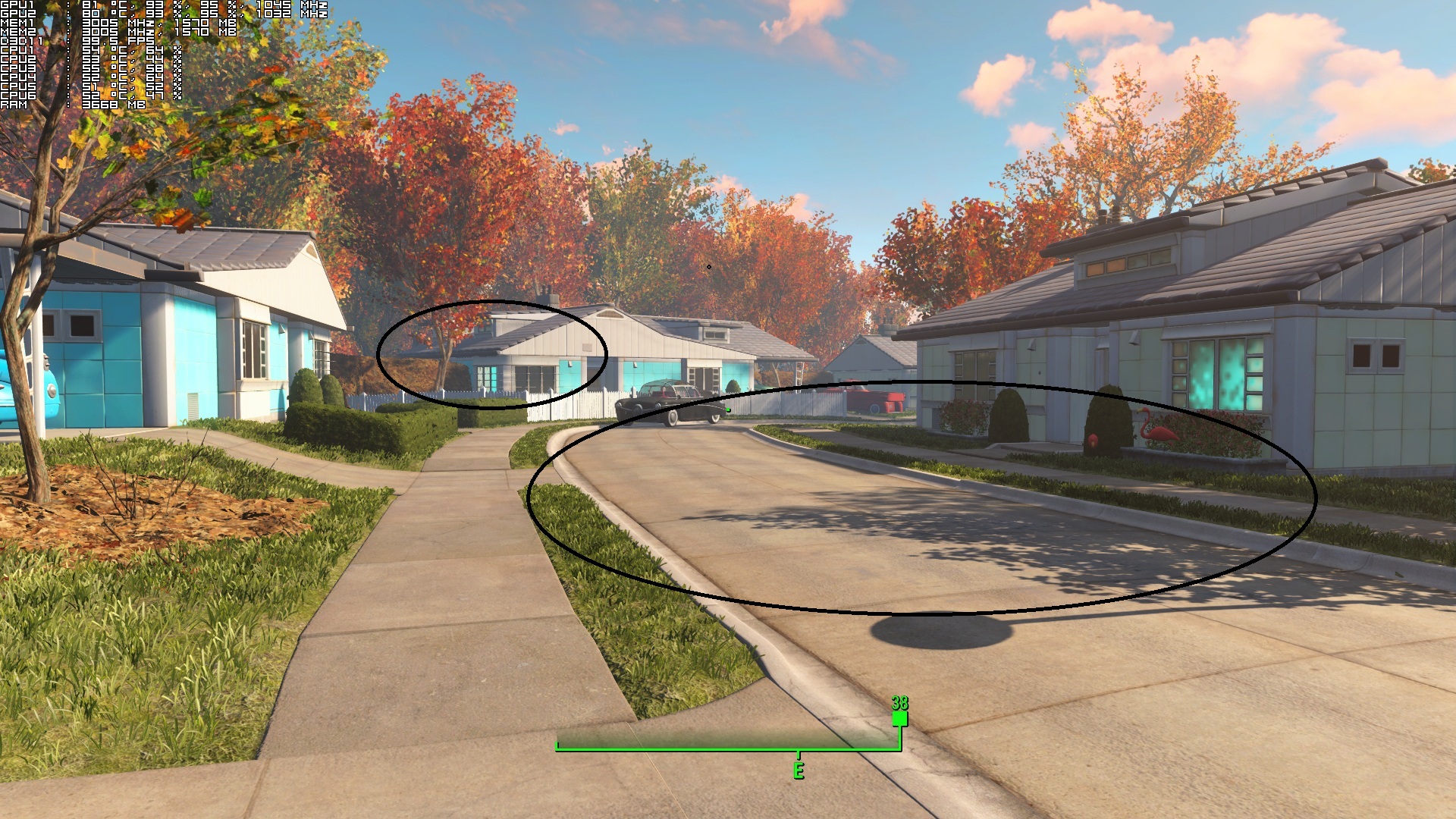
All in all, Fallout 4 is a nice surprise. While the game does not sport the best visuals we’ve ever seen in an open-world title, it – more or less – does its job. Fallout 4 does not require a high-end CPU even though it’s an open-world game and scales incredibly well on multiple CPU cores. Bethesda has implemented a lot of modern-day graphical techniques and since the game is open to mods, we expect to see some really incredible things in the next couple of months.
There are some minor path-finding issues and it’s really annoying that there is a 60fps cap, however the PC version of Fallout 4 is stable, more polished and was released in a better state than Skyrim. So well done Bethesda, though let’s hope that you will release some patches to address the minor issues currently affecting the PC version.
Those interested can purchase this game from GMG via the following button.

Enjoy!
John is the founder and Editor in Chief at DSOGaming. He is a PC gaming fan and highly supports the modding and indie communities. Before creating DSOGaming, John worked on numerous gaming websites. While he is a die-hard PC gamer, his gaming roots can be found on consoles. John loved – and still does – the 16-bit consoles, and considers SNES to be one of the best consoles. Still, the PC platform won him over consoles. That was mainly due to 3DFX and its iconic dedicated 3D accelerator graphics card, Voodoo 2. John has also written a higher degree thesis on the “The Evolution of PC graphics cards.”
Contact: Email


Godrays is a Nvidia scam. Low = Ultra
It’s not, ultra is higher quality, each ray is higher quality.
it looks almost the same to me
The difference between the two images is low quality filter on low and a high quality filter on the ultra image. What that means is that every ray is a higher quality version. Ultra gives sharp, crisp rays as it passes between the geometry.
Ultra Godrays maybe a higher quality on paper but it looks 99.99% the same as low in-game and comes with a massive 50% drop in performance. It is the biggest scam I have ever seen in videogame graphics since forever.
Well yes that’s why it’s ultra, it uses more tessellation, ultra is supposed to be for top end hardware, I don’t know why people think it’s not because it’s the best you can have.
For idiots. I would rather play in 4K/low godrays than 1440p/ultra godrays.
So why the f*ck are you moaning about having the option to turn things up or down?
Are you an Nvidia employee, you seem to defending their BS like you are.
No I’m asking you. Why are you moaning about options?
Because Ultra Godrays looks exactly the same as Low Godrays while decreasing the performance by 50%. If that is not something to moan about then I don’t know what is.
Its a scam plain and simple.
it’s your opinion, I can see the difference and if you’re so incessant about NVIDIA f*cking you over, get an AMD card, you’re the one with a 780 Ti crying about the company you’re supporting with real money.
Actually I have a 980 Ti but that won’t stop me from criticizing shady practices whenever I see them, no matter if I bought their product or not. I have no brand loyalty with anyone.
I so do I, but not to the point you come into every NVIDIA article or Gameworks article claiming NVIDIA does shady work. Your claims have no basis at all of shady work, you have no evidence other than your view about something you know nothing about.
I would be fine if their was a significant difference between Ultra and Low but in terms of Image Quality. But there is negligible difference between the two and it costs 50% performance. I am sorry but that is something I cannot wrap my head around.
I understand it perfectly, it’s just you can’t understand what ultra is and why ultra should be the best image quality you can have with the spare FPS you have with top end hardware.
I am sorry but best image quality comes from playing the game in the highest resolution possible and disabling pointless things like Ultra Godrays and utilize that performance to up the resolution.
Well, you’re wrong about the performance on ultra, the performance loss is variable, I guess you’re not happy with over 100FPS on ultra on your GTX 980 Ti but still moan about a random test on the internet. I don’t see your benchmarks or performance stats of your own.
What is the shady practise here? NVIDIA gives you an OPTION to use better image quality and you criticise that? If you don’t see the difference between low and ultra godrays, than set it to low and be happy. And let others who appreciate that to enjoy it. As Sean already wrote, ultra godrays are about better precision which cost more performance. And you are not stuck on highest settings. You have a CHOICE to lower godrays to less precision quality so what exactly are you complaining at? You people are just paranoiacs. Even if you have choices, you pretend like you don’t have any and assume it’s bad.
I’ve posted two screenshots of low and ultra God Rays, the quality difference rather large. Low God Rays looks like a compressed jpg compared to ultra.
Where are those screenshots?
Pending approval.
Low
http://i….imgur.com/cCE9XPd.jpg
Ultra
http://i….imgur.com/FmS3LID.jpg
Ok. What should I add instead of dots to achieve valid links?
leave one dot between the i and i., so http://i.imgur
Thanks. If someone doesn’t see difference between of that, what can man say. 🙂
He’s made up his own mind that NVIDIA is shady on everything now. I read this comment on youtube that said Gameworks uses the CPU instead of GPU, that’s how stupid people are getting now.
I can see the difference, it’s noticeable in the borders of objects. But why does your weapon look so fuzzy on Ultra too? Depth of field?
All in all, I think the effect is a little overdone, everywhere it looks smokey. Is it always like that or only when it makes sense (like in dawn or dusk)? Farcry 4 suffered the same problem, overdone rays.
it’s the precision quality of the God Rays, anything within the God Rays is affected. remember these are real rays not some fake effect.
You’d have to be blind not to notice the difference. What is he whining about exactly?
Because NVIDIA took their screens at 4K, so it doesn’t show a difference in quality because it’s the huge pixel density so he thinks NVIDIA is “shady”. Turns out it’s NVIDIA’s silly 4K screenshots that’s the problem not the effect itself.
I believe the correct word to use here is “REKT”. Also, he doesn’t know what 99.99% means.
Him and Russell Collins are trolling me now, apparently I’m an NVIDIA employee and I fake screenshots. They’re well on their way to becoming sociopaths.
Don’t lie Sean. Quit being an Nvidia shrill. I posted slider comparison shots from Geforce directly. They invalidate your comments here. I also noticed that your account is very new and the only thing you have done is defend Nvidia in every comment.
Do the shots yourself then. Also it’s a new account because I deleted my old one( i told Amir about it),I’ll defend NVIDIA because you idiots don’t know what you’re talking about, it’s about the truth and facts, not your stupid lies which you have no basis for whatsoever. It’s always the same, consistence idiots like you and FasterThanFTL.
Also, it;s Shill, not “shrill”, at least when you’re attacking me, get it right you idiot.
When people without any knowledge background criticize something which they don’t understand, somebody should give them some relevant information. You and FasterThenLight are yelling on NVIDIA under every article which is connected with this company and this is obviously sick. Did you see me or Sean going under every AMD article and criticize all their moves or every game which use their Radeon SDK? No. It seems like you create an imaginary enemy who you need attack again and again. Things around GodRays are simple. If you use 4K resolution, you obviously don’t have to set this setting to ultra, because resolution is good enough for clear rendered image. If you use FHD resolution you can set this option to level which fit your expectations of result image quality. According to Sean’s screenshots from FHD, you can see that even ultra GodRays significantly make final image better. And there is another point. You can disagree with me and maybe you need to watch on blured image and for you it’s still good, you have option to not use GodRays. Nobody force you to use it. Nobody force you to by a new GPU. You can turn it off and be happy with it. But this is only you. Not a general case. You and FasterThenLight are not superhumans who clarify for others what is good for them. You made up fictional stories about NVIDIA and stick with it. Even if you have all these option mentioned above, you still need to criticize it. Without any reason (of course you made up some, but they are beyond reality).
Yep, he’s in the Gameworks AC Syndicate article criticising options again, he doesn’t like TXAA and has always got to say he doesn’t like the options. Also, both of them are not saying anything about the 4K downsampled comparisons GeForcedotcom use, they think I zoomed into the images to create the bad quality. LOL.
No, Running everything on ultra+ highest res gives the best image quality but like anything in life, You want the best you got to pay for it!
Almost always yes in other games but Ultra Godrays in Fallout 4 are not worth the massive performance hit since it looks 99.99% same as the Low Godrays.
Answer me this, did you know the screenshots are at 4K? You know I posted native 1080p versions and it shows the difference. Just admit you got fooled by the geforcedotcom shots because they where 4K. If you don’t believe me, reproduce it yourself at 4K and then at 1080p, you won’t because it make you look like an idiot and your stupid comments.
If you admit you made a mistake with the 4k shots, I’ll accept it. If you can’t admit your mistake, don’t ever reply to me again or talk to me, the feeling will be mutual I’m sure.
It’s a scam? Are they getting rich off this scam? lol
Yes they are. It makes you believe you need an upgrade well before you actually need it.
So every graphics feature which demand more performance makes you believe you need an upgrade well before you actually need it? Where have you been when tessellation comes out or TressFX? Or maybe even 16xMSAA makes you believe in that too. 🙂
He has got no idea how he got to the 50% performance loss, he seems to make assumptions that God Rays kill performance in every frame no matter where you look, which is false.
It’s a TRAP!
http://images.nvidia.com/geforce-com/international/comparisons/fallout-4/fallout-4-god-rays-quality-interactive-comparison-001-ultra-vs-low.html
If you can’t see difference, then you’re blind
He must be because thats the only thing he has done on his new account.
You can’t even form a good argument mate, I don’t need my old deleted account to argue with you idiots. I’ve already proved him wrong about God ray quality, yet you come to defend him with a stupid comment because you have nothing useful to say
You didn’t prove anything. You posted low res zoomed in screen shots. I posted the hi res sliders directly from Geforce which show there is little to no difference. You lost buddy.
Again you’re stupid, the shots you posed from Geforce are 4K, I posted the 1080p versions which show the image quality difference. I have Digital Foundry to back me up, you have nothing.
Both of you are stupid, you take Geforcedotcom screenshots at face value without even knowing what you’re looking at.
The game has severe performance issues on AMD hardware according to Digital Foundry, I thought you guys would have started testing the games on AMD hardware also, at-least by now.
Why? AMD offers worst gaming experience. I still can’t believe anyone cares about AMD.
Anno 2205, Black Ops 3, Fallout 4 runs great on Nvidia. While only Fallout 4 is sponsored by Nvidia.
But blind sheeps will always blame game, developers, Nvidia, Intel, humanity for AMD problems.
“NVIDIA’s discrete GPU shipments were up 26.3% according to JPR, while AMD’s discrete GPUs spiked by 33.3%.”
I didn’t ask for a Nvidia vs AMD. Our choices we make and after much thought at that.
u r an idiot.If AMD dies nvidia gonna charge 1000 bucks for gtx 970.Stupid fanboys.
After reading AMD fanboys comments from Wccftech they want AMD monopoly.
ahhaha wccftech the site ran by bunch of paki sh@ts and feeds on flamewars.
Both amd and nvidia needs to do equally good so that we consumer benefits.
You’ll find no shortage of NVIDIA haters here, most of them have an NVIDIAS GPU as well, they seem to like the best GPU but attack NVIDIA anyway and financially support them. They won’t go AMD, it’s not an option, they will just cry about NVIDIA all the time like FasterThanFTL, he’s in every NVIDIA topic attacking them with baseless lies.
Fallout 4 also has performance issues with non-900 series NVIDIA cards. So no, AMD doesn’t always offer the worst gaming experience. That’s like saying NVIDIA offers the worst gaming experience because AMD cards perform better in Crysis 3, Ryse: Son of Rome, and Far Cry 4. Some games will run better on NVIDIA hardware and others will run better on AMD hardware.
Unfortunately we don’t quite have the revenue to be able to test on multiple hardware platforms. In our patreon we have that listed as one of our stretch goals but at this time we have to work with what we’ve got.
Ok, got it. Thanks for the reply and clarification.
A good CPU review with AMD
http://www.gamersnexus.net/game-bench/2182-fallout-4-cpu-benchmark-huge-performance-difference
AMD is done.. their card only used for Bitcoin Mining. nVidia monopoly is very effective to supress AMD>
Such a dumb comment.
Not really, my buddy has the same build, only two things are his fx-8350 vs my fx-6300, and his r9 290x vs my gtx 980, Same mobo, his ram is 1333mhz oc to 2133 mines 1600mhz oc to 1866 The only benchmark that can surpass mine is bitcoin mining. As for amd being “done” that part was stupid lol. R9 290x is a very powerful card. some things the gtx does better, some things the r9 does better, in raw power they are like the same card, so why is the r9 compared to a gtx 780ti? thats a 3gb card, they are saying a gtx 780 can handle 3gb better than r9 can handle its 4gb.
Using your logic why does a Fury X hang with both a 980Ti and Titan with 6gb and 12gb of ram respectively?
Because x64 Tess implemented in any GW game.Who is insane to put Tess on x64 for nothing in IQ?
Answer: only nvidia which is frustrated because Radeons can do better in IQ.
The Radeons are ok,the drivers are,only devs who is bribed by nvidia are not ok.
They put Fallout 4 on benches on Ultra but only because they want to push madness at x64 Tess,in IQ you would nothing on Ultra vs High Settings.
If so, I assume forcing a tessellation limit using catalyst control panel like for what we did with the witcher 3 should yield better results.
It’s not NVIDIA’s fault AMD can’t handle ultra God Rays. AMD use a option in the CCC to lower the tessellation level or you can lower the settings, why is that so hard to understand or choose? Ultra God Rays is for the very best top end GPUs for best quality possible, if you want to optimise, turn the damn thing to high or medium.
For me the textures are super low res on ULTRA after 10min of playing 🙁
same but if you wait a while it seems to eventually render
John, there is not a 60fps cap, I’ve already presented you with screenshots, not only that you can force v-sync off via the NCP. If you’re getting 60FPS lock then it’s probably a v-sync bug.
Here is the usual command in the engine that enforced v-sync iPresentInterval=1
Unfortunately, disabling Vsync via NVIDIA’s Control Panel still breaks the game’s speed, dialogues and physics. Article updated with explanation about the lock and that the framerate unlocks when Vsync is disabled 😉
I don’t really get this. Bethesda must have known people have 120Hz/144Hz monitors and enforcing v-sync won’t lock the refresh to 60Hz to stop the game breaking, it just doesn’t make sense.
Yeah, that’s Bethesda in a nutshell.
This is the same company that allows massive mod overhauls to its games and engine who on earth know why they though to lock the frame rate.
Skyrim didn’t had LAA support on release, so some people with 4GB RAM or more couldn’t even launch the game. And it was after Oblivion, Fallout 3 and New Vegas, where people used LAA fixes for years in order to install mods which require higher memory pool.
A lot of things doesn’t make sense when it comes to Zenithesda, but as you can see, the power of marketing covers it all.
I’ve locked the frame-rate to 60FPS with MSI Afterburner just to avoid the bugs, since I have a 144hz monitor.
Impressed with the performance (and the lack of major bugs).
Saw DF analysis in their budget PC aswell, and oh my, what a surprise.
“Consolized” design in the gameplay dept (on top of being ugly as sin) it can be but that hardware scalability is everything that I wish devs look forward/improve in PC gaming.
As always, good analysis John! 🙂
good optimized game and pretty fun to bad that when you force to disable v-sync in NCP it breaks the game !
Dsogaming need to throw that gtx 690 away and use a more modern single gpu to be able to give more accurate review on games performance
As I have said in a previous comment DSOG doesn’t really pull enough revenue in order to be able to purchase new hardware at this time. Although I myself have a 780ti I could test with John is in charge of the performance reviews and thus they will be on his hardware.
Not all people have money to buy new card son ….
GTX690 is as powerful as a GTX980. It also gives us a good idea at the VRAM requirements and whether a game justifies its VRAM requirements, as well as the overall SLI scaling. For the purposes of a PC Performance Analysis, it’s an ideal GPU even for today’s standards.
Thing is john, Kepler seriously lacks in DX11 compute performance plus if SLI is broken you’re screwed. Your benchmarks rely on good SLI scaling and you lack the VAM for modern titles.
Feel free to give him a new gpu for free then
Its bethesda, they rely on the community to fix the bugs.
GTX690? You would think DSOGaming’s PC would have a more modern card.
At 1080p the 690 is still pretty powerful – 970’s like. With a little OC it can alsmost match a 980.( Though you must take the price at launch in consideration – 1000 bucks 🙂 )
We don’t make quite enough to be able to upgrade as often as we would like :/
Hence one of the the reasons we have created our own Patreon. Much of what we review comes out of our own pockets.
Maybe if you guys did not buy an overpriced card to begin with then perhaps you would have some money left for upgrading more often.
The game is poorly CPU optimised. Go to diamond city and run CPU benchmarks instead of running them near an open field.
There is a screenshot from Diamond City. In Single GPU Mode, the game was always stressing our one GPU core in Diamond City (even on Medium settings at 1080p. As said in the article, the game ran with 60fps on Medium settings when SLI was disabled, even at Diamond City. We didn’t have any low GPU utilization when SLI was disabled in that area).
check it out man 😀 http://www.gamersnexus.net/game-bench/2182-fallout-4-cpu-benchmark-huge-performance-difference
I can’t send you PM
I am planning to buy this game was waiting for this performance analysis but unfortunately the thing i wanted to see didn’t explained in performance analysis.How much ram this game needs to run.It says 8gb minimum required to play but I only have 6gb of ram in my system.I ran GTA V prefectly.Can I run this game ?
Game crashes randomly if I use AFR2, stopped since I dropped back to single GPU.
Yeah I get same random crashes with AFR2 on my GTX 680 SLI rig. Eagerly awaiting for a proper SLI profile.
John you should go to cities to test the cpu threading.Just like skyrim game is gpu bound when out in the open but i already faced some fps drops in cities just like skyrim.
https://www.reddit.com/r/pcmasterrace/comments/3s5r4d/is-nvidia-sabotaging-performance-for-no-visual/
What I read about Intel in this thread (big yellow post) was far more interesting.
Windowed borderless removes stuttering
Well… after reading this review im very upset… i mean its like dsog is trying to overlook how bad the game looks and how bad it performs. Fo4 looks like ps2 era. Real talk.
The no texture differences is an insult. A scam. Cant belive every single review is minimizing this issue. Gamer nexus was the only one trying to expose this.
Im sure you dsog are reading others reviews reporting awful performance on amd. It would be very useful if you touch this problrm, despite the lack of hardware. Like you did before
When you get further in the game you’ll find areas that perform horribly, the only solution is to turn shadow distance down to medium. It’s funny that Witcher 3 both looks and performs far better than Fallout 4.
Quiet Nvidia shrill
Stop being in denial.
You’re shrilling. I was completely right.
Shrill: (of a voice or sound) high-pitched and piercing.
“a shrill laugh”
synonyms: high-pitched, piercing, high, sharp, ear-piercing, ear-splitting, penetrating, screeching, shrieking, screechy
Bad English as well as being stupid.
Fallout 4 runs on Ultra with AFR2 forced, all max settings, except Godrays set to High, using two GTX 680’s in SLI at 1080p. I get a constant 60 fps (with limit on). No stuttering, no issues. I have seen no fps drops at all so far, even in large fights.
Same applied to the Battlefront beta. 70-90fps. 680’s are still formidable cards. I do plan on upgrading to the Titan X when I sell my second house though.
Warning: AMD fanboys cursing NVIDIA because amg gpu crap perf! haha!
#STEAMftw
#NVIDIAftw
Fallout 4 runs on Ultra with AFR2 forced, all max settings, except Godrays set to High, using two GTX 680’s in SLI at 1080p. I get a constant 60 fps (with limit on). No stuttering, no issues. I have seen no fps drops at all so far, even in large fights.
Same applied to the Battlefront beta. 70-90fps. 680’s are still formidable cards. I do plan on upgrading to the Titan X when I sell my second house though.
Proof: http://www.goplay.com/show/PTg8NiYgbiFoJiY.html
So at 4k is it better to set god rays at low settings?
And what is involve in the lighting setting? Do you know? Better at medium too at 4k?
The high pixel count over 1080p will make the effect look better of course, anything under ultra God Rays uses a lower precision and less tessellation with the rays. So yes if you’re playing at 4K, use low or medium, ultra is for the very best hardware because of the volumetric God Ray lighting precision quality.
my old 2gb evga gtx 660 sc is getting 1080p/60fps on med/high settings…lol after i turned off all that nvidia crap godrays txa what ever it is.sad thing is i have a nvidia card..lol.
Well your card is a 4 year old mid range GPU for the time, it’s older and less powerful than the PS4/XB1. lol
im getting 1080p/60fps in fallout 4 so maybe not…lol i know it time to upgrade.wating for tax return to..lol
To be honest, even if there is a difference, there is still something fishy about it. They could’ve used many other ways to make god rays look great without overusing tessellation.
God rays from Dishonored look better, than what I see right now on the first screenshot, and that’s a DX9 32bit title from 2012.
Yeah but that’s subjective, if you want fake god rays you’re welcome to it, it’s called low setting. remember these God Rays are volumetric real geometry, not some fake effect that you see in most games. Batman AK fakes 3D with with 2003 tech in UE3, even Batman Arkham City had tessellation on walls and snow piles., Batman AK uses Virtual Displacement Mapping to fake 3D geometry on walls, this is a 2015 game LOL.
The problem is, low setting look extremely pixelated. I can remember many games, which don’t have any kind of giant pixels on god rays, even if they’re fake.
And still, many games feature volumetric lighting nowadays, and for some reason, only Fallout 4 god rays takes 30-50% of your performance.
We have Crysis 3, Metro, that simply runs better than this crap. I mean, c’mon, the game looks like hello from 2010.
https://uploads.disquscdn.com/images/72882a0116db009b49d2dd405c0964ccefb832985bb7d8fbe59ac3bf6f6377a7.png
That graph proves great performance scaling across settings, don’t see what the issue is. Can you name me one open world game that has volumetric God Rays with tessellation? You do know that God Rays in games like Crysis 3 are done in post Processing right?
The graph proves that god rays setting alone will hit GTX 980 Ti from 97 fps to 58 fps. It’s something I’d call abnormal for a very least. I see the quality difference between low and ultra god rays – I don’t understand how it’s worth 40 fps on a high-end card. I know games that uses volumetric lighting, but for some reason, it’s only Fallout 4 god rays are so expensive.
Well, maybe because Sleeping Dogs looked decent for 2012, while Fallout 4 looks veeery dated, and have performance worse than Crysis 3 and Battlefield 4?
It’s an open world game and the performance doesn’t drop like that all the time. If you use ultra, i.e you won’t lose 40fps just by being outside in the day all the time.
It doesn’t really matter if it’s open or not, you always see only a small portion of that world, and only that portion is calculated by your PC.
Honestly, I can’t believe you’re protect the most ugliest, dumbest and horribly optimized Bethesda game. Oblivion wasn’t exactly the most optimized game either, but it looked astonishing for its time. Skyrim wasn’t the most beautiful game either, but you could run it even on a calculator.