

One of the most anticipated racing games is finally here with us. Dirt 3 might not be the epitome of racing simulation and might disappoint fans of rally racing, but make no mistake. This is a great blend between arcade and simulation. It’s packed with different racing modes, which basically means that you won’t get bored easily with it. And here is your chance to be on Ken Block’s shoes and try all those mind-blowing tricks with his Ford Fiesta. That’s right, Dirt 3 is good and on top of that, it features an addictive multiplayer mode.
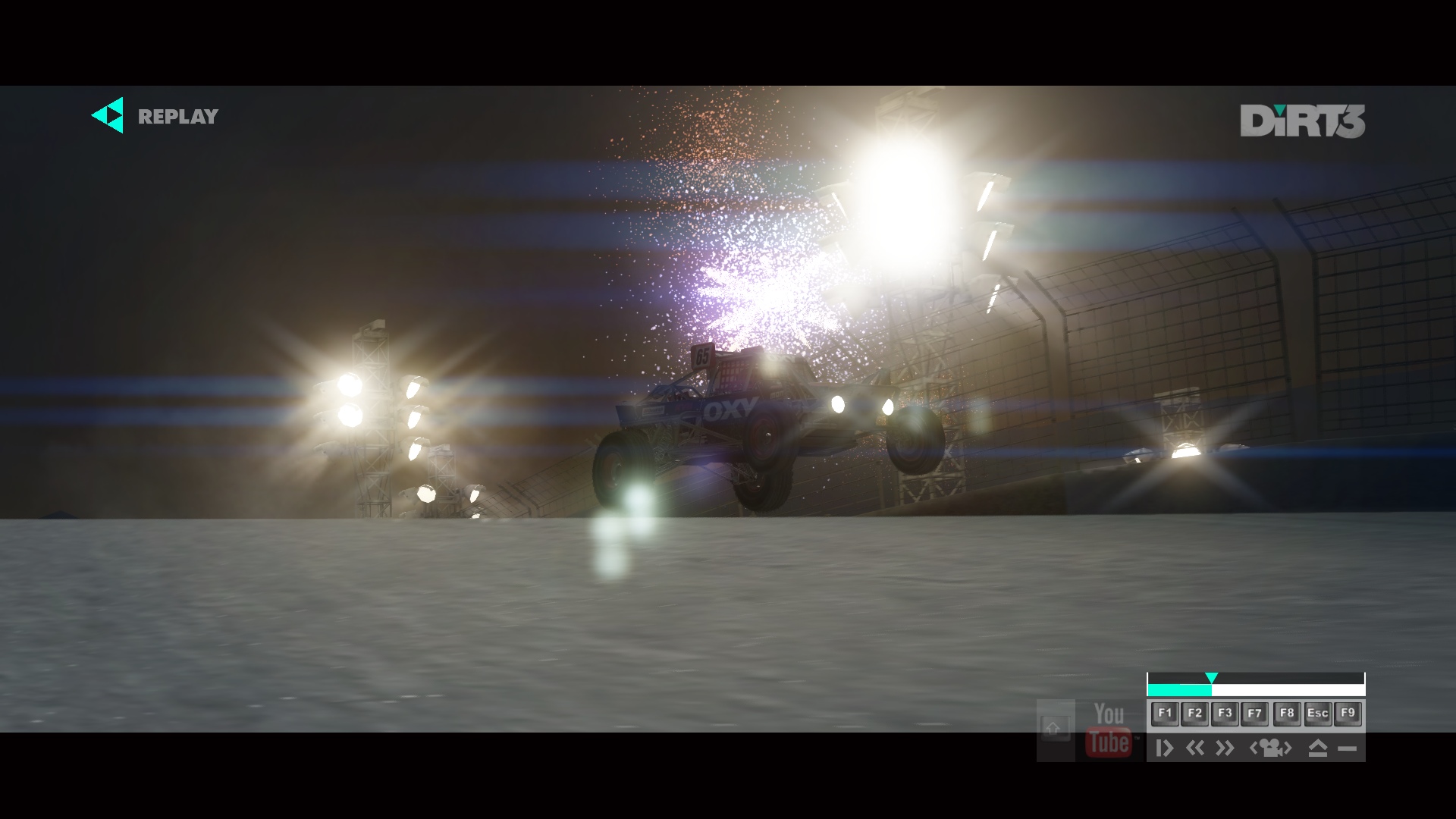
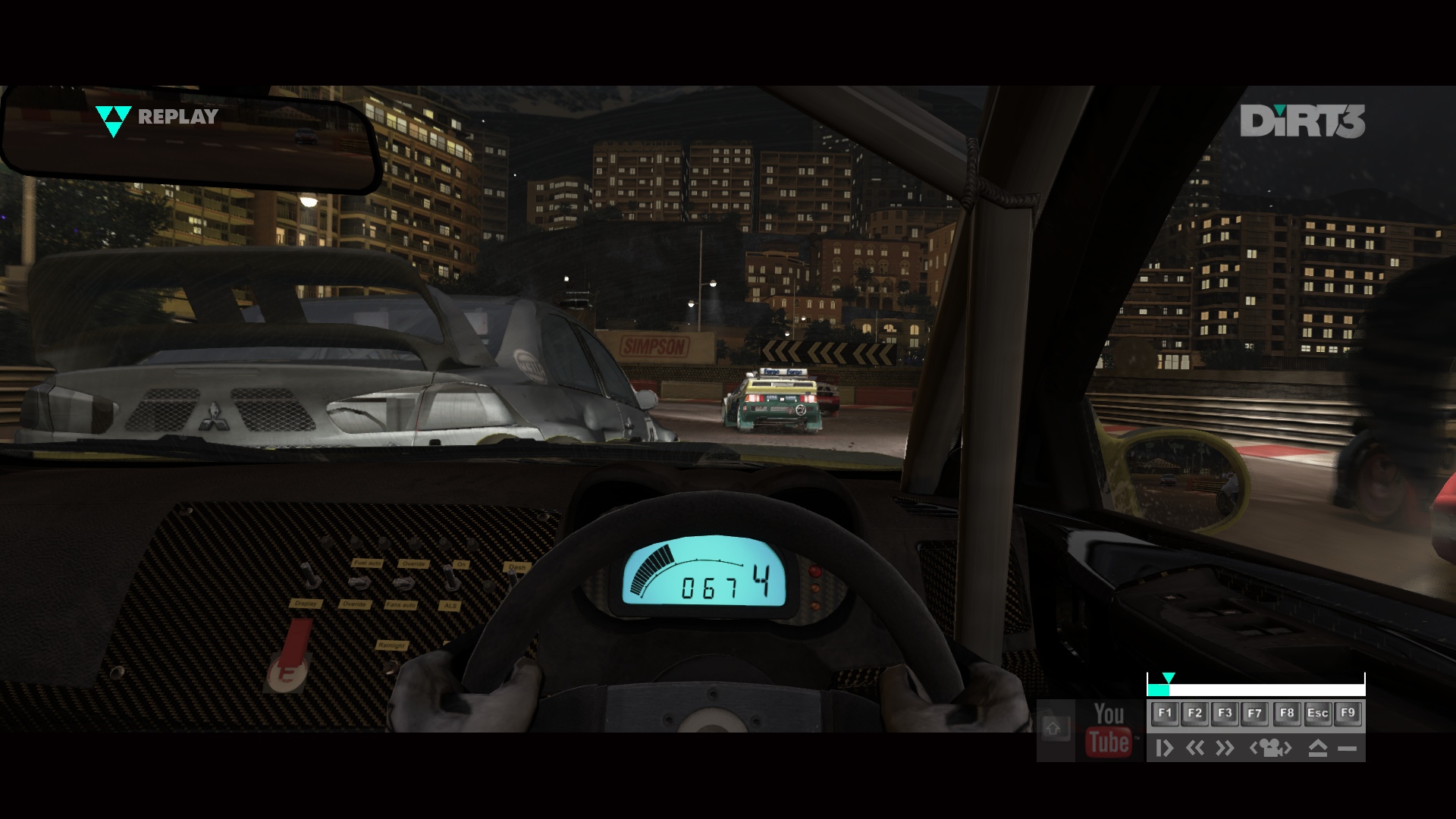
Dirt 3 is developed with EGO game engine, the very same engine that was used in almost every racing game of Codemasters. To be more precise, Dirt 3 is based on EGO’s 2.0 version that has also powered F1 2010. As a result of that, we were expecting some breathtaking effects. To be honest though, we were disappointed. Dirt 3’s rain and water lakes can’t even come close to the ones of F1 2010. On the other hand, the game sports perhaps the best smoke effects we’ve ever seen in a racing game, as well as a fantastic damaging system. You can literally destroy your car, so make sure to enable the full damaging system from the game’s options. Moreover, Codemasters used a lot of high resolution textures, something we were not expecting at all. There were occasions during some cut-scenes where we were wondering if we were playing a racing or a polished FPS game. Small details like a clever DoF effect, light-flares, the spikes from the buggies’ tires and the dust that covers your car are present and give some extra points to Dirt 3’s visuals. Last but not least, the game supports DX11 and offers some nice tessellation effects.
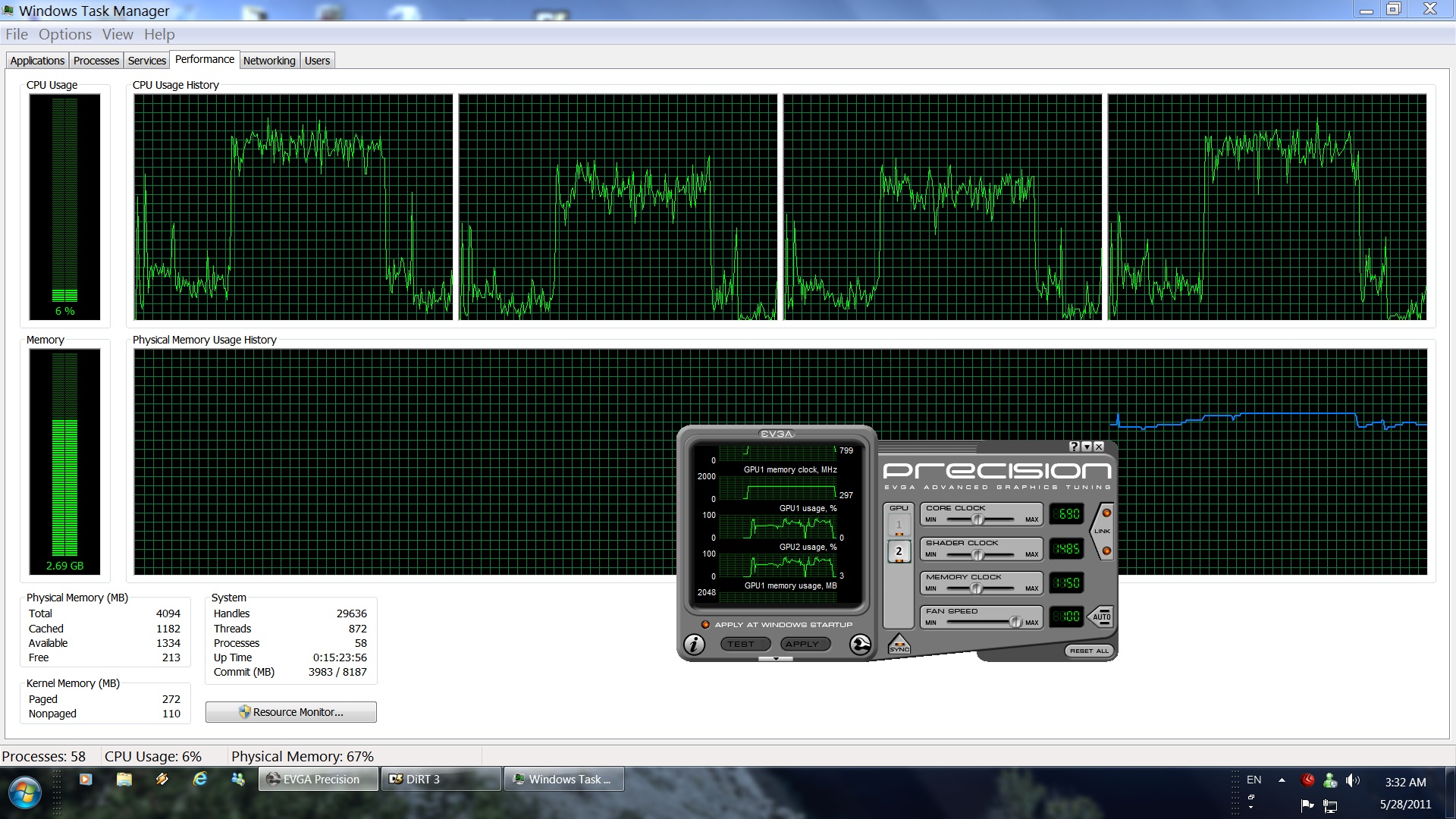
As always, we used an overclocked Q9650 (4.2Ghz) with 4GB DDR2 and a GTX295. We also used the latest WHQL drivers from Nvidia and Windows 7 64bit. As this is a triple-A game, Nvidia has already included an SLI profile for it. SLI scaling is great and there is a benchmark tool for all of you to test your systems. GPU usage was averaging around 70-80% in both of our cores at 1080p with 4xAA and max DX9 details. We raised the AA to 8x and noticed a better GPU usage, without any performance hit at all. This basically means that Dirt 3 is CPU bound. So, time to find out how well the engine scales to quadcores.
As we can see, Dirt 3 scales well, but doesn’t take full advantage of them, which is kind of sad as we had around 70-75% CPU usage. Truth be told, we were expecting a better CPU optimization from the EGO game engine. We tried to simulate a dualcore system and witnessed a 10fps hit, in both minimum and average framerate. Another indication that this game is indeed CPU bound. Thankfully, and although the game doesn’t take full advantage of quadcores, Dirt 3 performs great. Dirt 3 runs with 81fps at the aforementioned settings and with a minimum of 59fps. This is with both 4xAA and 8xAA.

So what’s the verdict? Dirt 3 is a CPU bound game and won’t stress your GPU, unless you run the DX11 path and have a middle-end DX11 GPU. A GTX275 will be enough to max out the game under DX9 and at 1080p without any kind of AA. PC gamers, however, will need a powerful CPU. As this analysis demonstrates, a quadcore at 4.2Ghz is enough to run the game with a minimum of 59fps, which is ideal for all die-hard PC gamers. Finally, owners of dualcore CPUs will definitely notice lower framerates and will need to overclock them to overcome the game’s CPU limitation.
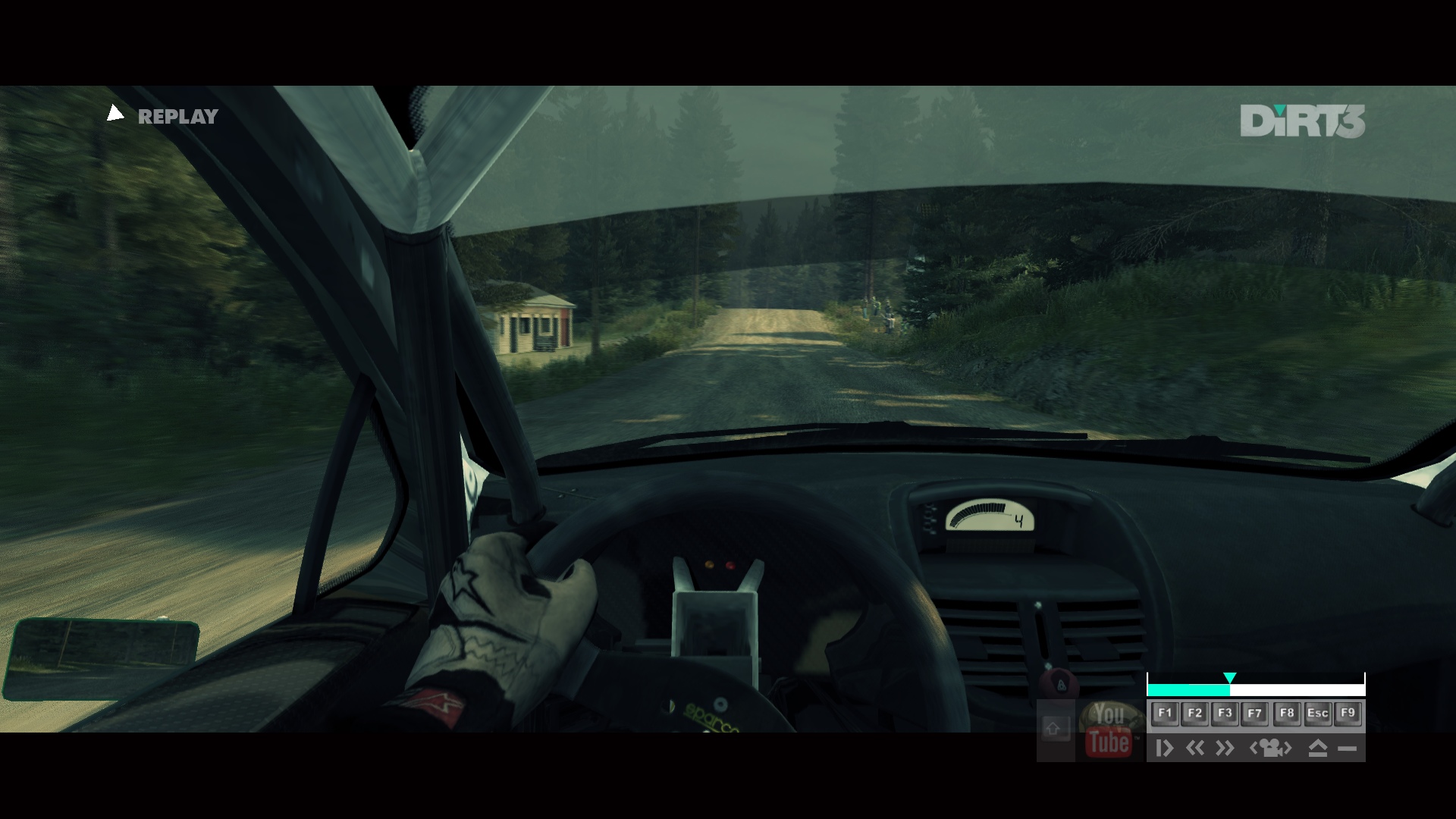
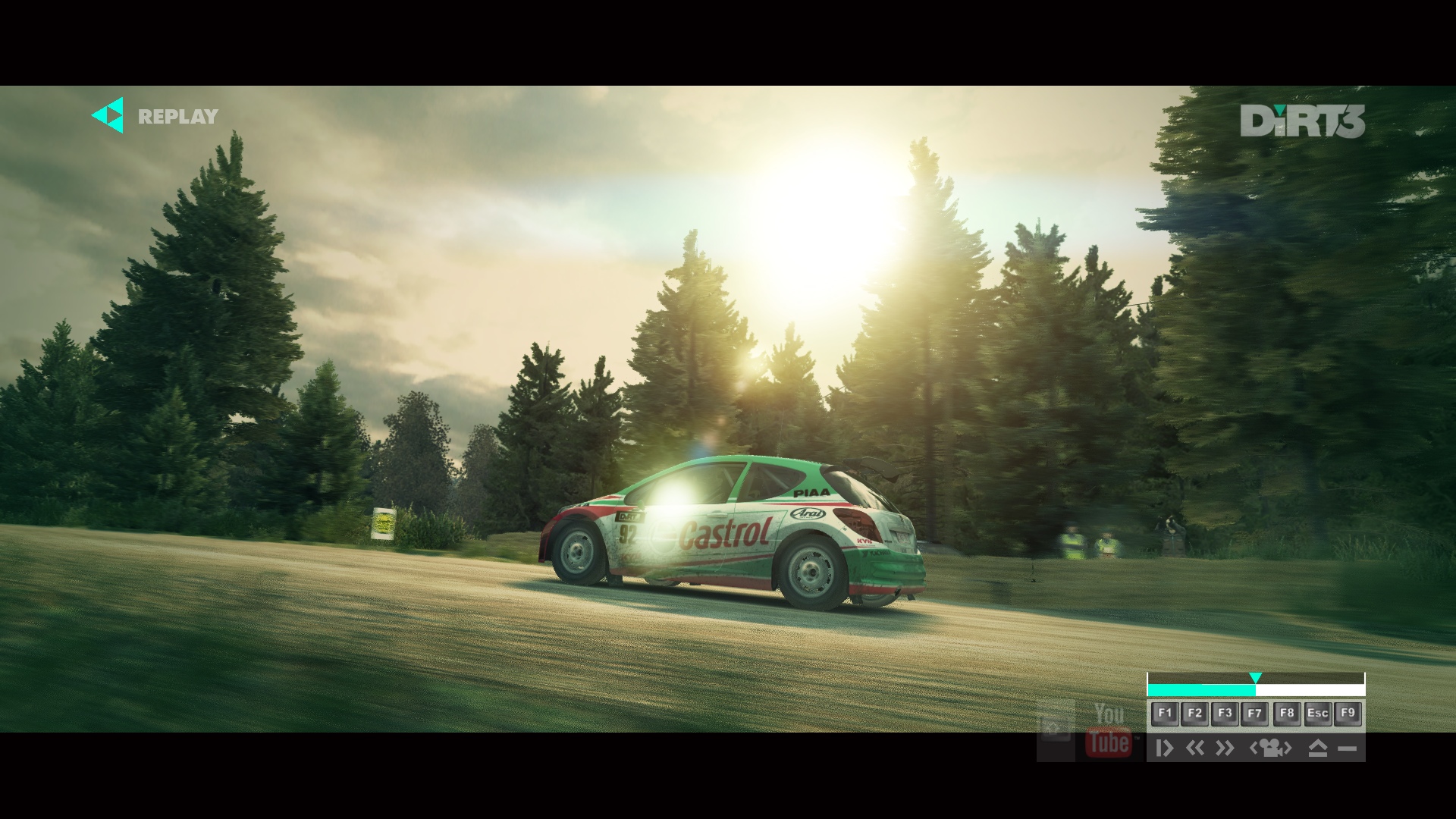
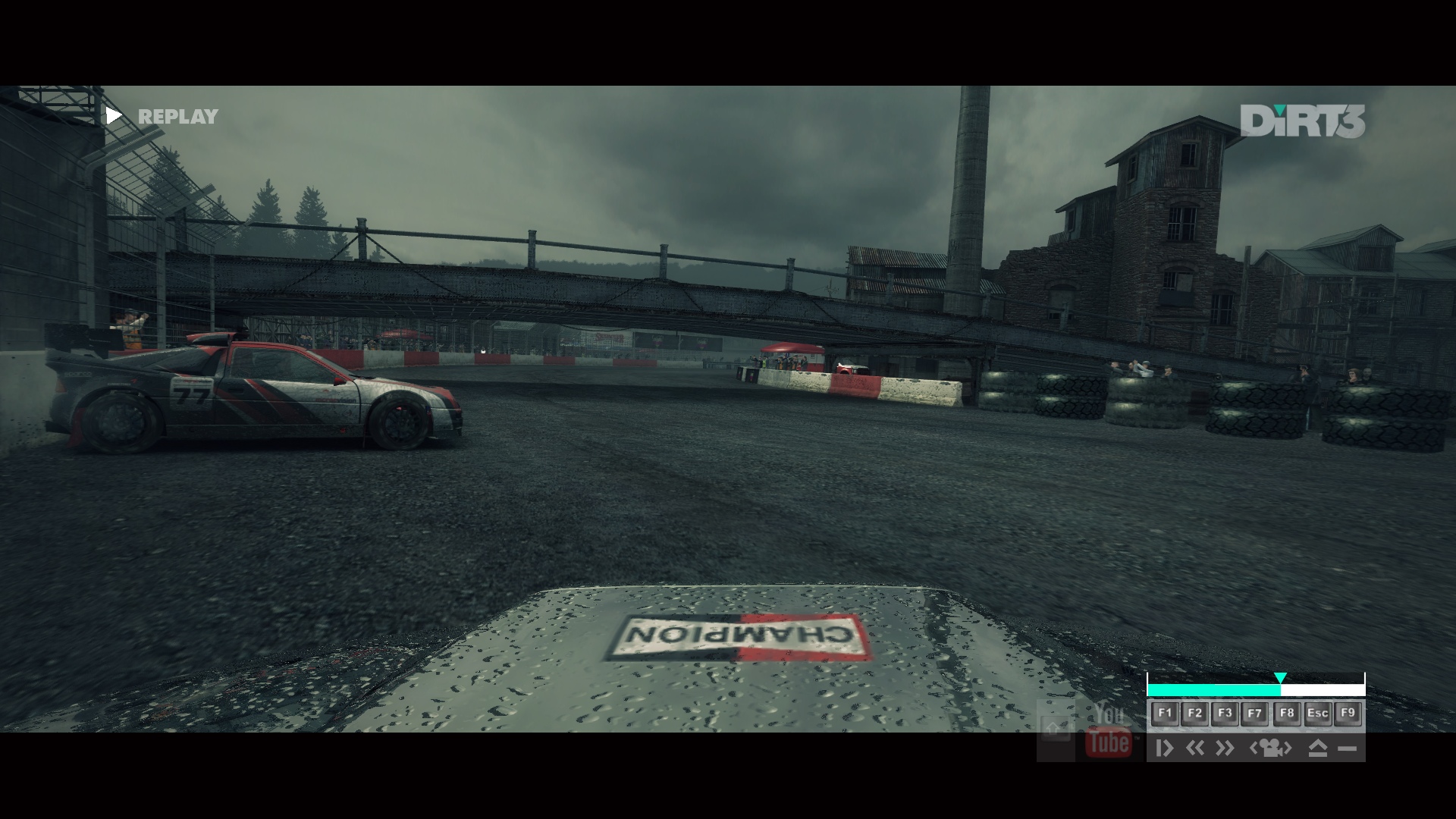
Enjoy the following high-resolution screenshots!












John is the founder and Editor in Chief at DSOGaming. He is a PC gaming fan and highly supports the modding and indie communities. Before creating DSOGaming, John worked on numerous gaming websites. While he is a die-hard PC gamer, his gaming roots can be found on consoles. John loved – and still does – the 16-bit consoles, and considers SNES to be one of the best consoles. Still, the PC platform won him over consoles. That was mainly due to 3DFX and its iconic dedicated 3D accelerator graphics card, Voodoo 2. John has also written a higher degree thesis on the “The Evolution of PC graphics cards.”
Contact: Email