
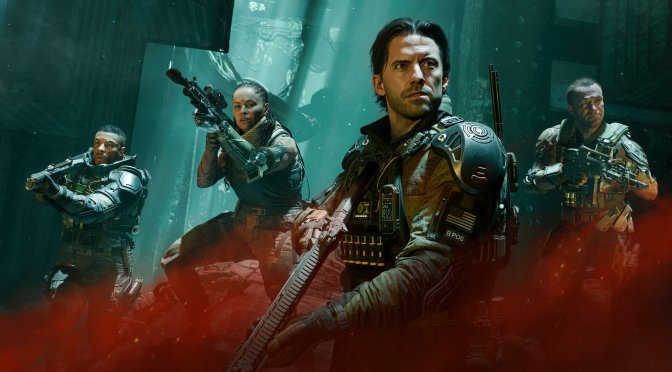
Activision has just released Call of Duty: Black Ops 7 on PC. The game supports NVIDIA DLSS 4 and Ray Tracing out of the gate. So, before publishing our PC Performance Analysis, I decided to take a look at them.
For these early benchmarks, I used an AMD Ryzen 9 7950X3D, 32GB of DDR5 at 6000Mhz, and the NVIDIA GeForce RTX 5090. I also used Windows 10 64-bit and the GeForce 581.80 driver.
The one responsible for the PC version is no other than Beenox. Beenox has added more than 300 PC settings to tweak. There are graphics settings for lots of things. Moreover, the game supports Intel XeSS, and AMD FSR 4.0. As I’ve already mentioned, there is also support for AMD FSR Redstone’s Ray Regeneration.
Beenox has also added a benchmark tool. However, this benchmark is only for the Multiplayer mode. So, it may not represent the performance of the Campaign. Because of that, I’ll be using the first level of the Campaign for our benchmarks.
COD: Black Ops 7 uses Ray Tracing to enhance its reflections. However, that RT setting is only available on Multiplayer and Zombies modes. It’s not available for the campaign. I don’t know what the devs have been smoking. The fact that these ray-traced reflections are exclusive to online makes them completely useless.
For competitive online games, you need high framerates and responsive controls. That’s the rule. And since Black Ops 7 is a fast-paced action game, most of you won’t even notice the RT reflections when playing online. They’re there, but they aren’t that impressive. Yes, if you freeze-frame a scene, you will see them. But when you’re hunting your opponents, most of you won’t notice them.
There are two settings for the Ray Tracing Reflections: Low and High. Both of them will butcher your framerate, so you’ll need to use an upscaler, especially if you game at 4K.
Without RT, the game ran with over 75FPS at Native 4K/Max Settings on the NVIDIA RTX 5090. With Ray Tracing Reflections Low, our framerates dropped to 36/47FPS. And then, with RT Reflections High, we got to the 30s. That’s with only one Ray Tracing effect. This RT performance is abysmal. At least in my opinion. That’s what we usually get with Path Tracing.

On the other hand, the DLSS 4 implementation appears to be great. Here are two screenshots during very quick mouse movements. As we can see, there are minimal artifacts around the weapon. During gameplay, most of you won’t notice them. This means that those with an NVIDIA RTX 50 series GPU will be able to enable DLSS 4 Multi-Frame Gen without experiencing any major visual issues.
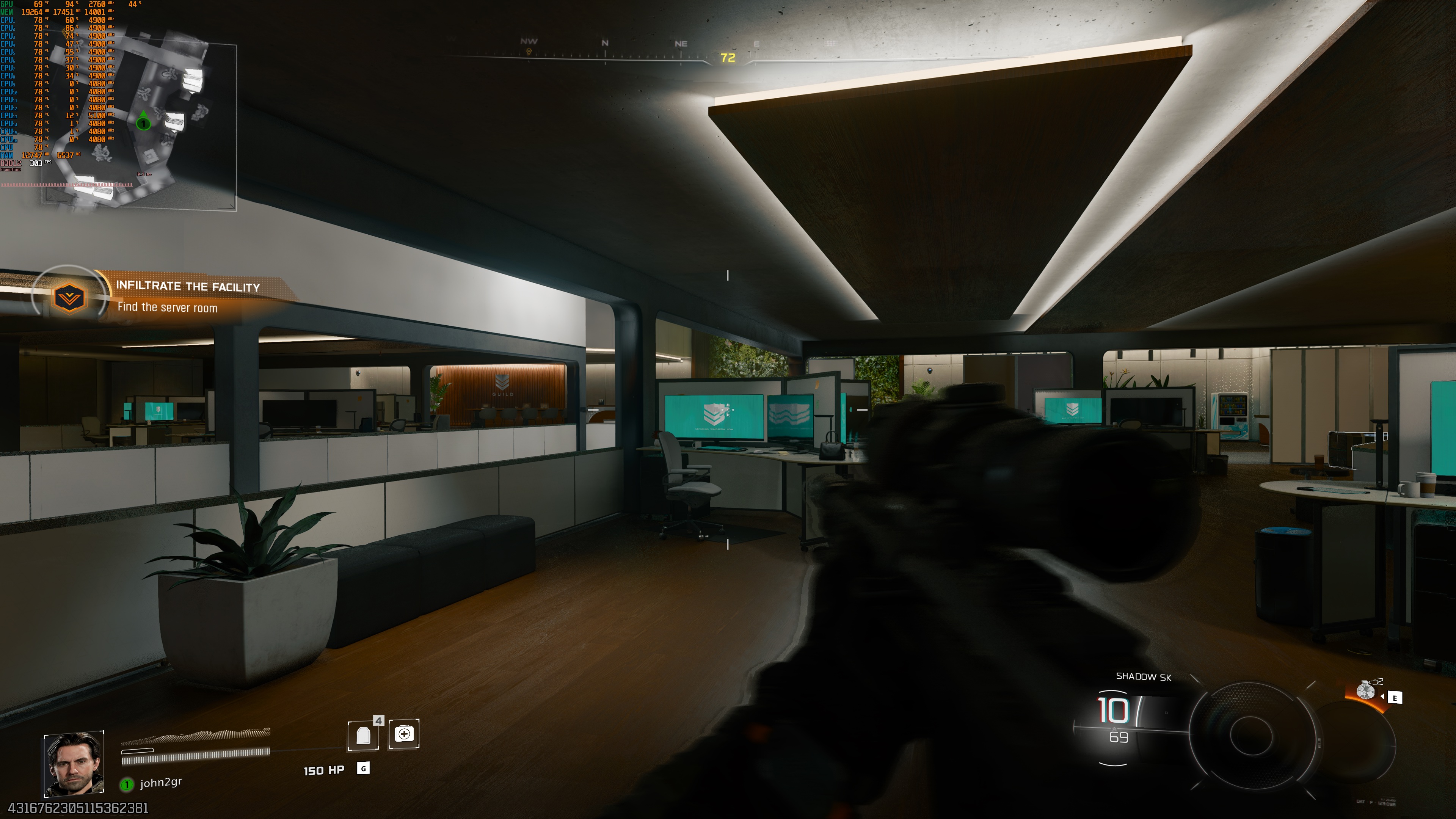
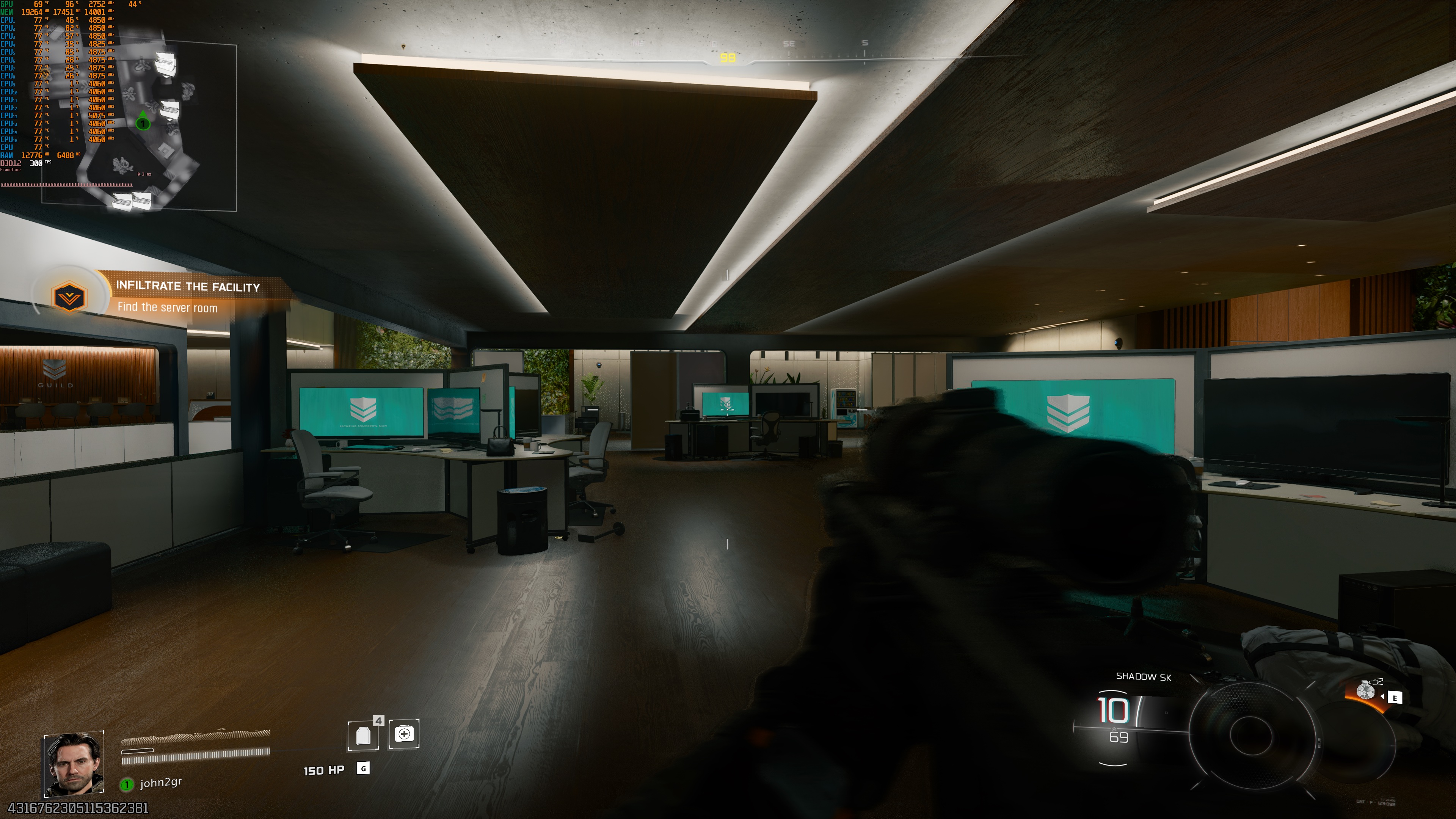
Since Black Ops 7 was running with really high framerates at Native 4K/Max Settings on the NVIDIA RTX 5090, I did not experience any major input latency issues when I enabled NVIDIA DLSS 4 MFG. Do note that you’ll have to use the “Unlimited Framerate” setting for MFG. Otherwise, if you lock it, the game may introduce noticeable input latency issues in scenes where it hits that cap.

As always, I don’t recommend using MFG in online competitive matches. For the campaign, however, you can go ahead and enable it. Sadly, though, the campaign does not offer an Offline Mode. This is an Always-Online campaign that can suffer from lag issues.
For instance, if you are downloading files in the background, the campaign mode will feel laggy. Your hits will be slightly delayed, and the experience will basically feel similar to Multiplayer mode. As such, you’ll need a reliable internet connection to play it. This is another stupid move from the devs. Not only that, but the whole campaign feels like a Multiplayer game. Even in solo mode, the game creates a “lobby” to load the map you want to play. It feels wrong and completely out of place for a campaign mode.
Our PC Performance Analysis for Call of Duty: Black Ops 7 will go live later this weekend. In that article, we’ll test numerous GPUs from both AMD and NVIDIA. So, stay tuned for more!


John is the founder and Editor in Chief at DSOGaming. He is a PC gaming fan and highly supports the modding and indie communities. Before creating DSOGaming, John worked on numerous gaming websites. While he is a die-hard PC gamer, his gaming roots can be found on consoles. John loved – and still does – the 16-bit consoles, and considers SNES to be one of the best consoles. Still, the PC platform won him over consoles. That was mainly due to 3DFX and its iconic dedicated 3D accelerator graphics card, Voodoo 2. John has also written a higher degree thesis on the “The Evolution of PC graphics cards.”
Contact: Email