
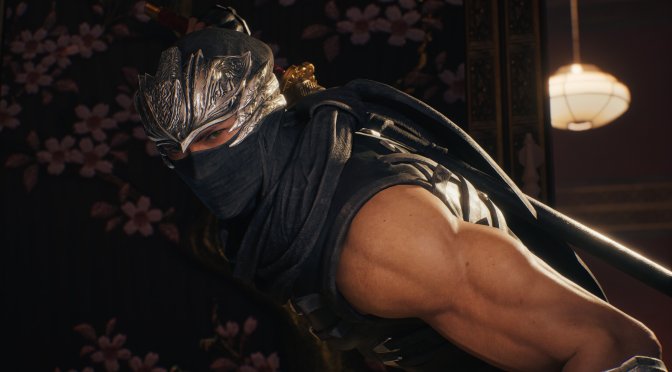
After finishing Final Fantasy 7: Rebirth, I’ve decided to play NINJA GAIDEN 2 Black. And man, its default mouse camera movement is among the worst I’ve ever seen. Thankfully, though, there is a way to somewhat fix it and make the game playable with KB&M.
All you have to do is create an “Engine.ini” file inside the “C:\Users\YourName\AppData\Local\NINJAGAIDEN2BLACK\Saved\Config\Windows” folder. Then, open it and paste the following code.
[/script/engine.localplayer]
AspectRatioAxisConstraint=AspectRatio_MaintainYFOV[SystemSettings]
r.UseLegacyMaintainYFOVViewMatrix=TRUE
And that’s it. Just make sure to make this a “Read-only” file, otherwise the game will delete it.
By implementing this fix, mouse camera movement does not feel stuttery. It’s still not perfect, but it’s miles better than the default. Ironic how these two simple code lines can make such a difference. Not only that but this simple “fix” shows how incompetent Team Ninja can be.
I mean, the game does not even display the mouse buttons during its in-game tutorials. But hey, at least we got keyboard on-screen prompts. So, that’s better than the gamepad prompts we got in Team Ninja’s older titles.
And I get it. Most of you will say “But Ninja Gaiden was made for controllers”. Well, that’s complete nonsense. Dynasty Warriors is also a “console” franchise and its latest part is fully enjoyable with KB&M. So, let’s not make excuses for devs who constantly drop the ball on PC. Team Ninja could learn A LOT from Omega Force.
Anyway, if you’ve been planning to play this Ninja Gaiden game with KB&M, you can use this tweak to improve the camera movement. I still recommend using a controller for this particular title. Still, if for some reason you prefer KB&M, you can at least now play it without throwing up.
Stay tuned for more!

John is the founder and Editor in Chief at DSOGaming. He is a PC gaming fan and highly supports the modding and indie communities. Before creating DSOGaming, John worked on numerous gaming websites. While he is a die-hard PC gamer, his gaming roots can be found on consoles. John loved – and still does – the 16-bit consoles, and considers SNES to be one of the best consoles. Still, the PC platform won him over consoles. That was mainly due to 3DFX and its iconic dedicated 3D accelerator graphics card, Voodoo 2. John has also written a higher degree thesis on the “The Evolution of PC graphics cards.”
Contact: Email