

So I’ve been playing Borderlands 4 lately, and from the looks of it, the game suffers from some major crash issues on the NVIDIA RTX 50 series GPUs. If you own an NVIDIA RTX 5080 or RTX 5090, you have definitely faced some GPU-related crash issues. Thankfully, there is a way to fix them.
Before continuing, I was playing Borderlands 4 on our main PC gaming rig. This is equipped with an AMD Ryzen 9 7950X3D, 32GB of DDR5 at 6000Mhz, and an NVIDIA RTX 5090. I am also using Windows 10 64-bit, and the latest GeForce 581.29 driver.
To cut the story short, these GPU-related crashes are caused by the driver. I found a spot where the game was consistently crashing, and it happened during one of the main missions.
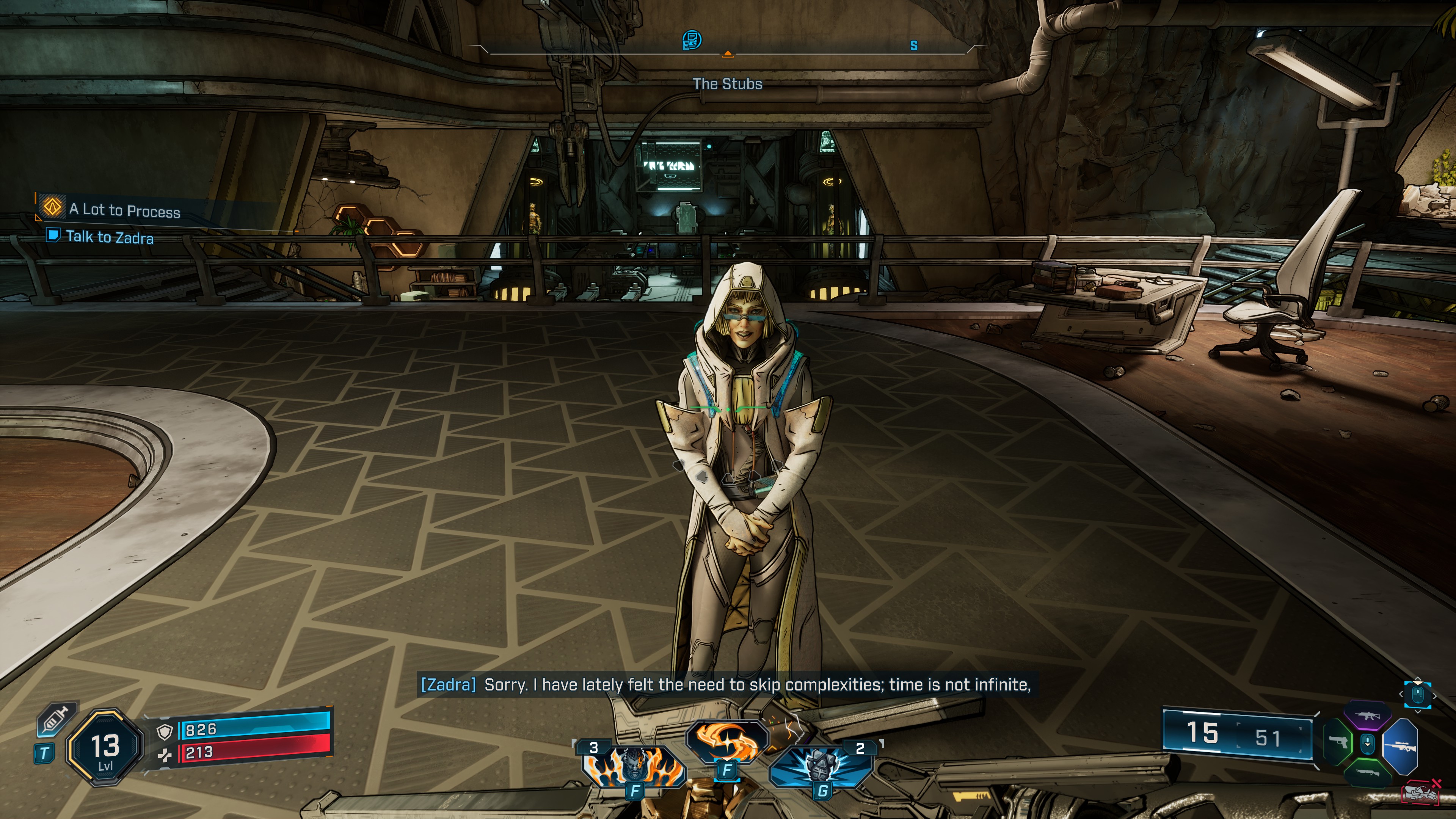
With the NVIDIA GeForce 581.29 driver, the game was constantly crashing during this cutscene. No matter what I tried, I couldn’t fix it. I disabled DLSS, lowered the graphics settings, and did everything you’ve probably already read online. Nothing worked until I rolled back to the trusted NVIDIA 580.88 driver.
The reason I’m saying these GPU-related crashes are driver-related is that I was able to replicate them by reinstalling the NVIDIA 581.29 driver. As soon as I reinstalled it, the game started crashing again during the cutscene. And yes, I used Display Driver Uninstaller to properly install the drivers. Once I rolled back to the NVIDIA 580.88 driver, I was able to – once again – play for over two hours without a single crash.
To be honest, this doesn’t shock me. The newest NVIDIA drivers have big problems with a lot of Unreal Engine 5 games. For example, in Mafia: The Old Country and Metal Gear Solid Delta: Snake Eater, you’ll see broken graphics and messed-up shapes. In Cronos: The New Dawn, you’ll get weird flashing square glitches. And now, with B4, the game just crashes. All these games run fine, though, if you use the older NVIDIA 580.88 driver.
Just so you know, I’ve already told NVIDIA about these driver problems. And no, these crashes in B4 are not a game issue. Gearbox is not to be blamed for this, and there is nothing it can do to fix them. Right now, a lot of Unreal Engine 5 games are messed up with the newest NVIDIA drivers. I don’t know why, but the good news is you can stop the crashes by going back to the older NVIDIA 580.88 driver. So, if you have an RTX 50 series card and Borderlands 4 keeps crashing, that’s the fix I recommend.
Stay tuned for more!
UPDATE:
After extensive testing, I can say that the game also crashes with the 580.88 driver. Right now, the only solution is to reinstall your drivers. Once you do that, the game will run like a charm. After two or three reboots, though, the crashes will come back. Then, you’ll have to, once again, reinstall your drivers. This very same issue also affects Silent Hill f. We’ve already informed NVIDIA about this.

John is the founder and Editor in Chief at DSOGaming. He is a PC gaming fan and highly supports the modding and indie communities. Before creating DSOGaming, John worked on numerous gaming websites. While he is a die-hard PC gamer, his gaming roots can be found on consoles. John loved – and still does – the 16-bit consoles, and considers SNES to be one of the best consoles. Still, the PC platform won him over consoles. That was mainly due to 3DFX and its iconic dedicated 3D accelerator graphics card, Voodoo 2. John has also written a higher degree thesis on the “The Evolution of PC graphics cards.”
Contact: Email