
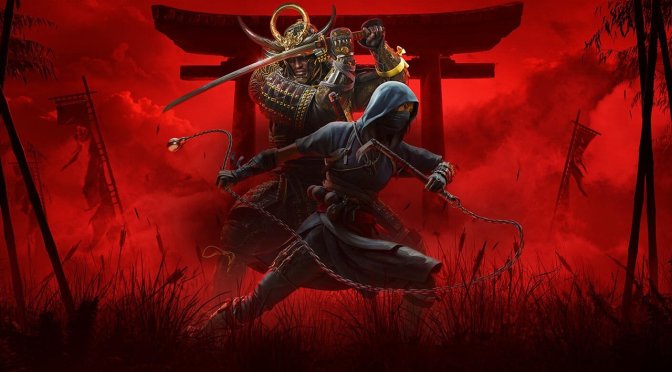
One of the biggest technical issues of Assassin’s Creed Shadows is the fact that its cut-scenes are locked at 30FPS. As such, it can become really disorienting when the game switches between in-game and cut-scenes. Thankfully, though, there is a way to remove the 30FPS cap from the cut-scenes.
All you have to do is download the latest version of the SpecialK Mod. After downloading and installing it, you can add Assassin’s Creed Shadows to the list of games. Then, run the game through Special K. And that’s it. Now the game should be running with uncapped fps during cutscenes.
I really don’t know why Ubisoft has locked the cut-scenes on PC. It makes no sense as these are real-time in-game cut-scenes. So, this is another example of how rushed the PC version was.
As I wrote in my PC Performance Analysis, AC: Shadows has major scalability issues on PC. Yes, the game looks absolutely gorgeous on Max Settings with Ray Tracing. However, it cannot scale well on older GPUs. Plus, it has major performance issues on NVIDIA’s GPUs.
Now I don’t know if the underwhelming performance we see on NVIDIA’s GPUs is a driver issue. If it is, NVIDIA will have to step up its game and fix it. They’ll also have to update DLSS 4 as the game suffers from noticeable ghosting issues with the Transformer Model. Plus, like pretty much all other games that use Multi-Frame Gen, there are lots of visual artifacts with MFG X3 and X4.
For what it’s worth, Ubisoft has not released yet any patch for Assassin’s Creed Shadows. We also don’t know whether this first update, whenever it comes out, will pack any major PC optimization fixes. Naturally, though, we’ll be sure to keep you posted.
Stay tuned for more!

John is the founder and Editor in Chief at DSOGaming. He is a PC gaming fan and highly supports the modding and indie communities. Before creating DSOGaming, John worked on numerous gaming websites. While he is a die-hard PC gamer, his gaming roots can be found on consoles. John loved – and still does – the 16-bit consoles, and considers SNES to be one of the best consoles. Still, the PC platform won him over consoles. That was mainly due to 3DFX and its iconic dedicated 3D accelerator graphics card, Voodoo 2. John has also written a higher degree thesis on the “The Evolution of PC graphics cards.”
Contact: Email