
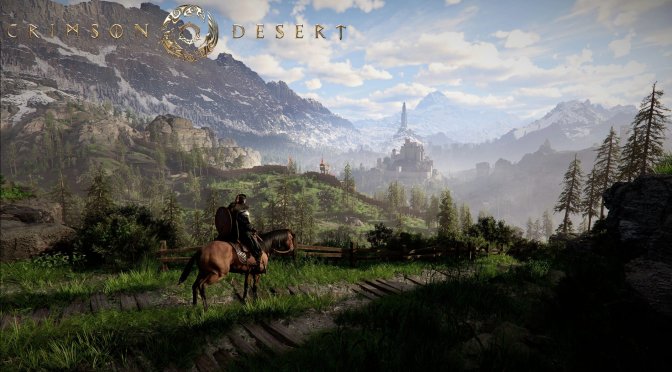
Pearl Abyss has just released Title Update 2.05.01 for Crimson Desert Enhanced and shared its full patch notes. So, let’s see what this new update brings to the table.
Patch 2.05.01 for Crimson Desert Enhanced brings several small but useful changes. The update makes it easier to check items in your Inventory. You can now examine Treasure Maps, Wanted Posters, books, and other items right from the menu. Just select View Details, then Examine. However, you must learn the knowledge in a book before you can examine it.
The update also improves camera controls on the dyeing and haircut screens. You can now drag the mouse across the whole screen to turn the camera. It also makes the character’s upper body move more smoothly when they start to walk.
Patch 2.05.01 fixes many bugs as well. Some underwater mounts now speed up as they should when using Classic movement controls. It also fixes issues with Damiane’s Skystep skill and Kutum’s attacks. Gear drawn before a cutscene will now be put back on when the scene ends.
Several quest bugs have also been fixed. Players can now switch characters after starting certain quests. The update fixes a problem that could make your character fall while hanging from the Blackstar in the Shackles of Fate quest. It also fixes NPCs that could not be talked to during the Bloodstained Throne quest. Some quest items that were hard to get while building Flame Knights’ Castle and Drakesfall Castle should now be available.
The patch also fixes a range of other issues. These include broken quest menus, items that could not be placed in Free Construction mode, and housing areas that were too small. It also fixes wrong gear levels shown on mercenaries. Items thrown out of the Kuku Pot will no longer vanish by mistake. Ocean Knowledge entries and map icons should now show up as they should. Players can also view faction quest details again.
As always, Steam will download this new update the next time you launch its client. Below, you can also find its full patch notes.
Crimson Desert Enhanced Patch 2.05.01 Release Notes

John is the founder and Editor in Chief at DSOGaming. He is a PC gaming fan and highly supports the modding and indie communities. Before creating DSOGaming, John worked on numerous gaming websites. While he is a die-hard PC gamer, his gaming roots can be found on consoles. John loved – and still does – the 16-bit consoles, and considers SNES to be one of the best consoles. Still, the PC platform won him over consoles. That was mainly due to 3DFX and its iconic dedicated 3D accelerator graphics card, Voodoo 2. John has also written a higher degree thesis on the “The Evolution of PC graphics cards.”
Contact: Email