
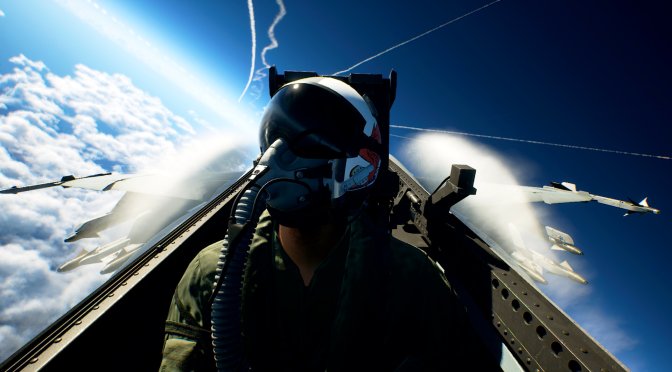
Last week, Bandai Namco released Ace Combat 8: Wings of Theve on PC. Powered by Unreal Engine 5.4.0, it’s time to benchmark it and examine its performance on PC.
For our benchmarks, I used an AMD Ryzen 9 7950X3D, 32GB of DDR5 at 6000Mhz, AMD’s Radeon RX 6900XT, RX 7900XTX, RX 9070XT, as well as NVIDIA’s RTX 2080Ti, RTX 3080, RTX 4090, RTX 5080, and RTX 5090. I also used Windows 10 64-bit, as well as the GeForce 617.14 and the Radeon Adrenalin Edition 26.9.2 drivers.
Bandai Namco has added a few graphics settings to tweak. PC gamers can adjust the quality of Models, Clouds, Textures, Shadows, and more. There is also support for NVIDIA DLSS and AMD FSR. However, the game does not support Frame Gen for either of them. There is also no support for Intel XeSS.
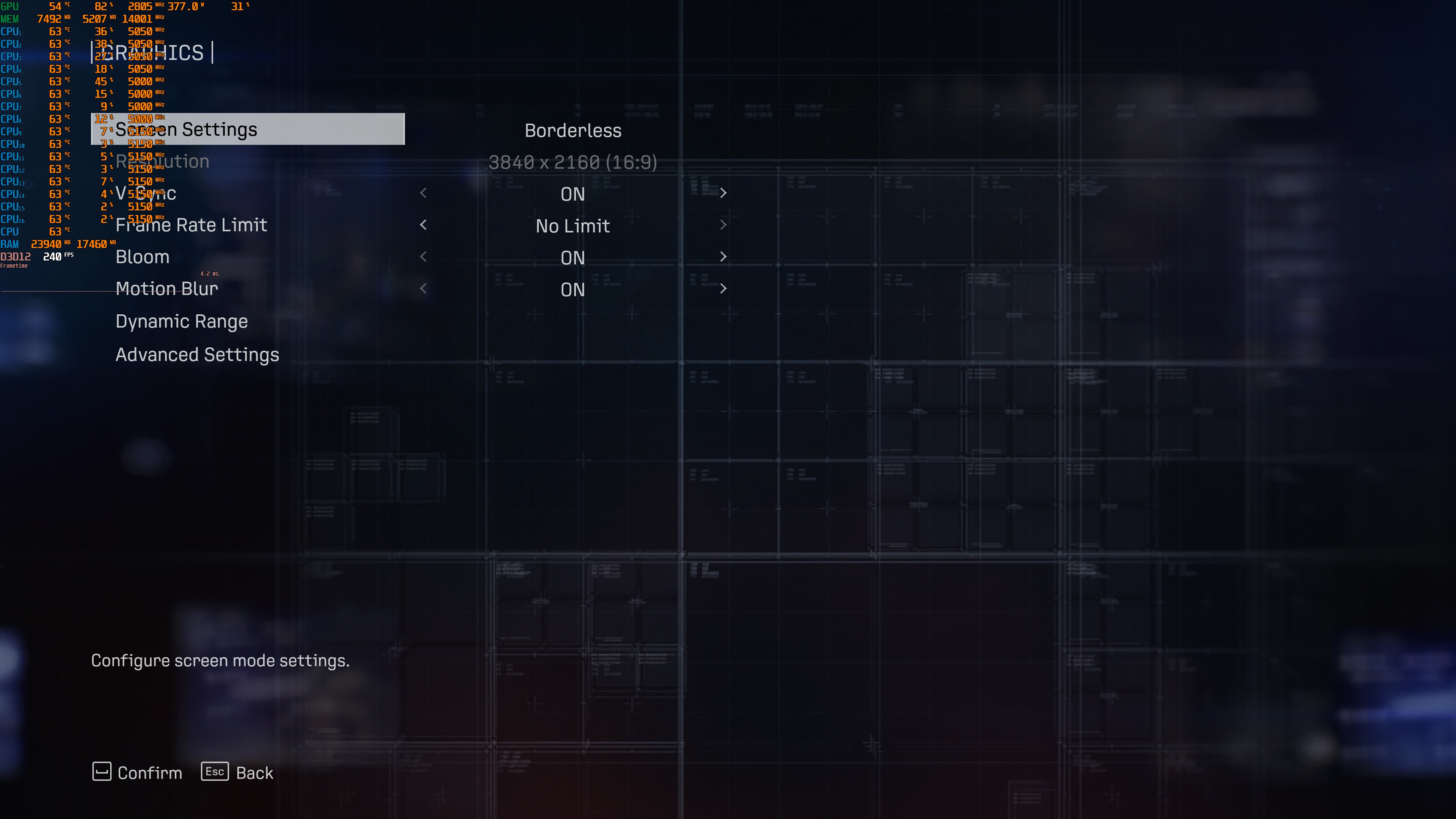
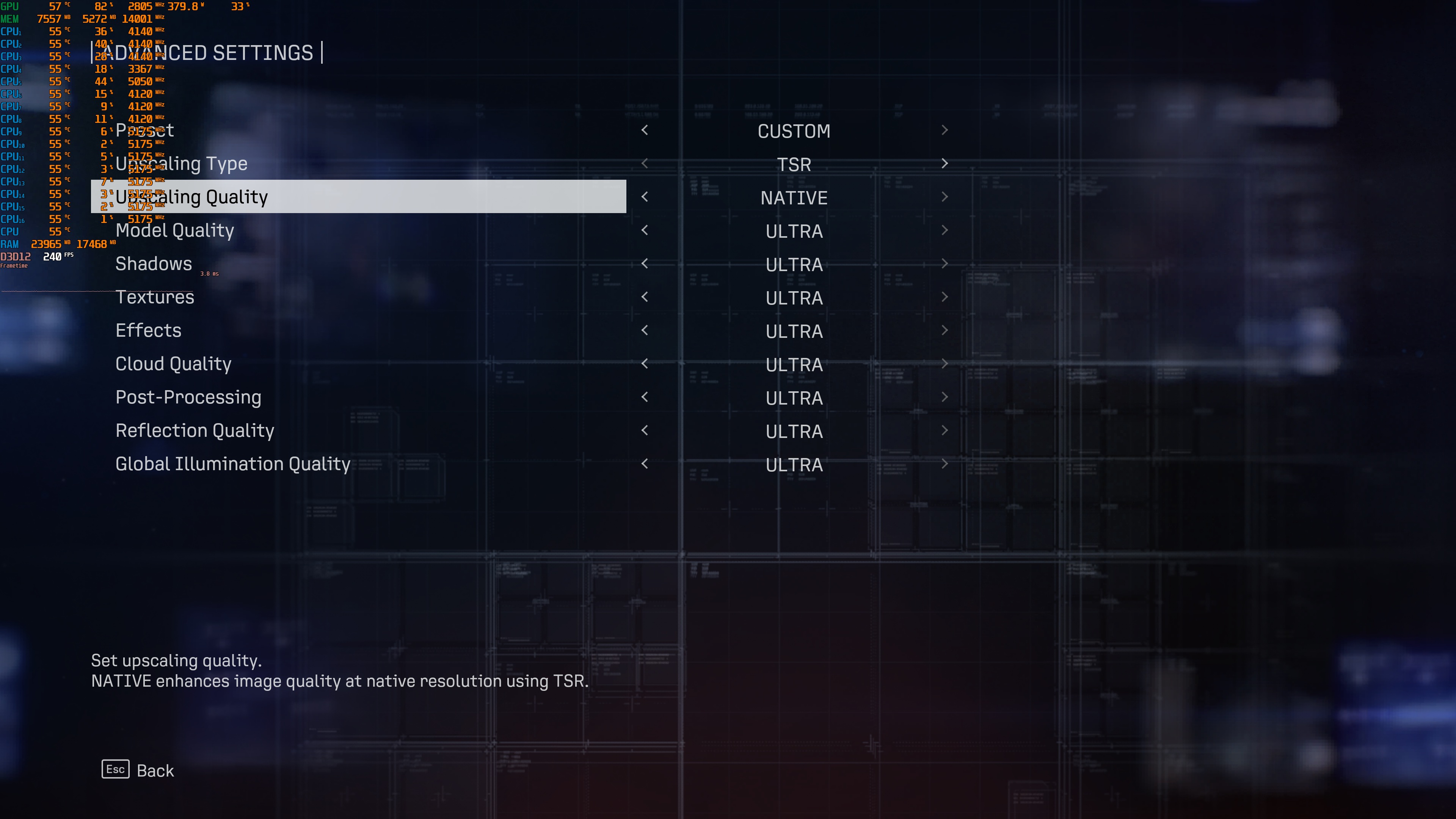
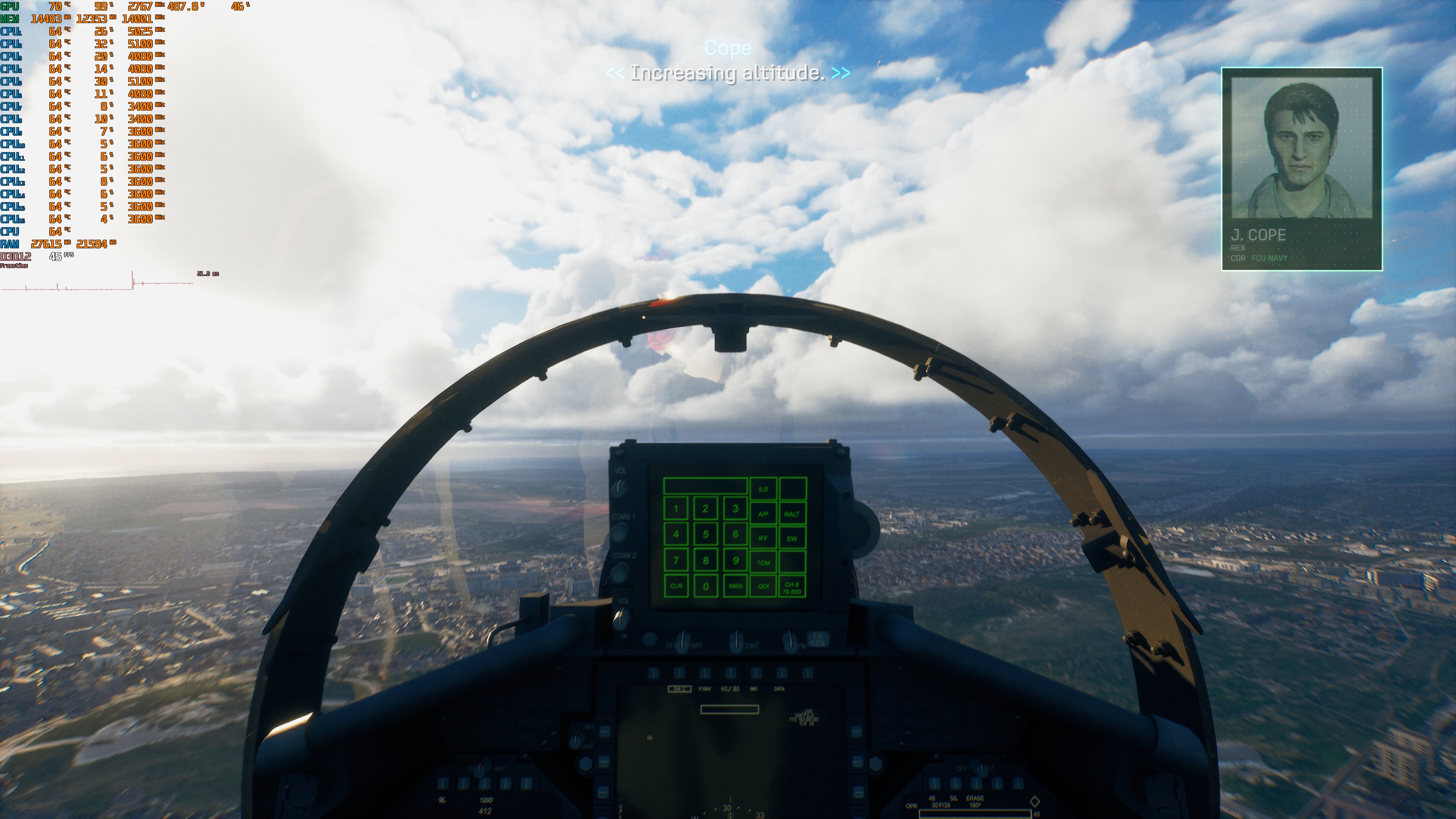
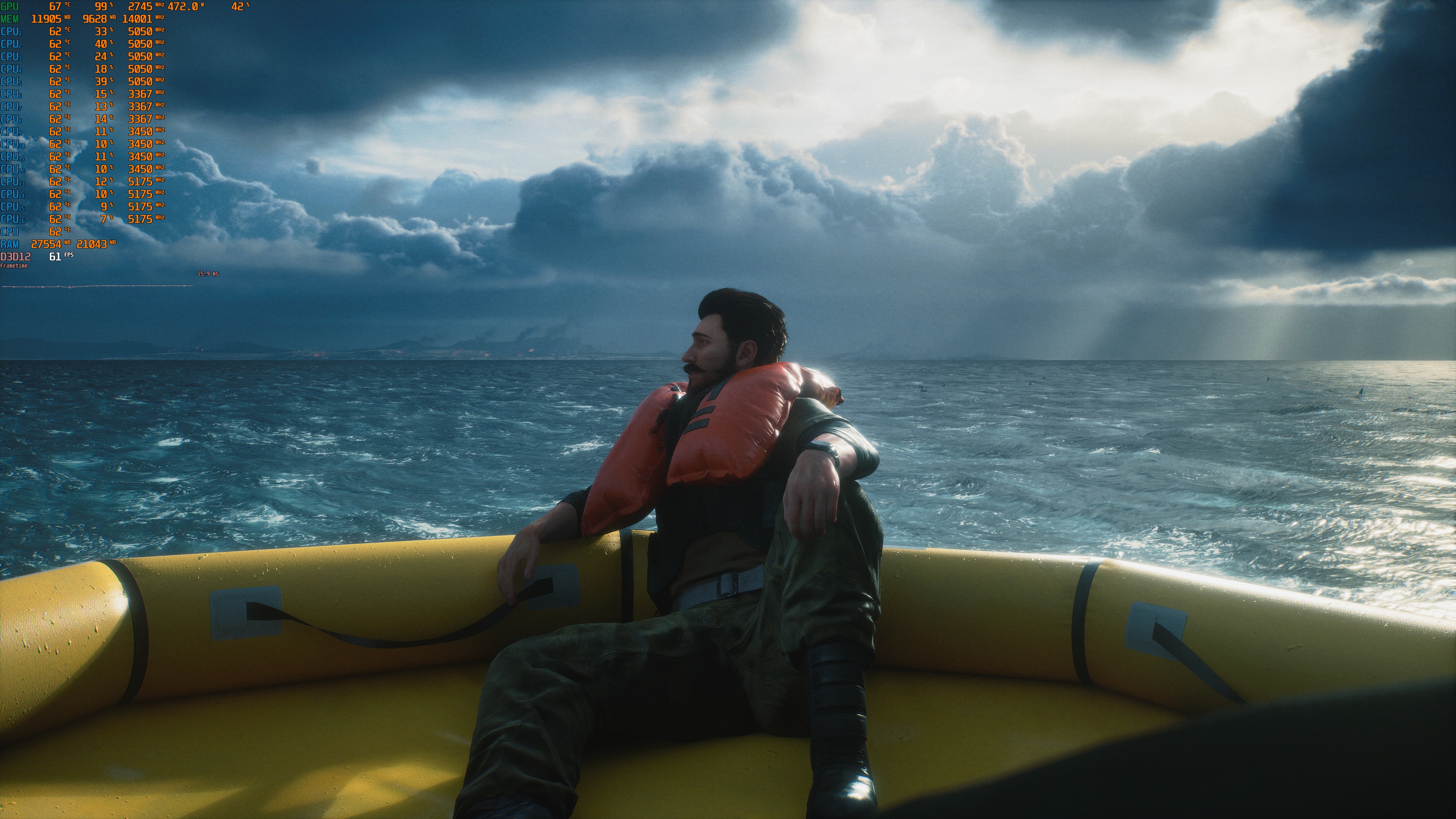
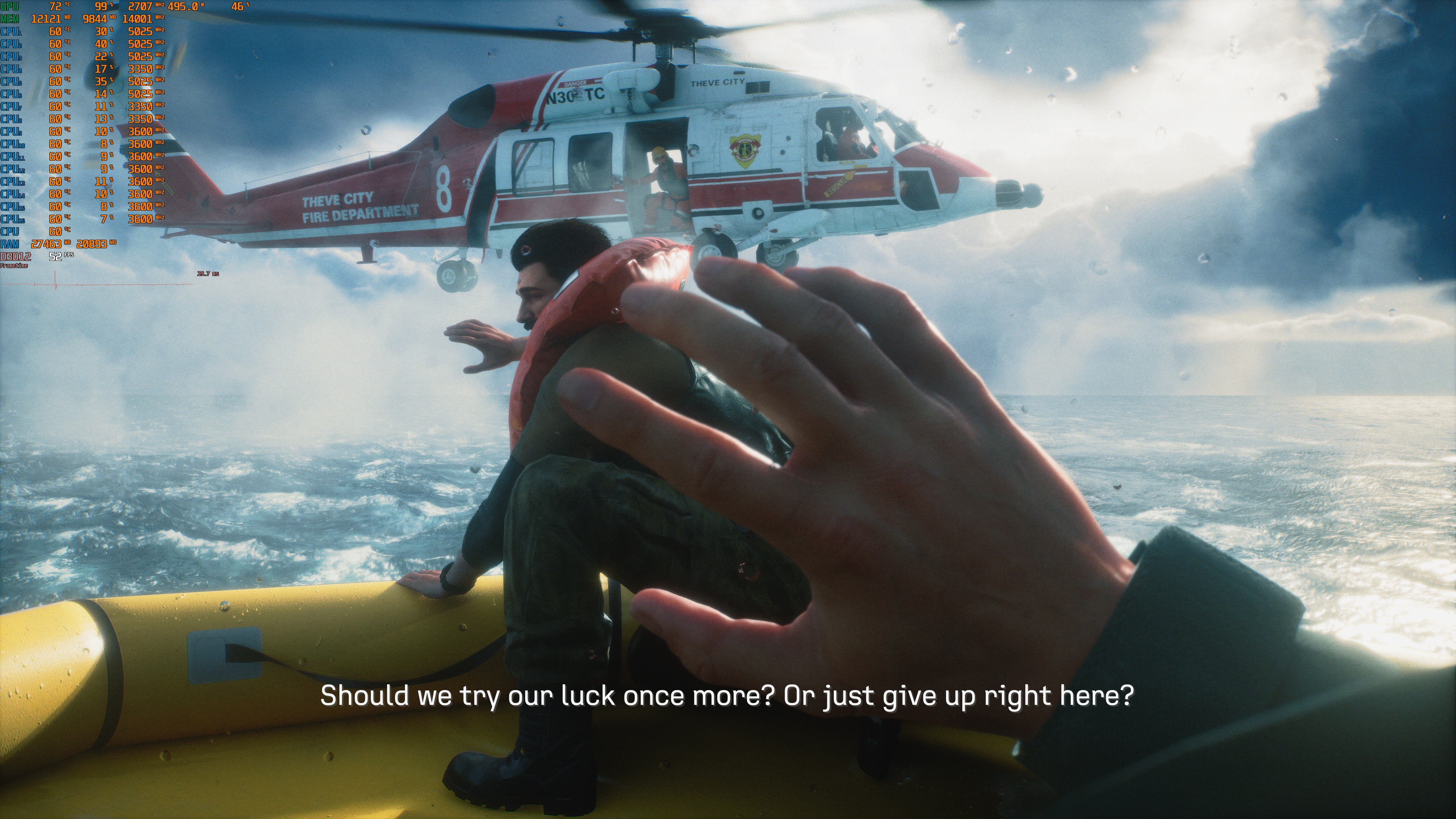
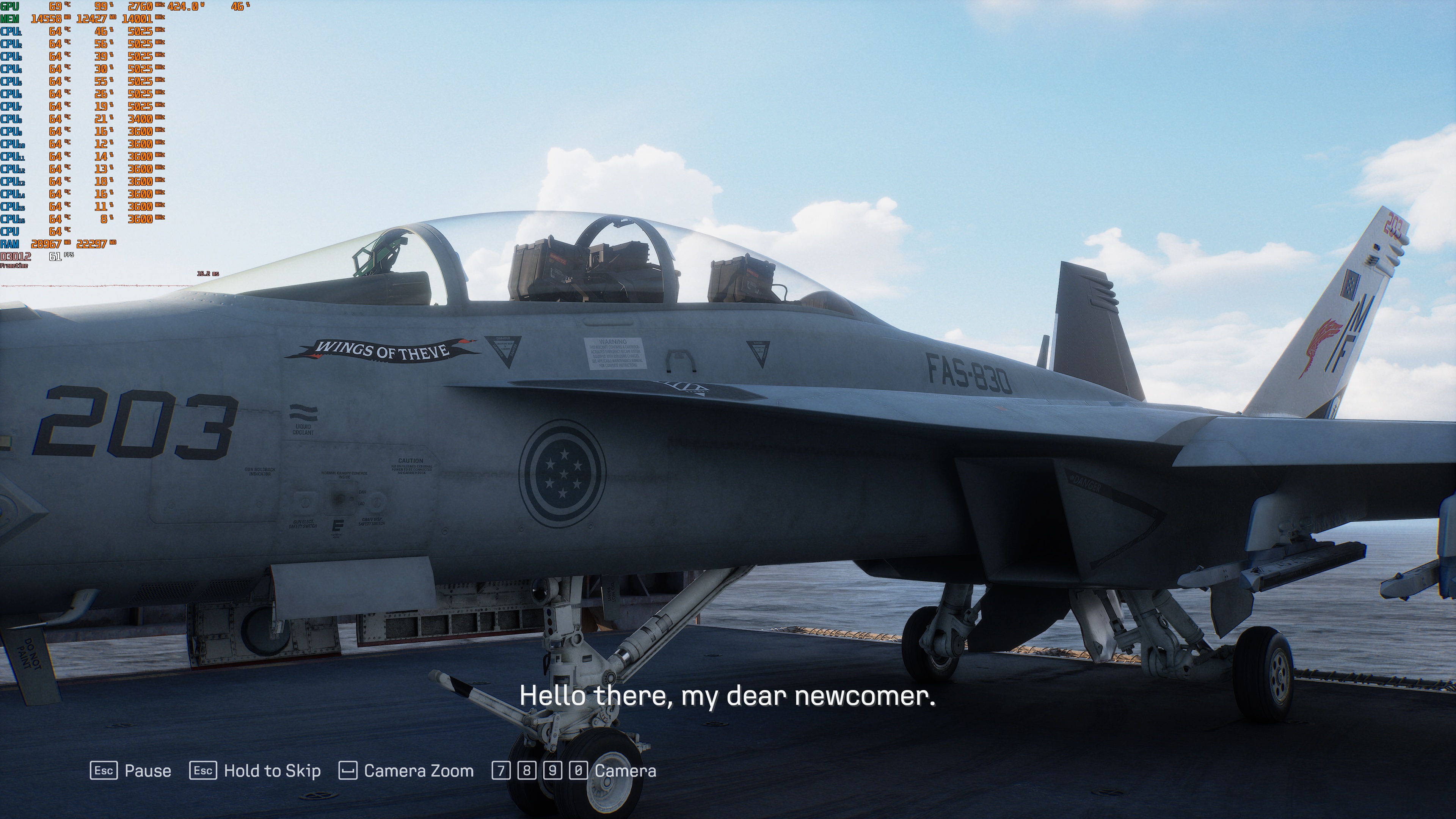
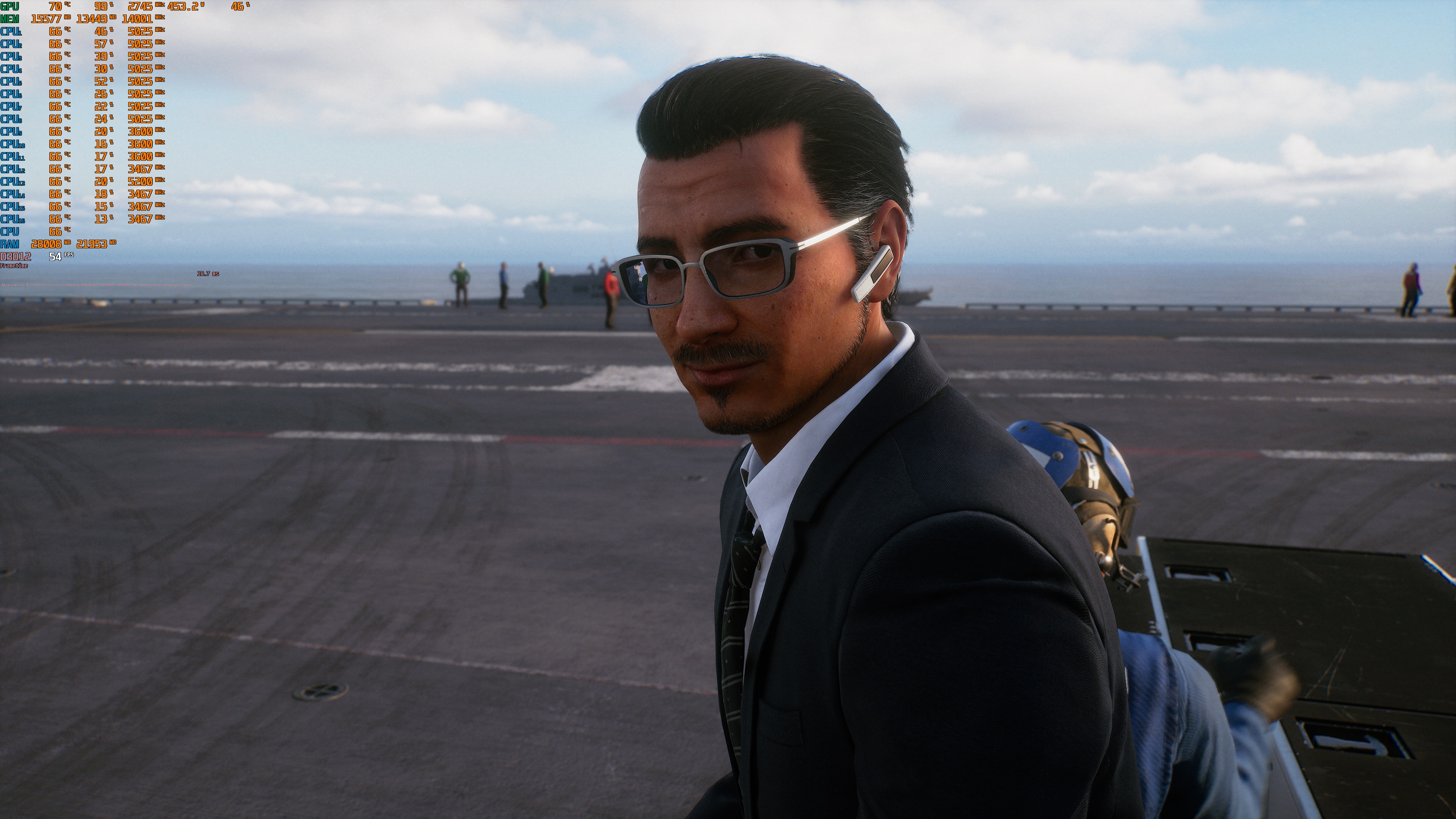
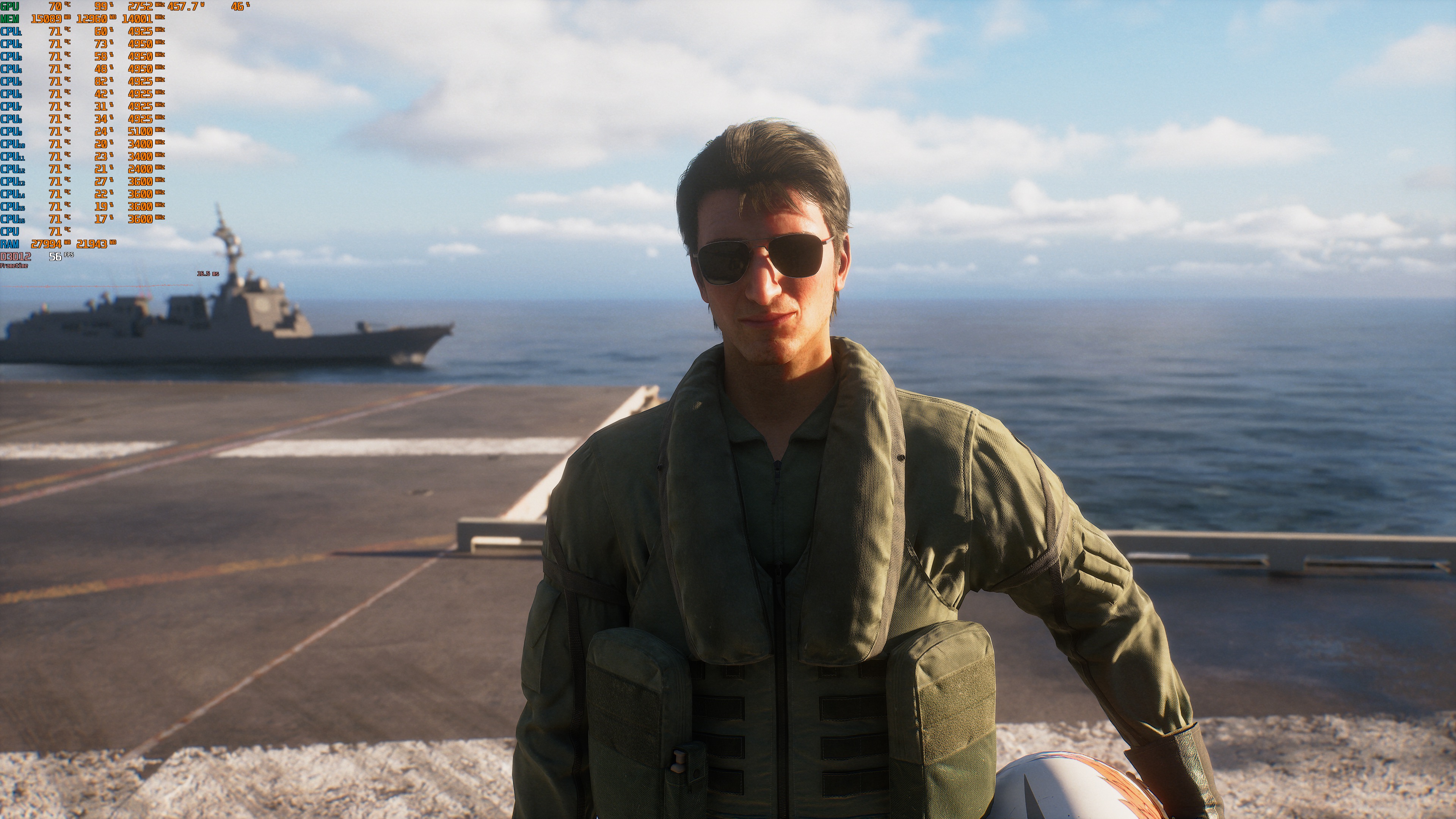
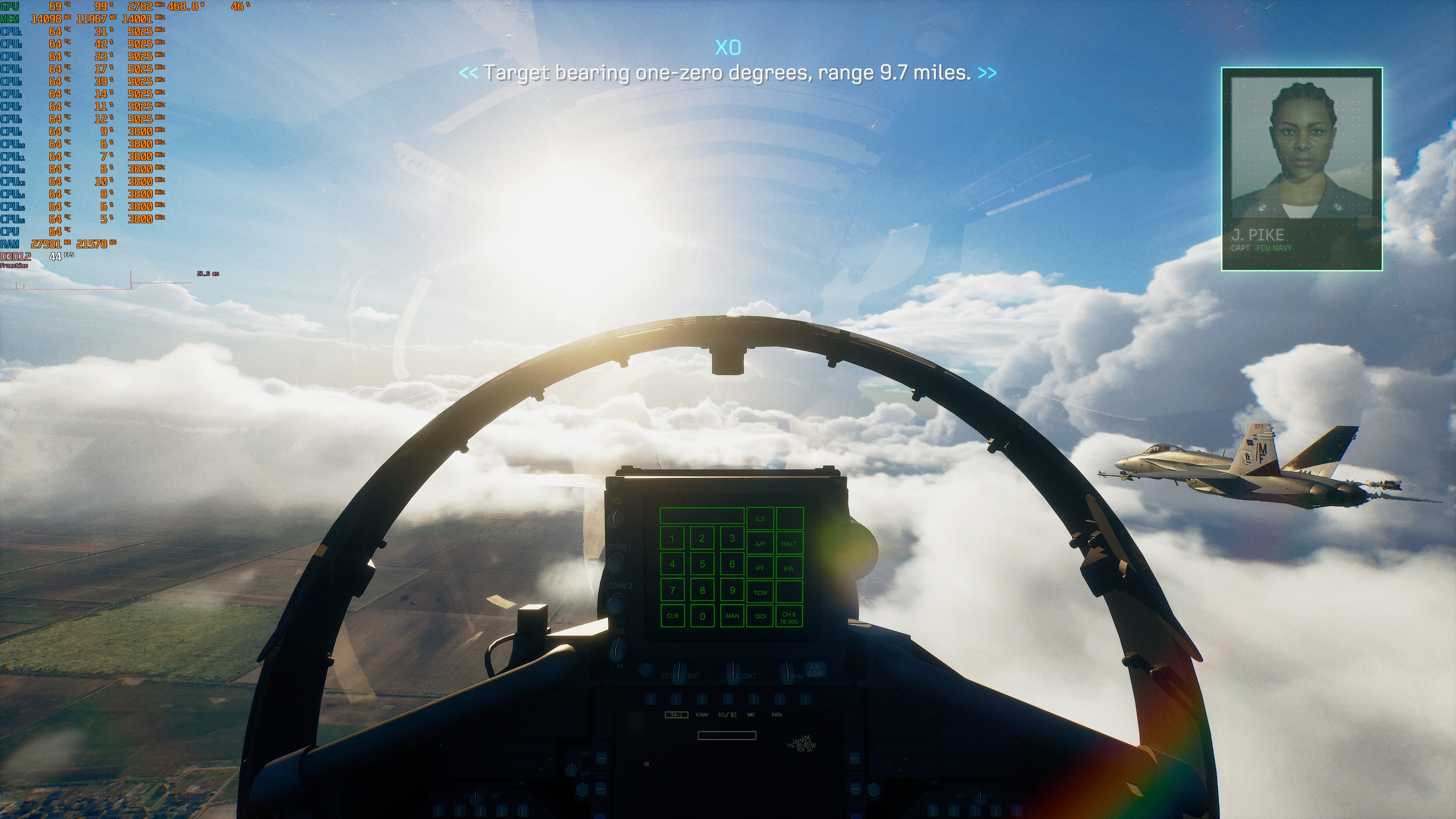
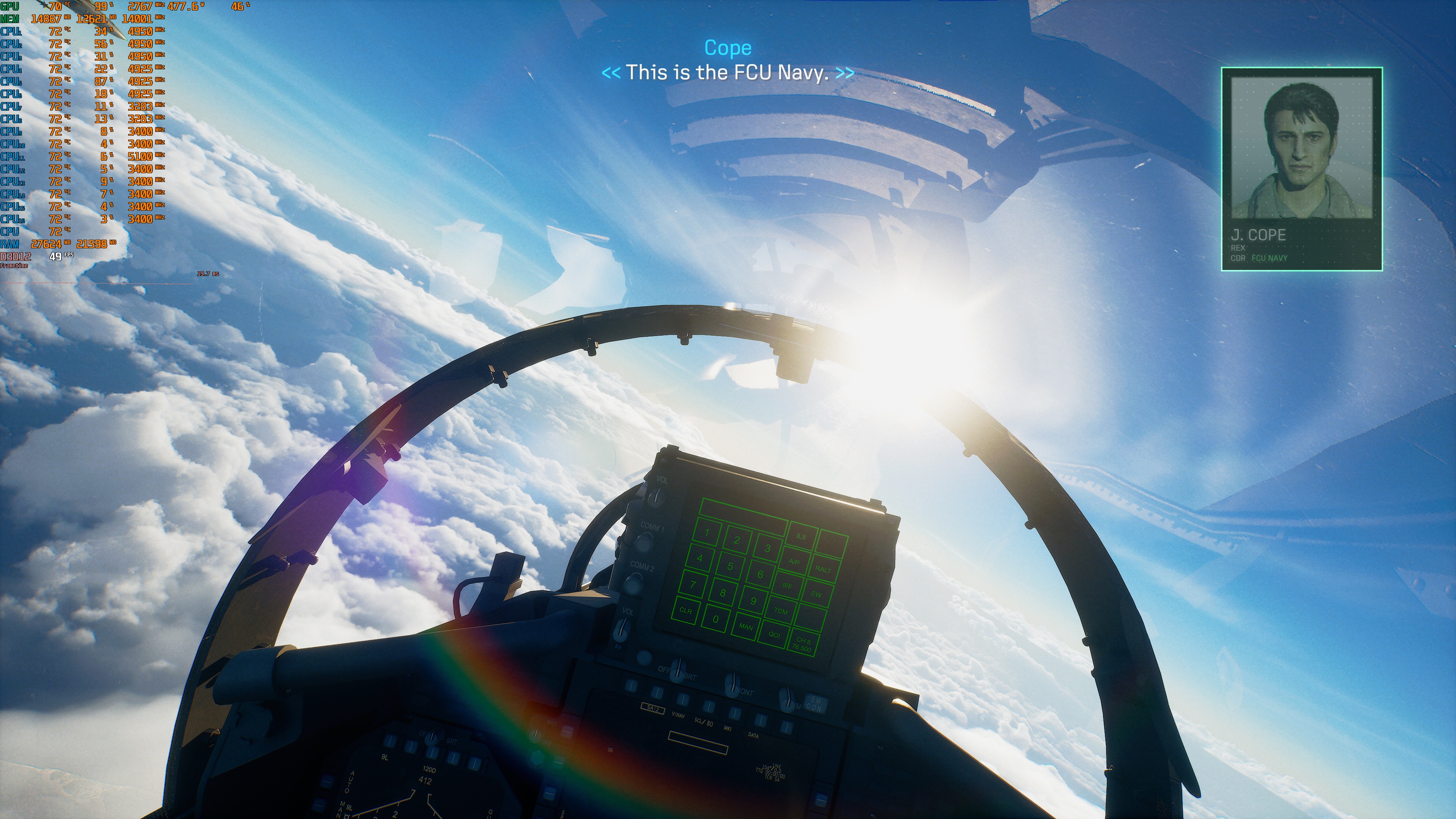
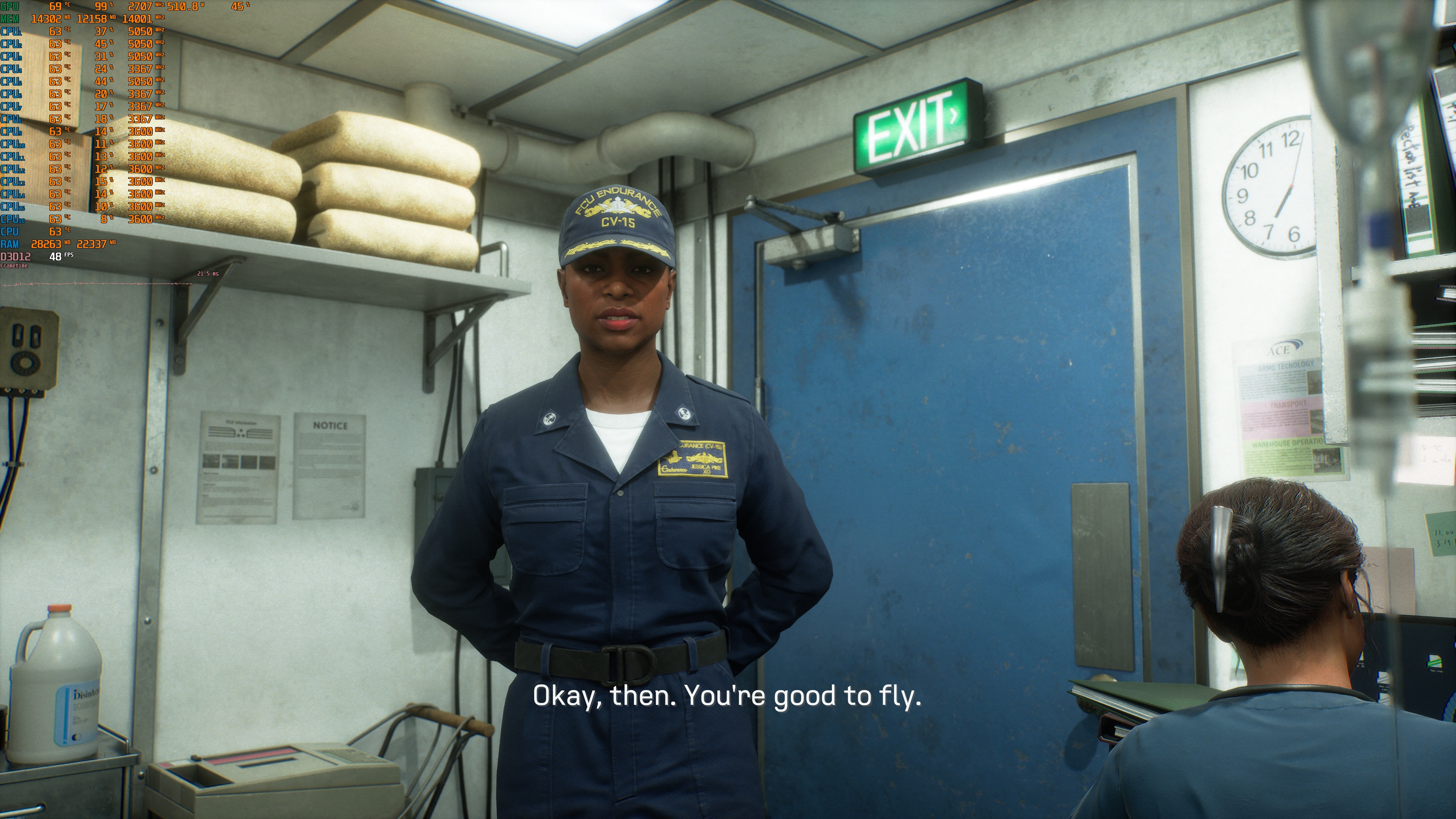
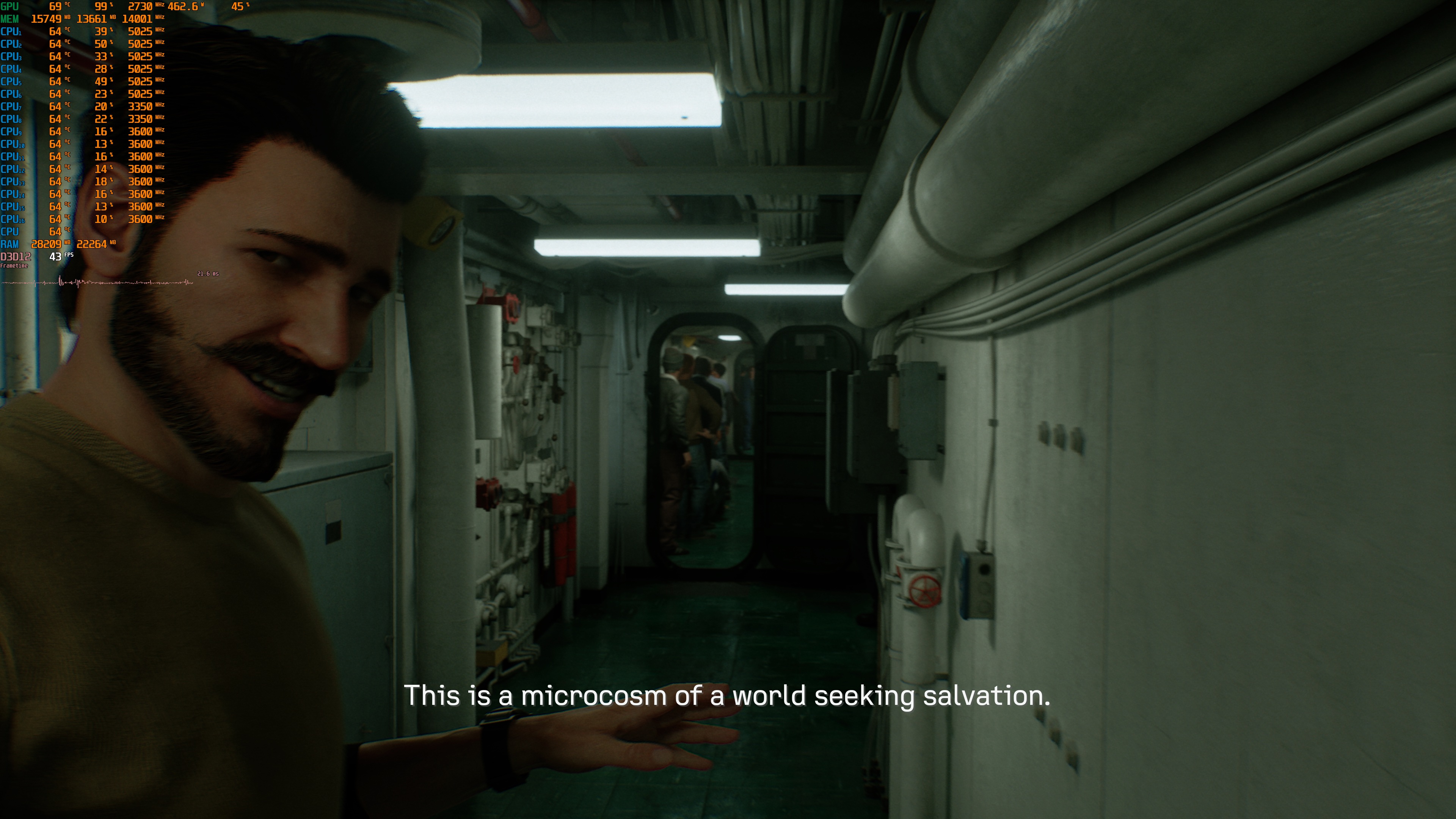
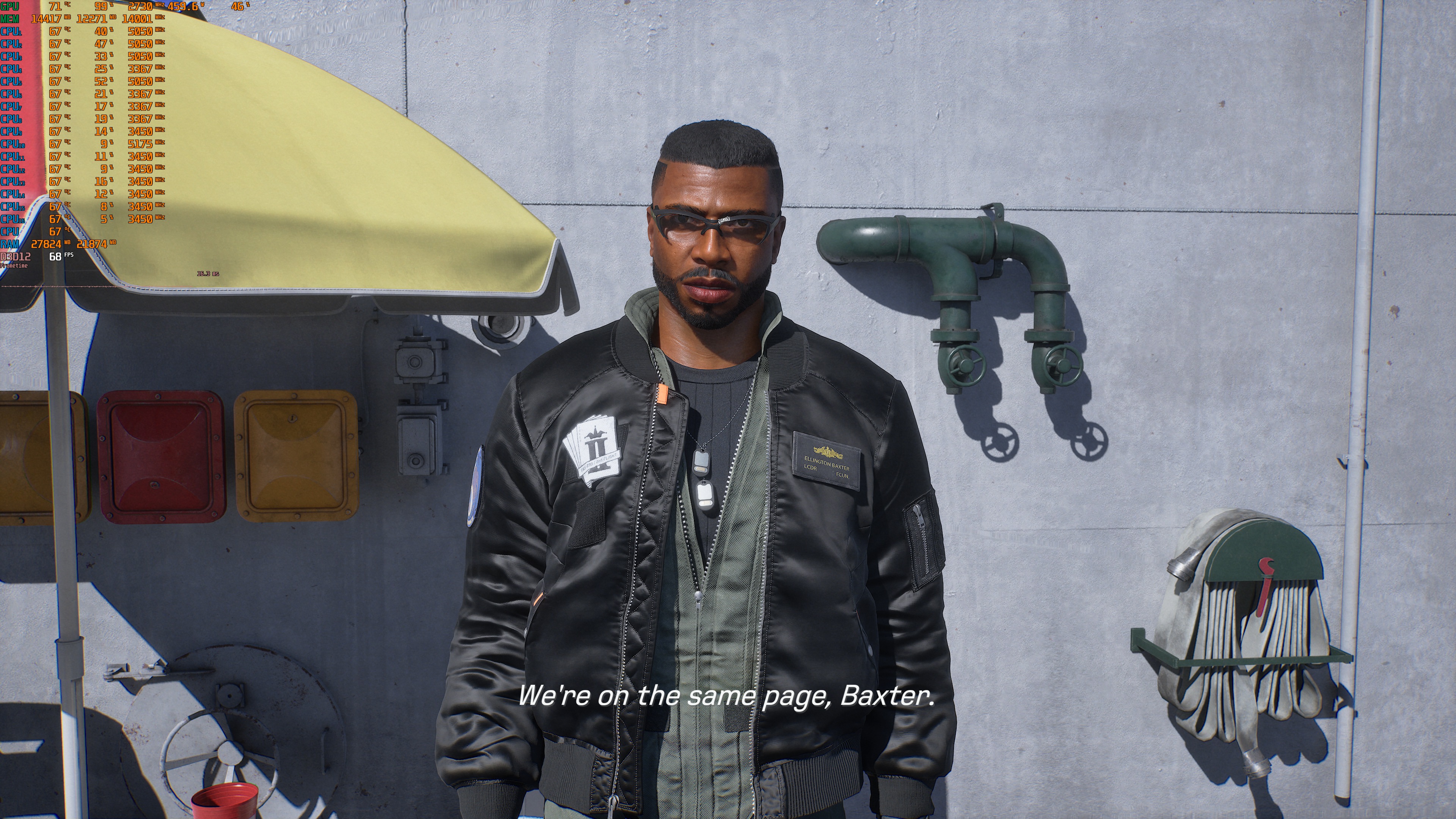
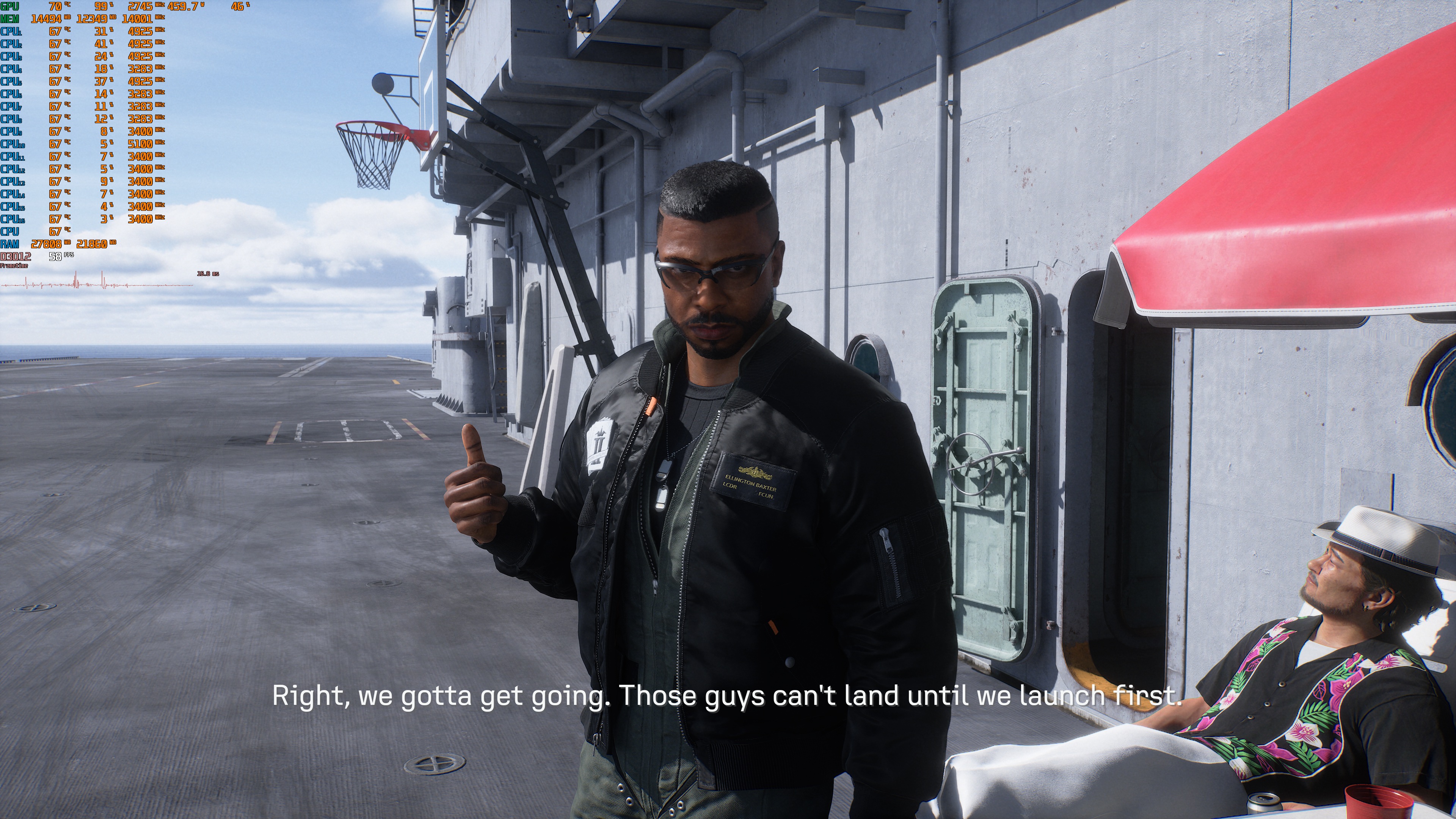
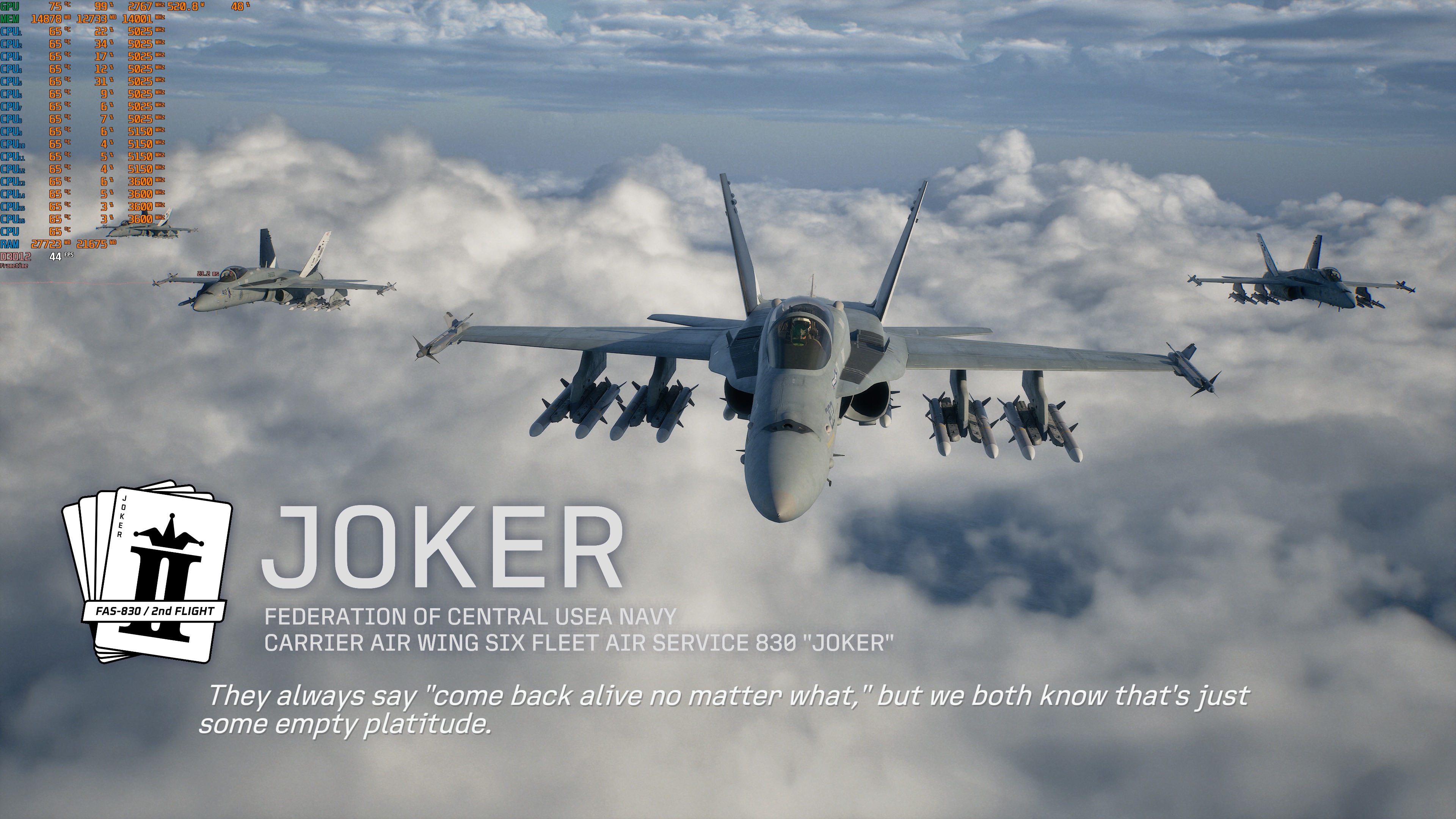
Ace Combat 8: Wings of Theve does not have a built-in benchmark tool. So, for our benchmarks, I used this cutscene.
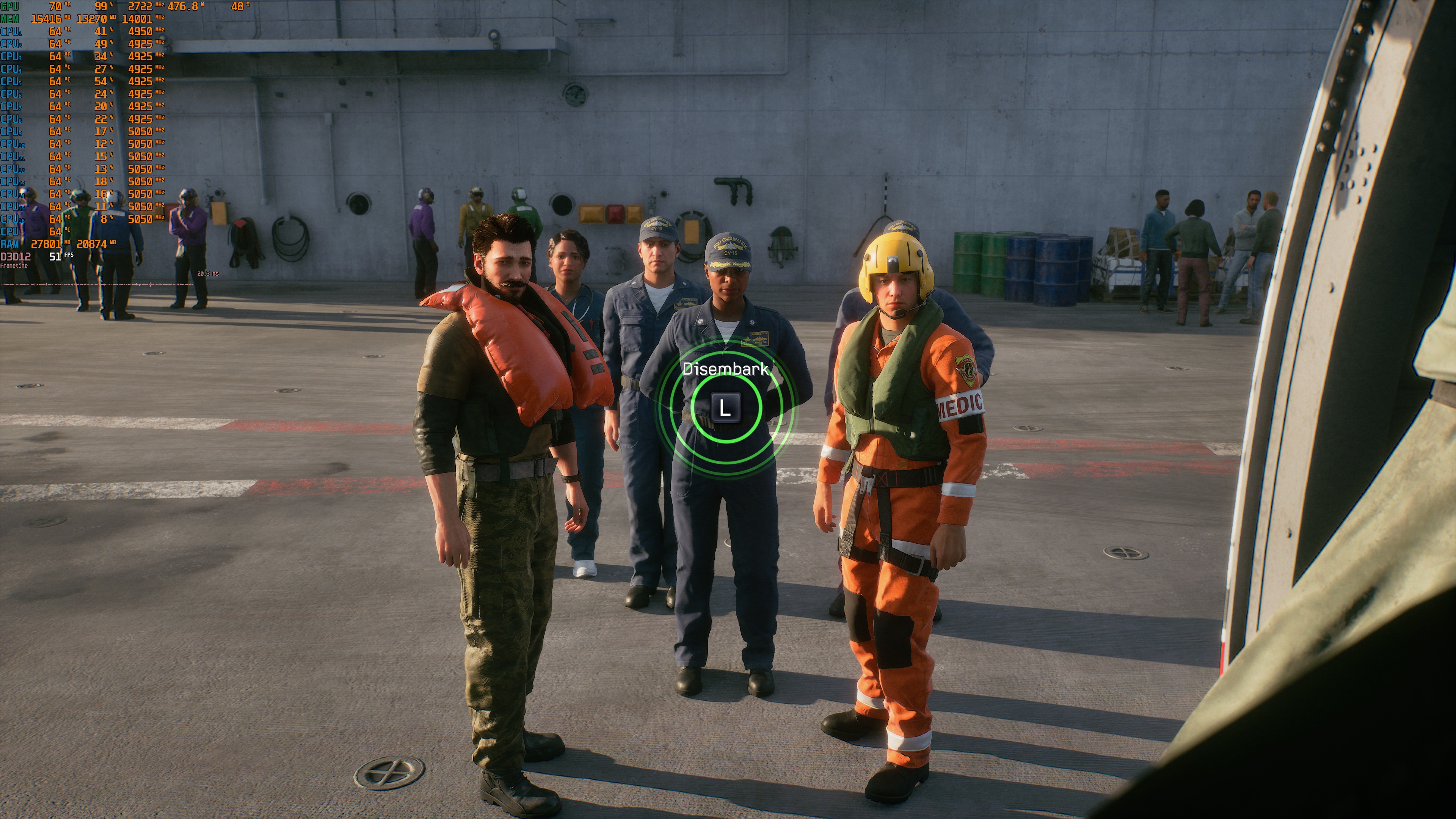
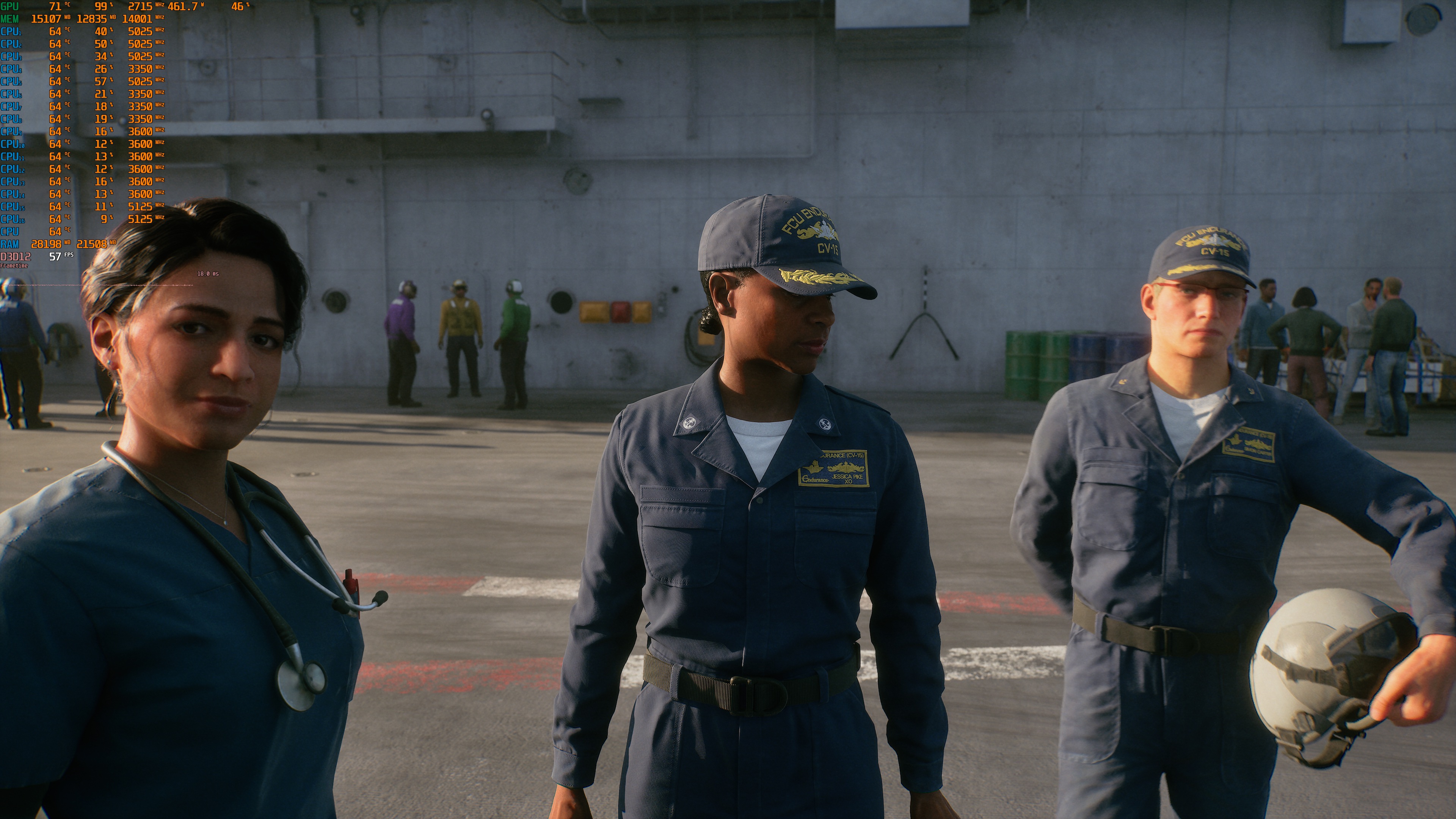
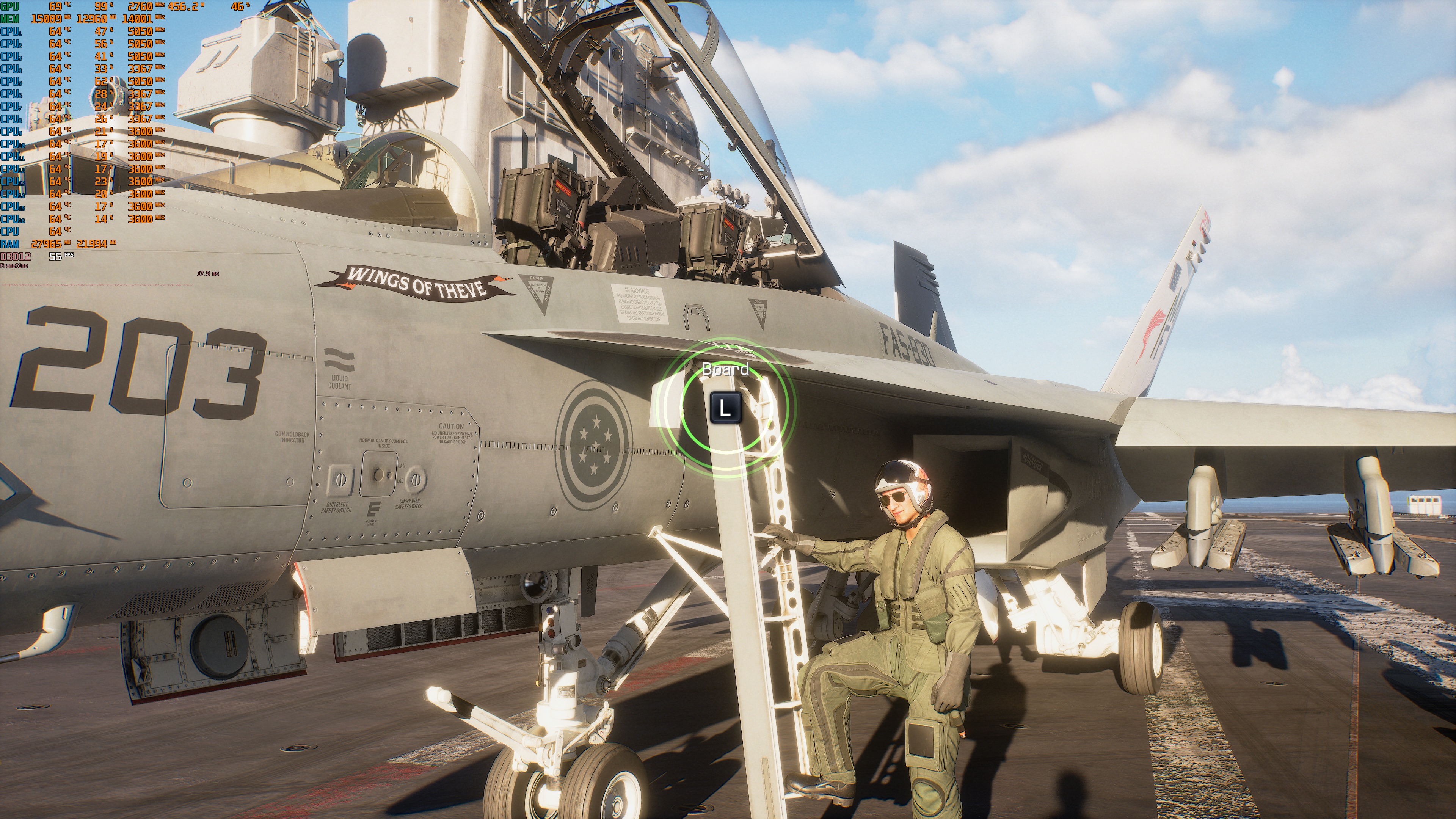
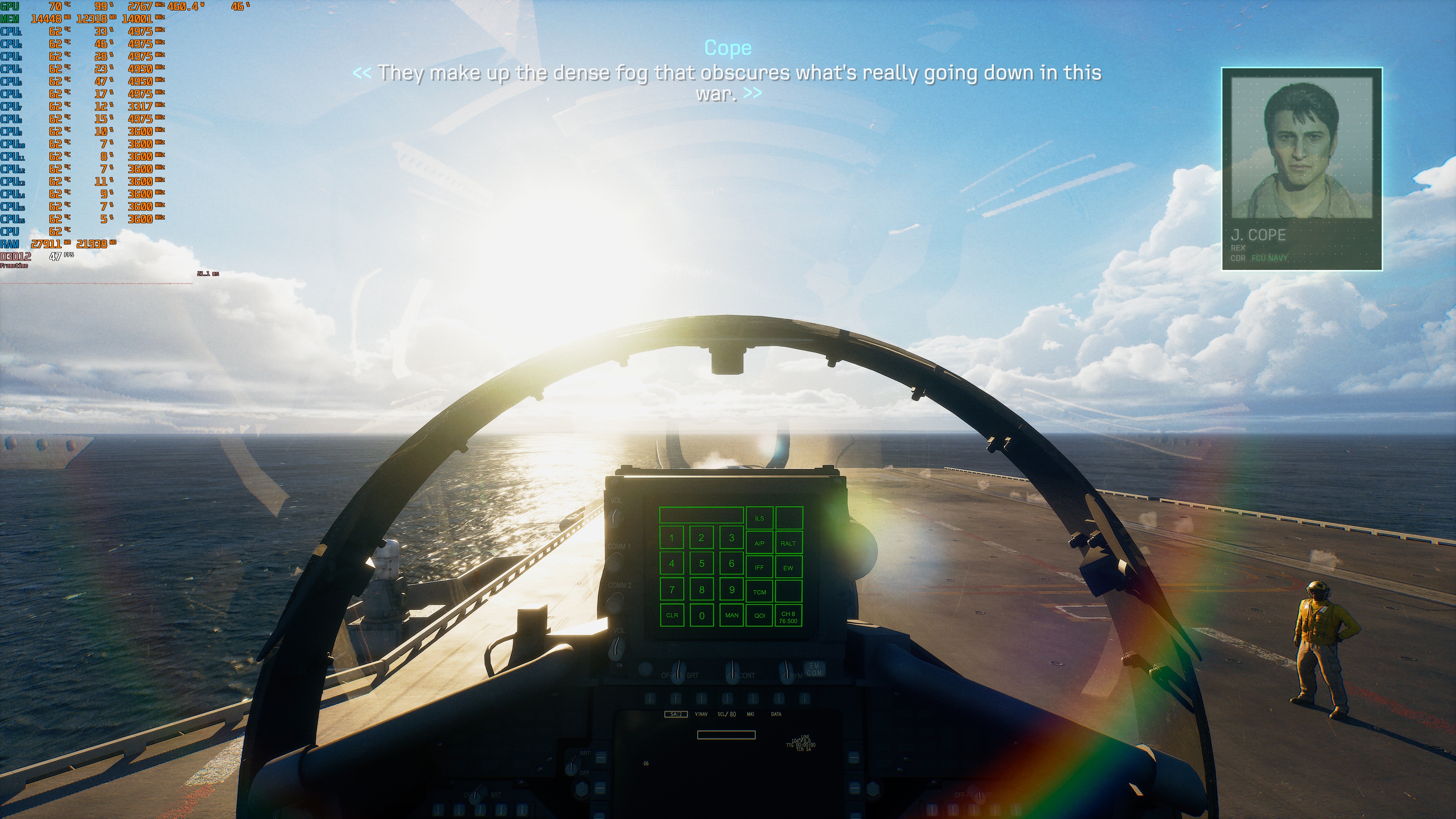
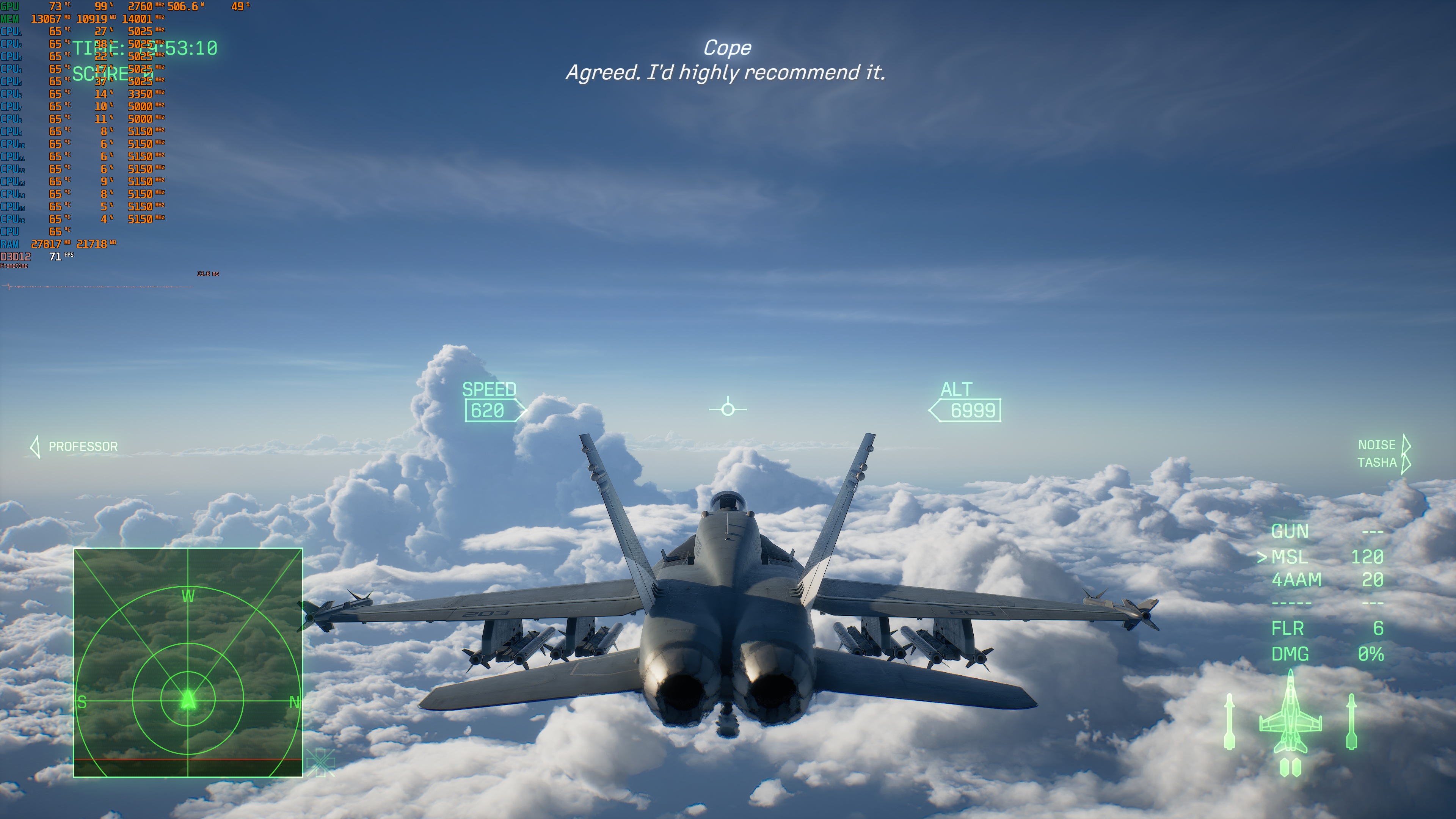
I should clarify that the following are stress benchmarks. For instance, the first mission was running at 70FPS at Native 4K/Ultra on the NVIDIA RTX 5090. However, there was a mission in which you’re a co-pilot, and the framerate drops to 47FPS. Below, you can find a shot from it. So, this is the reason I chose the above cutscene. I don’t know if the later stages are as demanding as this mission.
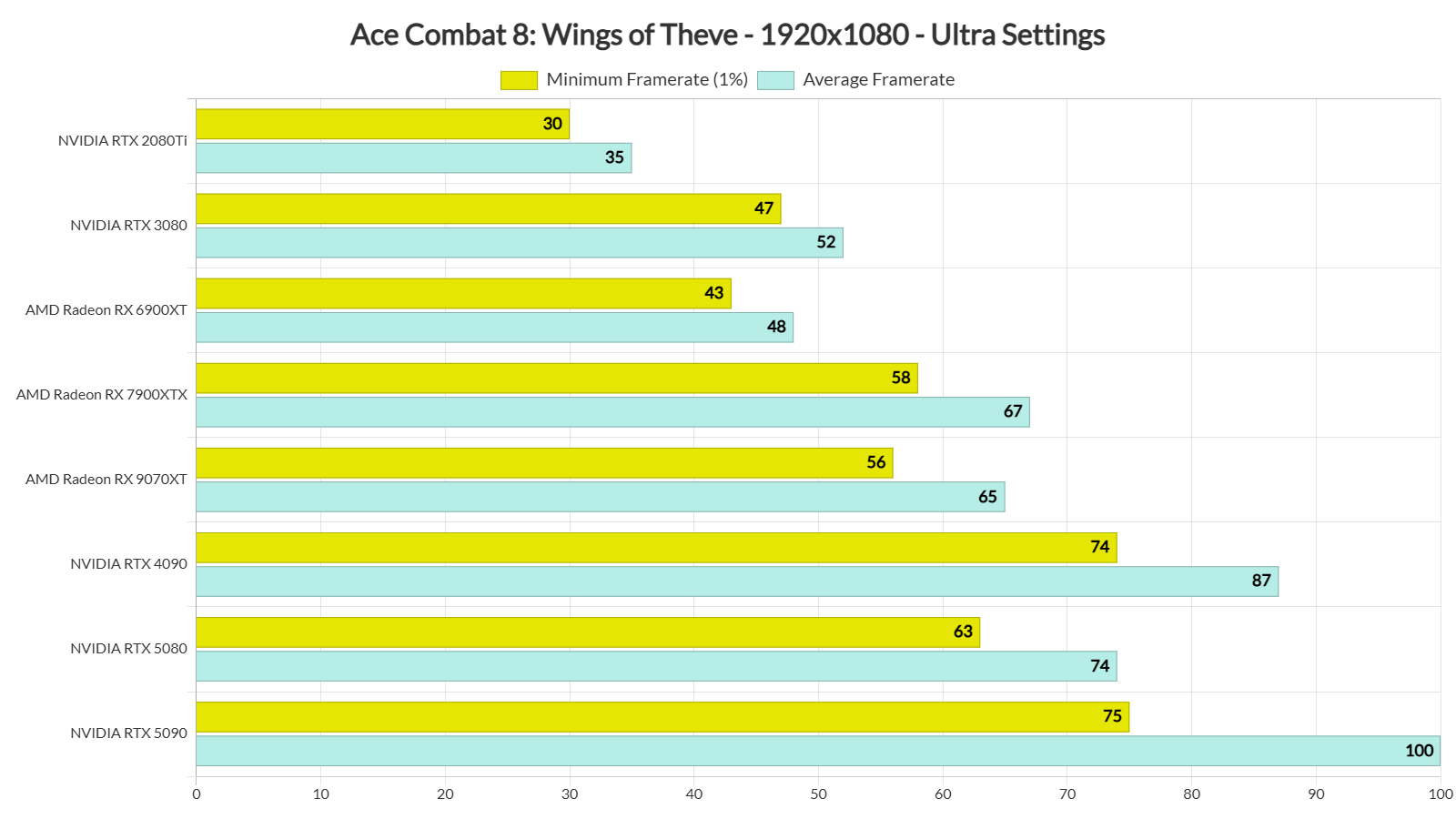
The only GPUs that could provide framerates over 60FPS at all times at 1080p/Ultra were our top three GPUs. The AMD Radeon RX 9070XT and the AMD Radeon RX 7900XTX were also able to provide a smooth gaming experience, provided you have a FreeSync monitor.
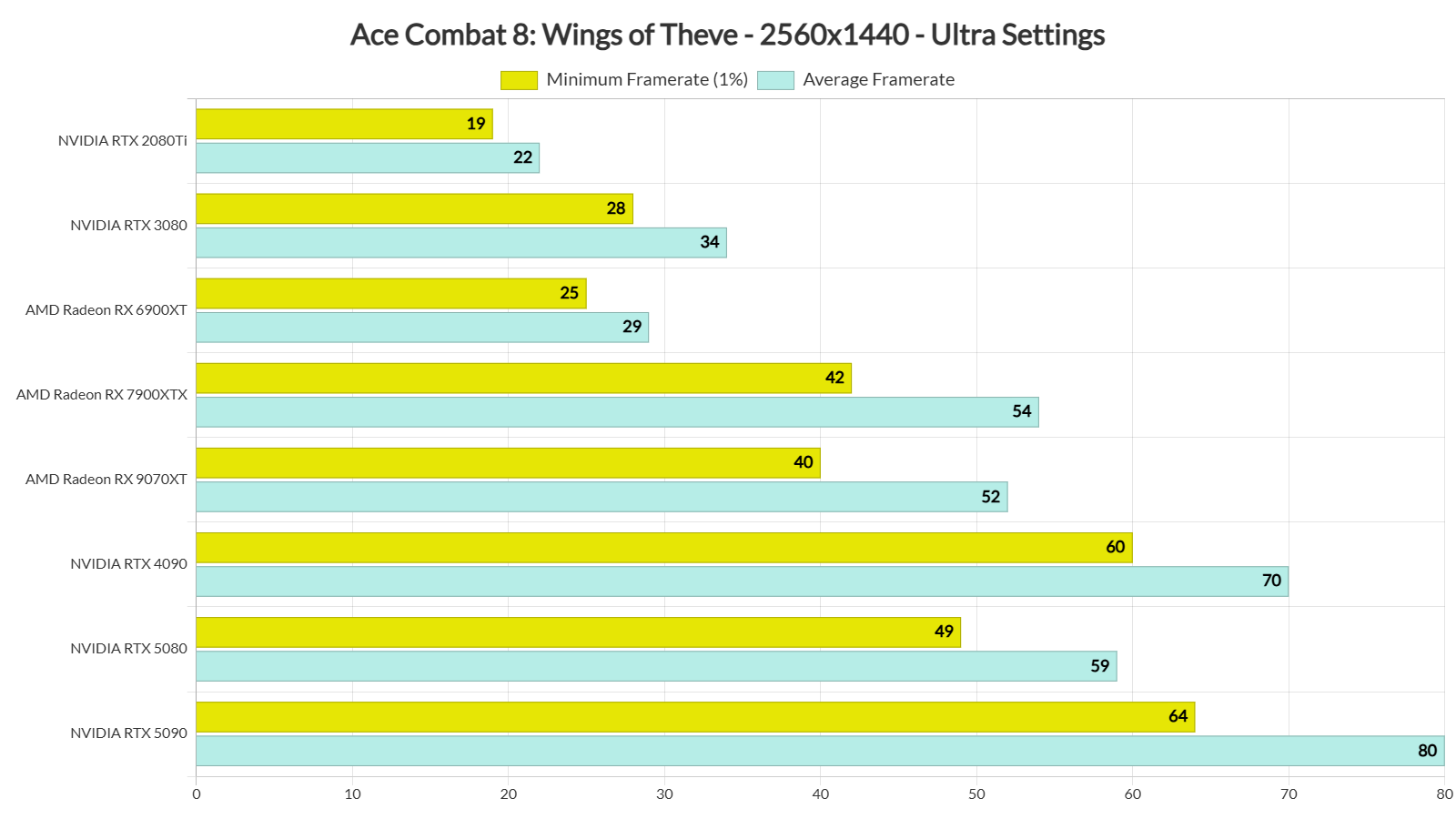
At 1440p/Ultra, only the NVIDIA RTX 4090 and the RTX 5090 were able to provide a constant 60FPS experience. As for Native 4K/Ultra, there is no GPU that can come close to a 60FPS experience.
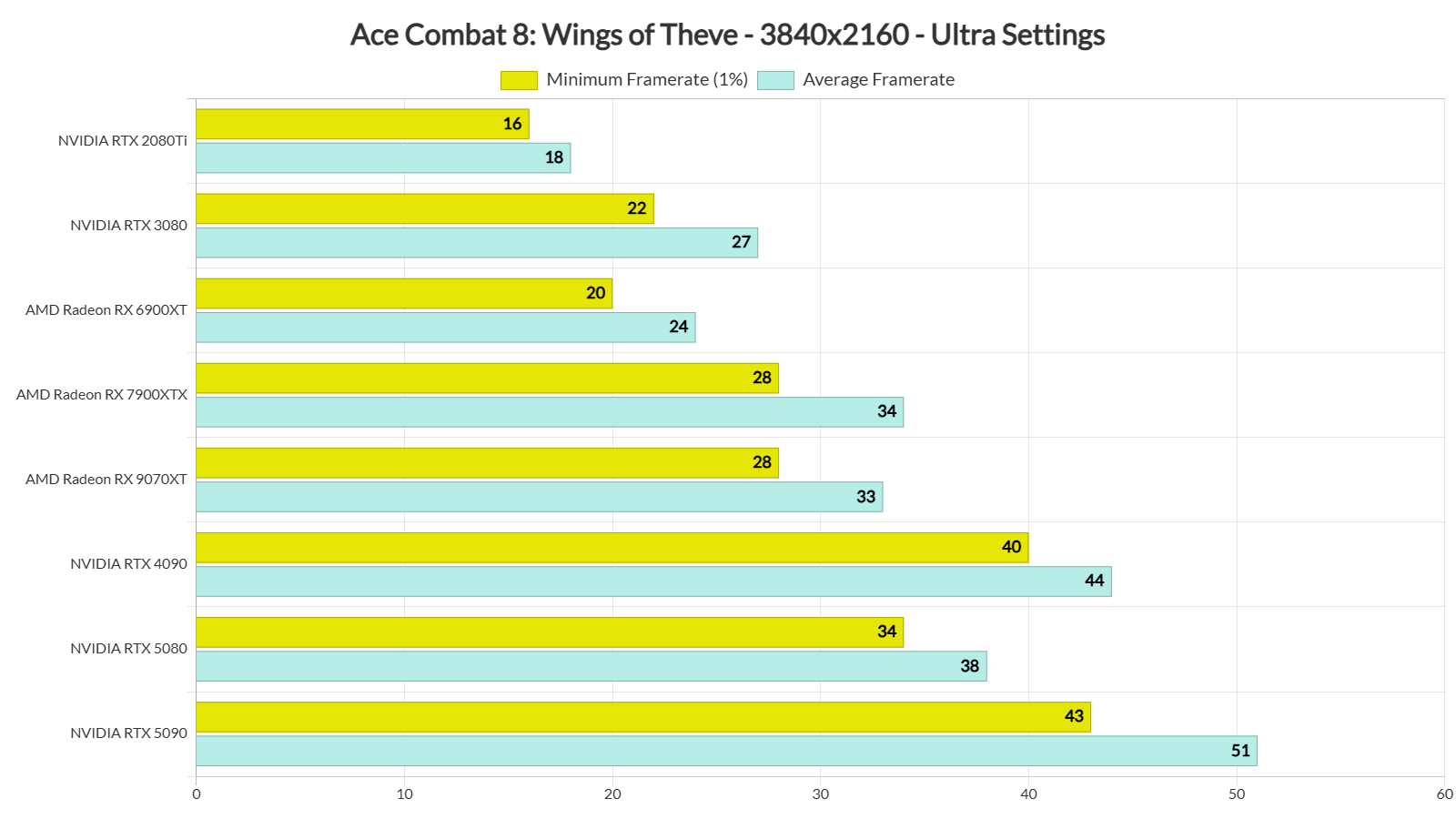
What’s also underwhelming here is that the game cannot scale well with its in-game graphics settings. At Native 4K, you can only get a constant 60FPS experience on Low Settings. That’s on an NVIDIA RTX 5090. Ouch.
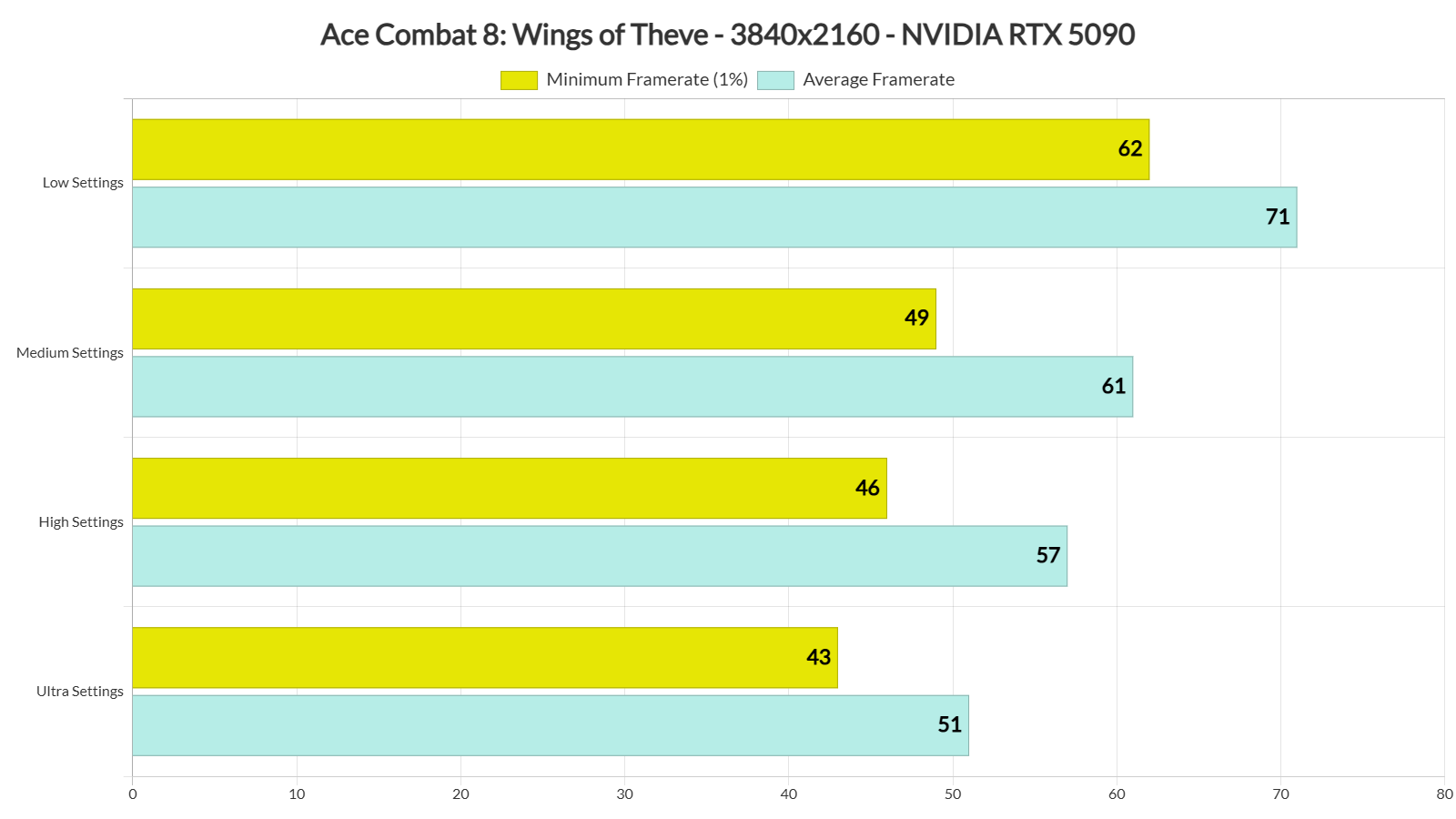
And that’s not all. Although I did not see any stutters during the first few missions, I did experience traversal stutters during the cutscenes. These are real-time cutscenes, not pre-rendered videos. And sadly, they suffer from traversal stutters. This is quite disappointing. Since these are traversal stutters, they happen at the same spots each time. So, you will see the same stutters every time you watch these cutscenes.
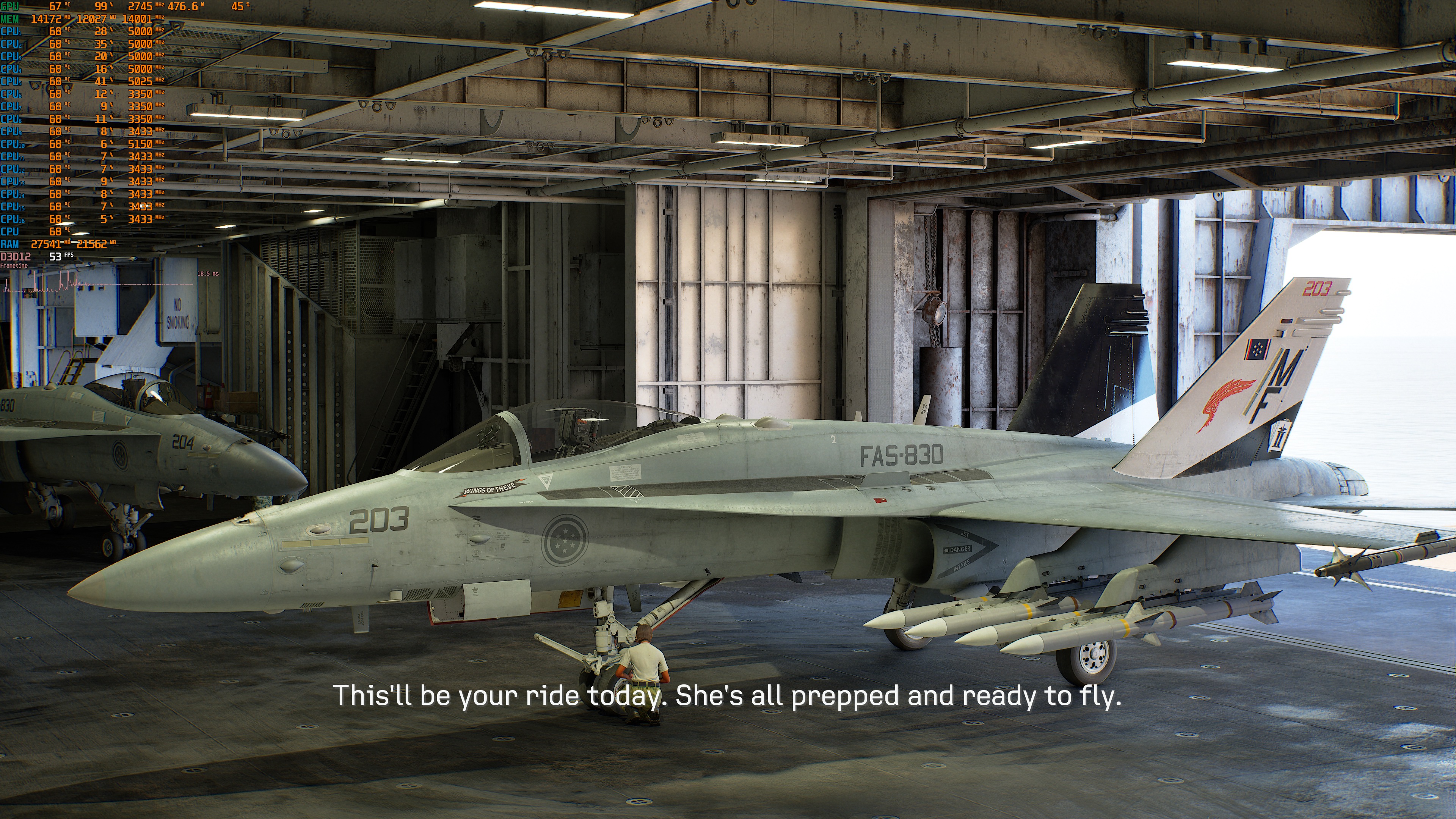
Graphics-wise, Ace Combat 8: Wings of Theve looks great. It is one of the best-looking arcade flight games out there. Then again, we do not get many games like this these days. To be honest, its visuals did not leave me as speechless as Microsoft Flight Simulator did when I first saw it. Still, this is a great-looking PC game. The volumetric clouds look amazing. You will even see raindrops when you fly through them. The planes are also highly detailed. Overall, the game looks fantastic.
All in all, Ace Combat 8: Wings of Theve is a very demanding game. It has a full day-night cycle and a dynamic weather system. This is why the devs use Lumen. Sadly, the in-game graphics settings do not offer much room to improve performance. The only real way to get more FPS is to use an upscaler. So, there was clearly room for more work on the game’s optimization. Seriously, you know your game needs more work when you have to use Low settings to hit 60FPS at Native 4K on an NVIDIA RTX 5090!

John is the founder and Editor in Chief at DSOGaming. He is a PC gaming fan and highly supports the modding and indie communities. Before creating DSOGaming, John worked on numerous gaming websites. While he is a die-hard PC gamer, his gaming roots can be found on consoles. John loved – and still does – the 16-bit consoles, and considers SNES to be one of the best consoles. Still, the PC platform won him over consoles. That was mainly due to 3DFX and its iconic dedicated 3D accelerator graphics card, Voodoo 2. John has also written a higher degree thesis on the “The Evolution of PC graphics cards.”
Contact: Email