
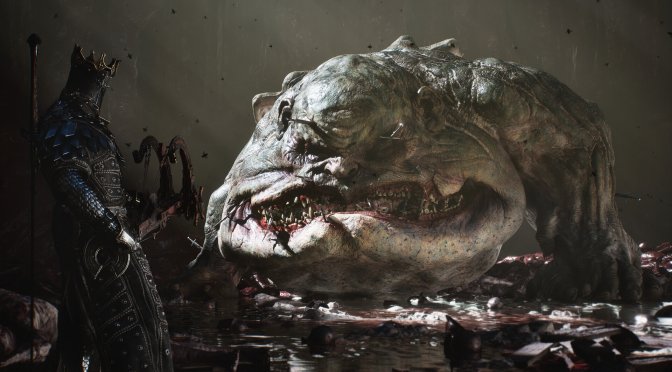
Last week, Playstack released Mortal Shell 2. Powered by Unreal Engine 5.2, it’s time now to benchmark it and examine its performance on PC.
For our benchmarks, I used an AMD Ryzen 9 7950X3D, 32GB of DDR5 at 6000Mhz, AMD’s Radeon RX 6900XT, RX 7900XTX, RX 9070XT, as well as NVIDIA’s RTX 2080Ti, RTX 3080, RTX 4090, RTX 5080, and RTX 5090. I also used Windows 10 64-bit, as well as the GeForce 610.88 and the Radeon Adrenalin Edition 26.7.1 drivers.
Cold Symmetry has added a few graphics settings to tweak. PC gamers can adjust the quality of Shadows, Textures, View Distance, Global Illumination, and more. There is also support for NVIDIA DLSS 4 and AMD FSR 3.0. However, there is no support for Intel XeSS. Finally, there is a Hardware Ray Tracing setting that does not appear to work.
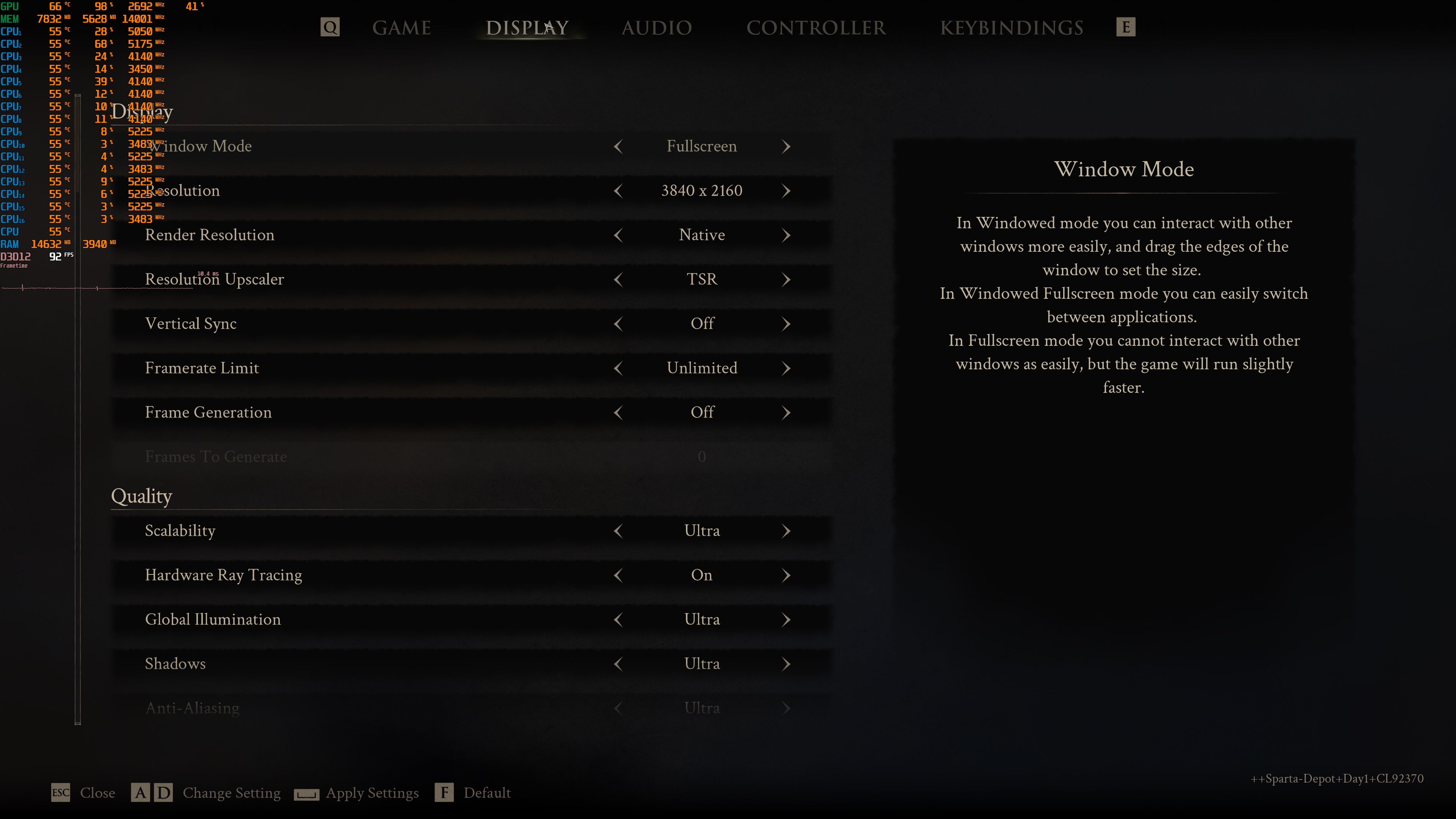
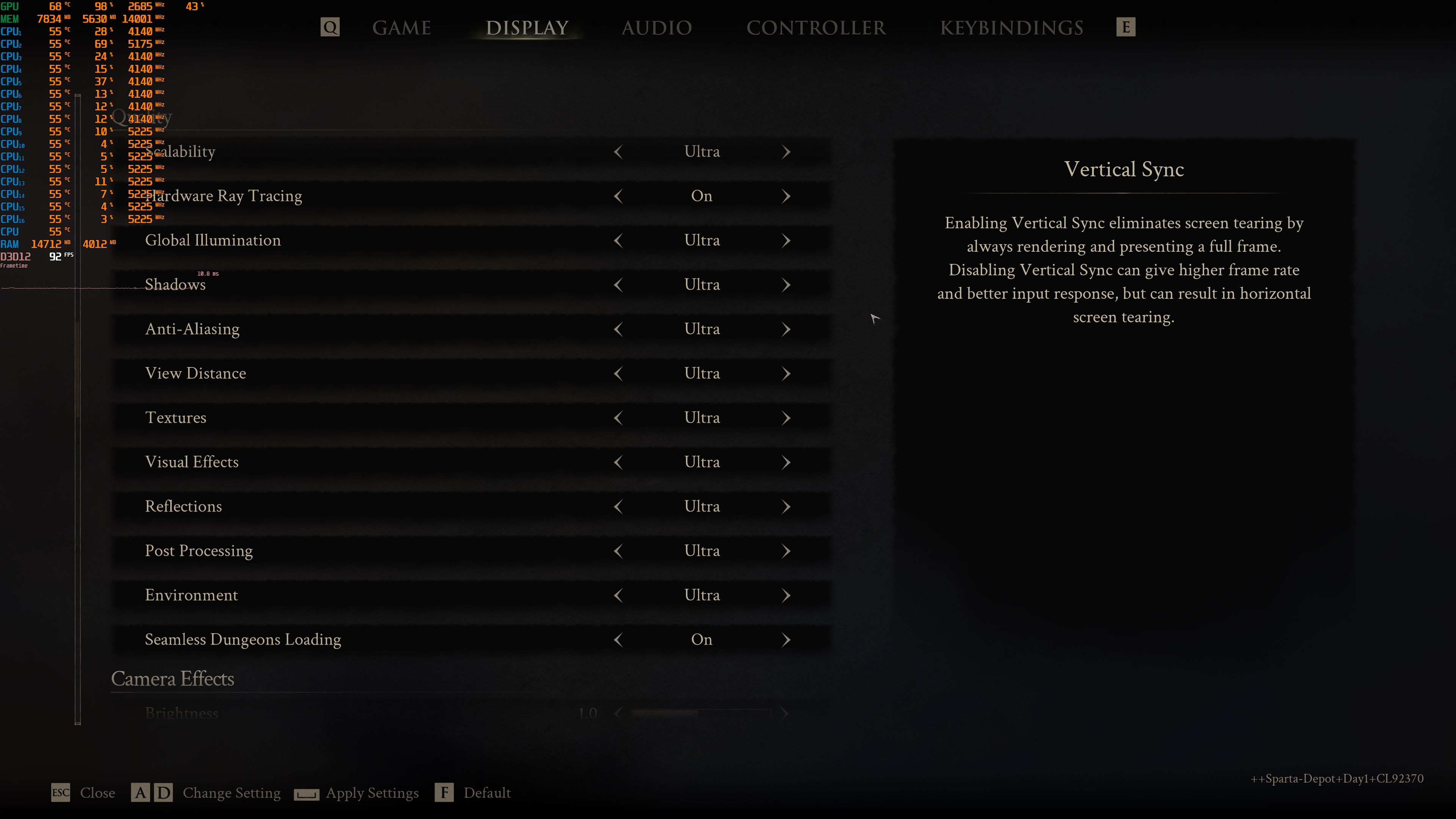
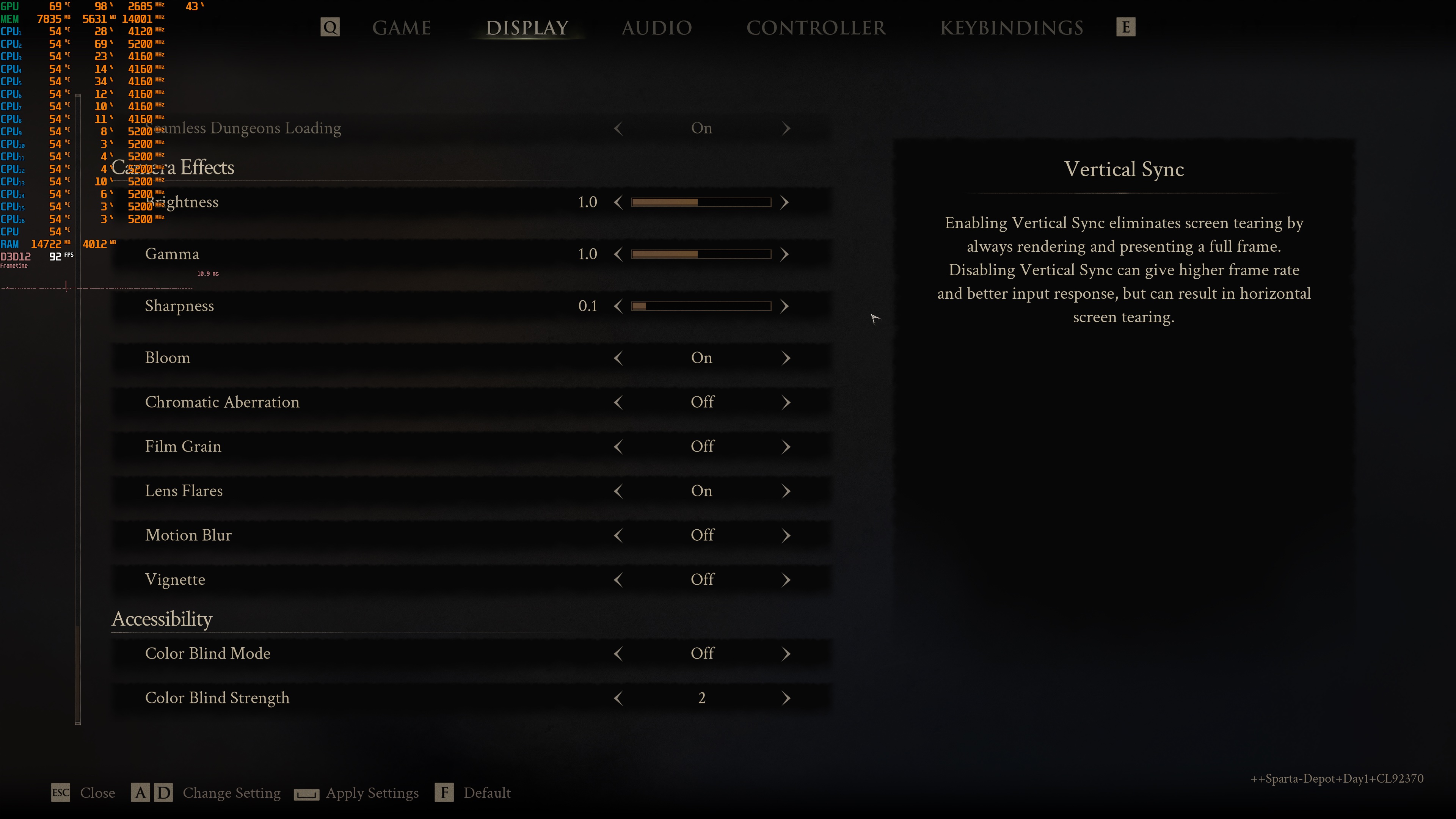
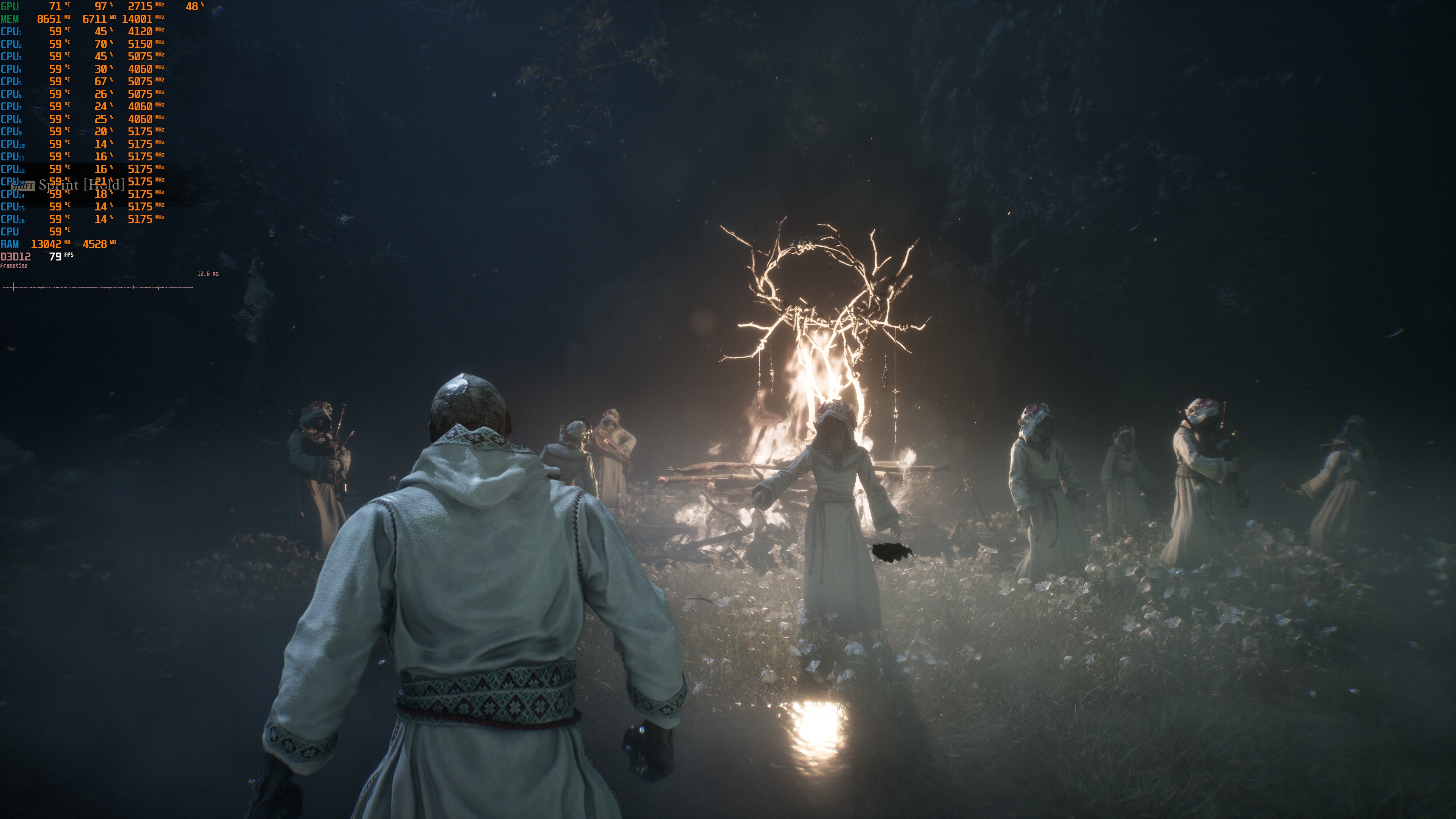
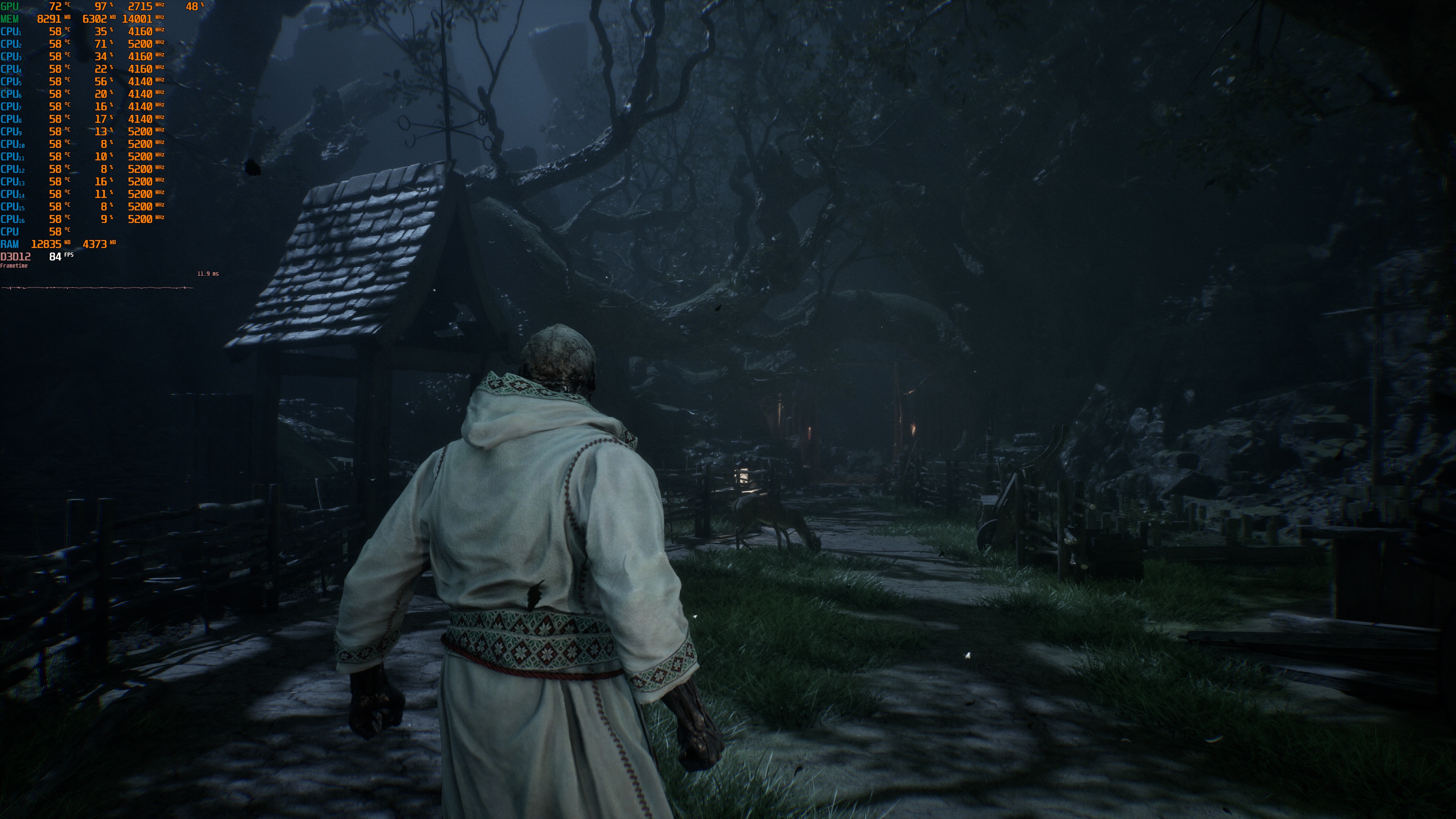
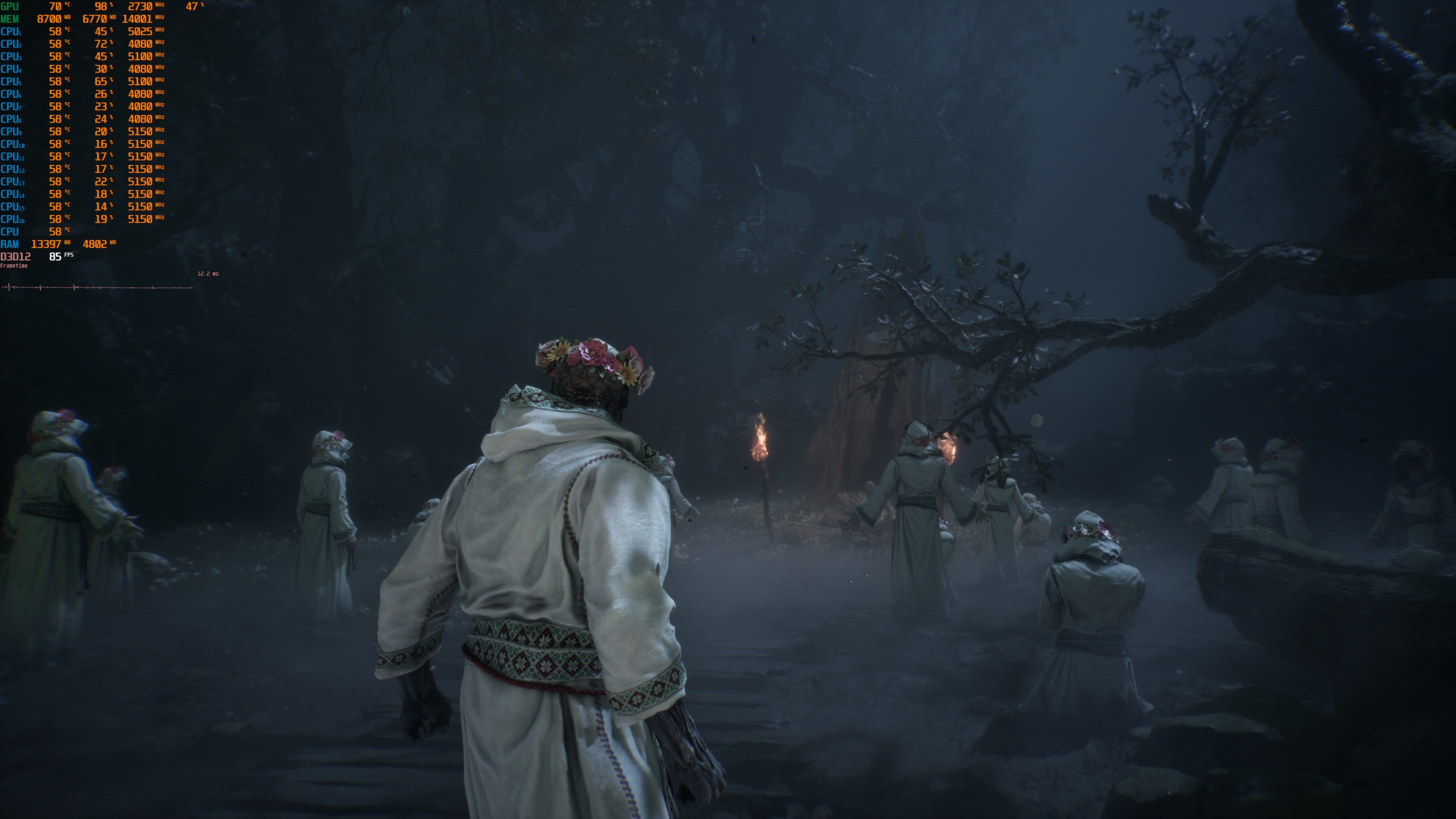
Mortal Shell 2 does not feature a built-in benchmark tool. So, for our benchmarks, I used this area. This appeared to be one of the most demanding I could find early in the game.
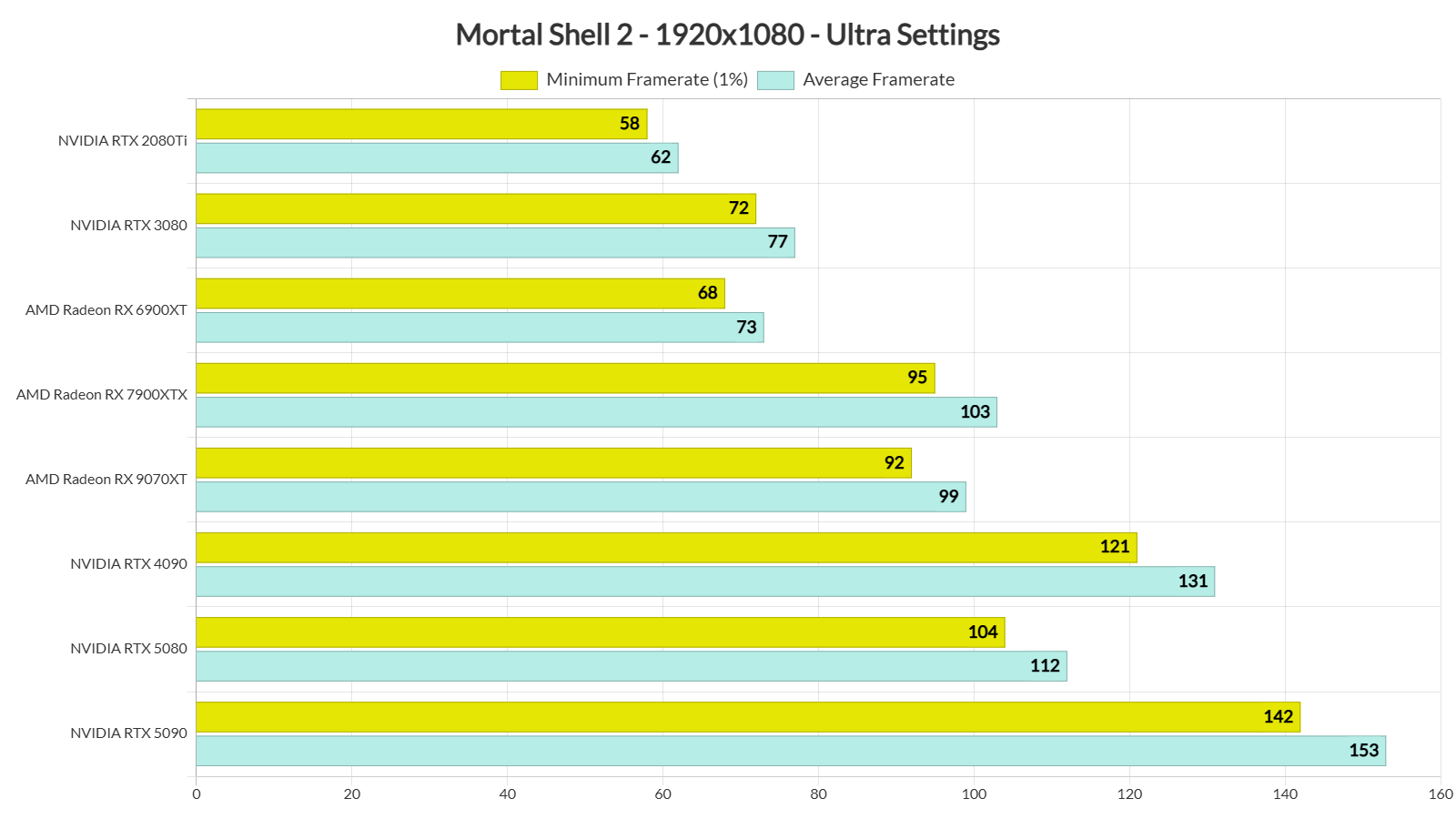
Mortal Shell 2 is a GPU-bound title. Even at 1080p, our NVIDIA RTX 5090 was used to its fullest. At that resolution, almost all of our GPUs were able to run the game with 60FPS. Even the NVIDIA RTX 2080Ti was able to provide a smooth gaming experience, provided you use a G-Sync monitor.
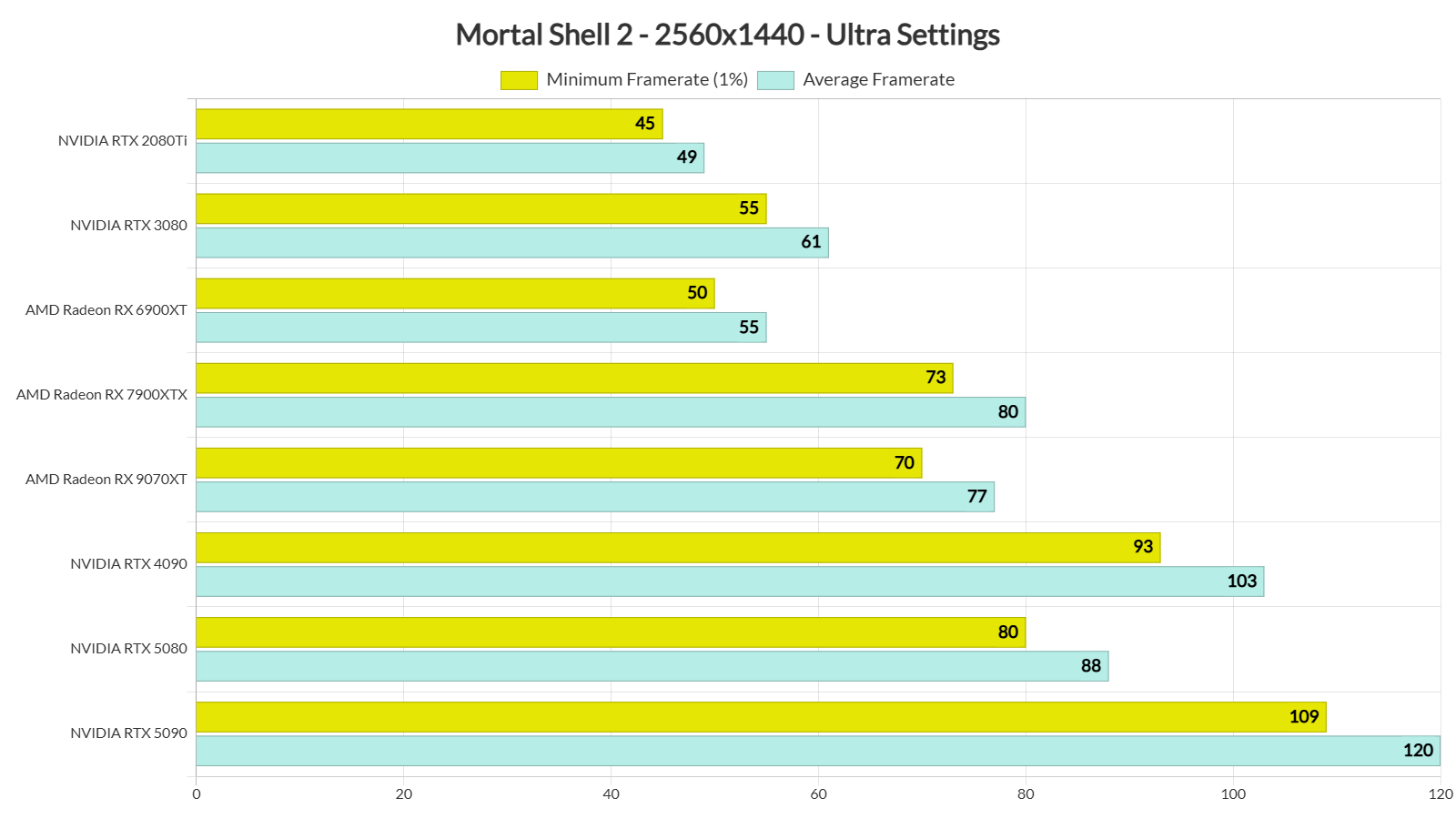
At 1440p/Ultra Settings, our top five GPUs had no trouble at all running the game with over 60FPS at all times. The NVIDIA RTX 3080 was also able to provide a smooth gaming experience, provided you use a G-Sync monitor.
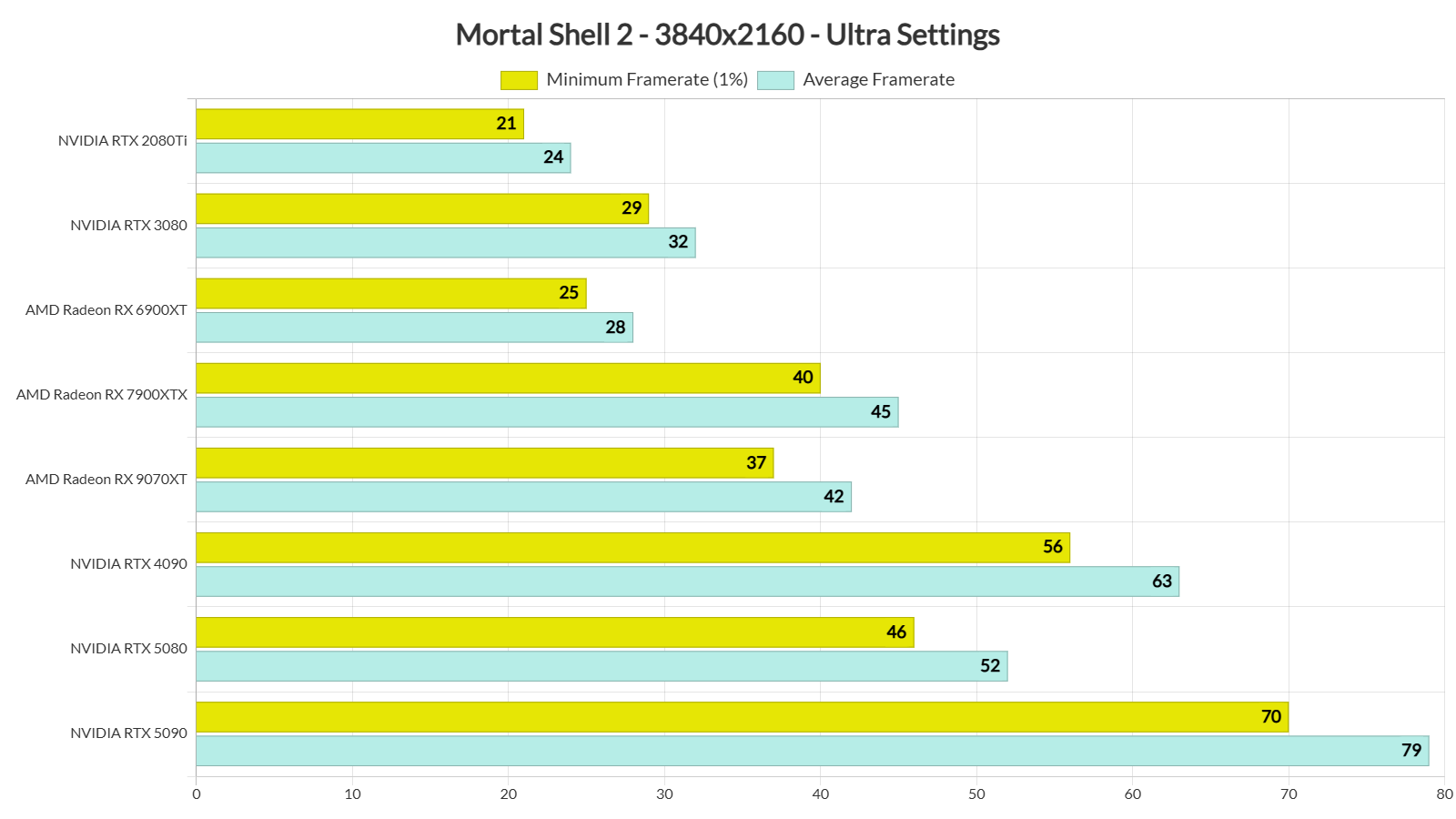
Finally, at Native 4K/Ultra, the only GPU that can offer framerates over 60FPS at all times is the NVIDIA RTX 5090. The NVIDIA RTX 4090 was also able to hit an average of 63FPS. These are great results for an Unreal Engine 5 game that uses both Lumen and Nanite.
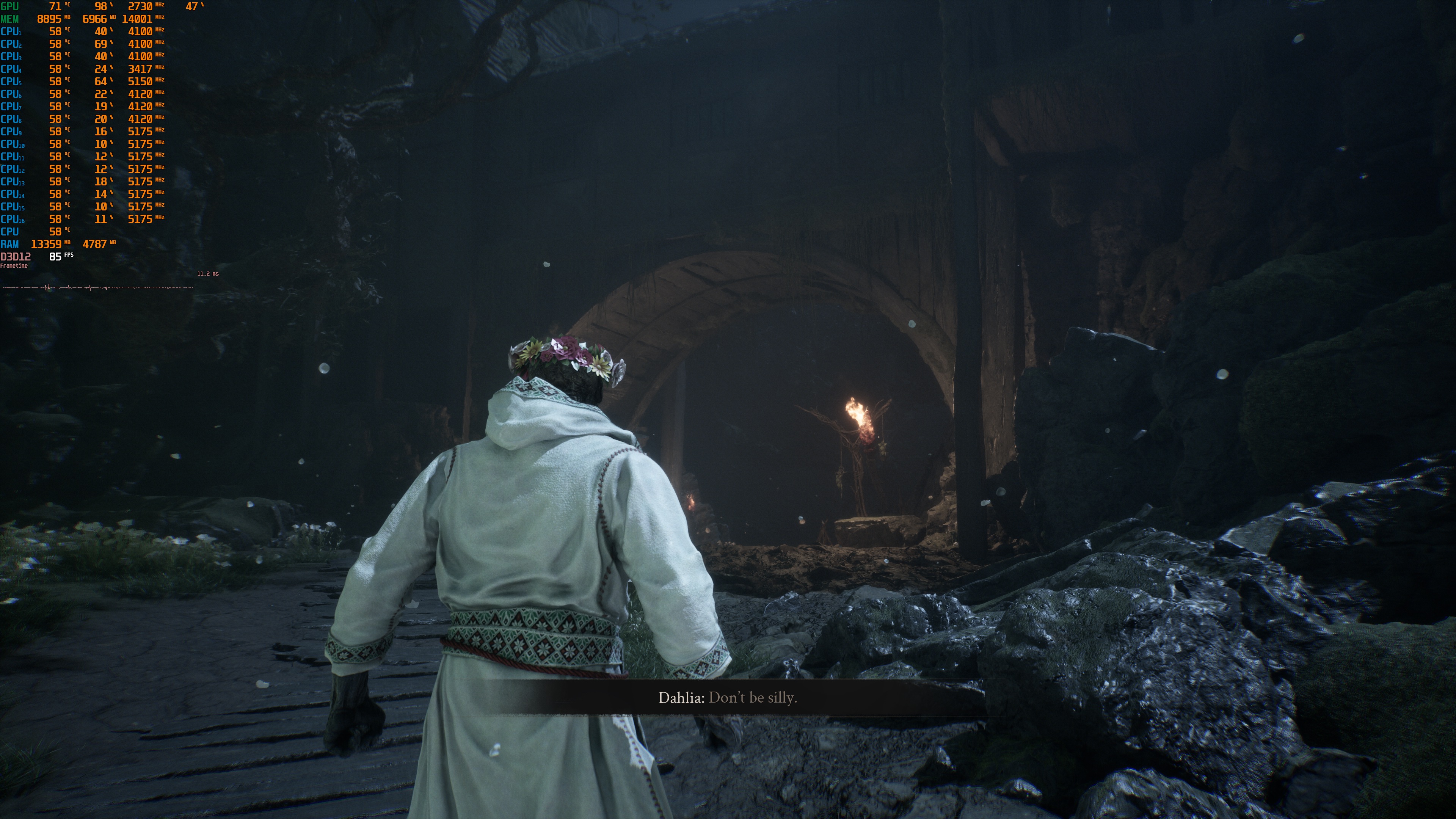
While performance seems to be very good, the game has some major Lumen artifacts. I would love to see a “Cinematic” setting that could reduce or remove them. However, if such a setting were available, many players would likely use it and then complain about poor performance. This isn’t something new, by the way. We have seen many developers lock their highest settings because some PC players expect to run games at Max settings, native 4K, and high frame rates on an NVIDIA RTX 5070Ti. So, thanks everyone for ruining our visual experience.
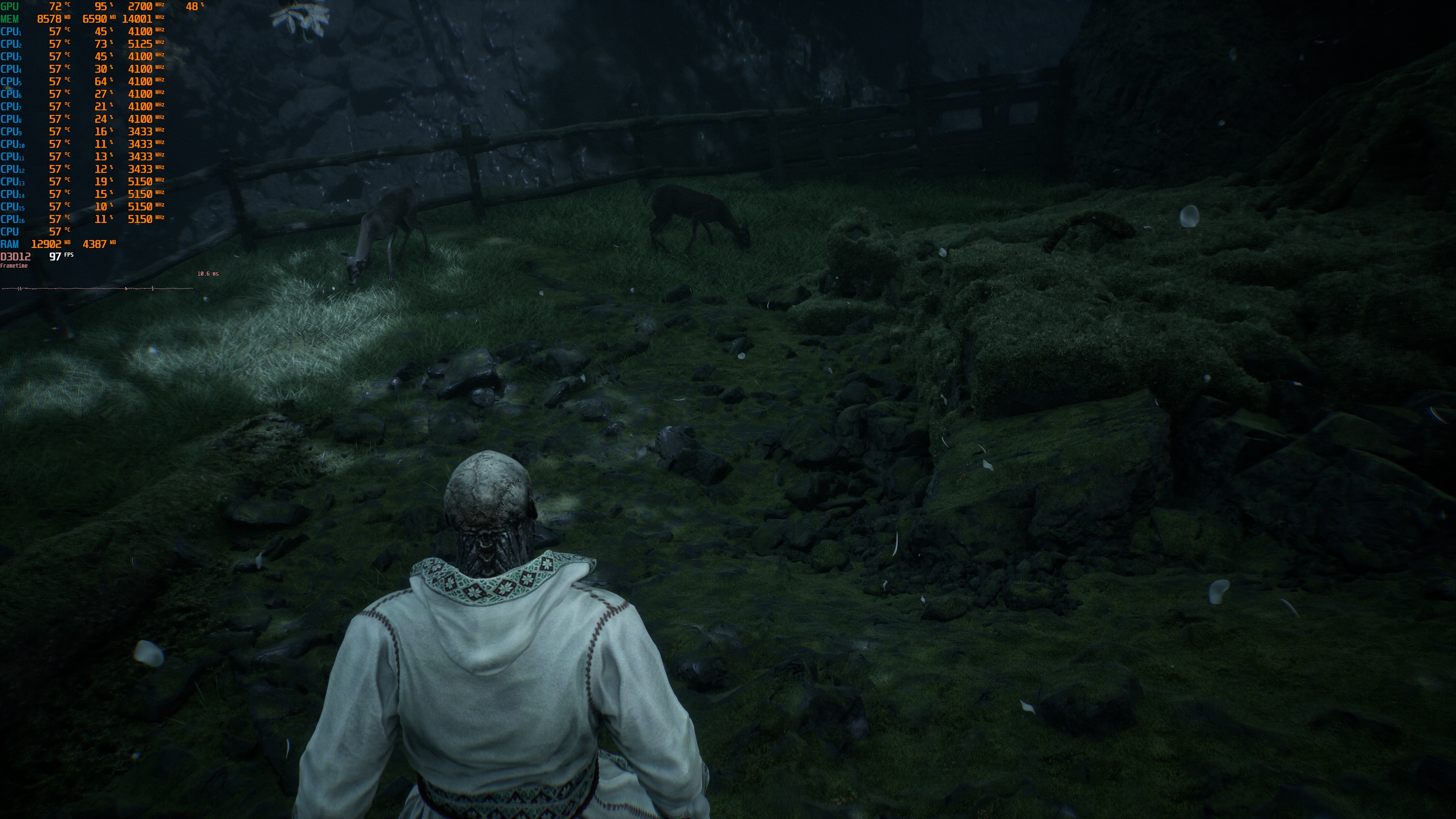
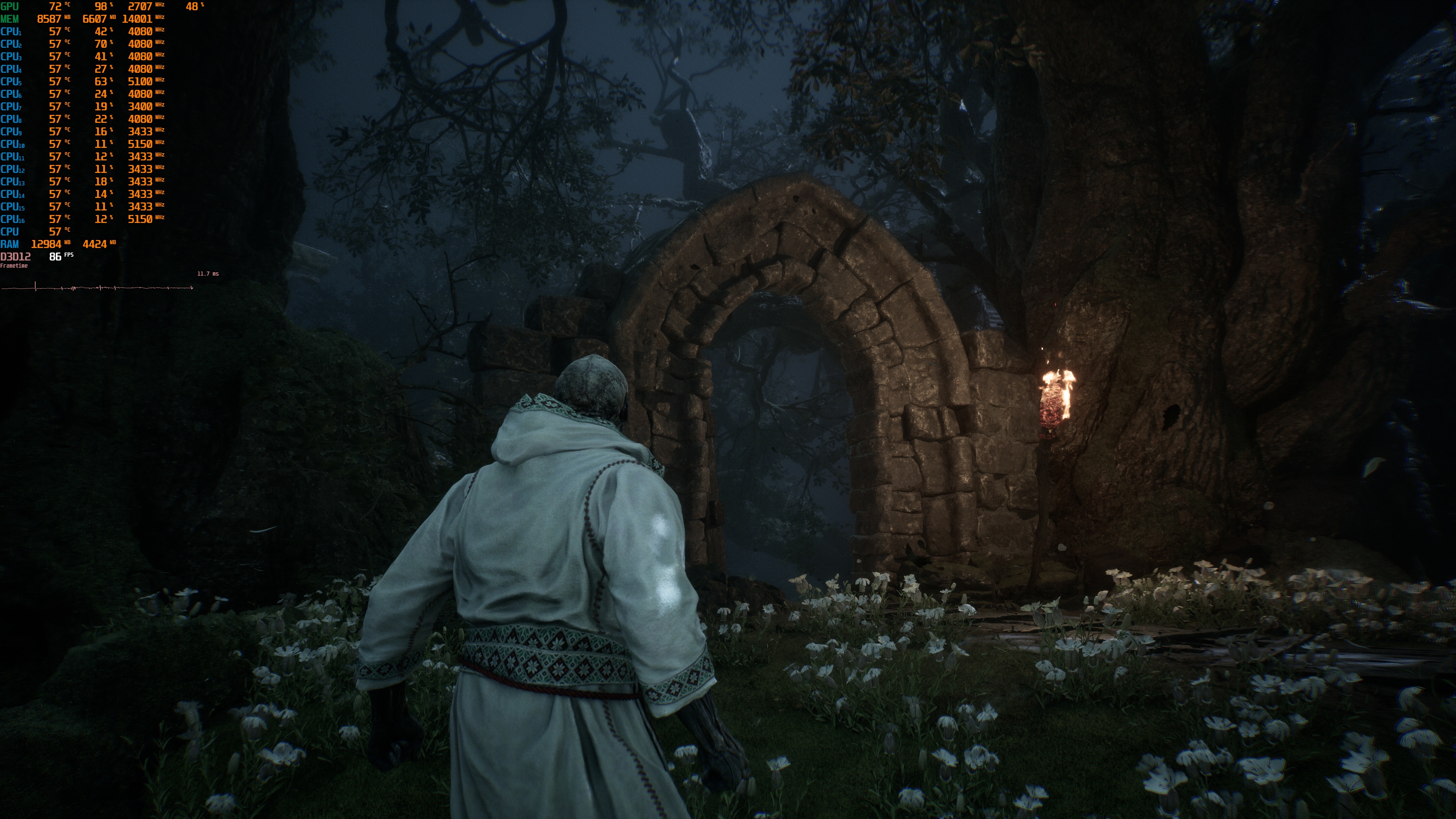
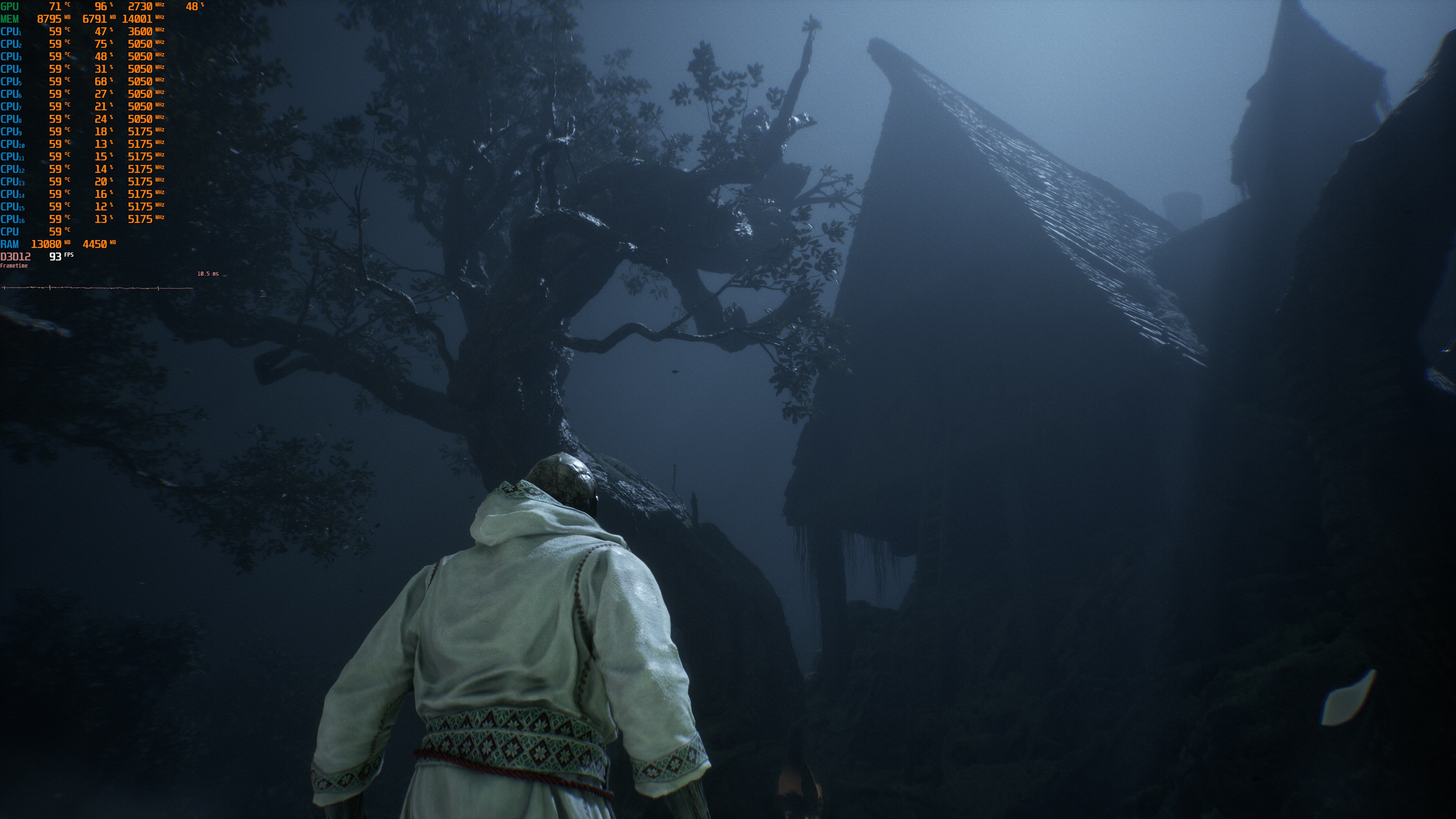
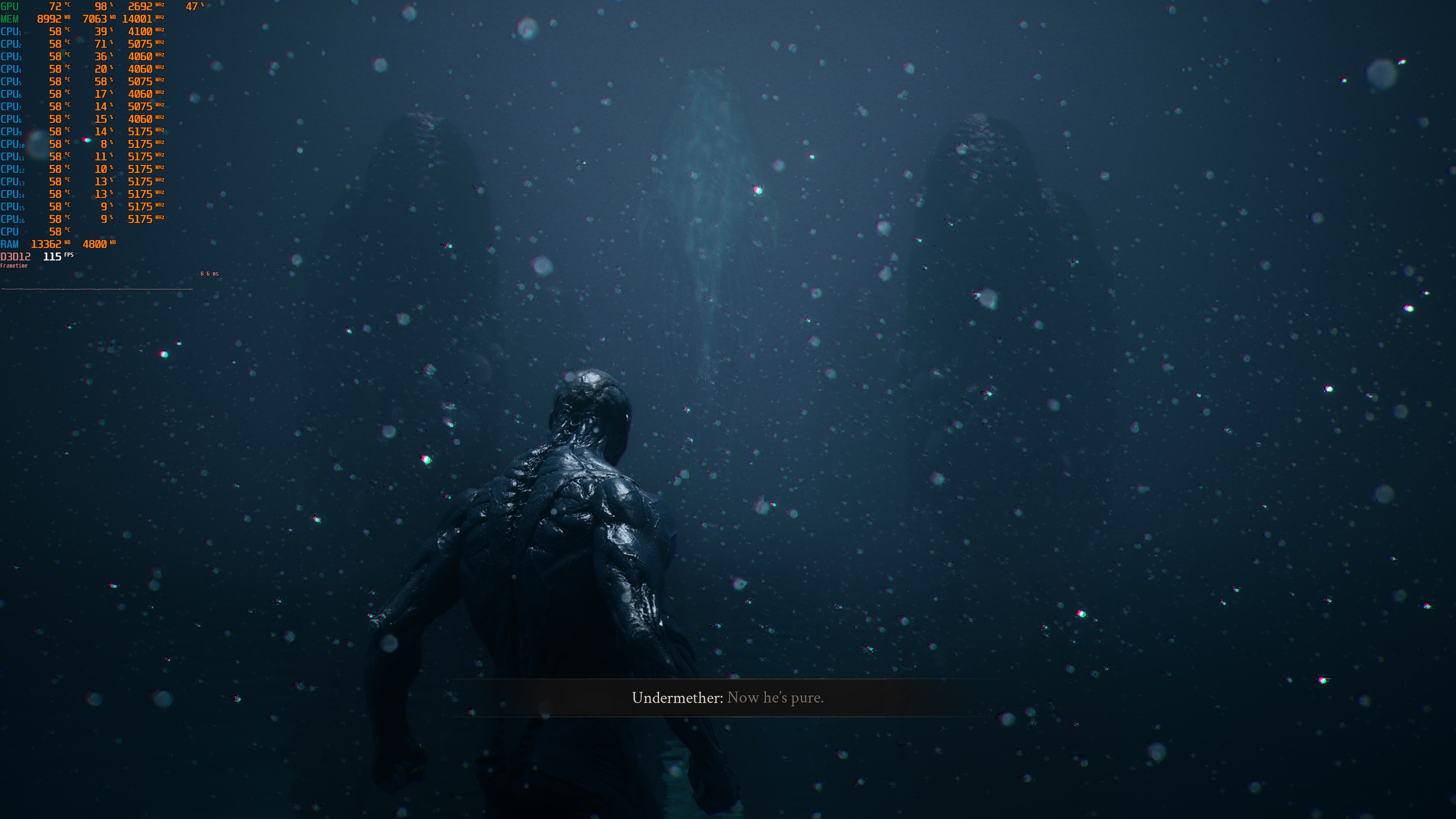
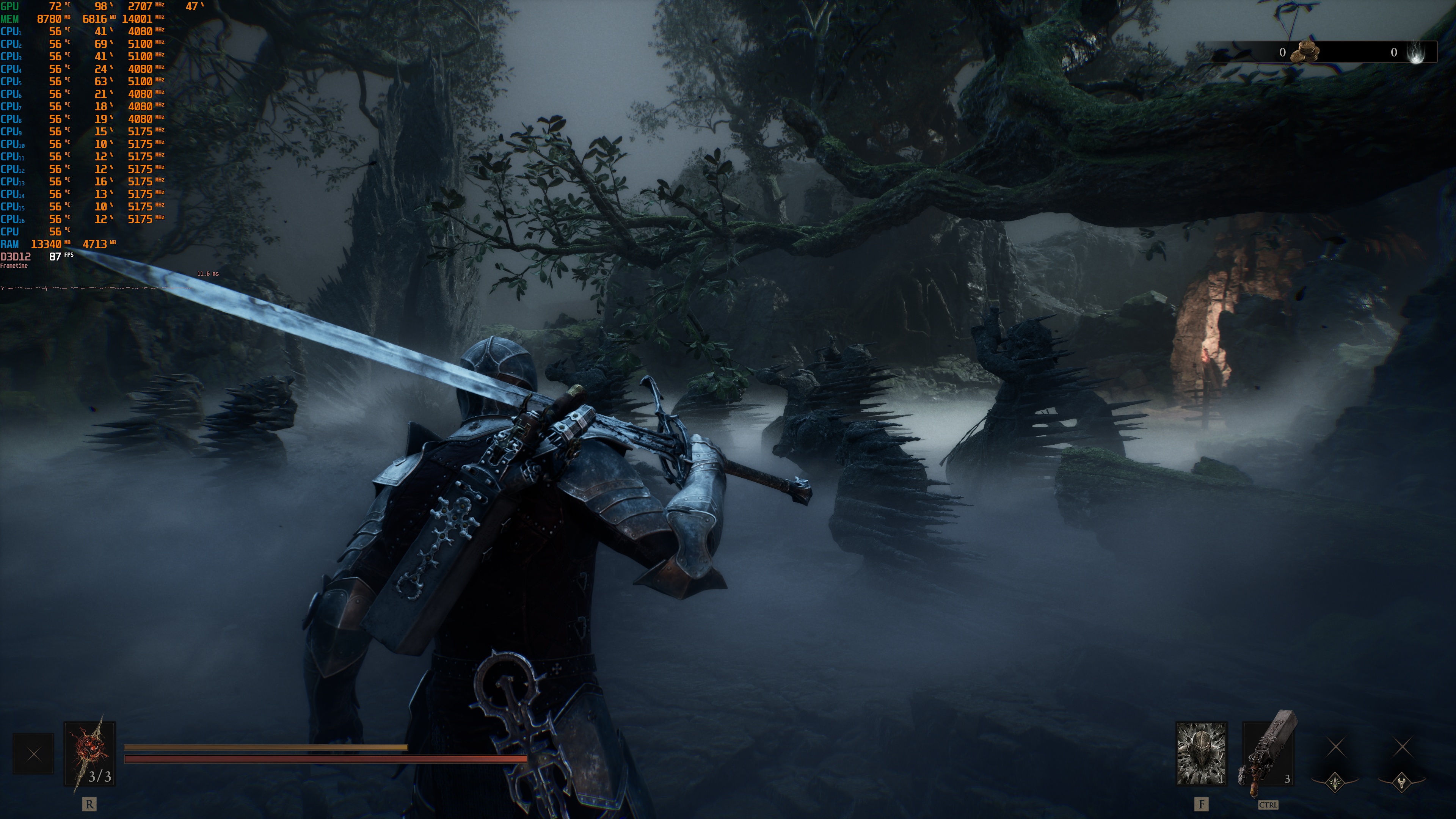
Now look, I’m not saying the game looks bad or average. It actually looks great. It’s not THE best-looking game of 2026. However, it remains a looker. Thanks to UE5’s tech features, it punches above its weight. A game that looks this good from a small studio would have been impossible with older versions of Unreal Engine.
Before closing, I should also note that I did experience some traversal stutters. For a Souls-like game, this is a bit disappointing. These stutters were also present in the Open Beta build. They are not as awful as those we’ve seen in Oblivion Remastered. Still, most of you will be able to immediately notice them.
All in all, Mortal Shell 2 runs better than most Unreal Engine 5 games. At the same time, it suffers from major visual issues that those more demanding UE5 games don’t have. Cold Symmetry chose performance over visuals. Still, it’s a shame we don’t have a “Cinematic” or “Max” setting. I know you can enable Hardware Lumen and increase the number of Lumen rays via Engine.ini. Still, it would have been cool if there were in-game settings for them!


John is the founder and Editor in Chief at DSOGaming. He is a PC gaming fan and highly supports the modding and indie communities. Before creating DSOGaming, John worked on numerous gaming websites. While he is a die-hard PC gamer, his gaming roots can be found on consoles. John loved – and still does – the 16-bit consoles, and considers SNES to be one of the best consoles. Still, the PC platform won him over consoles. That was mainly due to 3DFX and its iconic dedicated 3D accelerator graphics card, Voodoo 2. John has also written a higher degree thesis on the “The Evolution of PC graphics cards.”
Contact: Email