
Frogwares has just released The Sinking City 2 on PC. Powered by the latest version of Unreal Engine 5, UE5.8, it’s time to benchmark it and examine its performance on PC.
For our benchmarks, I used an AMD Ryzen 9 7950X3D, 32GB of DDR5 at 6000Mhz, AMD’s Radeon RX 6900XT, RX 7900XTX, RX 9070XT, as well as NVIDIA’s RTX 2080Ti, RTX 3080, RTX 4090, RTX 5080, and RTX 5090. I also used Windows 10 64-bit, as well as the GeForce 610.88 and the Radeon Adrenalin Edition 26.7.1 drivers.
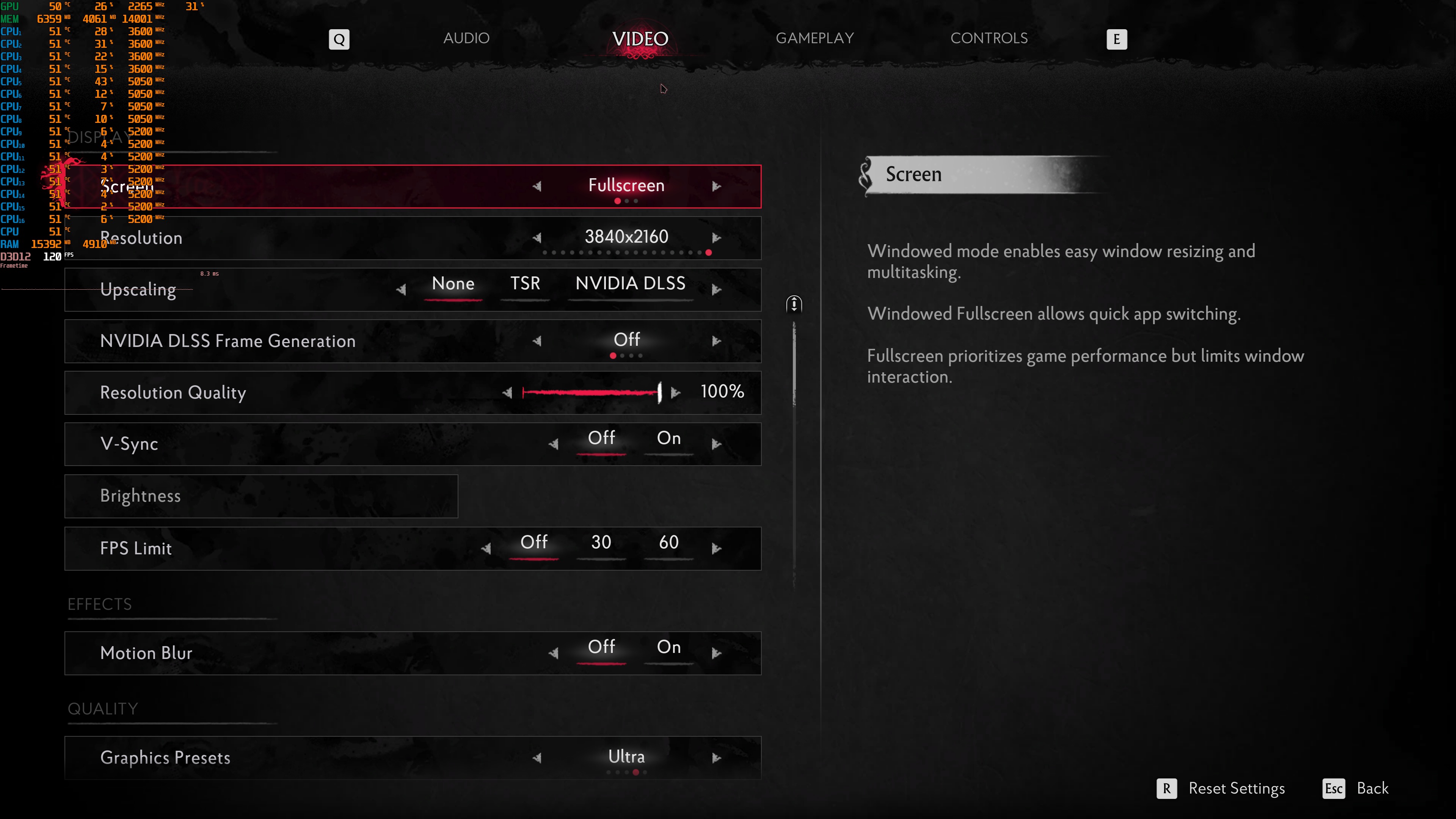
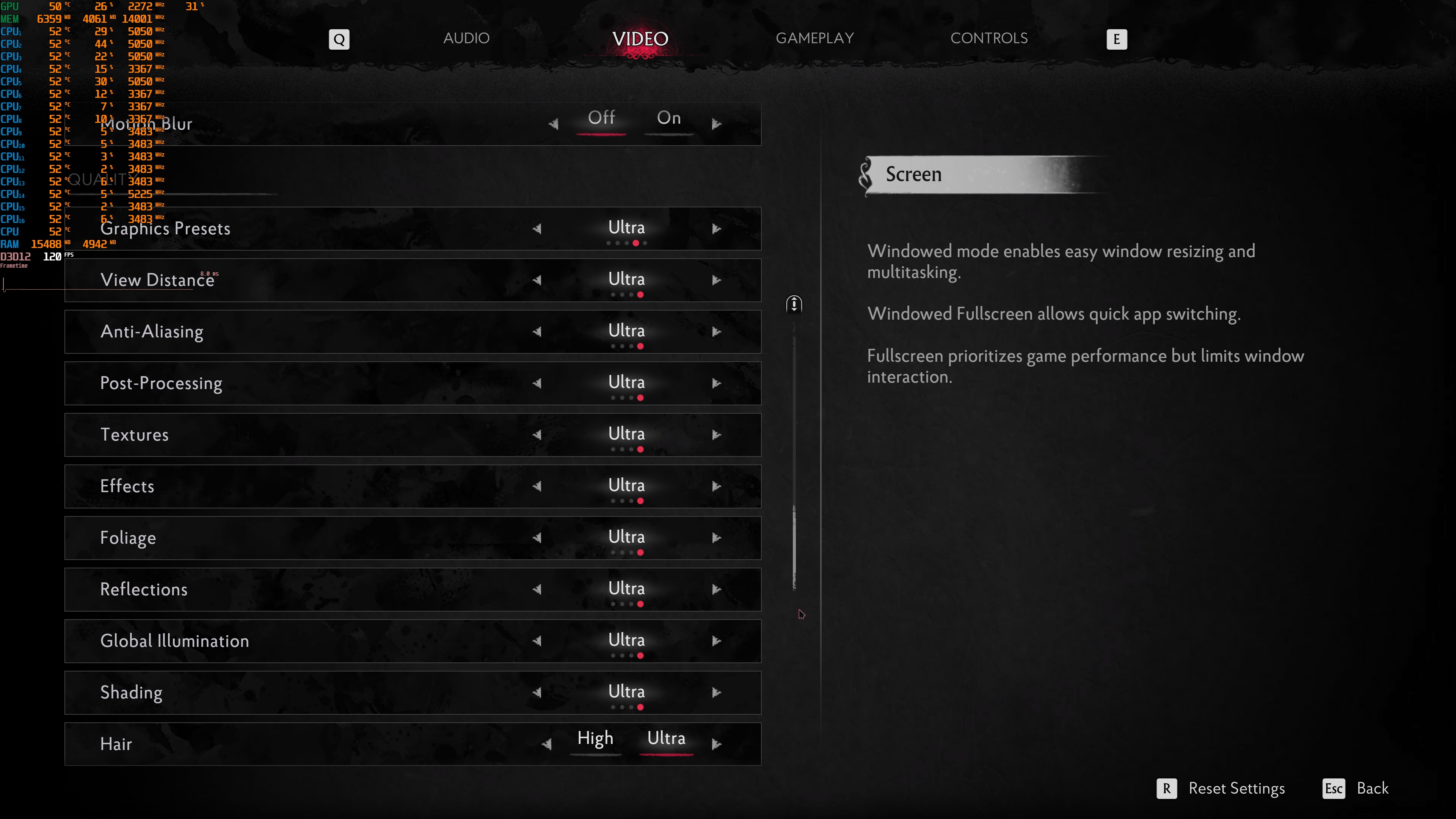
Frogwares has added a few graphics settings to tweak. PC gamers can adjust the quality of View Distance, Effects, Textures, Global Illumination, Reflections, and more. Despite what the in-game settings indicate, right now, there is no support for AMD FSR. The game only supports NVIDIA DLSS 4.5 with Multi-Frame Gen. Frogwares claimed that AMD has not yet released the required plugin/patch for Unreal Engine 5.8. Once it does, it will add support for it.
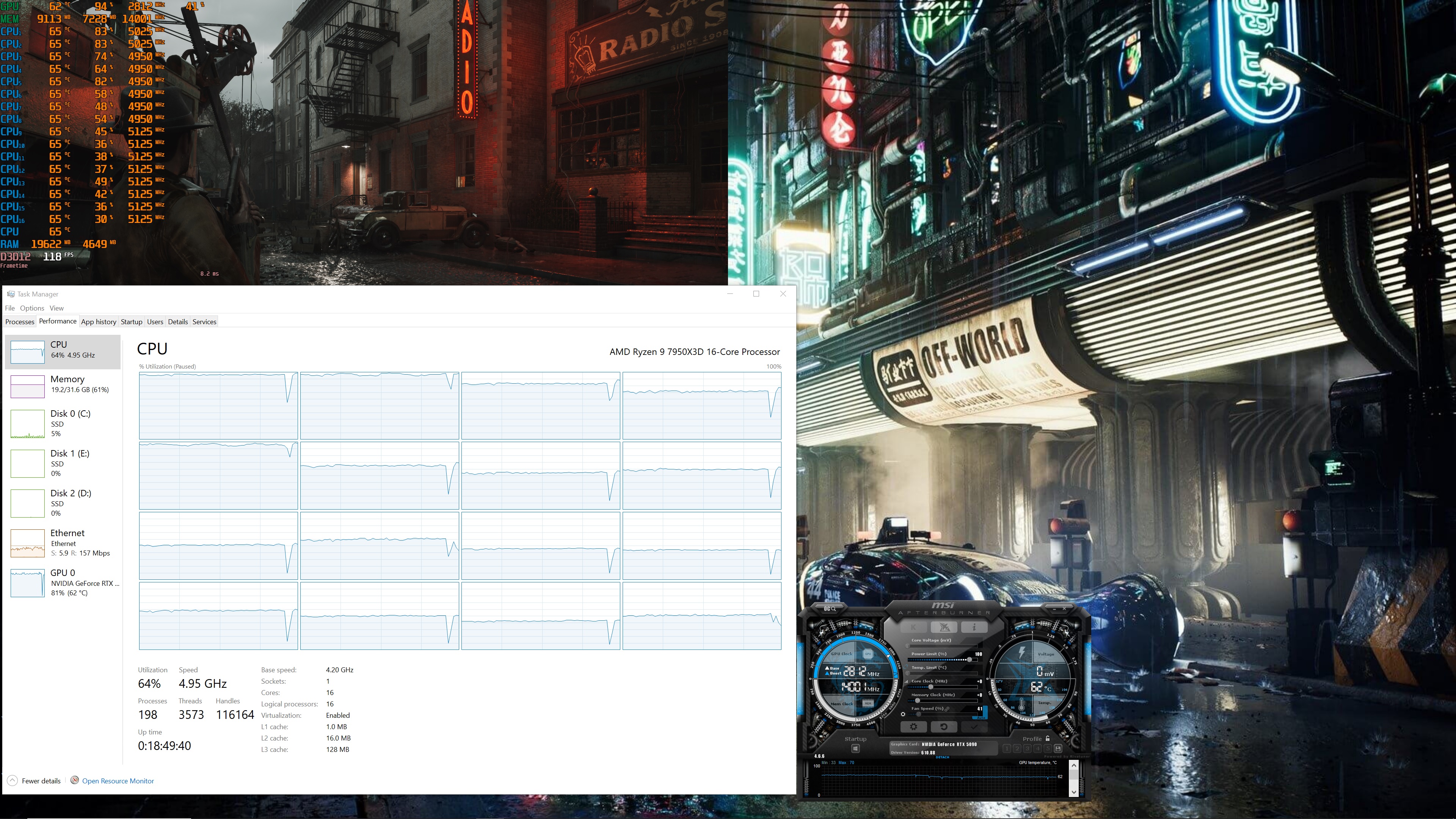
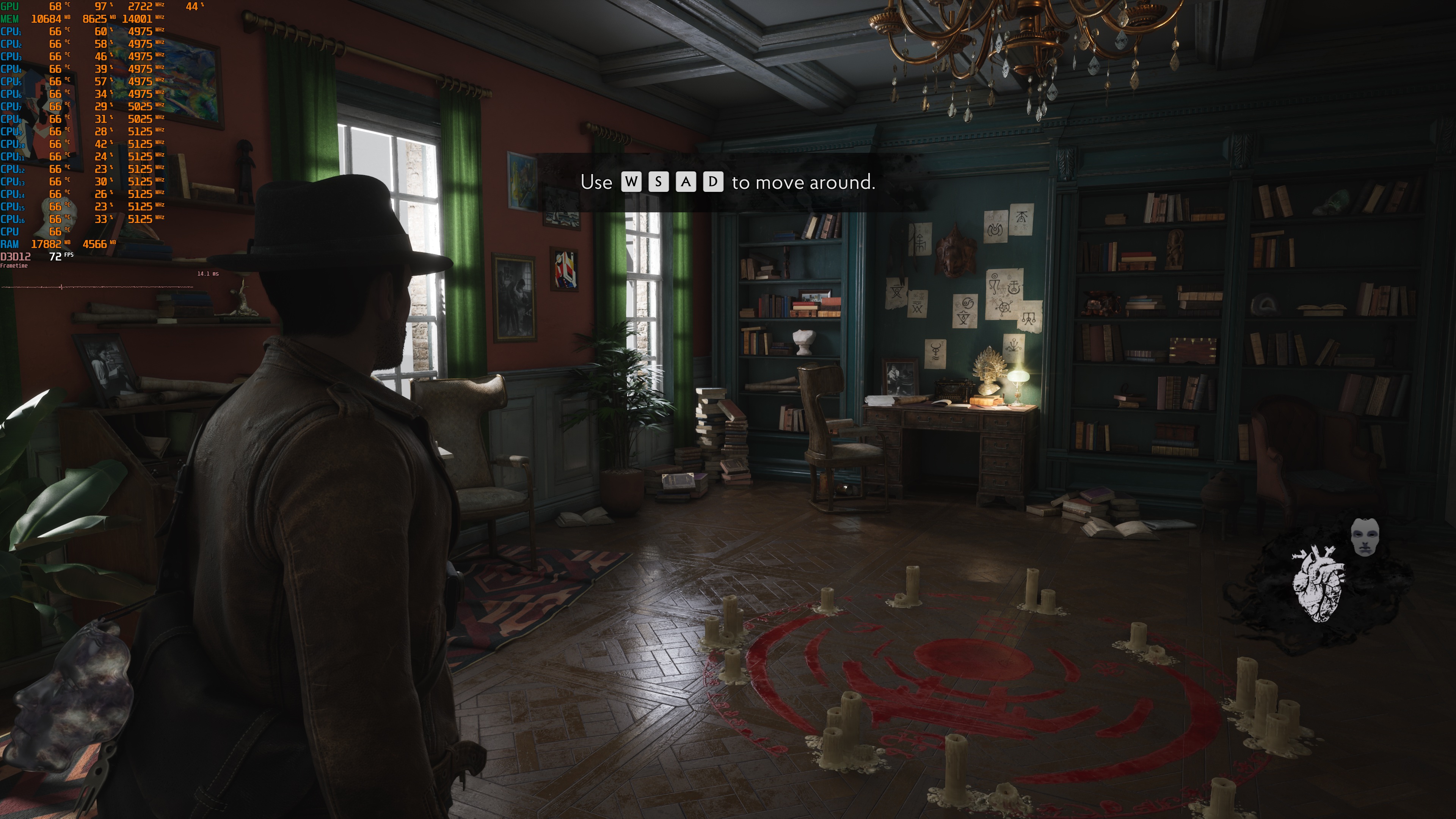
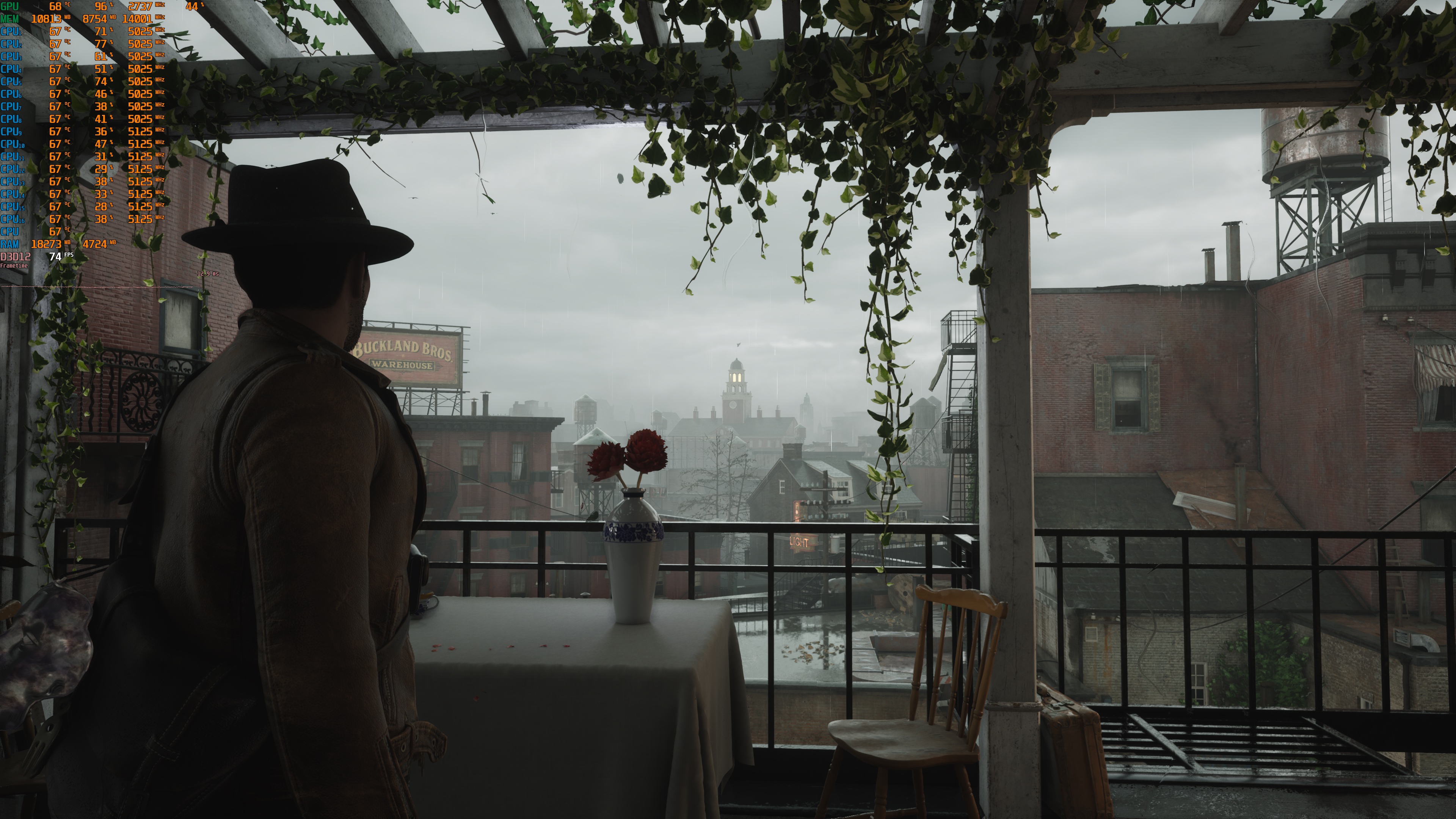
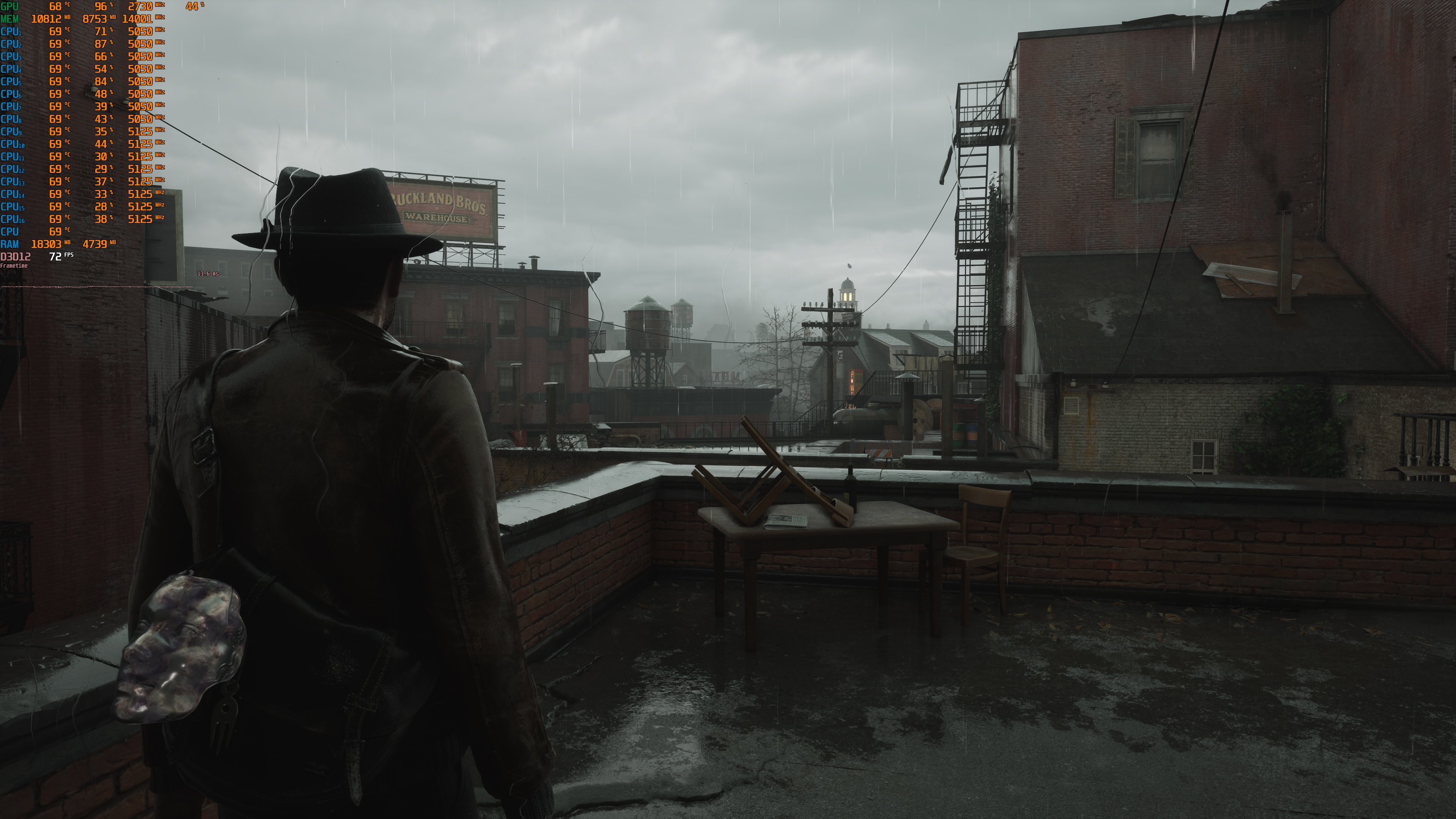
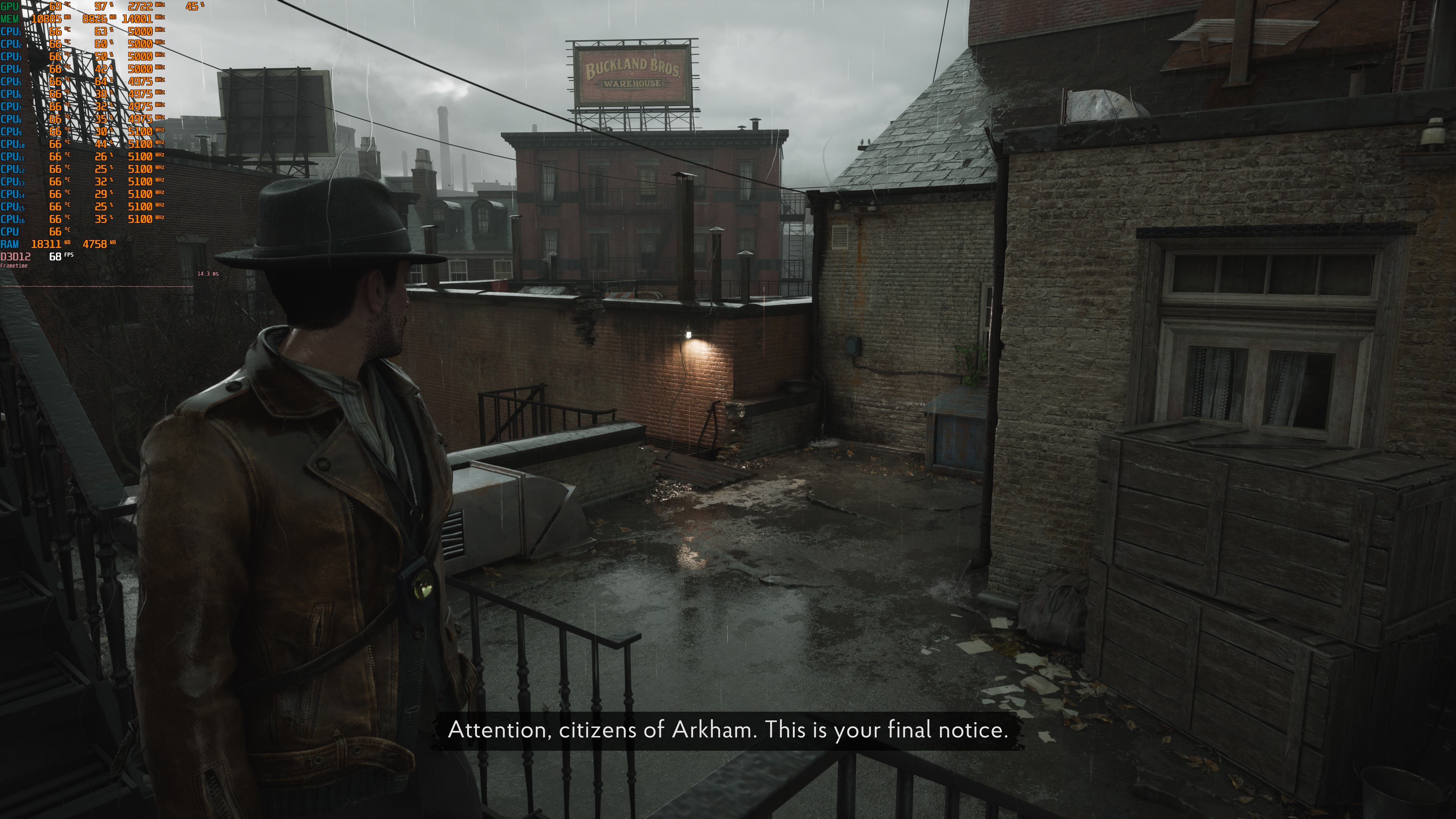
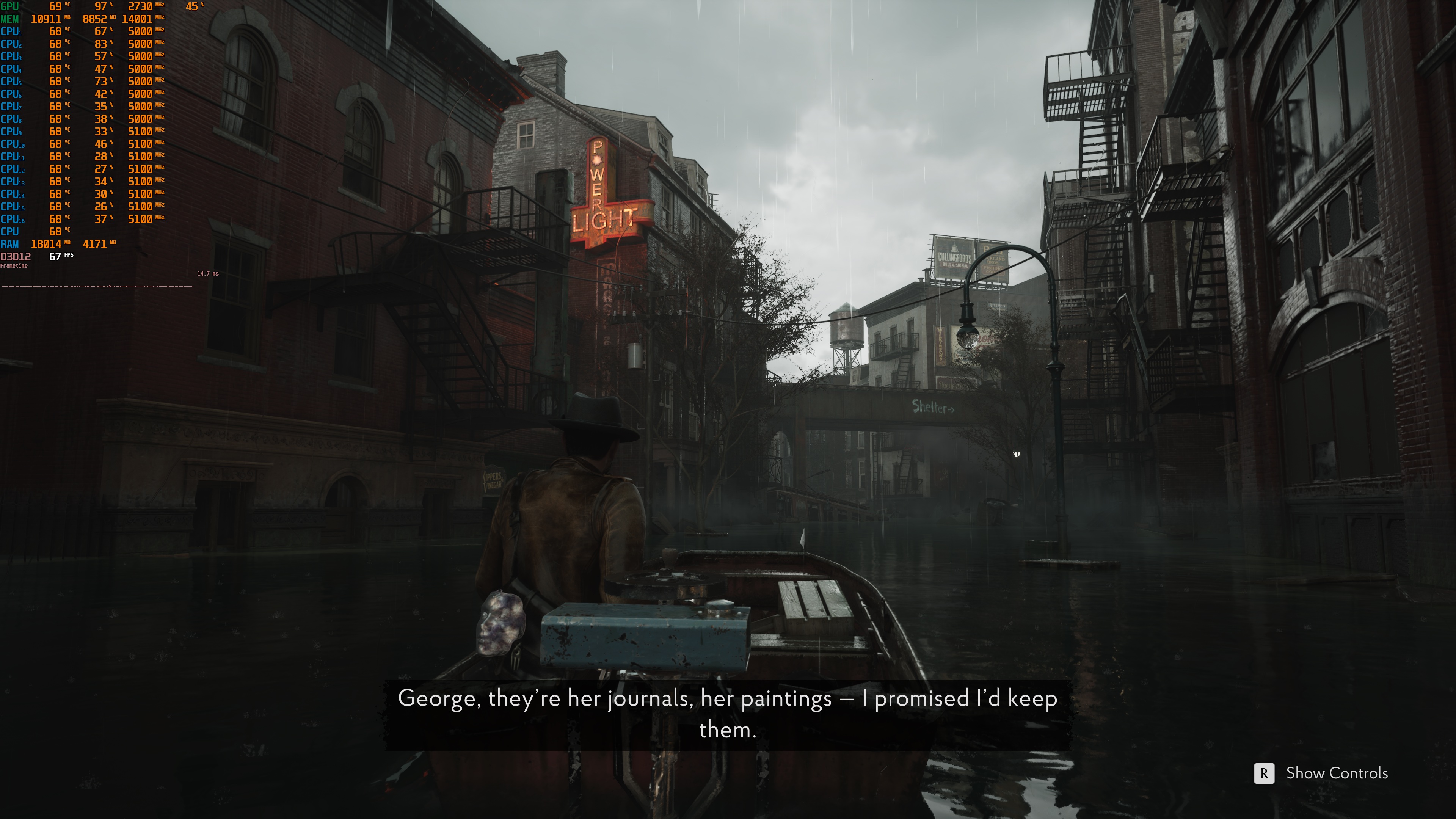
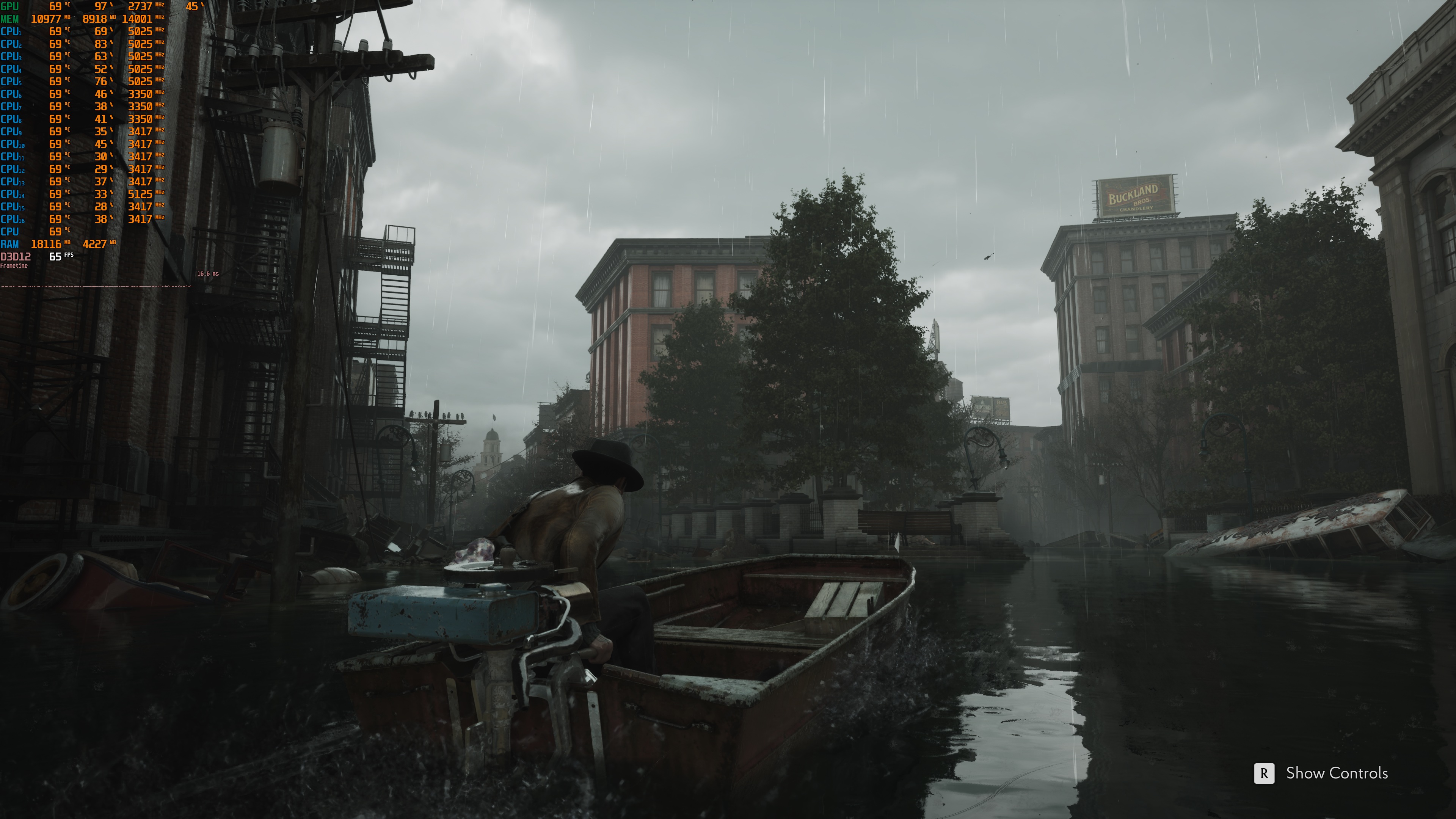
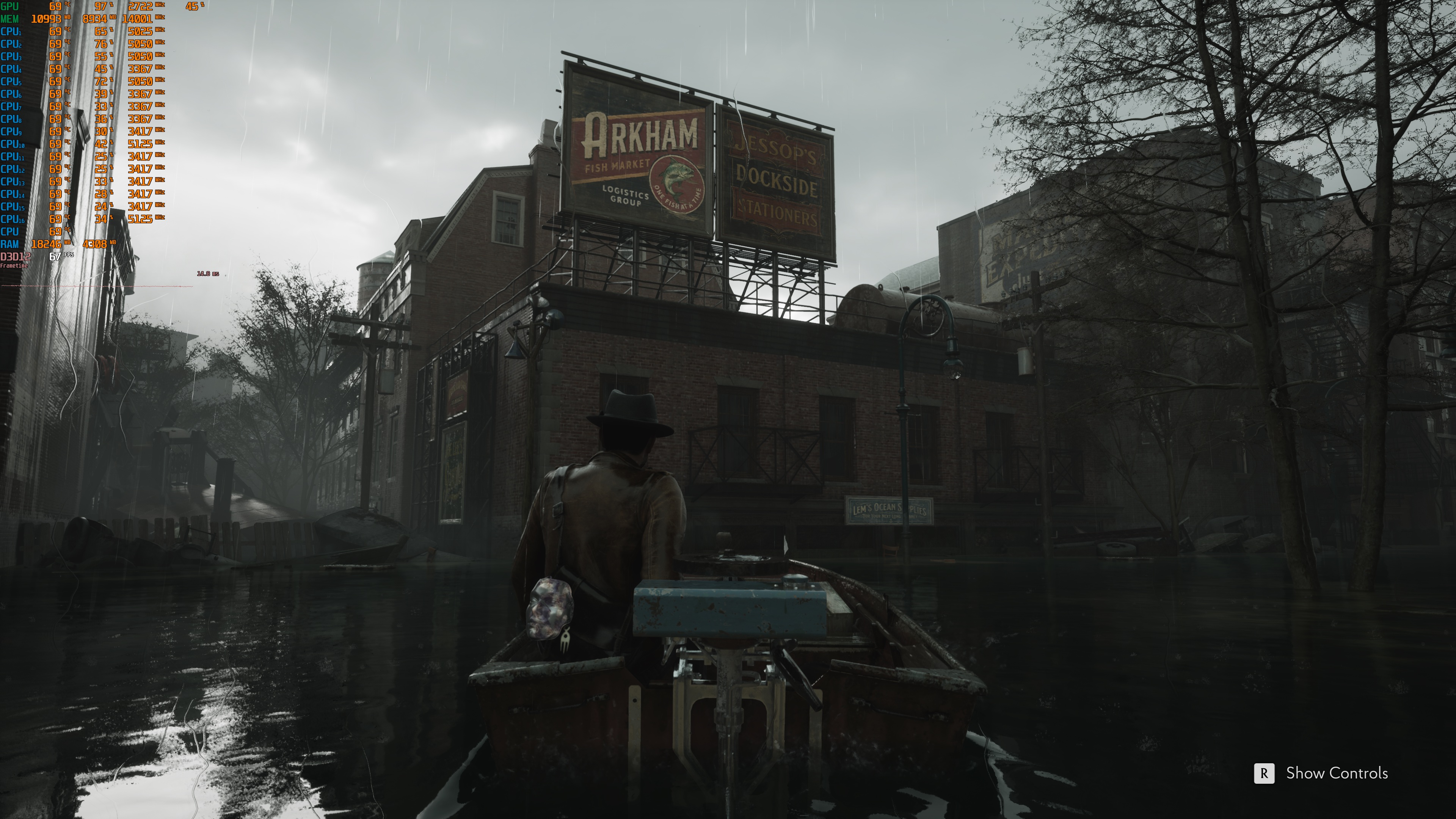
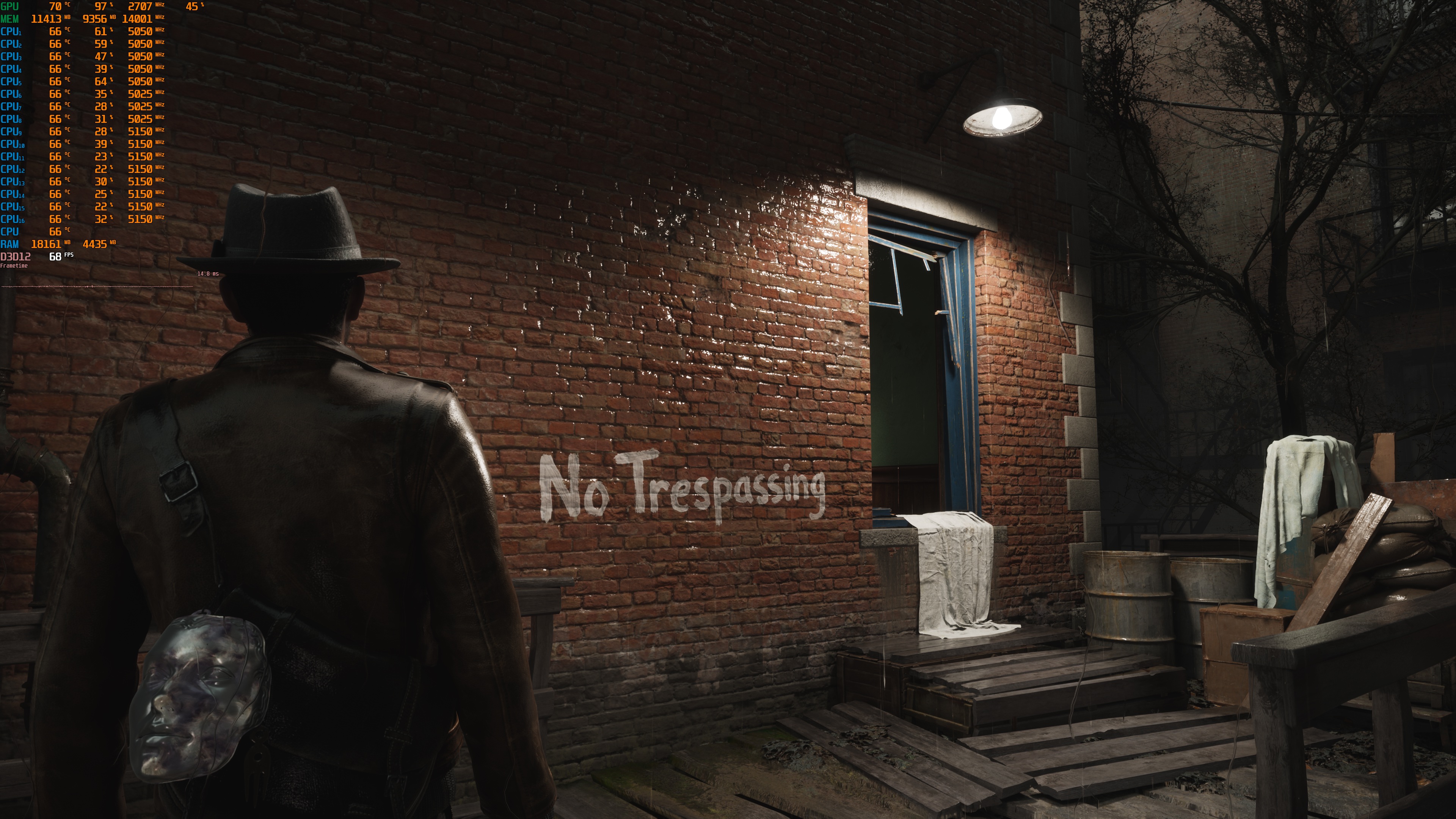
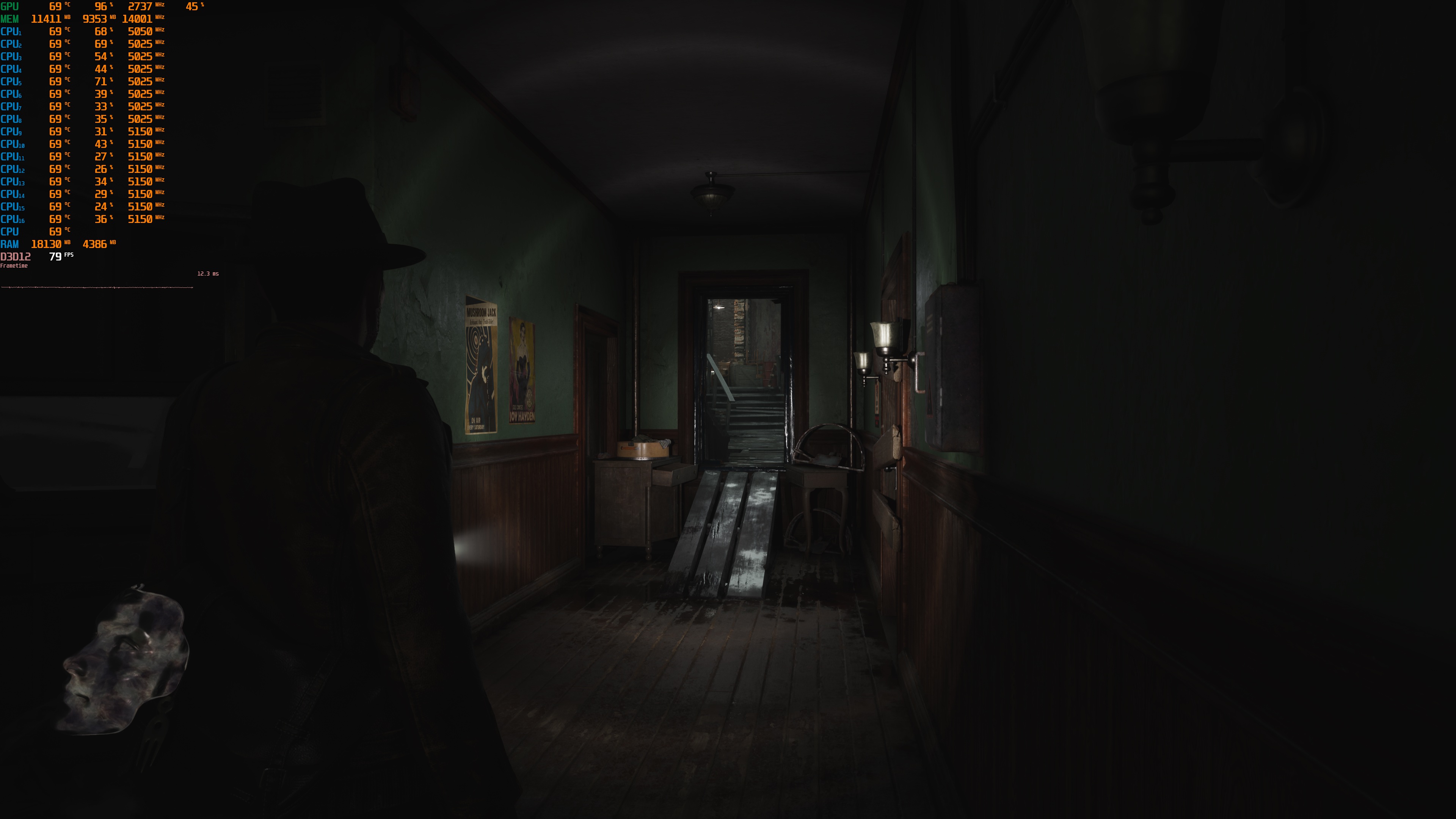
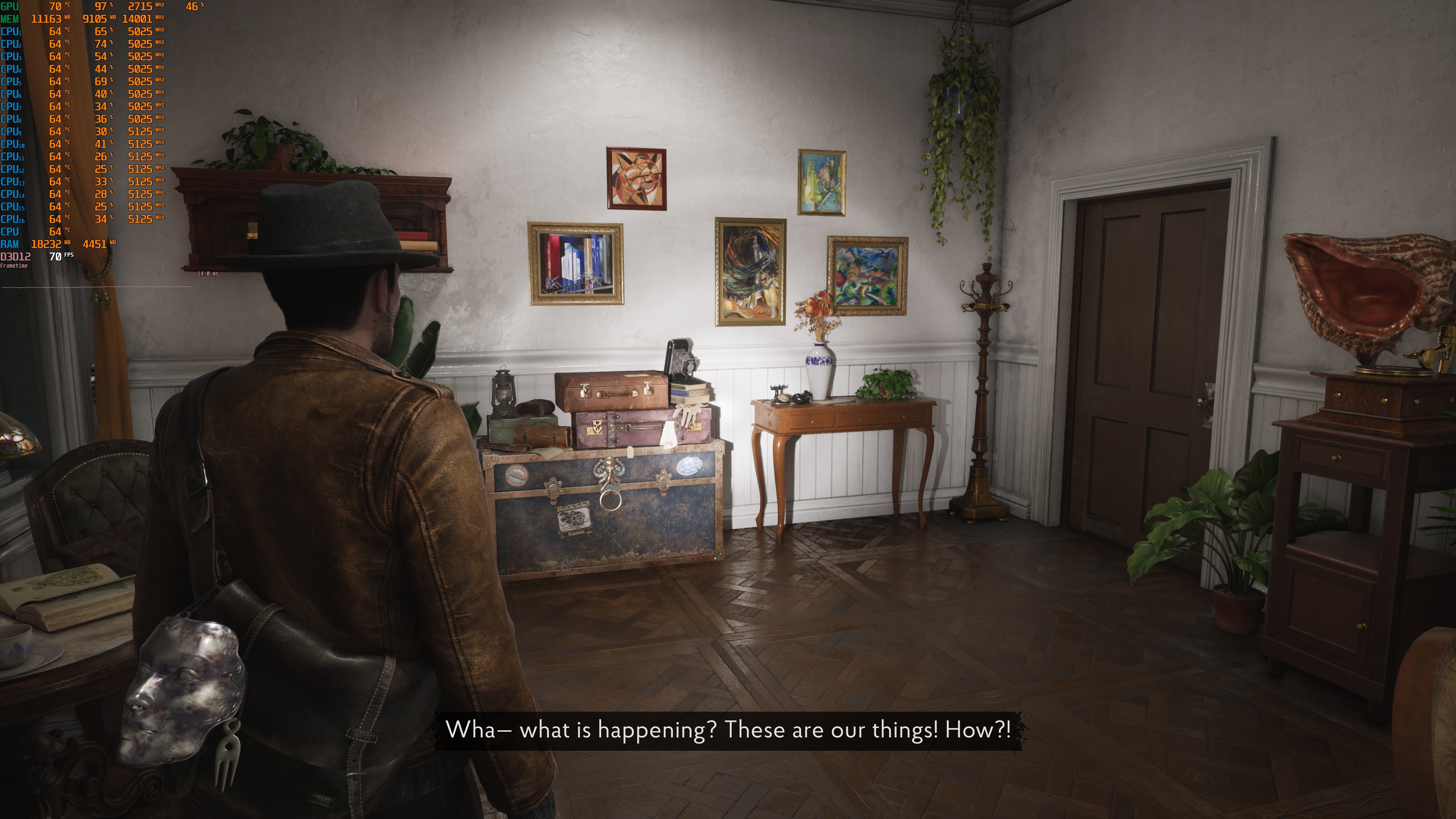
The Sinking City 2 does not feature a built-in benchmark tool. So, for our benchmarks, I used this scene. This appeared to be one of the most demanding areas I could find early in the game.
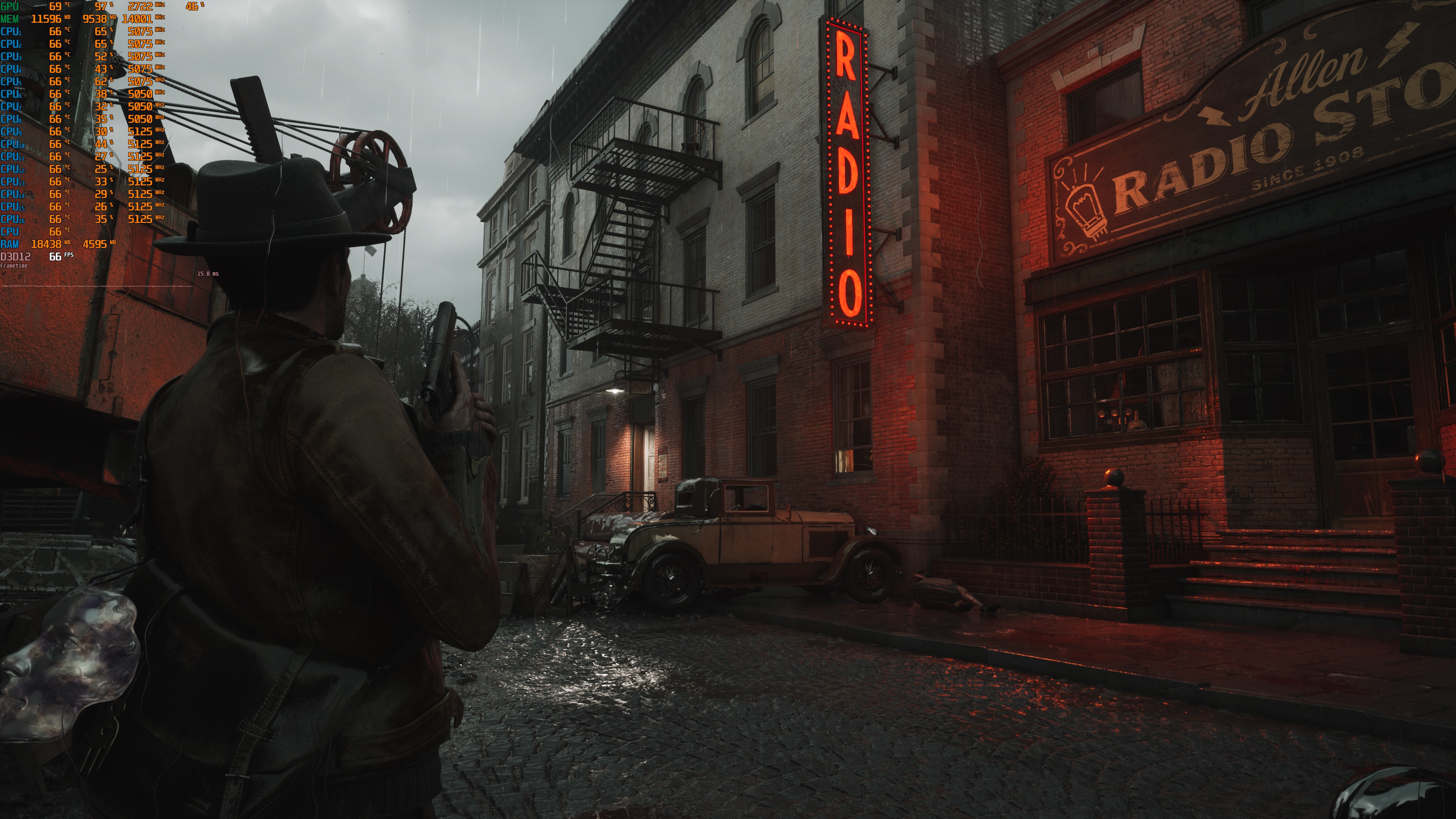
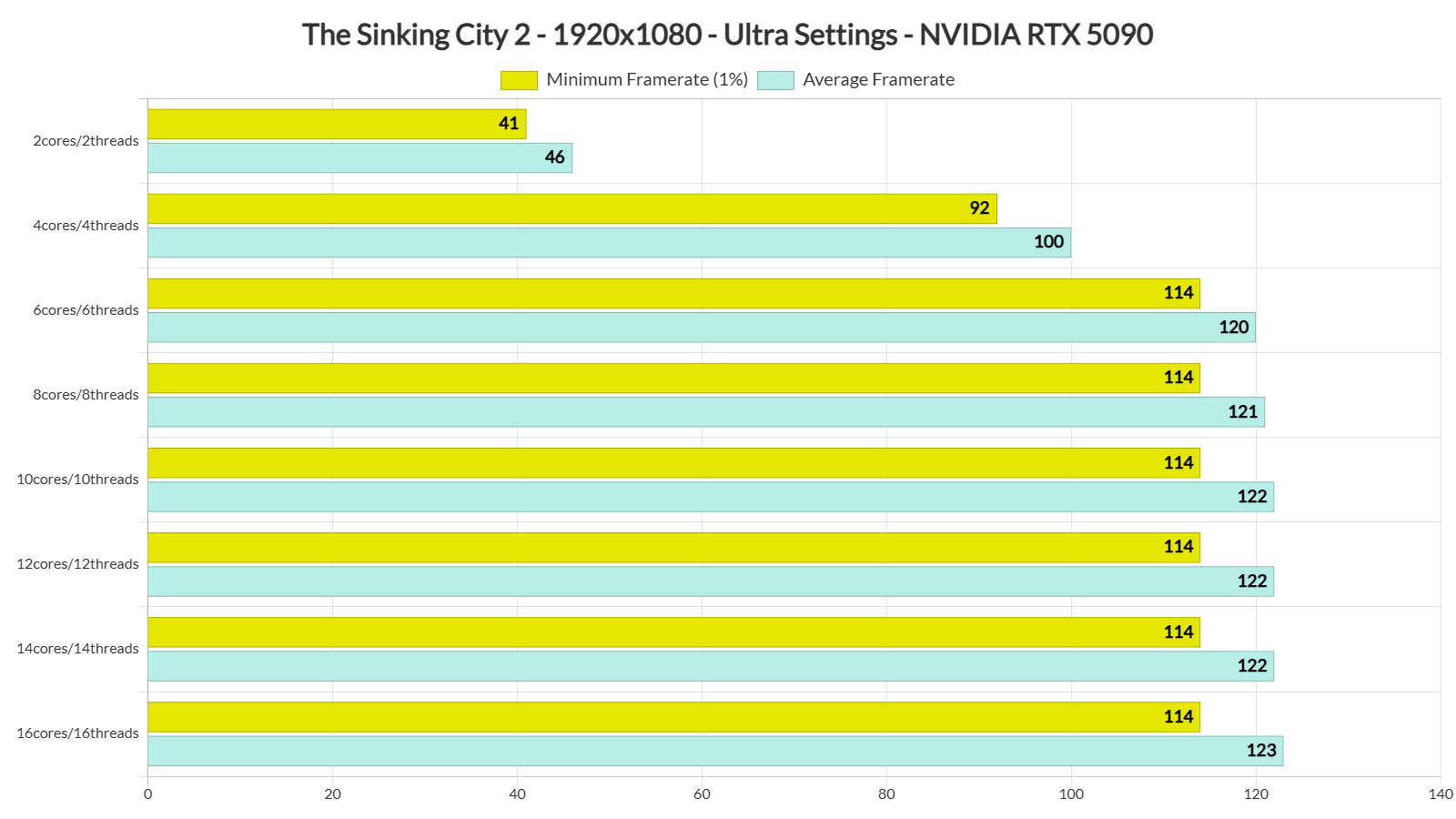
Our benchmark scene was stressing both the CPU and the GPU. At 1080p/Ultra Settings, our NVIDIA RTX 5090 was bottlenecked by the AMD Ryzen 9 7950X3D.
The Sinking City 2 seems to be taking advantage of 6 CPU cores/threads. What’s interesting here, though, is that the game does not suffer from any stutters. Even on our simulated dual-core PC system, we were not getting any stutters. This is a huge improvement over the demo which had stutters while exploring the environment.
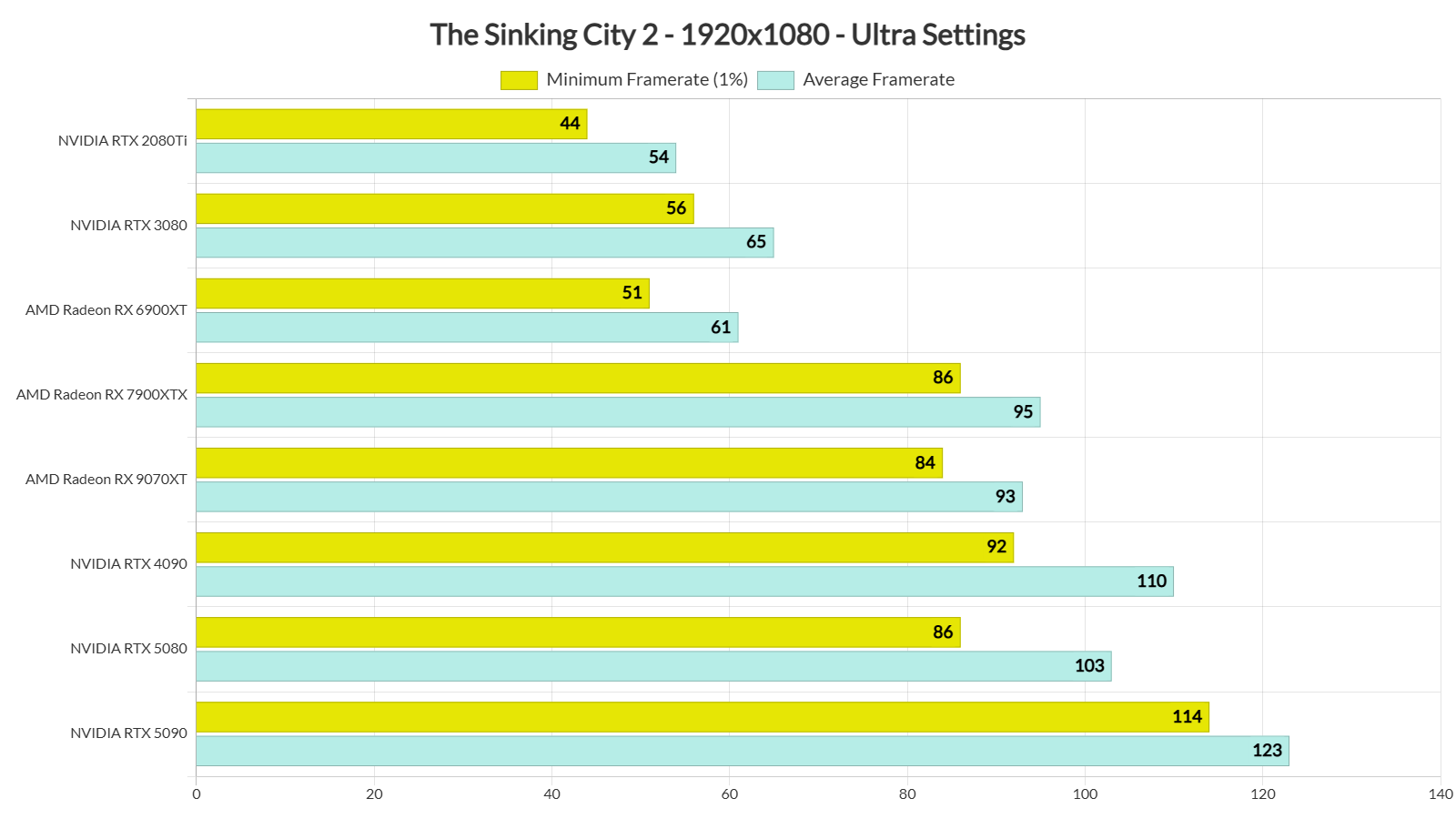
At 1080p/Ultra Settings, most of our GPUs are able to provide framerates above 60FPS. The NVIDIA RTX 3080 can also offer a smooth experience, provided you use a G-Sync monitor.
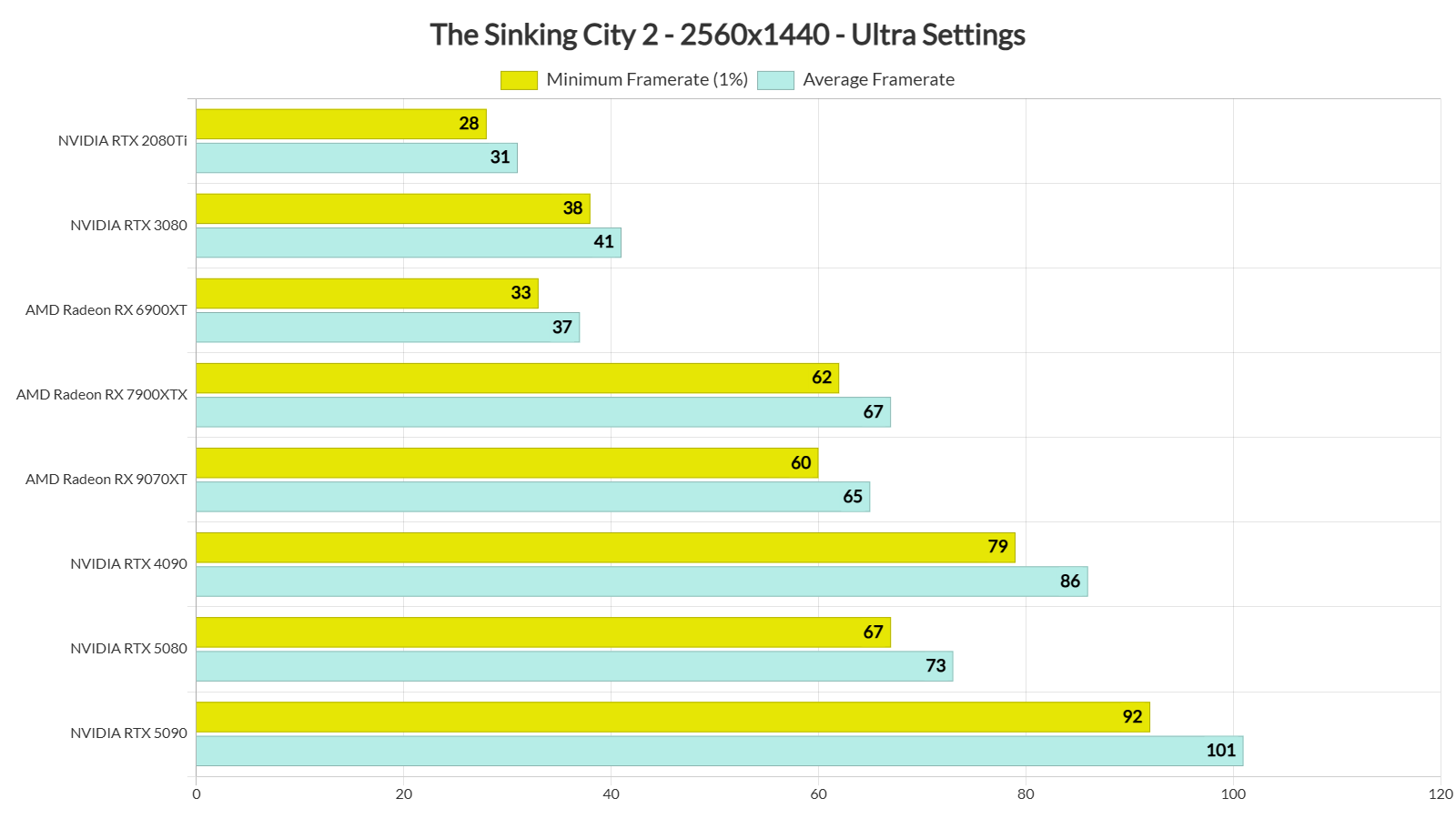
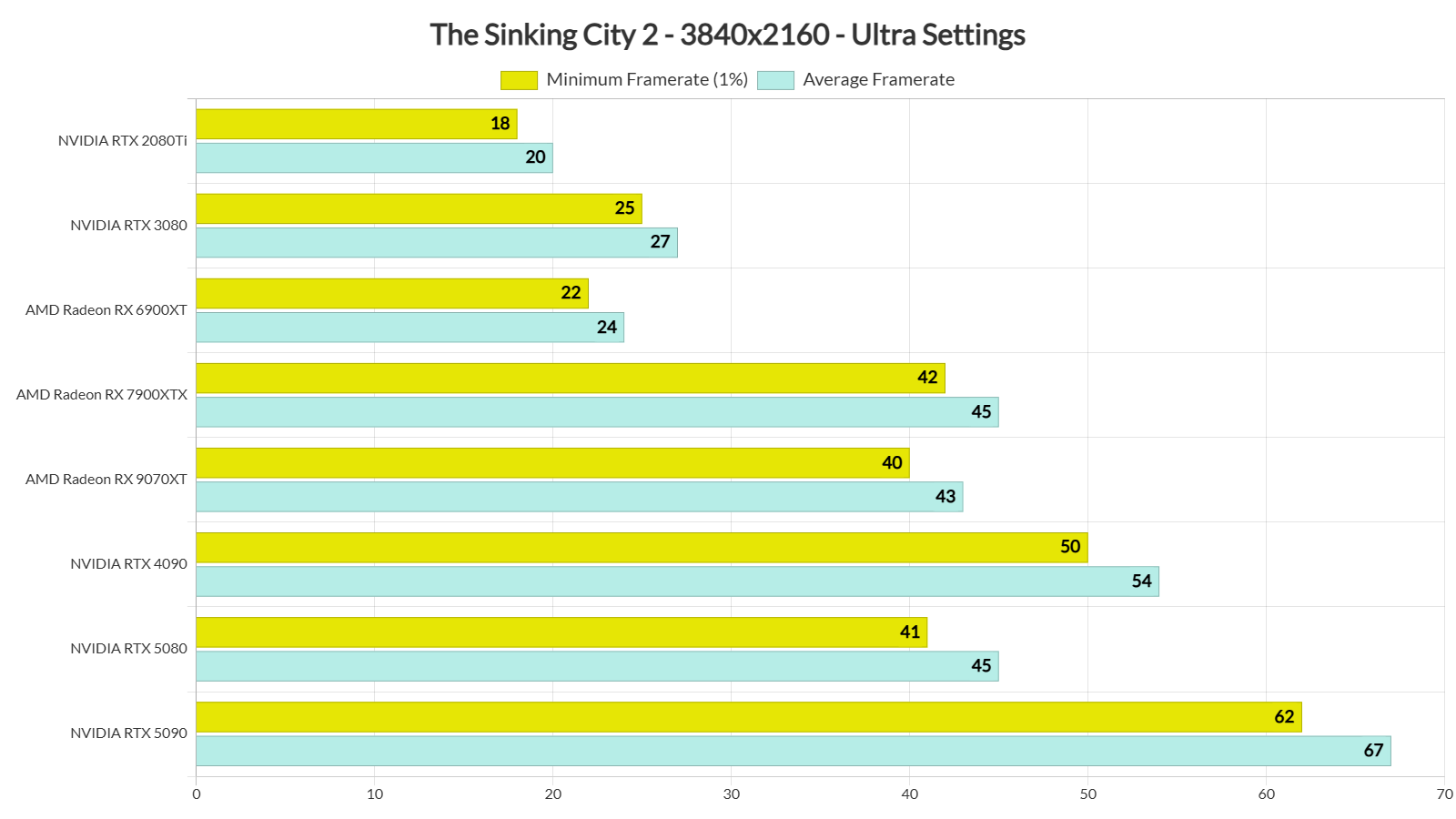
At 1440p/Ultra, our top five GPUs were able to provide a constant 60FPS experience. Finally, for Native 4K/Ultra, you will need an NVIDIA GeForce RTX 5090, as that was the only GPU that could push framerates over 60FPS.
Compared to the PC demo, the final version runs noticeably faster. In the exact same scene, the NVIDIA RTX 5090 was pushing 55-62FPS. But now, we are above 60FPS at all times.
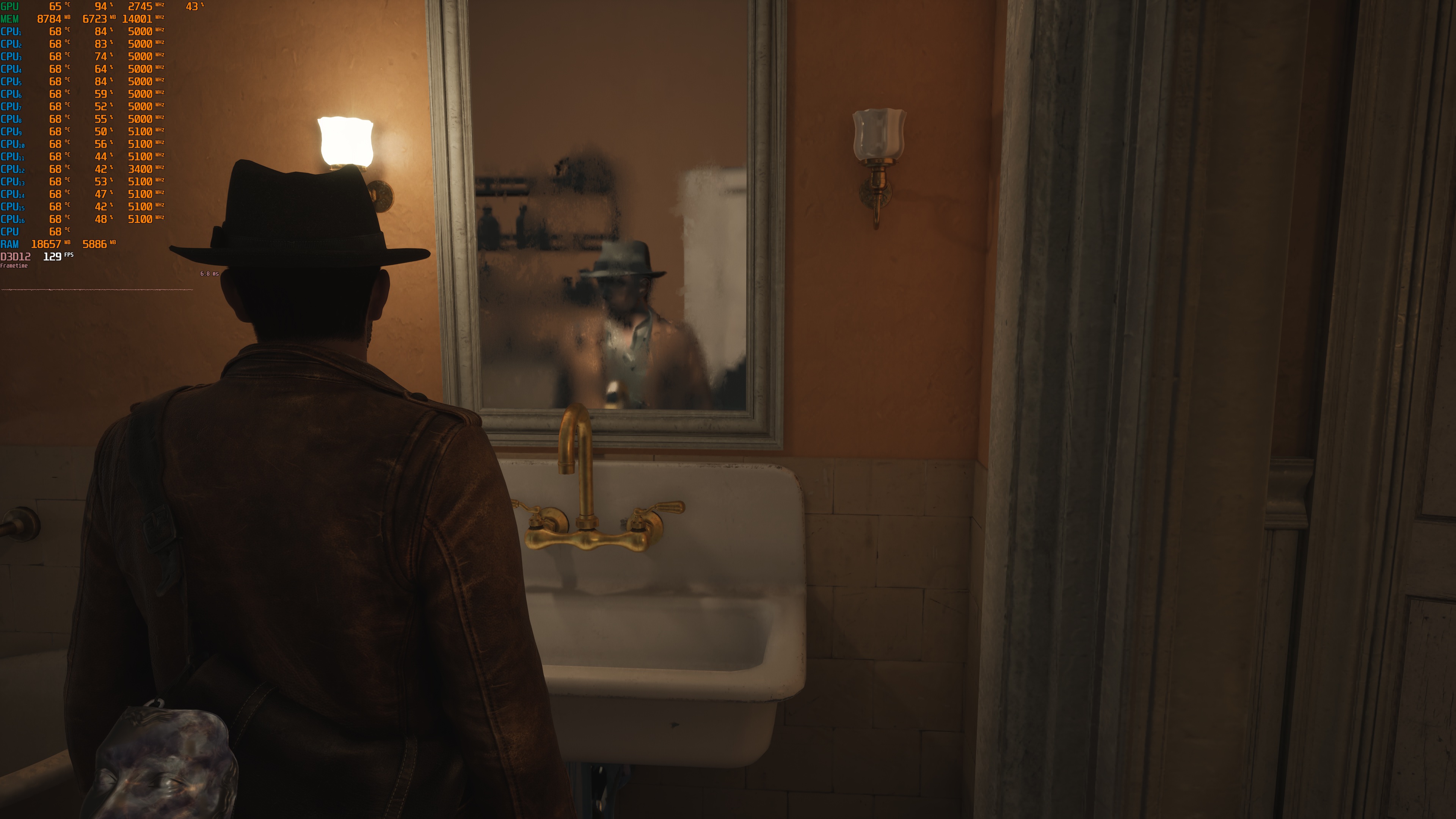
Sadly, The Sinking City 2 has several visual issues. There are clear ghosting and trailing issues on falling leaves. These issues can happen even at native resolution, without an upscaler. The game also has some bad Lumen artifacts. Just look at the mirror reflection in the following screenshot. It is full of artifacts and looks completely broken.
I’m almost certain the developers have chosen to “lock” the game’s Max settings. Other developers have done the same with their Unreal Engine 5 games. The reason is simple. PC players may max out the settings and then complain about poor performance. The downside is that even at Max/Ultra settings, the game has visual artifacts. That’s a bummer. Still, since this is an Unreal Engine 5 game, PC players may be able to improve the image quality through the Engine.ini file or with mods.
All in all, The Sinking City 2 runs better than its pre-release demo. It can run fine on numerous GPUs, and it does not suffer from any stutters. This is a pleasant surprise for a UE5 game. Sadly, though, AMD users will have to wait until AMD releases its FSR plugin for UE5.8. On the other hand, NVIDIA users can use NVIDIA DLSS 4.5 to further improve performance. And for a game that uses Lumen, you should use it.
Enjoy!

John is the founder and Editor in Chief at DSOGaming. He is a PC gaming fan and highly supports the modding and indie communities. Before creating DSOGaming, John worked on numerous gaming websites. While he is a die-hard PC gamer, his gaming roots can be found on consoles. John loved – and still does – the 16-bit consoles, and considers SNES to be one of the best consoles. Still, the PC platform won him over consoles. That was mainly due to 3DFX and its iconic dedicated 3D accelerator graphics card, Voodoo 2. John has also written a higher degree thesis on the “The Evolution of PC graphics cards.”
Contact: Email