

Capcom has lifted the review embargo for Resident Evil Requiem. As such, we can share our first technical impressions of it. In this article, we’ll take a closer look at its Path Tracing and DLSS 4.5 features. So, let’s dive in.
Resident Evil Requiem uses Capcom’s RE Engine. The review code uses Denuvo, so it can give us a pretty good idea of how the retail version will run. The game also comes with lots of PC graphics settings to tweak.
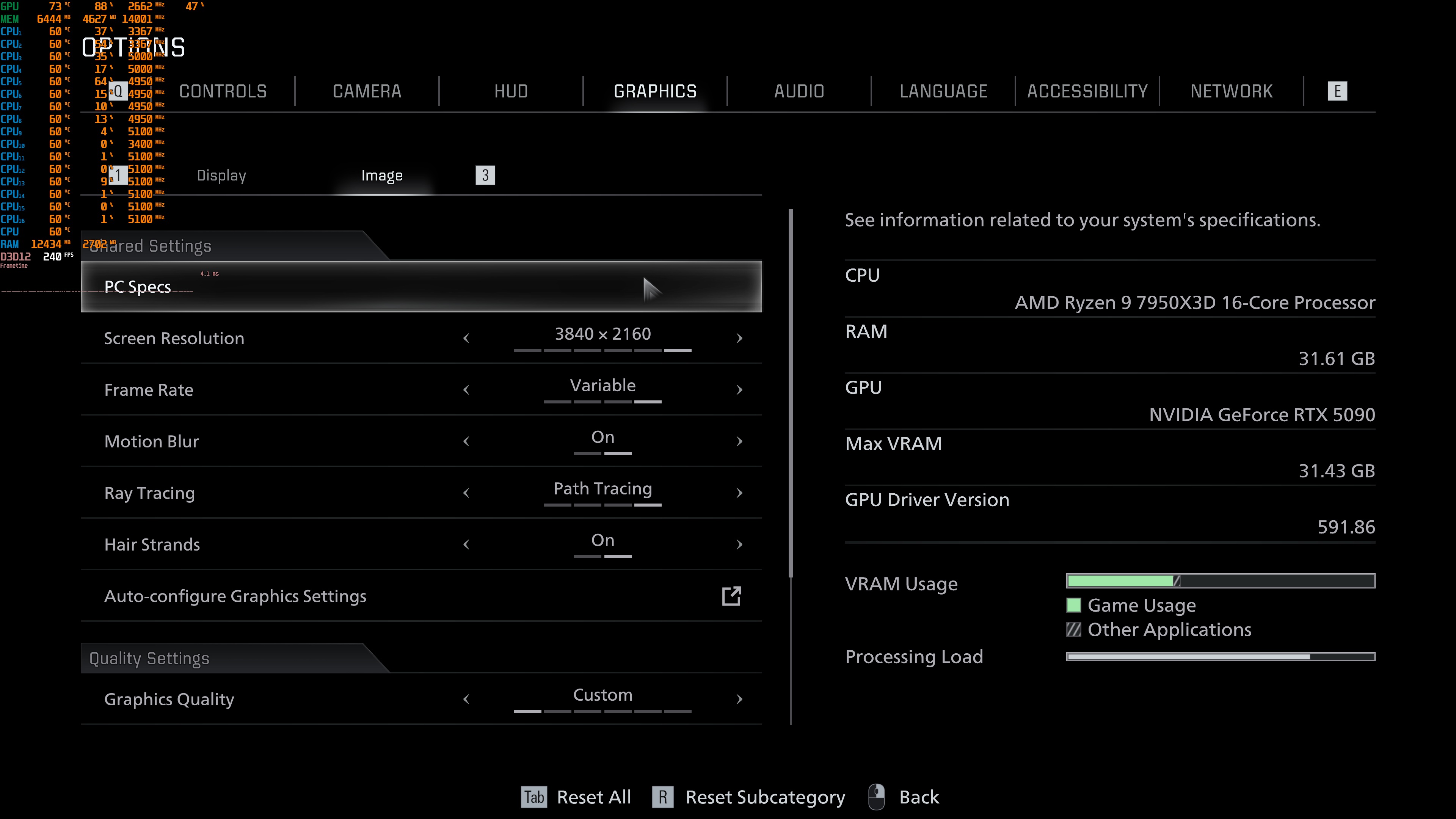
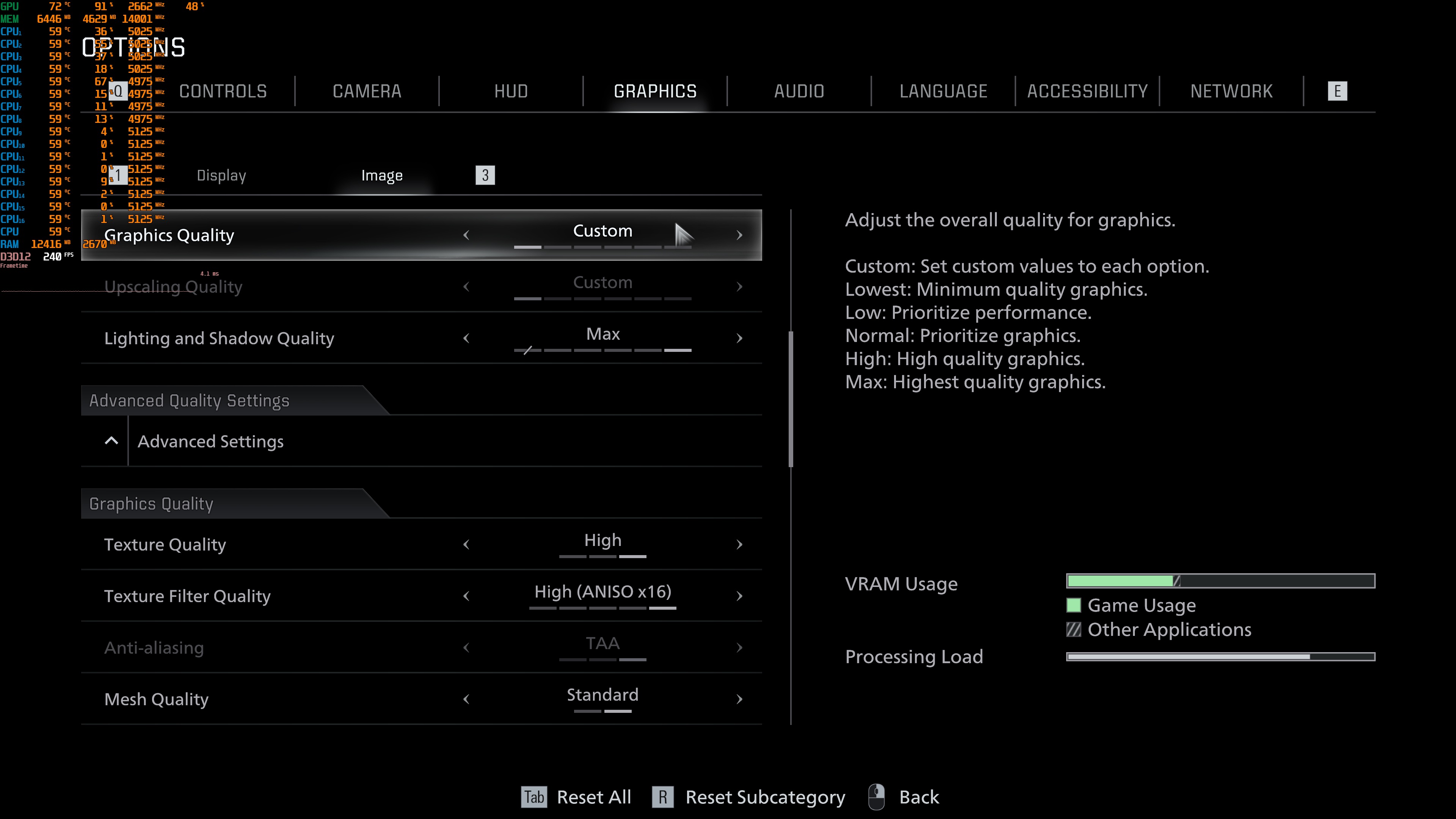
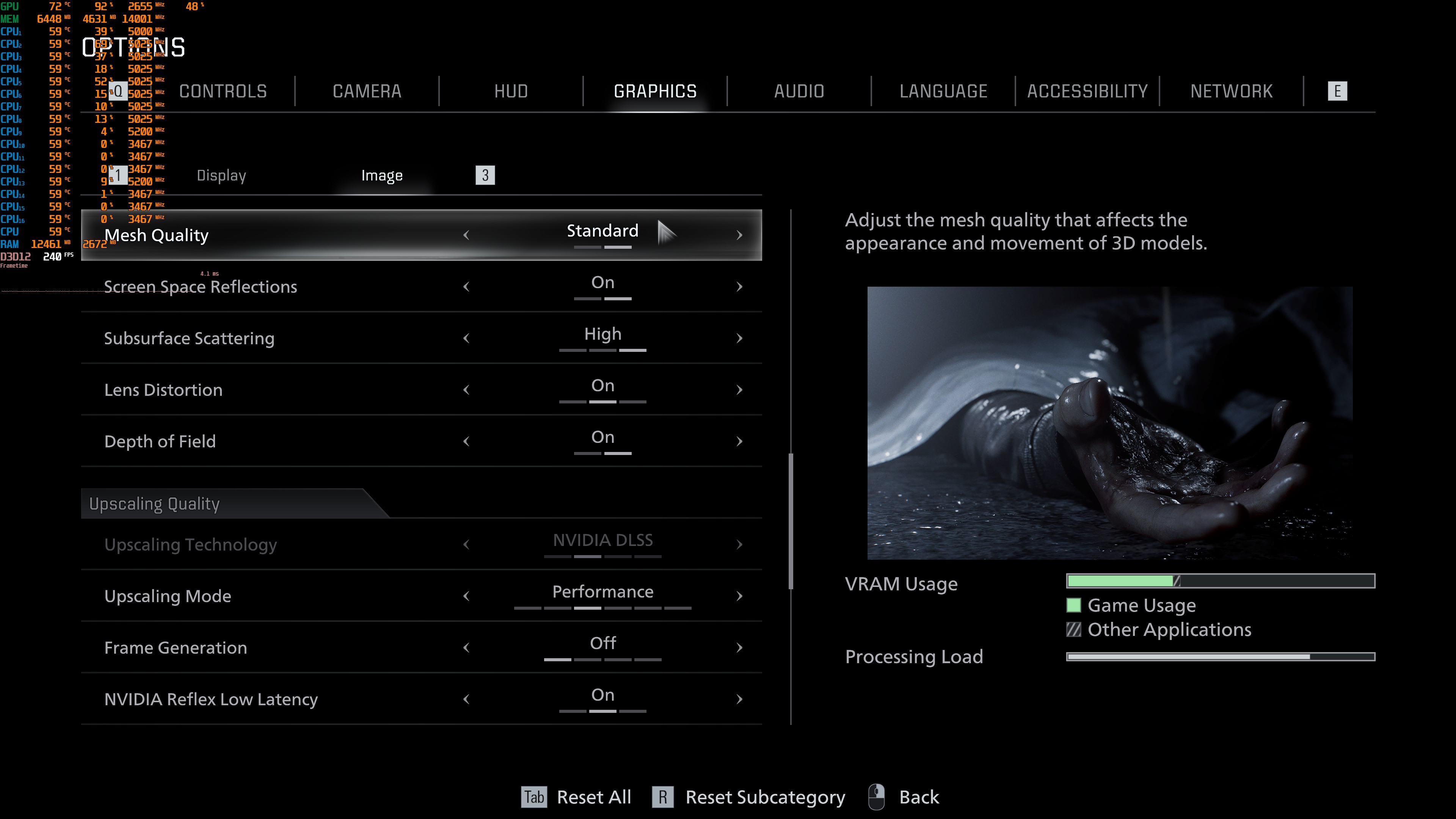
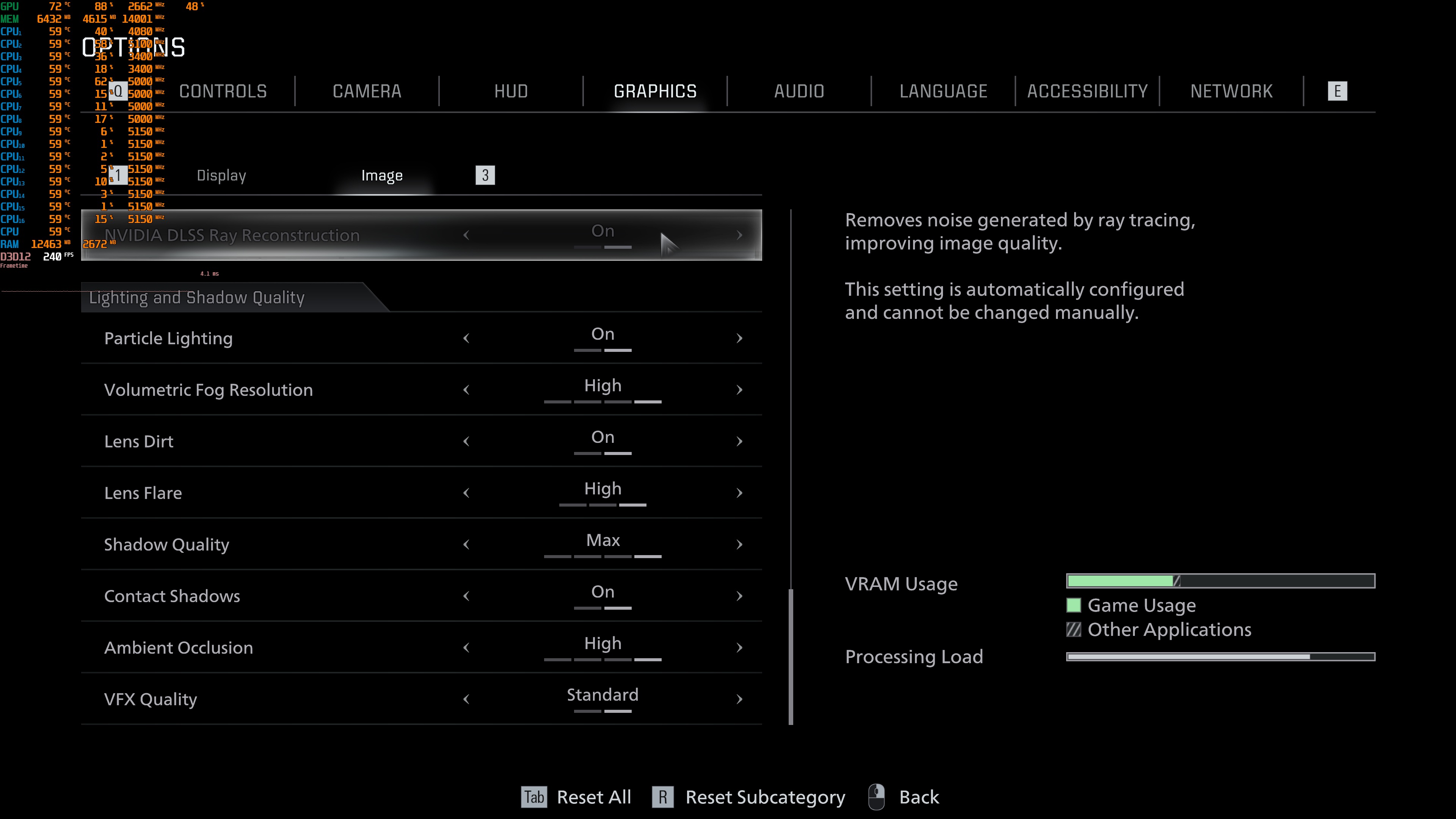
PC gamers can adjust the quality of Textures, Meshes, Shadows, Reflections, Ambient Occlusion, and more. As said, the game supports Path Tracing. Alongside Path Tracing, it also supports Ray Tracing. Moreover, there is support for NVIDIA DLSS 4.5 and AMD FSR 3.1.5. However, there is no support for Intel XeSS 2.0.
Not only that, but Path Tracing appears to be only available to NVIDIA GPUs. When you enable Path Tracing, the game will automatically use NVIDIA DLSS and Ray Reconstruction. It does not allow you to change NVIDIA DLSS to AMD FSR 3.1.5. It also does not allow you to completely disable NVIDIA Ray Reconstruction. To be honest, I don’t expect any AMD GPU to be able to deliver a smooth gaming experience with Path Tracing. Still, it’s kind of bizarre to see such limitations in a PC game.
Resident Evil Requiem does not have a built-in benchmark tool. For our benchmarks, I used the first street area you find. This appears to be one of the most taxing areas you’ll find early in the game.
Without any Ray Tracing or Path Tracing effects, the game could run with a minimum of 120FPS at Native 4K/Max Settings on the NVIDIA RTX 5090. By enabling Ray Tracing, we got to the 60s. And then, with Path Tracing and DLAA, we got to 24-27FPS.
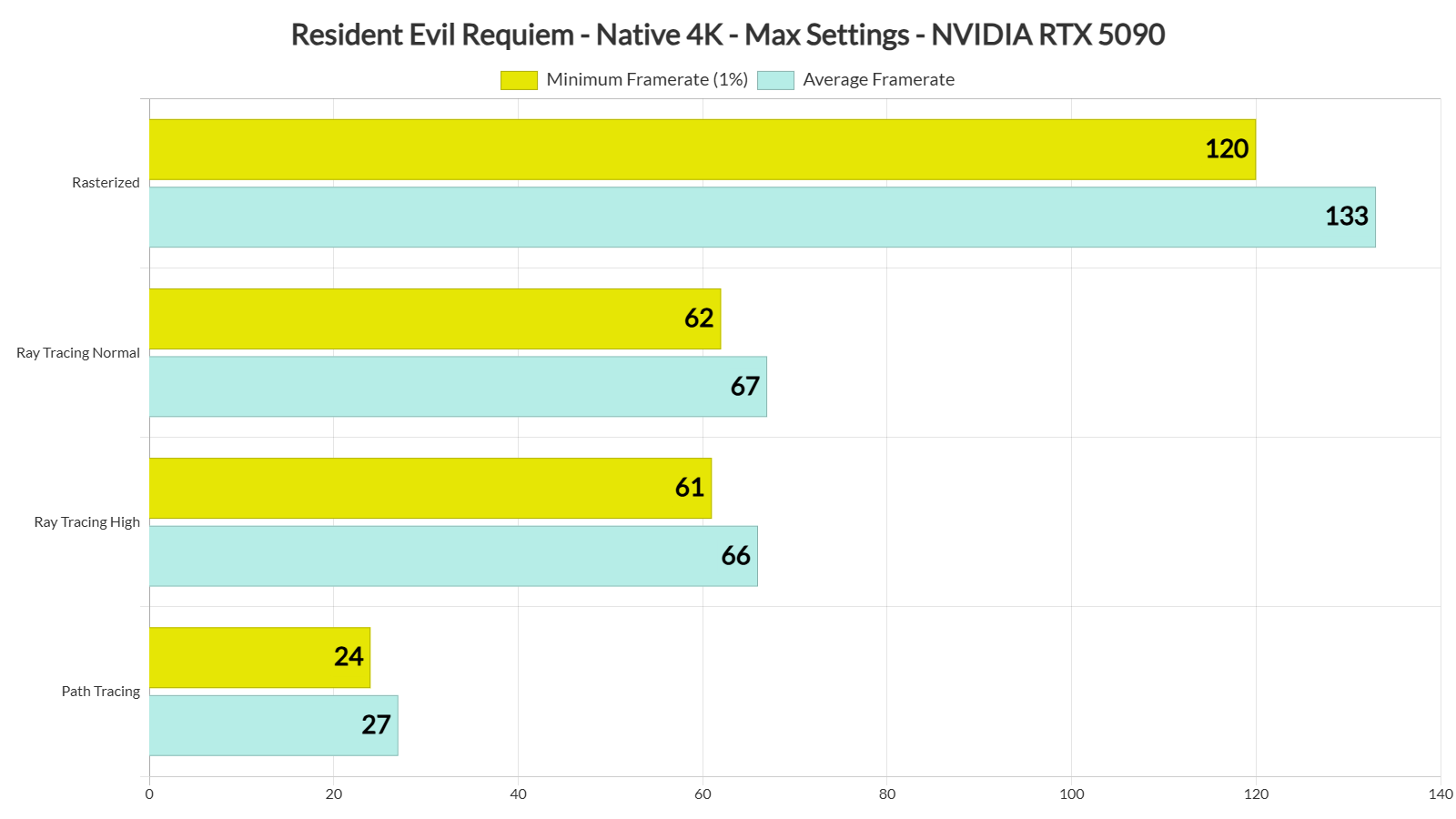
So, Path Tracing is quite demanding. And let’s be honest here. This shouldn’t come as a surprise. We’re talking about real-time Path Tracing in a modern game. The good news is that you can use DLSS 4.5 to get a smooth gaming experience.
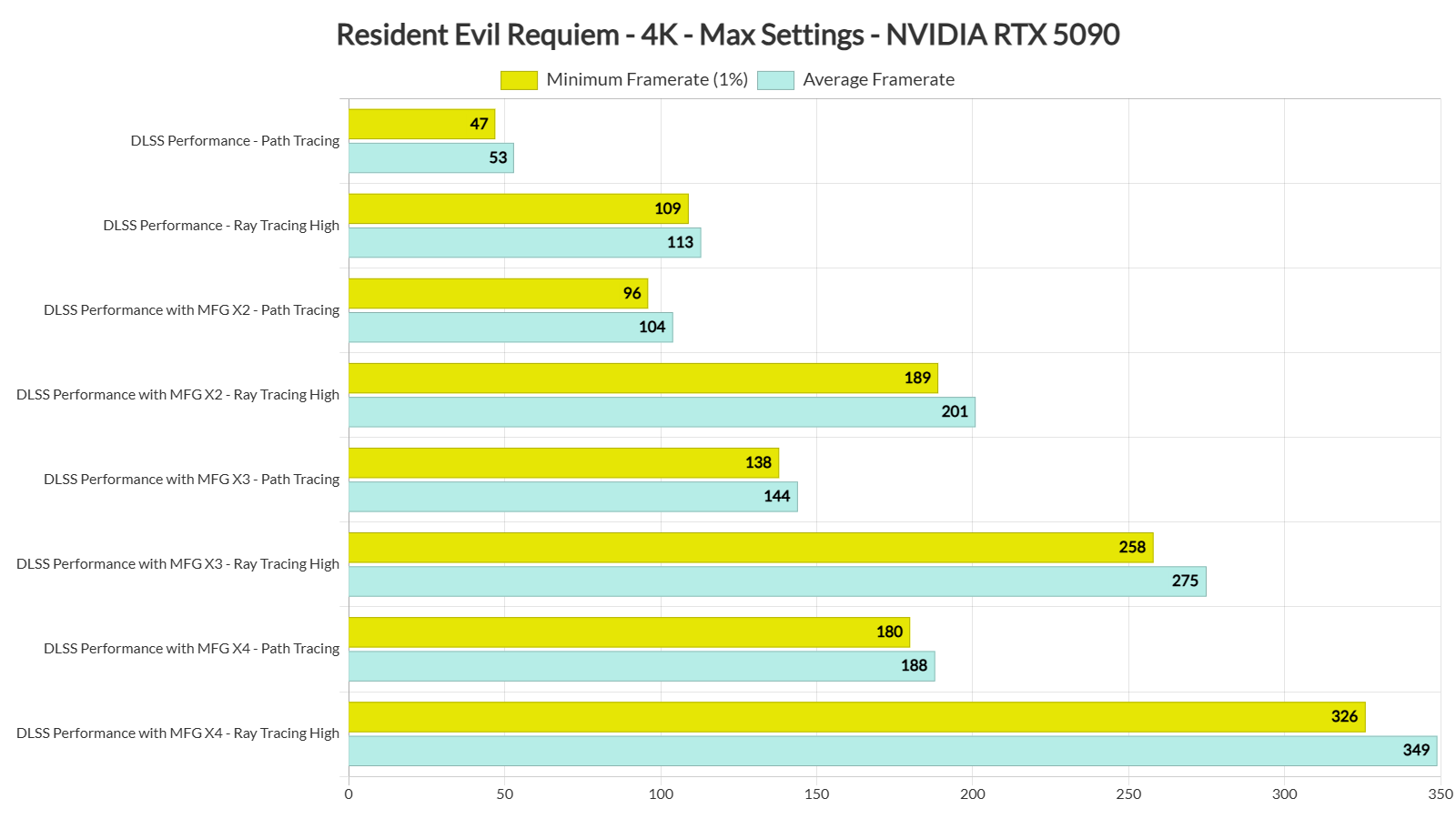
By enabling DLSS 4.5 Performance Mode, we were able to get a minimum of 47FPS and an average of 53FPS at 4K/Max Settings with Path Tracing. That’s a good base framerate for using DLSS 4 Frame Gen. With Multi-Frame Gen X4, we were able to get to 180FPS. Thus, the game felt really smooth. I also did not notice any major latency issues, mainly because my base framerate was above 40FPS.
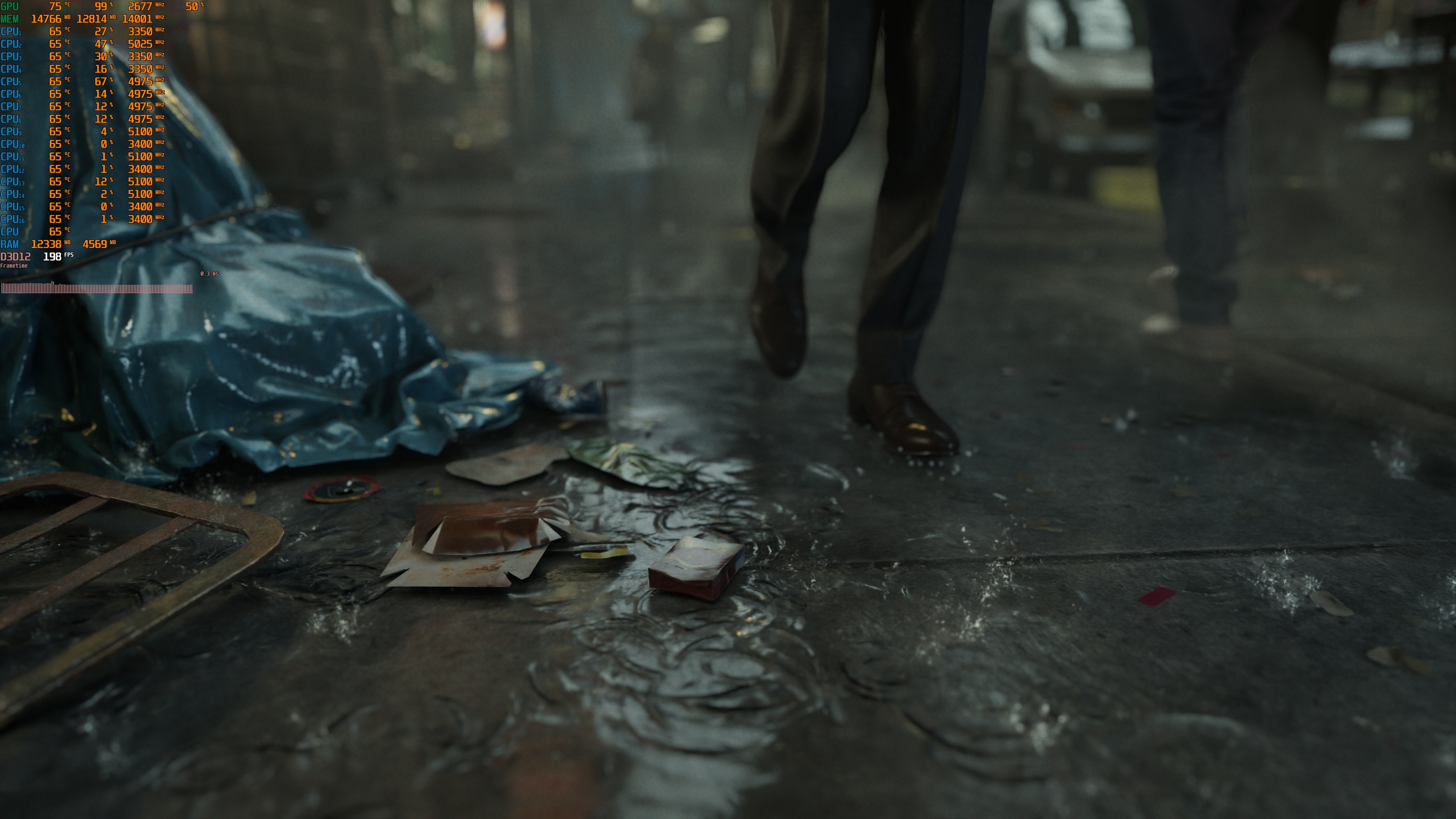
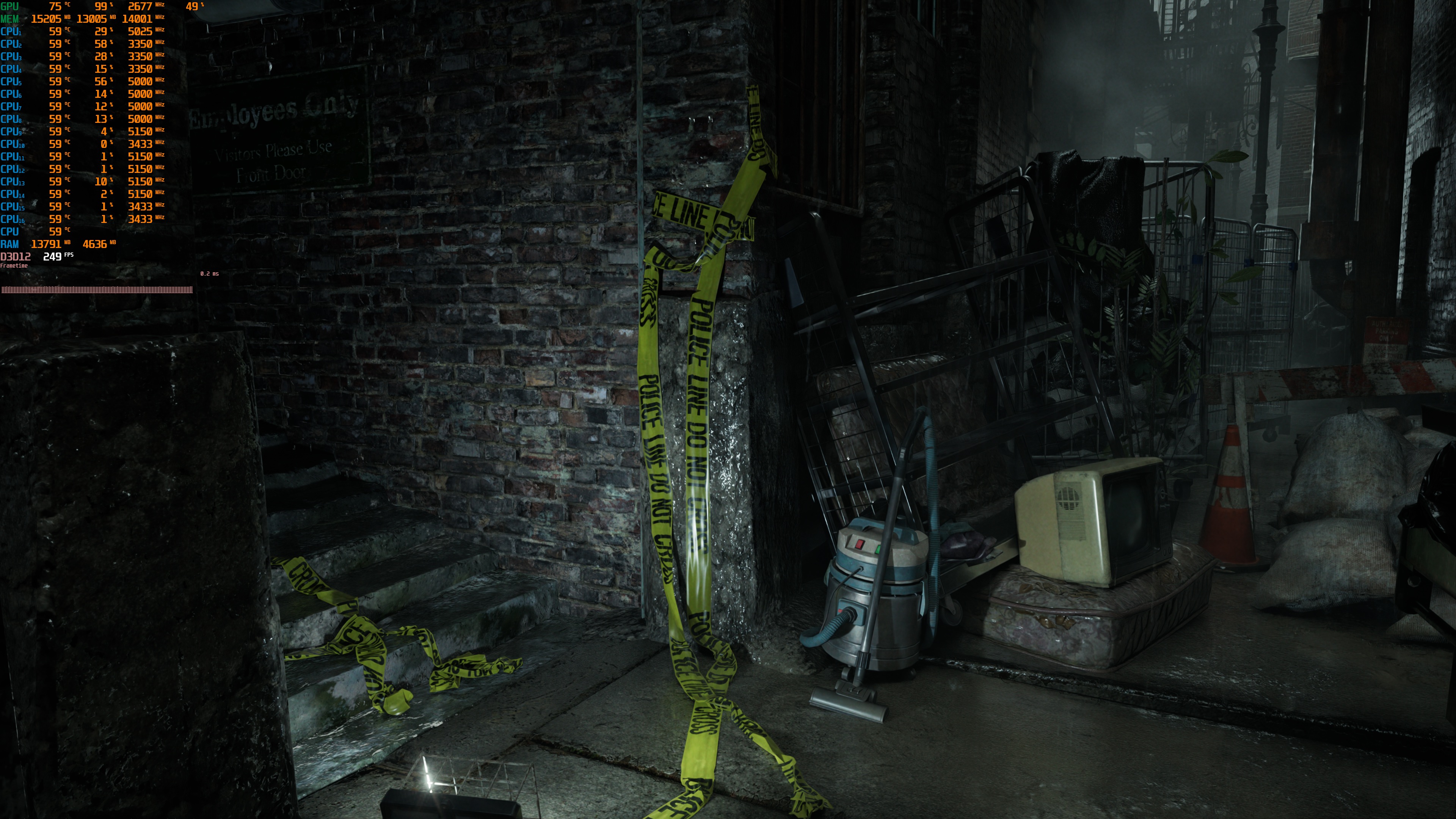
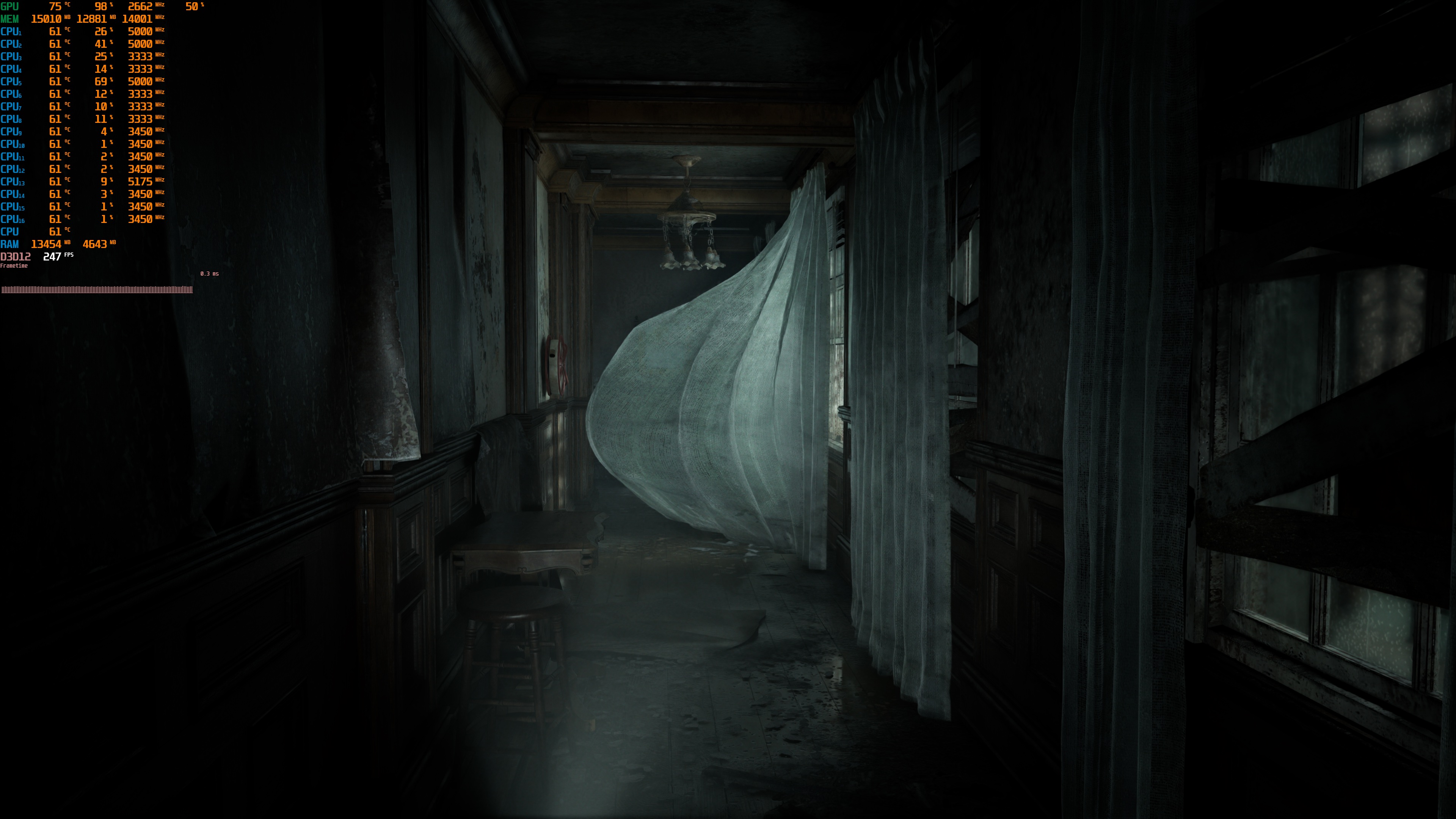
It’s also worth noting that the DLSS 4 MFG implementation is great in Resident Evil Requiem. Here are two screenshots I took during very quick camera movements with DLSS 4 MFG X4. During normal gameplay, you won’t be moving the camera as fast as I did. As we can see, there are minimal visual artifacts. So, I highly recommend enabling it if your base framerate is above 40FPS.
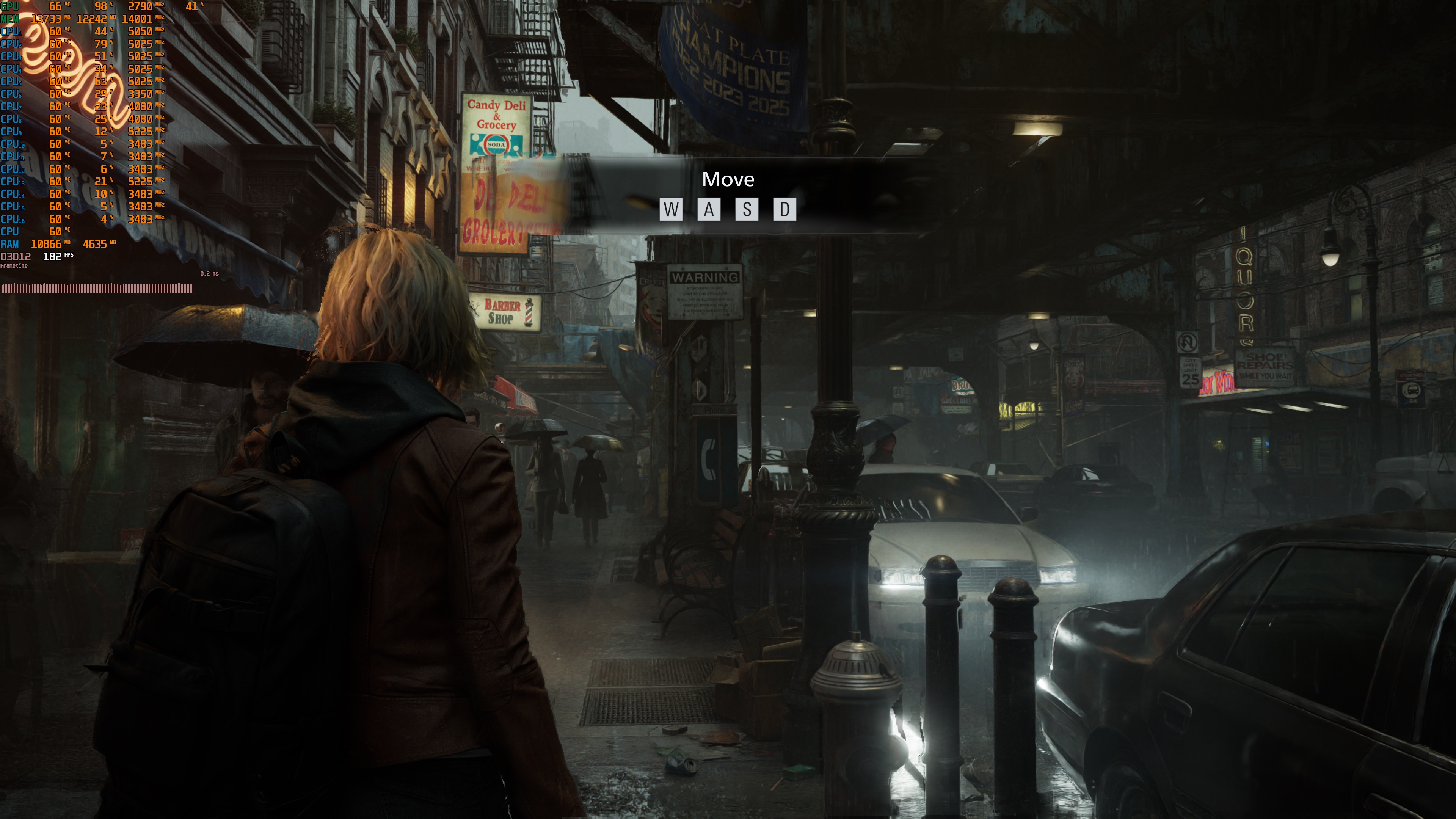
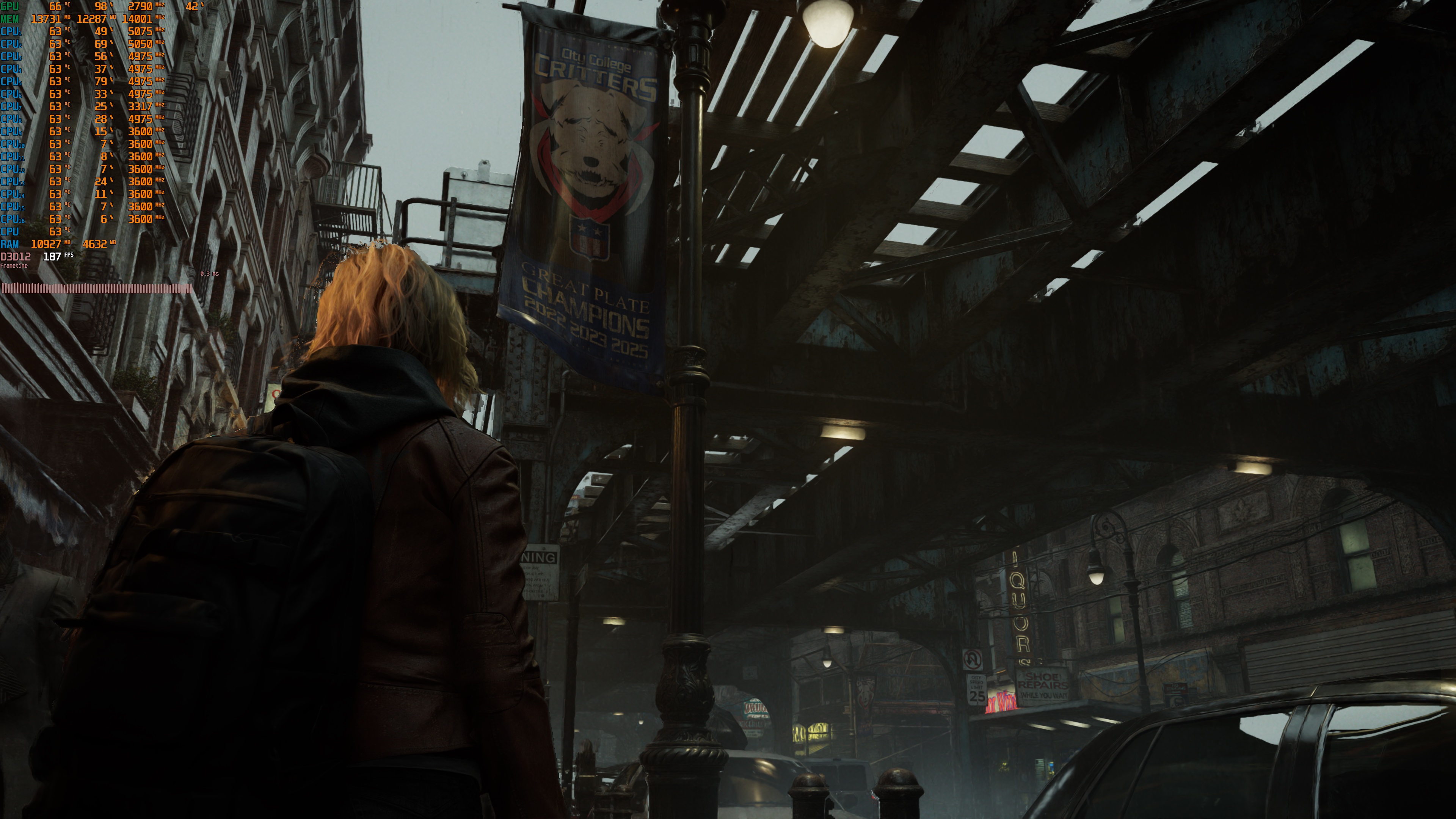
Those who cannot run the game with Path Tracing should feel relieved, as Capcom has done a terrific job with its pre-baked lighting. Even without Ray Tracing or Path Tracing, Resident Evil Requiem looks great. However, by enabling Ray Tracing, you can further enhance its visuals. And then, with Path Tracing, you can take it to the next level.
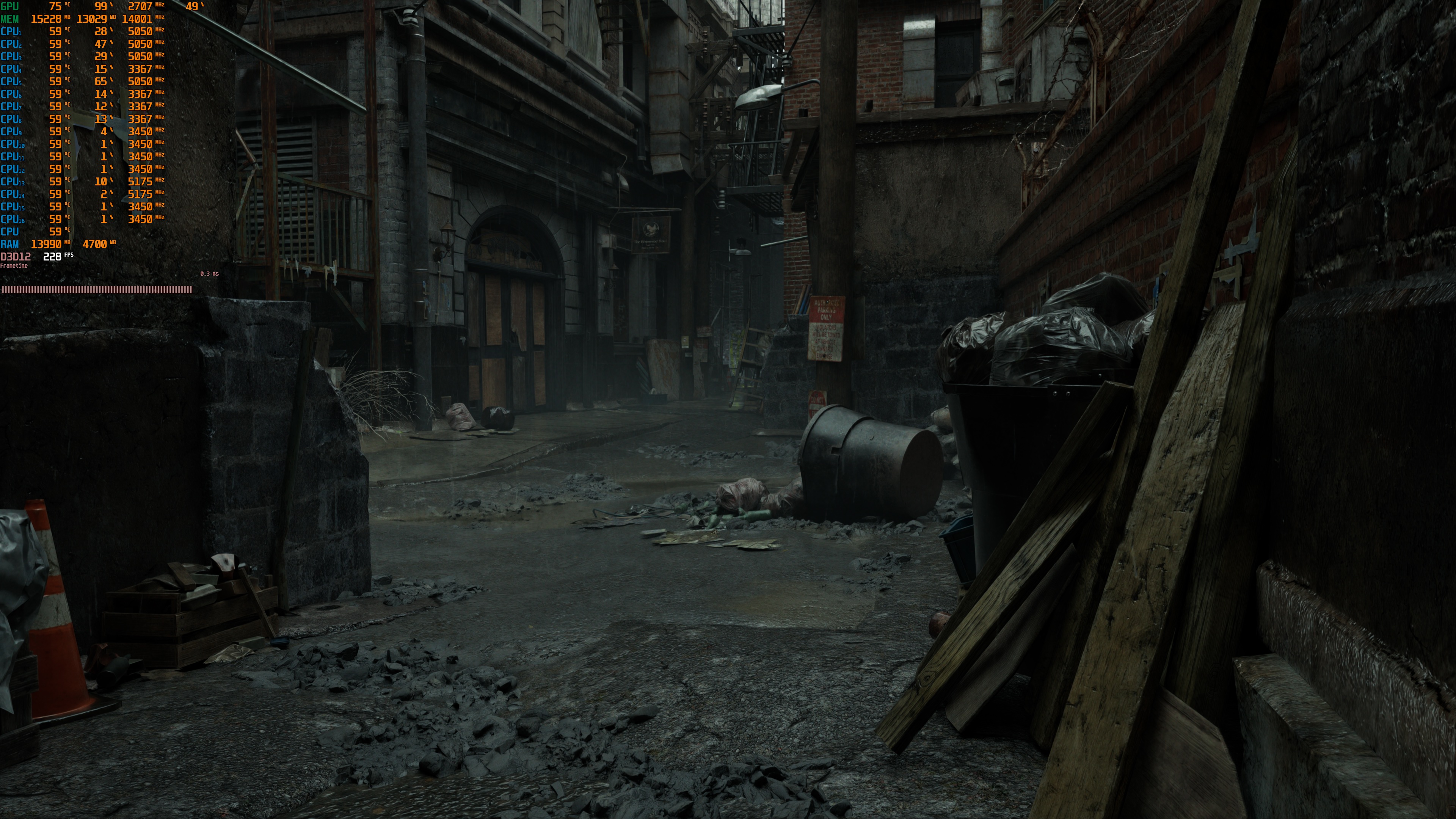
Sadly, Resident Evil Requiem suffers from visual issues in pretty much all modes. In Rasterized, you will get the annoying artifacts of the SSR reflections. In Ray Tracing, you will get noise artifacts when moving around. And in Path Tracing, you will get noticeable ghosting issues in raindrops and some other places (like the smoke behind a fence you find when you get to a back alley). I’ve highlighted all of these issues in the following video.

The main reason we get these ghosting issues with Path Tracing is due to DLSS Ray Reconstruction. When you enable Path Tracing, the game will automatically use it, and it will switch to Preset D. There is no way to force DLSS 4.5 Preset M or L (even if you force it via the NVIDIA App). NVIDIA needs to overhaul DLSS Ray Reconstruction to fix these artifacts.
In short, there’s no “perfect” mode. Each option comes with its own visual artifacts, so you’ll need to decide which ones bother you the least. In my opinion, the ideal way to play is with Path Tracing. That is, of course, if your GPU can handle it. Even with its ghosting issues, it provides the best graphics. Ray Tracing provides the best balance of performance and image quality, but its noise artifacts are noticeable in many scenes. If your GPU can handle Path Tracing, you should use it. If not, Ray Tracing High is a solid alternative. Despite its noise issues, it still looks better than the rasterized version. At least in my opinion.
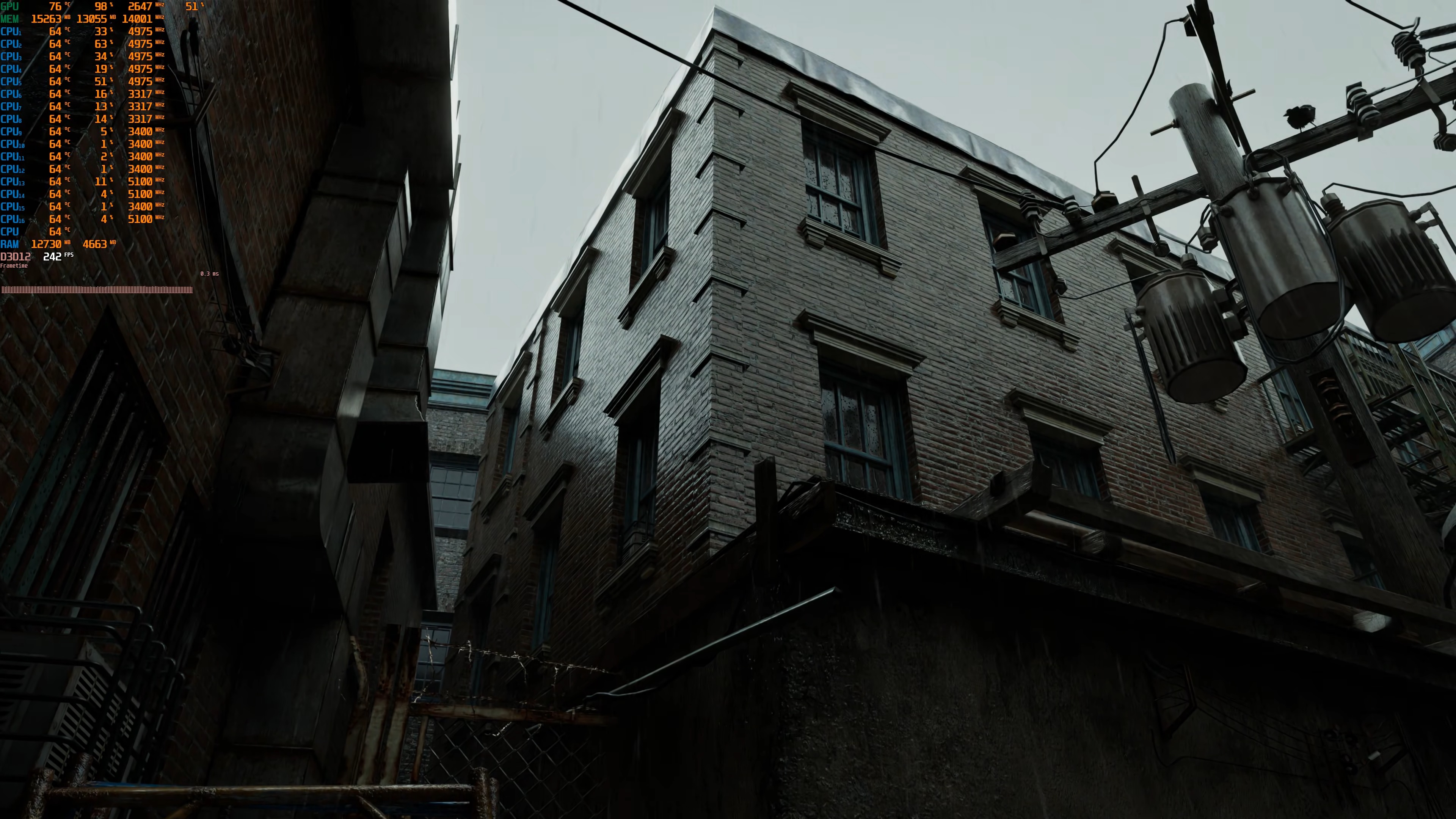
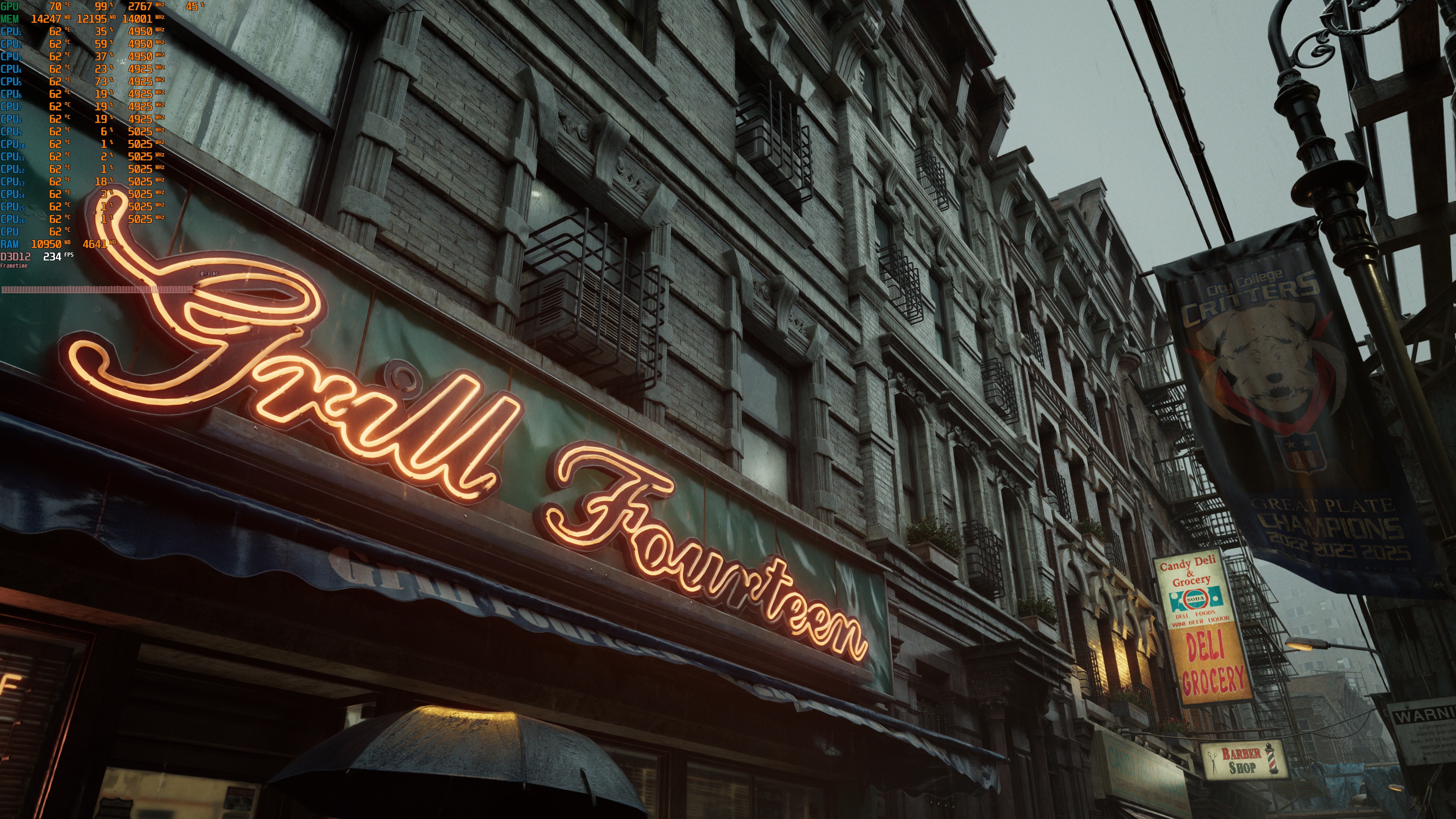
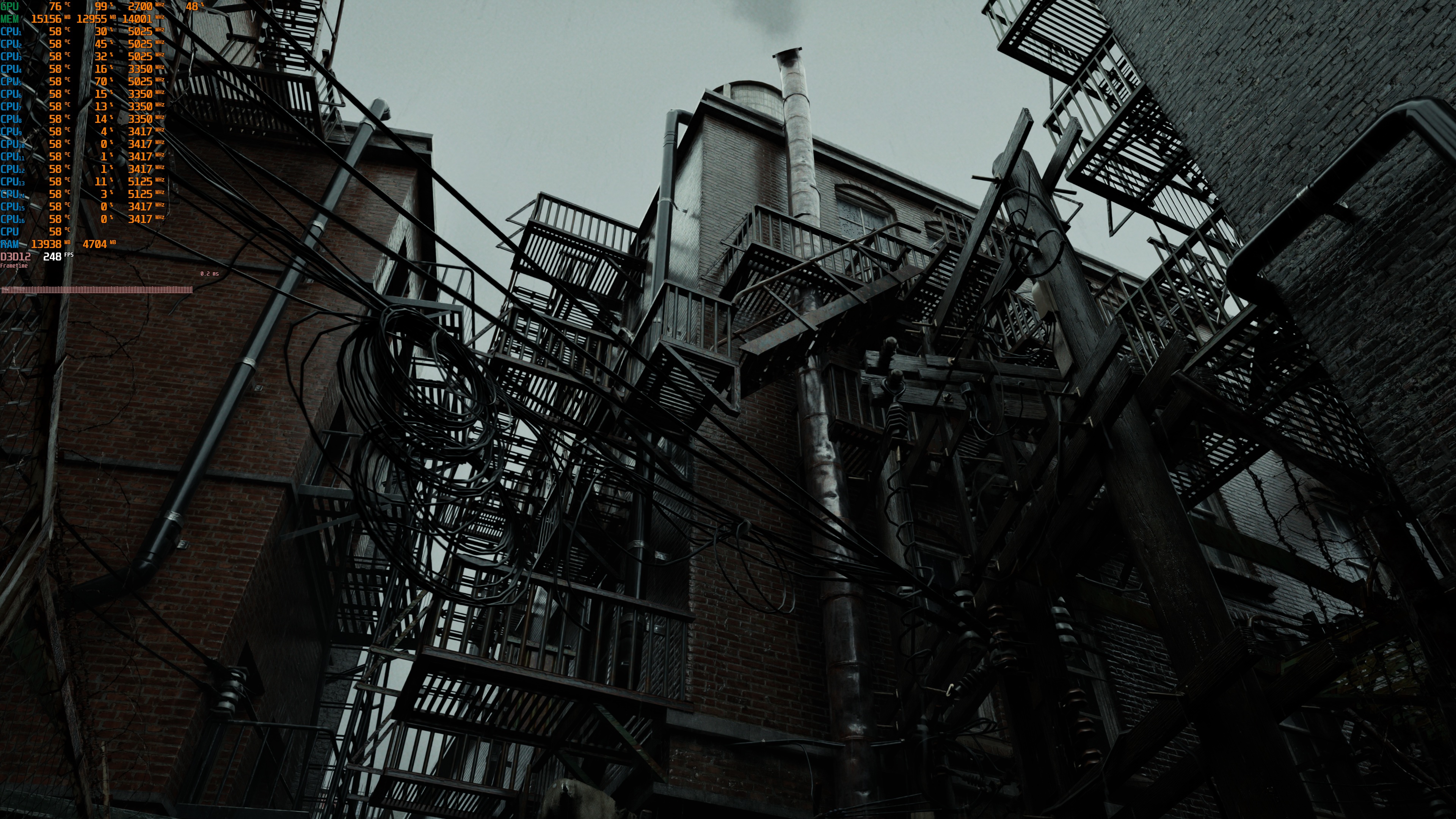
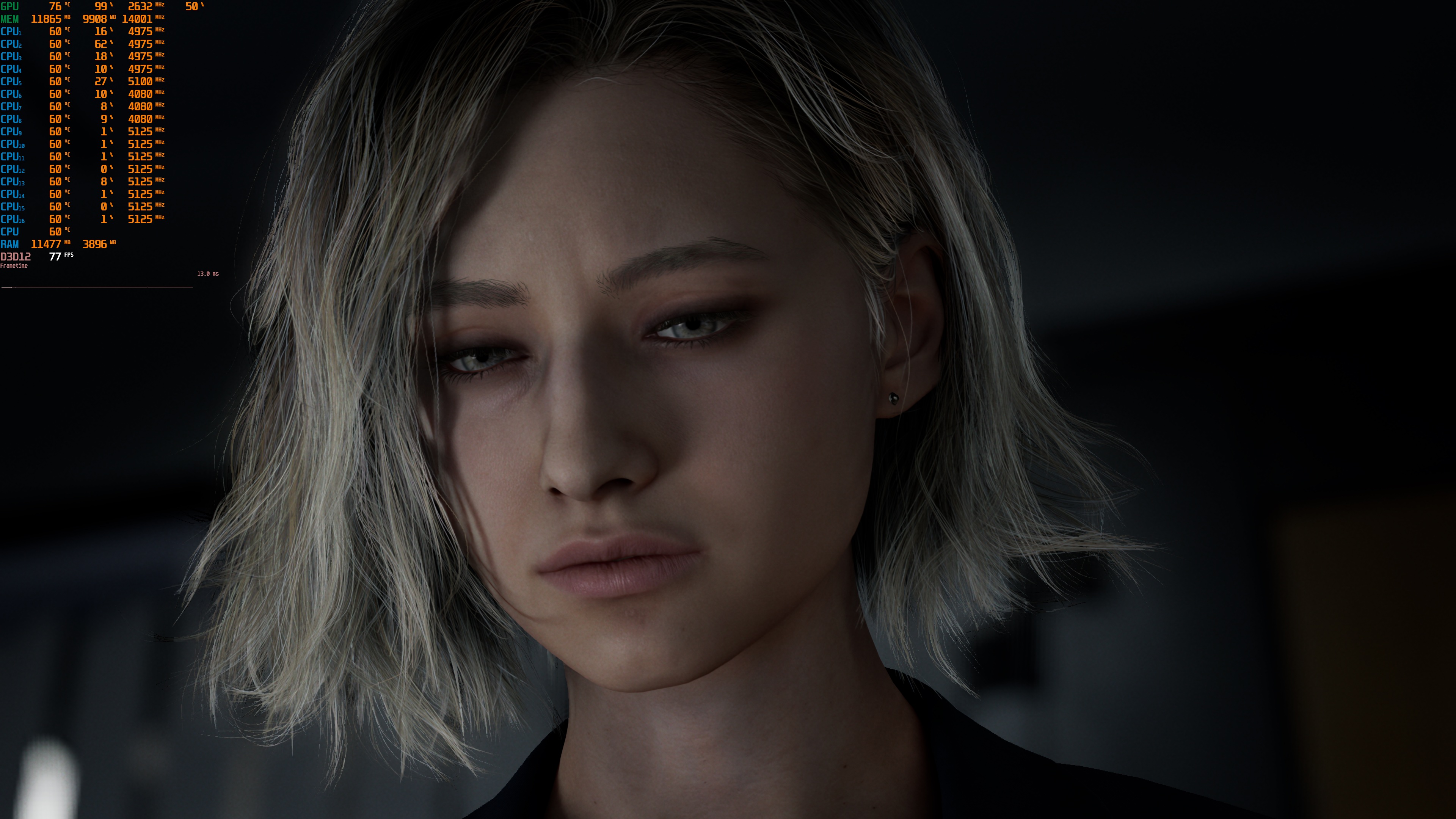
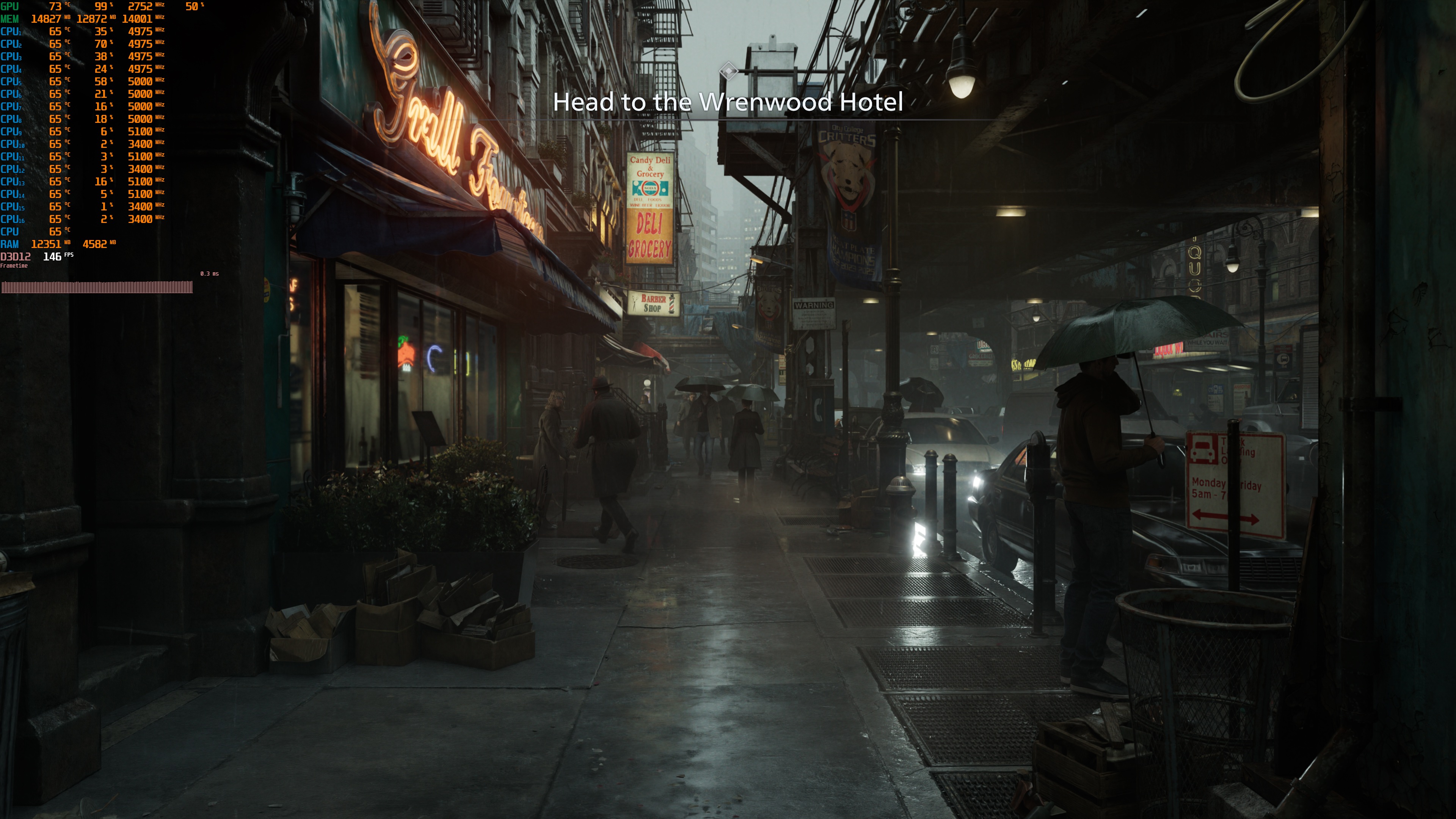
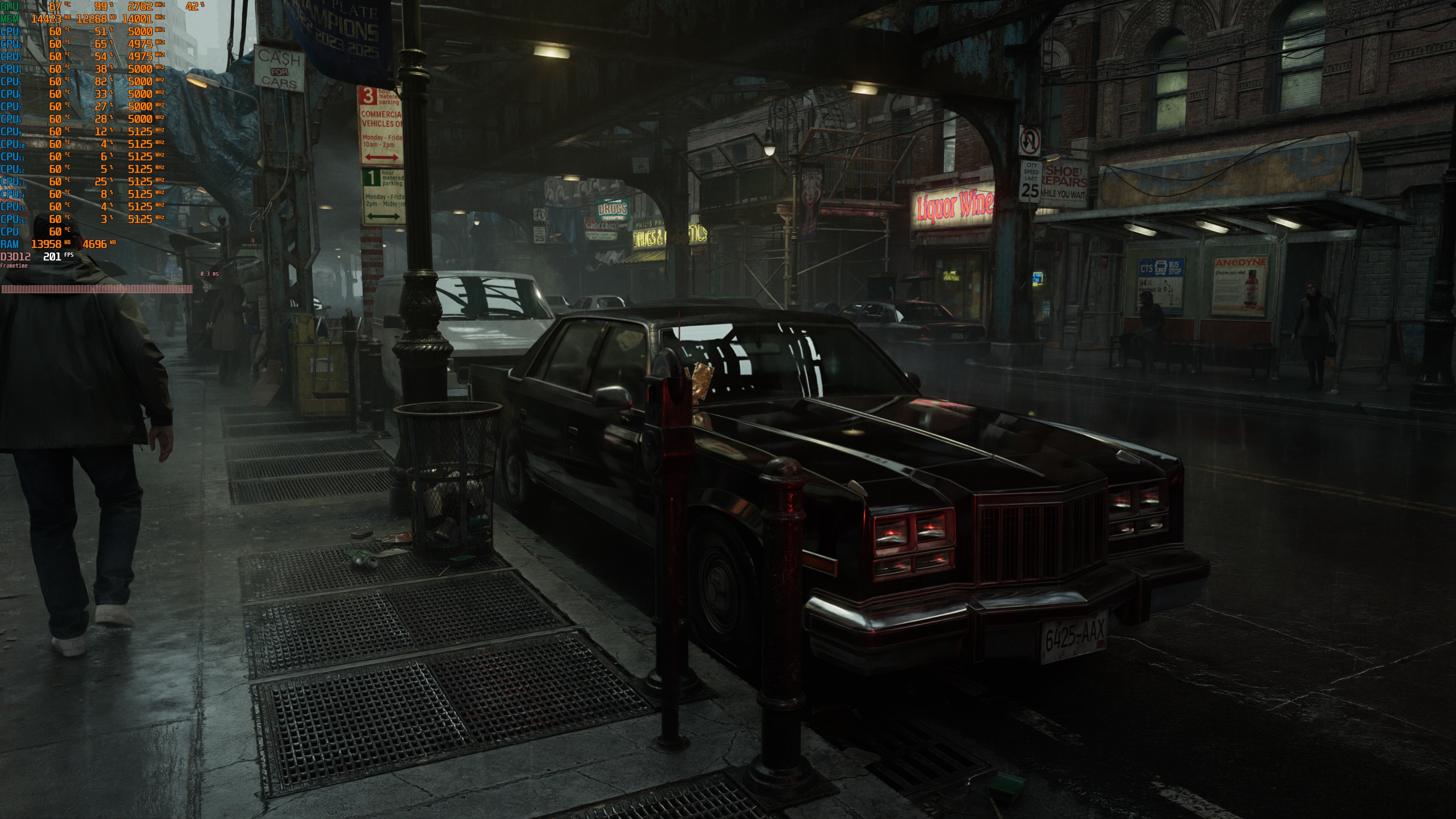
Graphics-wise, Resident Evil Requiem is one of the best-looking games. Just take a look at the screenshots. At times, the path-traced version can look like a CG. The “Grill Fourteen” shot, or the one where I look at the sky, can easily pass for real photos. So, make no mistake. While there are some visual issues, Path Tracing in Resident Evil Requiem can make it look better than almost all games out there. This is a graphical powerhouse, and it looks fantastic.
Our PC Performance Analysis, in which we’ll benchmark numerous GPUs from both AMD and NVIDIA, will go live before the game comes out. So, stay tuned for more!



John is the founder and Editor in Chief at DSOGaming. He is a PC gaming fan and highly supports the modding and indie communities. Before creating DSOGaming, John worked on numerous gaming websites. While he is a die-hard PC gamer, his gaming roots can be found on consoles. John loved – and still does – the 16-bit consoles, and considers SNES to be one of the best consoles. Still, the PC platform won him over consoles. That was mainly due to 3DFX and its iconic dedicated 3D accelerator graphics card, Voodoo 2. John has also written a higher degree thesis on the “The Evolution of PC graphics cards.”
Contact: Email