
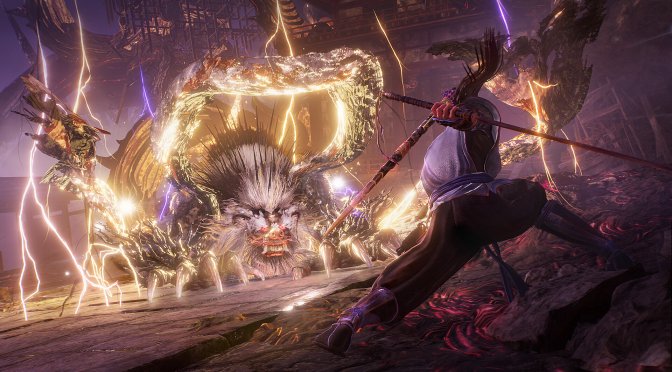
KOEI Tecmo has lifted the first embargo on Nioh 3, allowing us to share some of our initial tech impressions. Nioh 3 uses Team Ninja’s Katana Engine, and it does not suffer from any stutters. This will be good news to pretty much all PC gamers. But how does it run on an NVIDIA RTX 5090? Let’s find out.
For these early benchmarks, I used an AMD Ryzen 9 7950X3D, 32GB of DDR5 at 6000Mhz, and an NVIDIA RTX 5090. I also used Windows 10 64-bit, and the GeForce 591.74 driver.
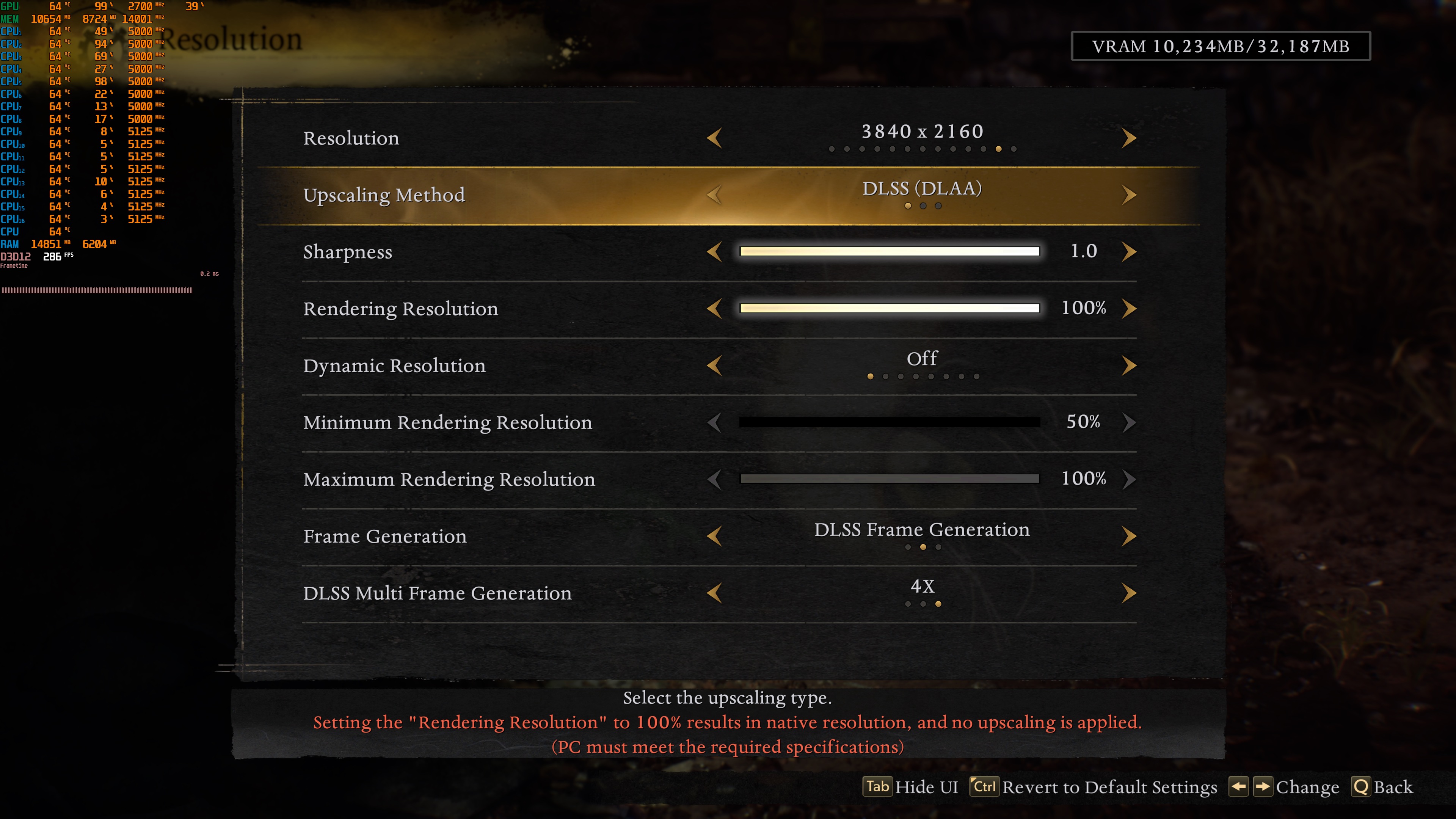
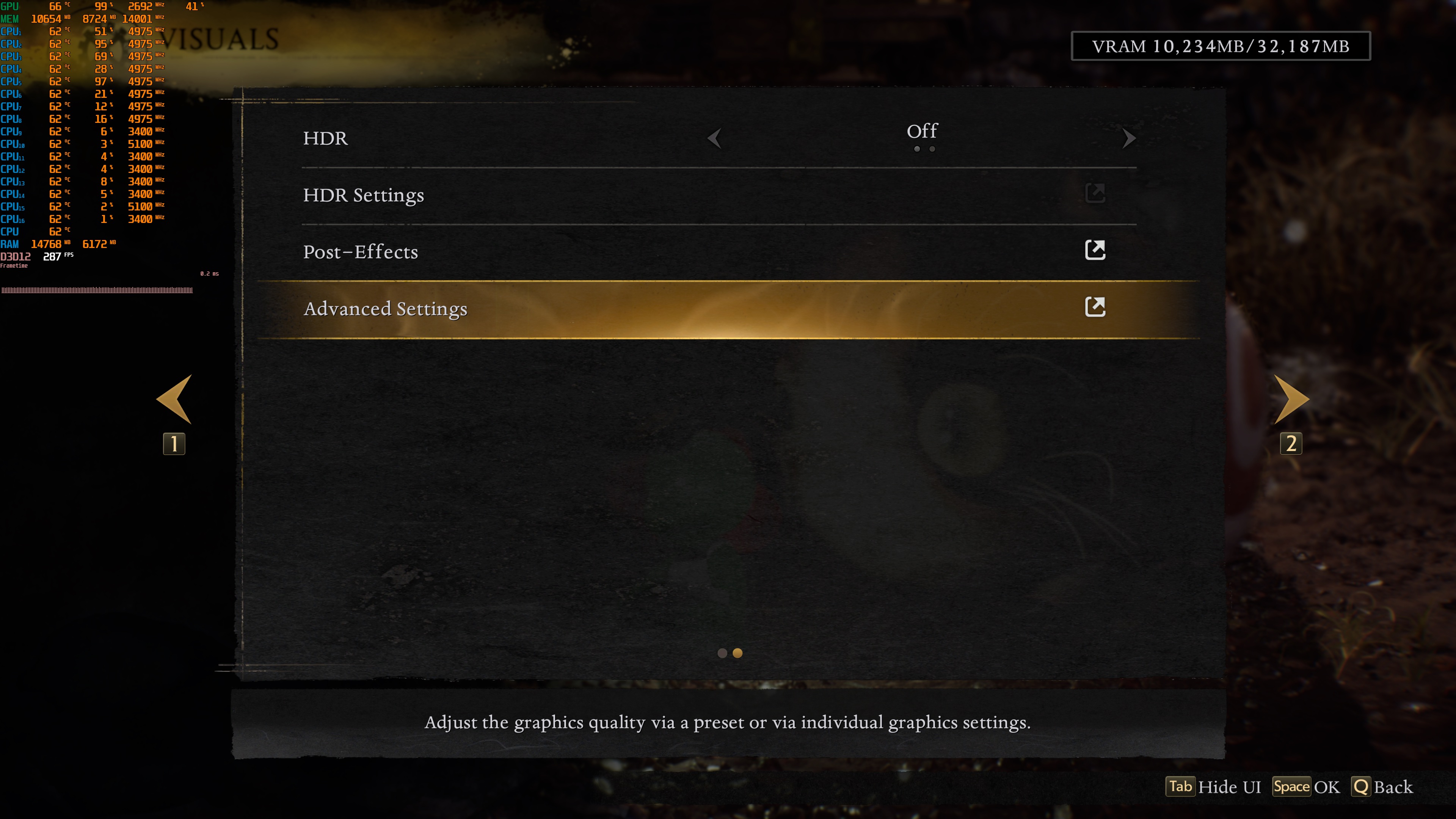
Nioh 3 has a respectable number of graphics settings to tweak. PC gamers can adjust the quality of Shadows, Textures, Effects, Terrain, and more. The game also supports DLSS 4, AMD FSR 3.0, and Intel XeSS 2.0. However, there is no support for TAA. As such, to get a Native image, you’ll have to use one of the aforementioned upscalers. I’m mentioning this because DLAA is always more demanding than Native 4K with TAA. Moreover, the game supports DLSS 4 Multi-Frame Gen. Without MFG, the maximum framerate limit is 120FPS. With MFG, you can get to 480FPS.
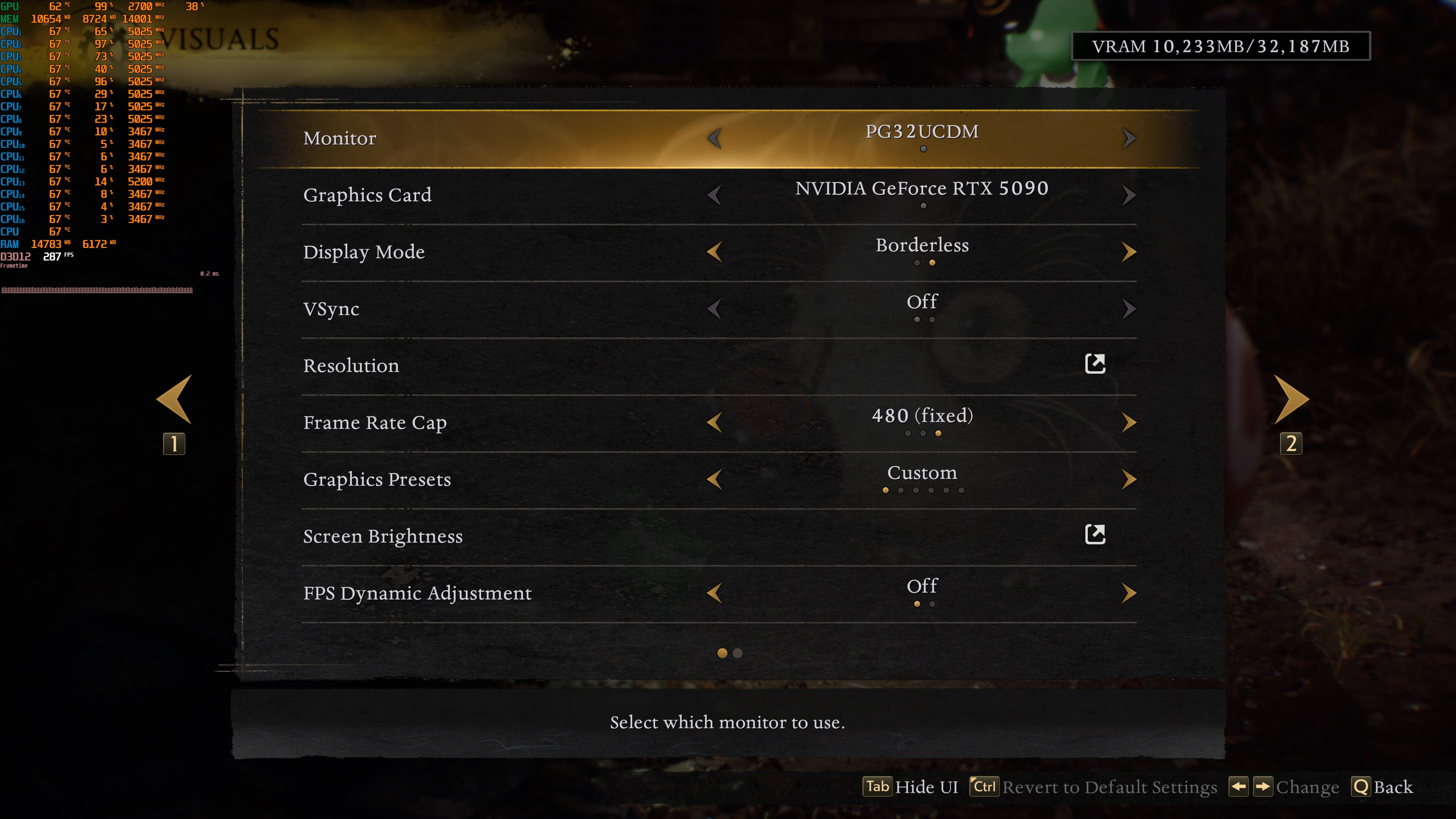
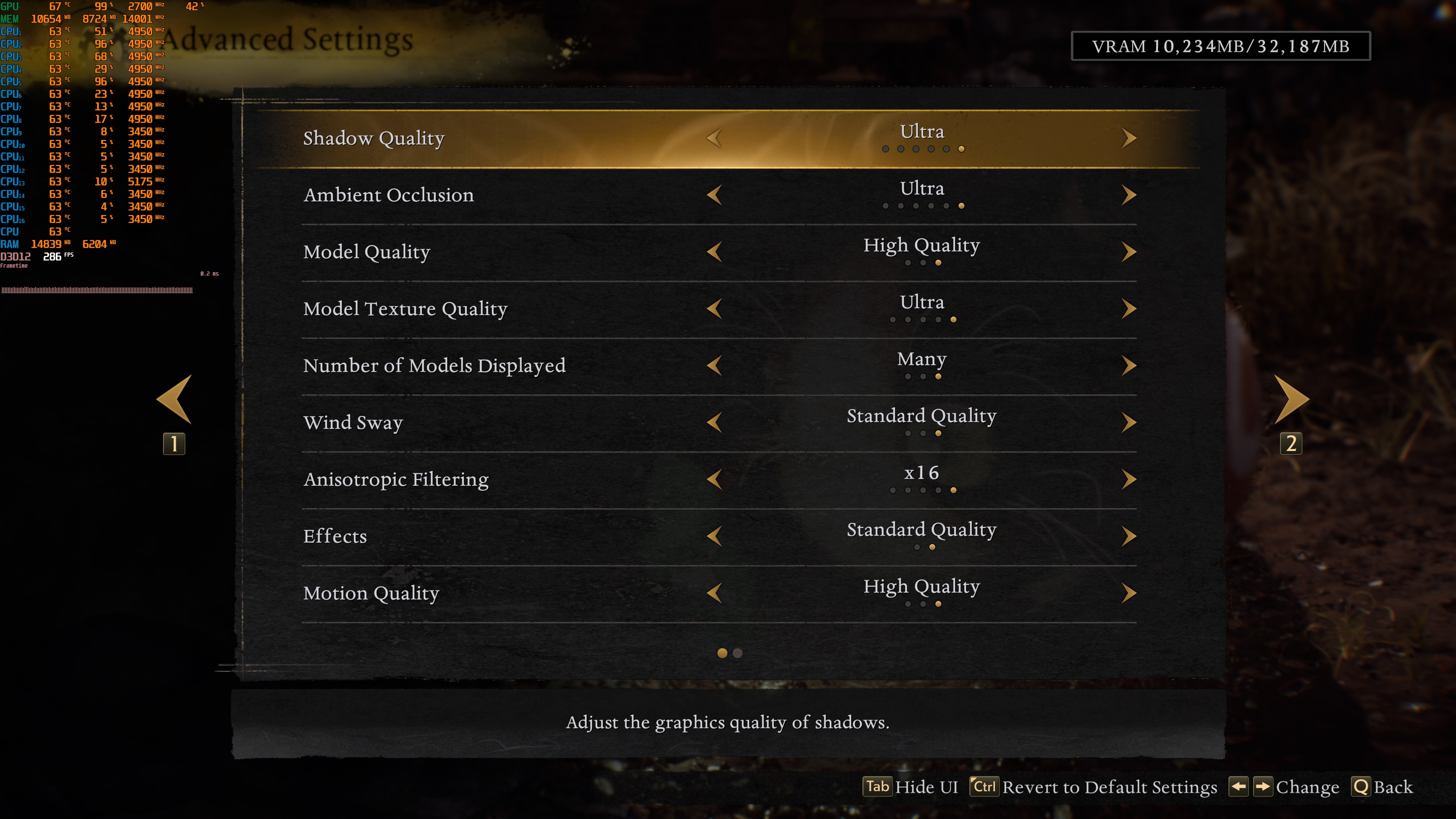
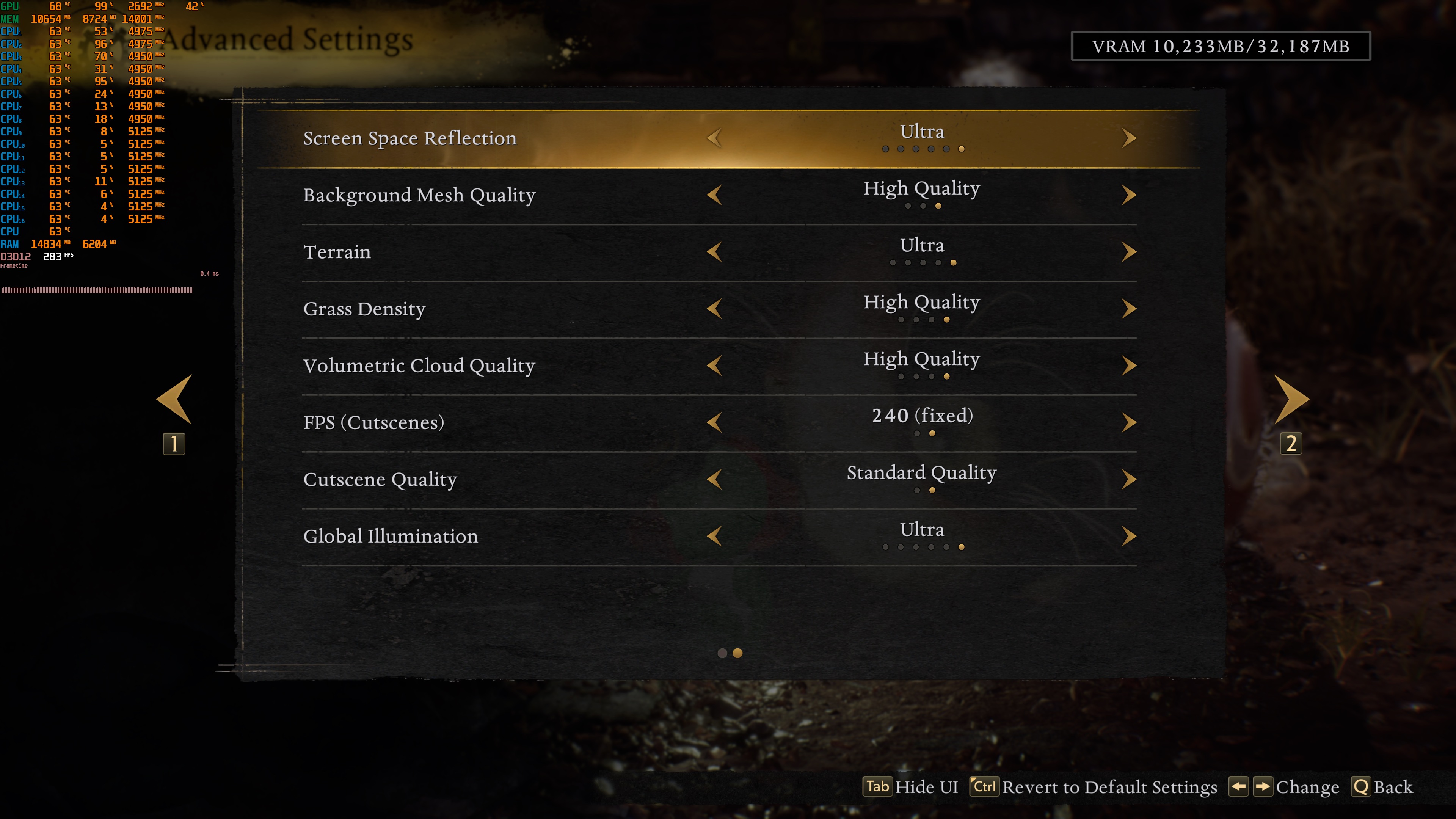
In the open-world area, Nioh 3 can use more than four to five CPU cores. If you have CPUs with fewer CPU cores/threads, you might encounter some performance issues. But we’ll talk more about this on our upcoming PC Performance Analysis. On our AMD Ryzen 9 7950X3D with the NVIDIA RTX 5090, we were able to get constant 120FPS at both 1080p and 1440p on Max Settings.
But what about 4K? Well, the NVIDIA RTX 5090 is able to push over 60FPS at all times. To be more precise, it runs Nioh 3 with a minimum of 77FPS and an average of 94FPS. For those wondering, the game does not have any Ray Tracing effects.
Since this is a Team Ninja game, I was expecting a really bad experience. However, this is the most polished Team Ninja game we’ve gotten so far. PC controls are great, there is support for a lot of PC features, and there are no stutters. Nioh 3 can also run on a wide range of PC configurations. An NVIDIA RTX 3080, for instance, can run the game with over 60FPS at all times at Native 1080p.
My only gripe with the PC version of Nioh 3 is that it suffers from some weird camera panning judders with an unlocked framerate. Here’s what I mean: if the game is locked at 120FPS, the camera moves smoothly. But at 110FPS, you can see small stutters when you move the camera. The lower the framerate goes, the worse these stutters get. This means the game doesn’t feel smooth when the framerate jumps between 60 and 110FPS. Even if you lock the framerate at 110FPS, the camera still stutters. The only fix I found was to lock the game at 60FPS. This helps, but it still doesn’t feel as smooth as other games when they run with an unlocked framerate.
We’re not the only ones who have experienced this camera panning issue. On Steam, users are already reporting the exact same thing. I’ve already informed KOEI Tecmo about the issue. However, since this is a major tech engine issue, I don’t expect it to be fixed anytime soon. After all, Rise of the Ronin also suffered from it.
The good news for all NVIDIA RTX-50 series owners is that DLSS 4 Multi-Frame Gen can address these camera panning stutters. With DLSS 4 MFG X4, I was able to get a smooth camera panning with an unlocked framerate. I’ve played over 20 hours, and my experience has been excellent. So, if you own an NVIDIA RTX-50 series GPU and don’t want to limit your framerate to 60FPS, you’ll have to use MFG.
Our PC Performance Analysis for Nioh 3 will go live on February 4th. Until then, you can download and try its PC demo yourself. Below, you can also find some 1440p and 4K benchmarks.
Stay tuned for more!


John is the founder and Editor in Chief at DSOGaming. He is a PC gaming fan and highly supports the modding and indie communities. Before creating DSOGaming, John worked on numerous gaming websites. While he is a die-hard PC gamer, his gaming roots can be found on consoles. John loved – and still does – the 16-bit consoles, and considers SNES to be one of the best consoles. Still, the PC platform won him over consoles. That was mainly due to 3DFX and its iconic dedicated 3D accelerator graphics card, Voodoo 2. John has also written a higher degree thesis on the “The Evolution of PC graphics cards.”
Contact: Email