Dying Light The Beast feature-2

Dying Light: The Beast PC Performance Analysis

Last week, Techland released Dying Light: The Beast on PC. Powered by the C-Engine, it’s time now to benchmark it and examine its performance on the PC.

For our benchmarks, I used an AMD Ryzen 9 7950X3D, 32GB of DDR5 at 6000Mhz, AMD’s Radeon RX 6900XT, RX 7900XTX, RX 9070XT, as well as NVIDIA’s RTX 2080Ti, RTX 3080, RTX 4090, RTX 5080, and RTX 5090. I also used Windows 10 64-bit, the GeForce 581.29, and the Radeon Adrenalin Edition 25.9.2 drivers.

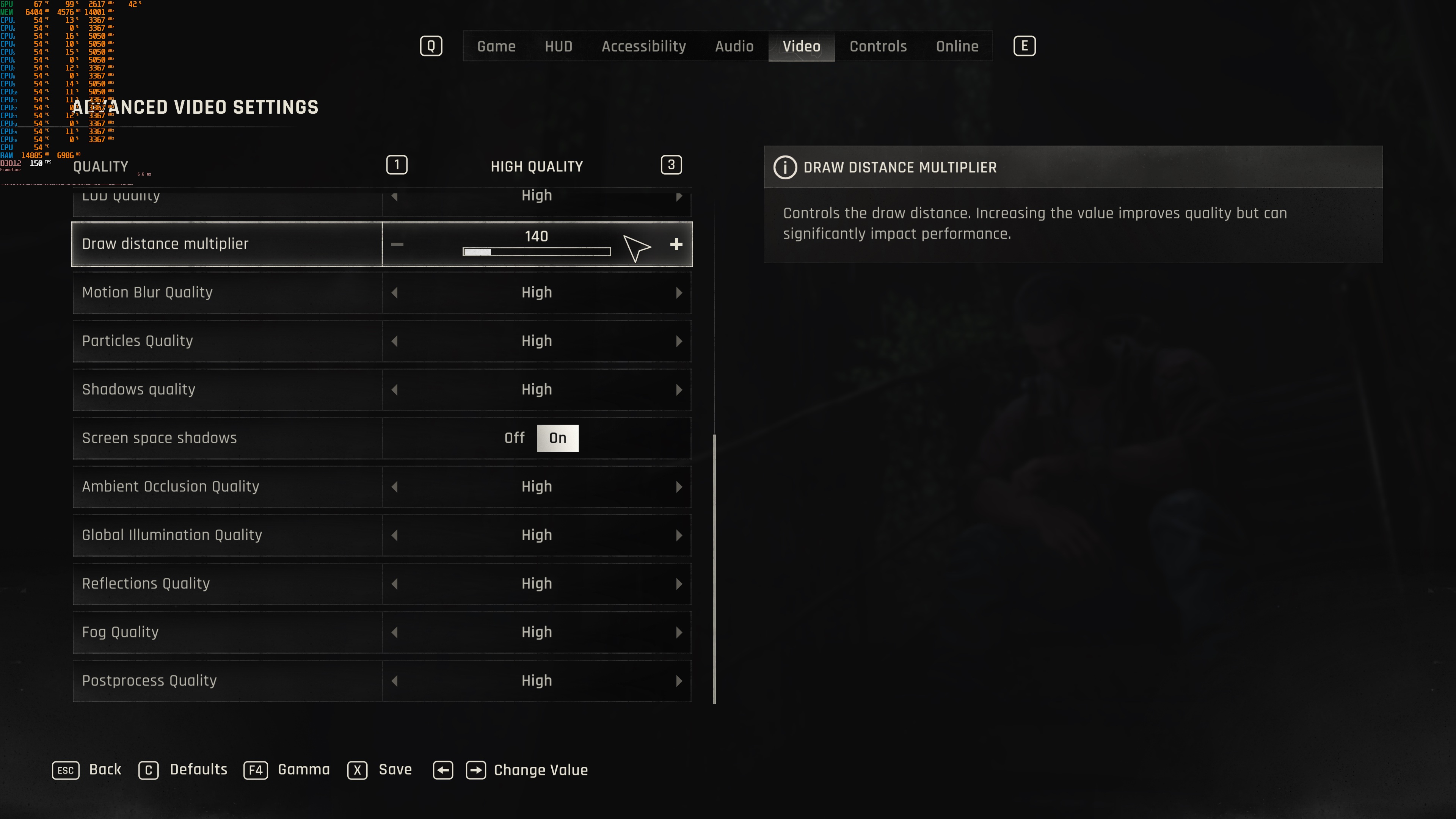
Techland has added a lot of graphics settings to tweak. PC gamers can adjust the quality of Textures, Reflections, Global Illumination, Shadows, and more. The game also supports NVIDIA DLSS 4, AMD FSR 4.0 and Intel XeSS 2.0 from the get-go. However, there is no support for Ray Tracing as of yet. Moreover, there is a FOV slider, and there is support for both DX11 and DX12.
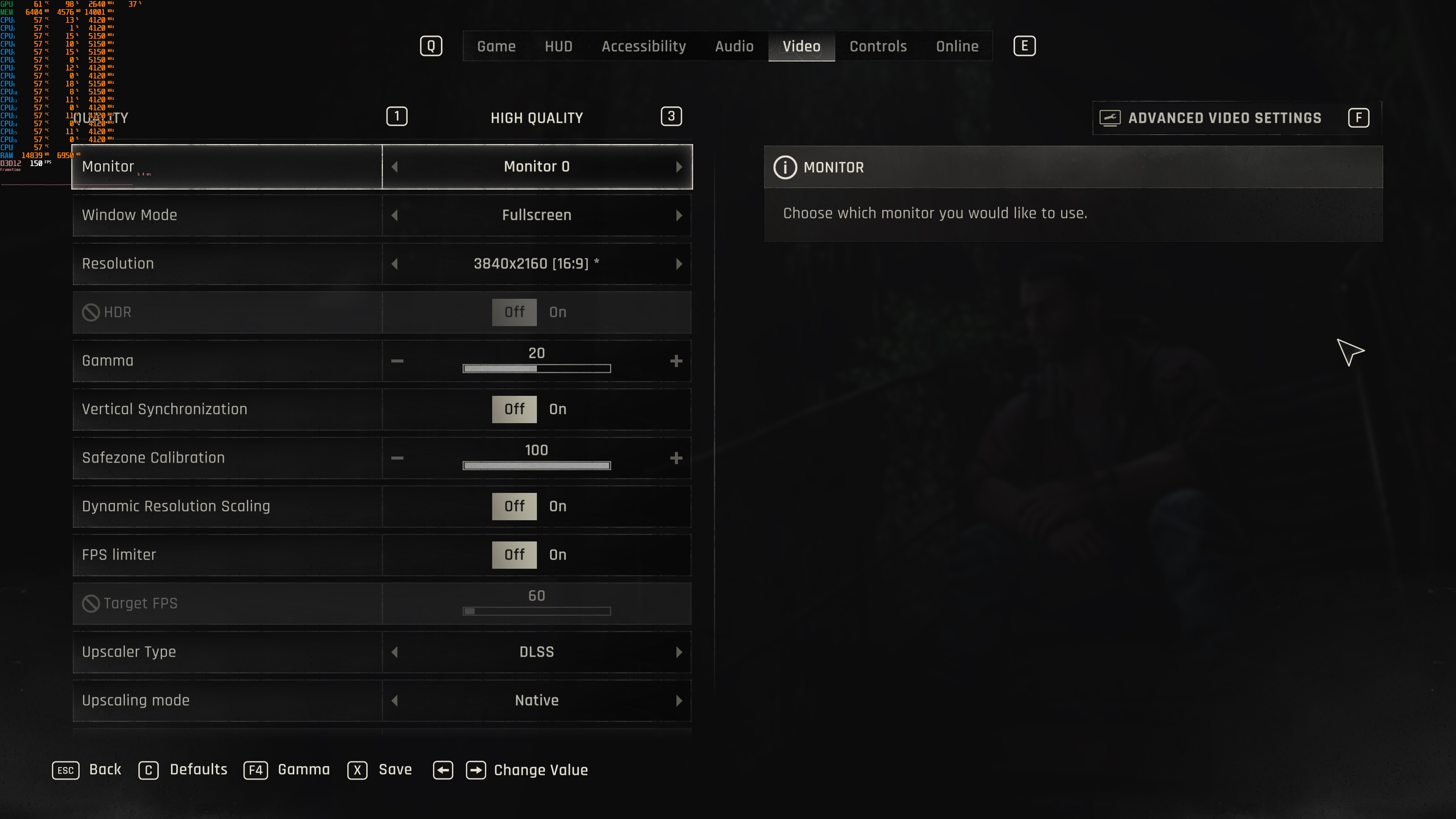
Dying Light The Beast PC graphics settings-1Dying Light The Beast PC graphics settings-2 Dying Light The Beast PC graphics settings-3Dying Light The Beast PC graphics settings-4

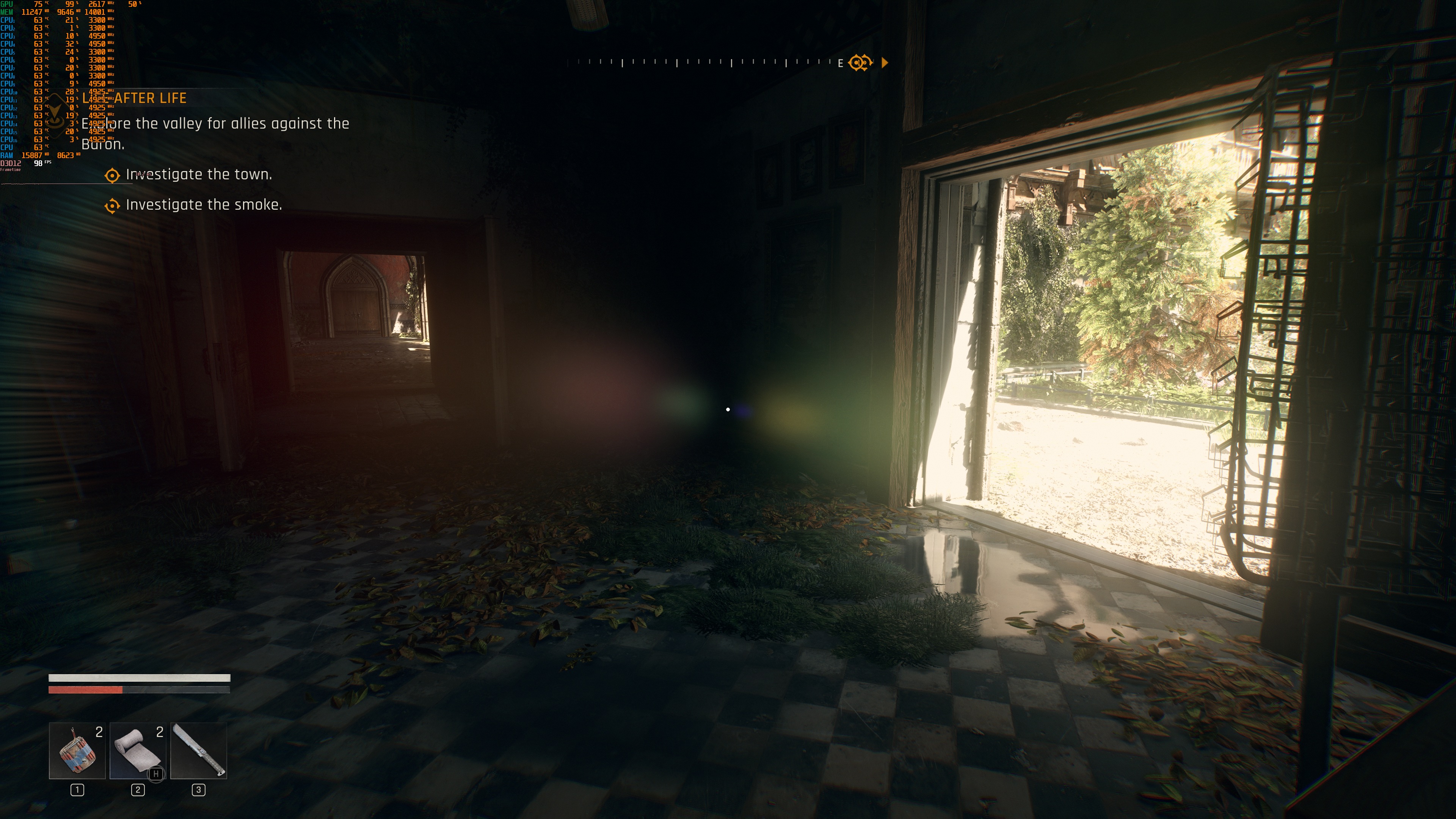
Dying Light: The Beast does not have a built-in benchmark tool. So, for our tests, we used the following area. This appeared to be one of the most demanding scenes we could find early in the game. As such, it should give us a pretty good idea of how the rest of it runs.

Dying Light The Beast 4K PC screenshots-17

All of our GPUs were able to provide a smooth 60FPS experience at Native 1080p with High Settings. Yep, even the NVIDIA RTX 2080Ti was able to provide a smooth gaming experience. This is something that will please a lot of PC gamers. At the same time, we should keep in mind that this is a rasterized game. So, it makes a lot of sense to see these framerates, even on older GPUs.

Dying Light The Beast benchmarks-1

Our top five GPUs were able to push framerates over 60FPS at 1440p/High Settings. As for Native 4K with High Settings, the only GPUs that were able to provide a constant 60FPS experience were the NVIDIA RTX 4090 and the RTX 5090.

Dying Light The Beast benchmarks-2Dying Light The Beast benchmarks-3

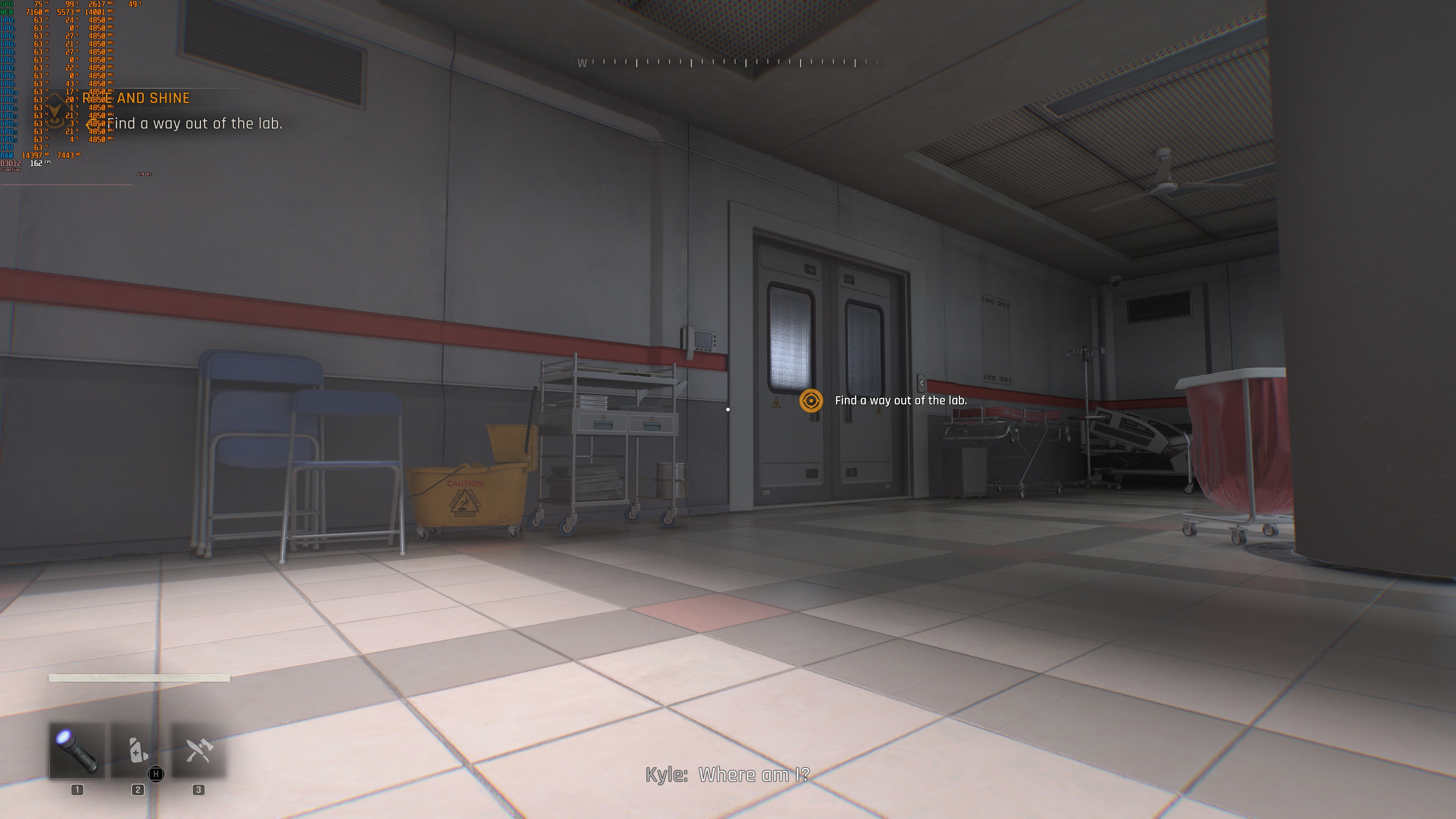
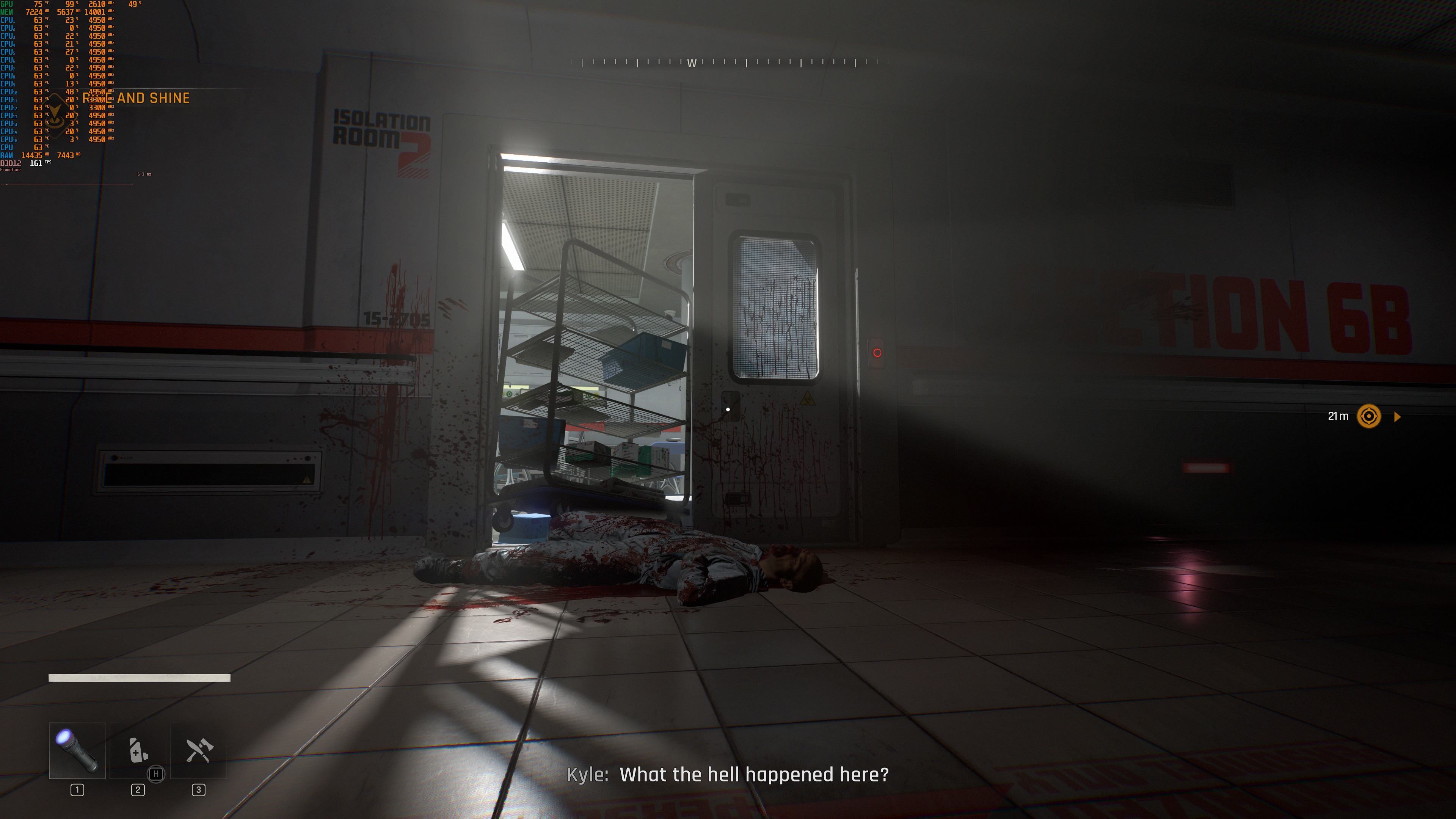
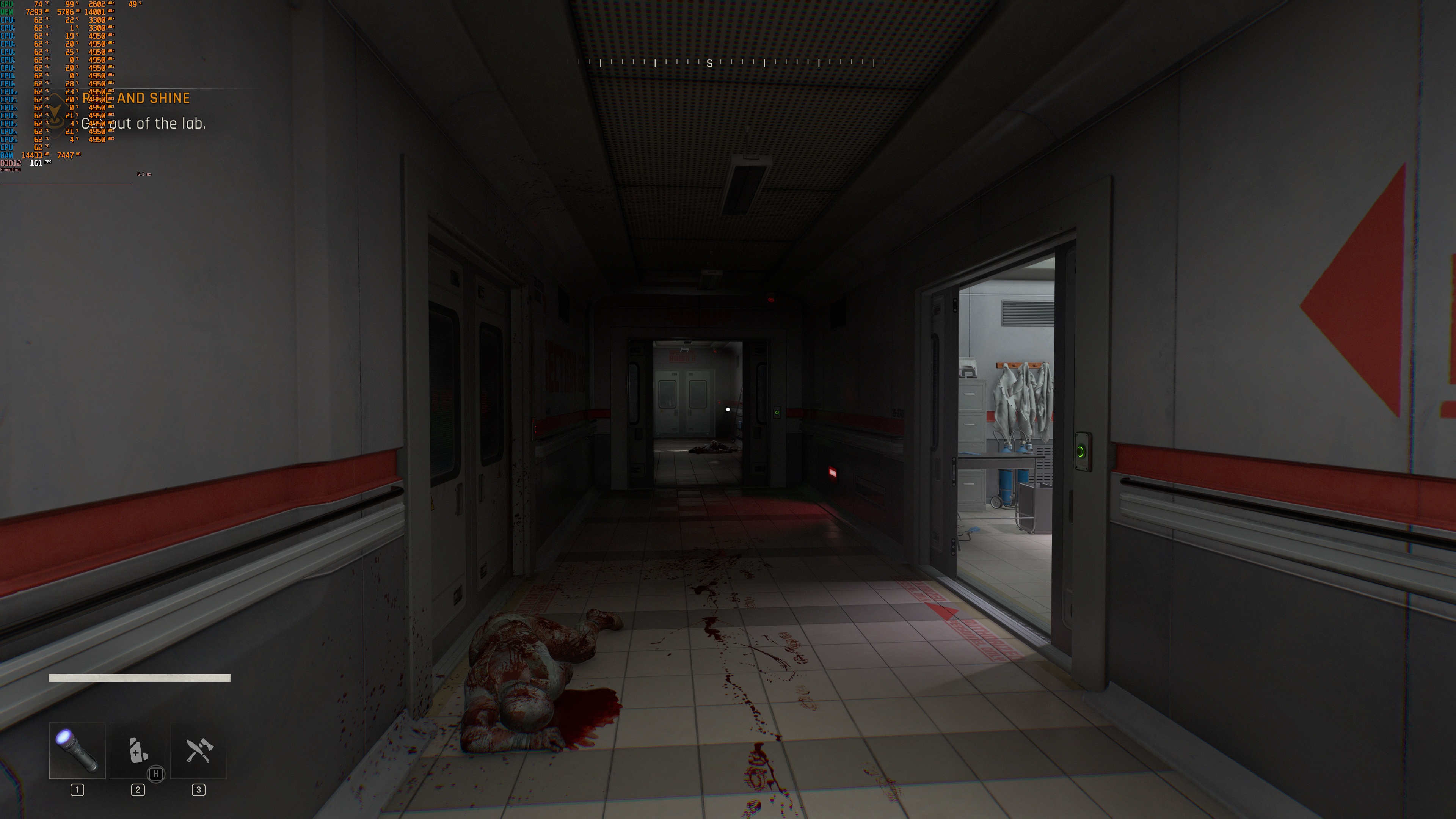
Graphics-wise, I wasn’t impressed with what Dying Light: The Beast was offering on screen. Say what you want about Ray Tracing or UE5’s Lumen, but Dying Light: The Beast looks really, really dated. Textures could have looked better, and there are major pop-in issues. Thankfully, the game has a more advanced lighting system than the one used in Dying Light 2. Still, it’s nowhere close to what ray-traced games currently offer. Things will obviously get better once we get the RT Update. However, this isn’t a “rasterized” miracle. Yes, the game runs great, but there is a reason for that. And that reason is that it does not look as good as most recent PC games.

All in all, Dying Light: The Beast runs great on PC. The game does not require a high-end GPU for 1080p gaming. On top of that, I did not experience any major stutters. DL: The Beast feels super smooth, even when gaming with super high framerates. However, its graphics are not that impressive by today’s standards. Furthermore, for gaming at Native 4K, you’ll need the two best NVIDIA GPUs on the market. Thankfully, there is support for all major PC upscalers, and I highly recommend using them. That is, if you want to game at high resolutions with high framerates.

Enjoy and stay tuned for more!
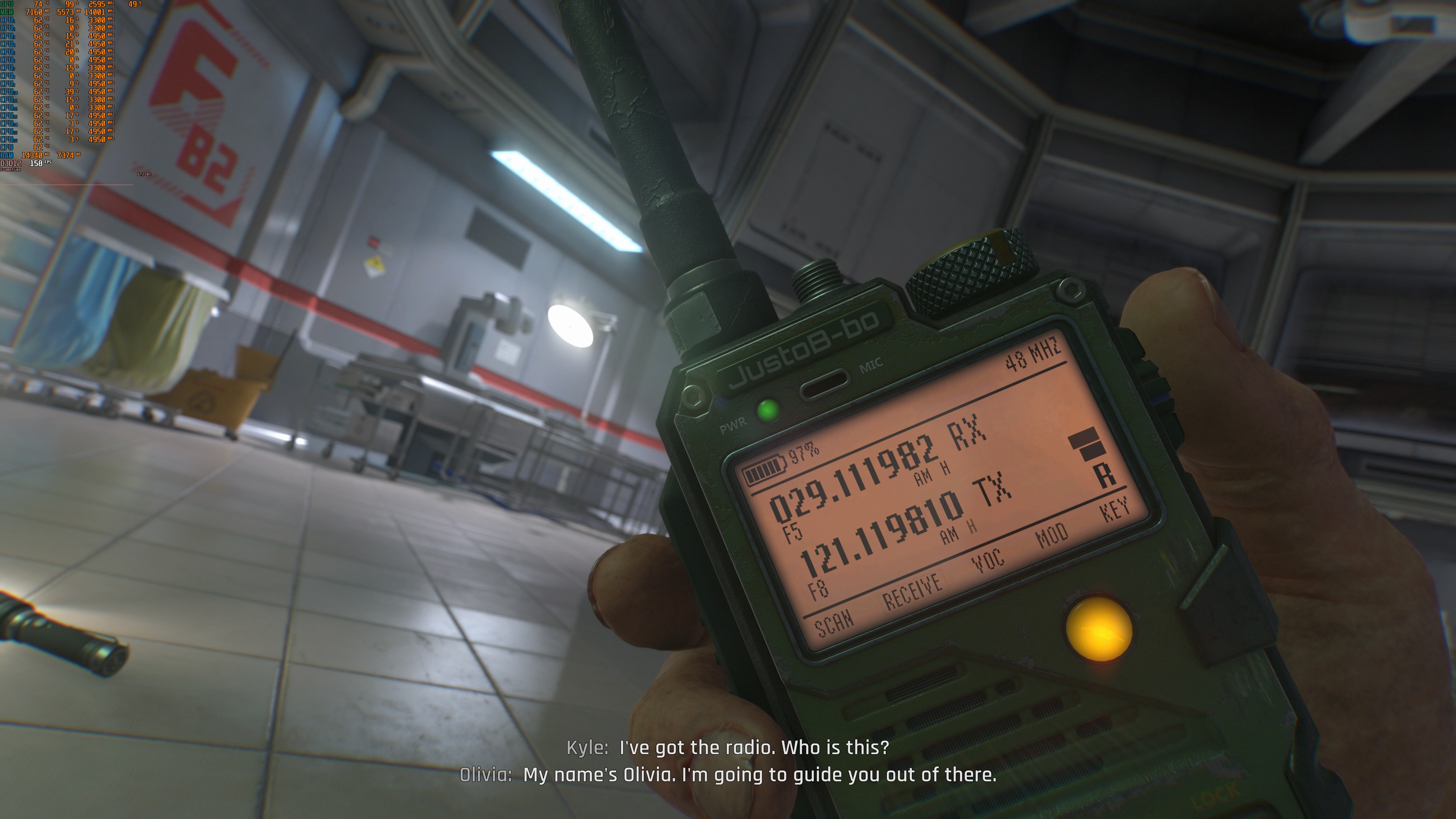
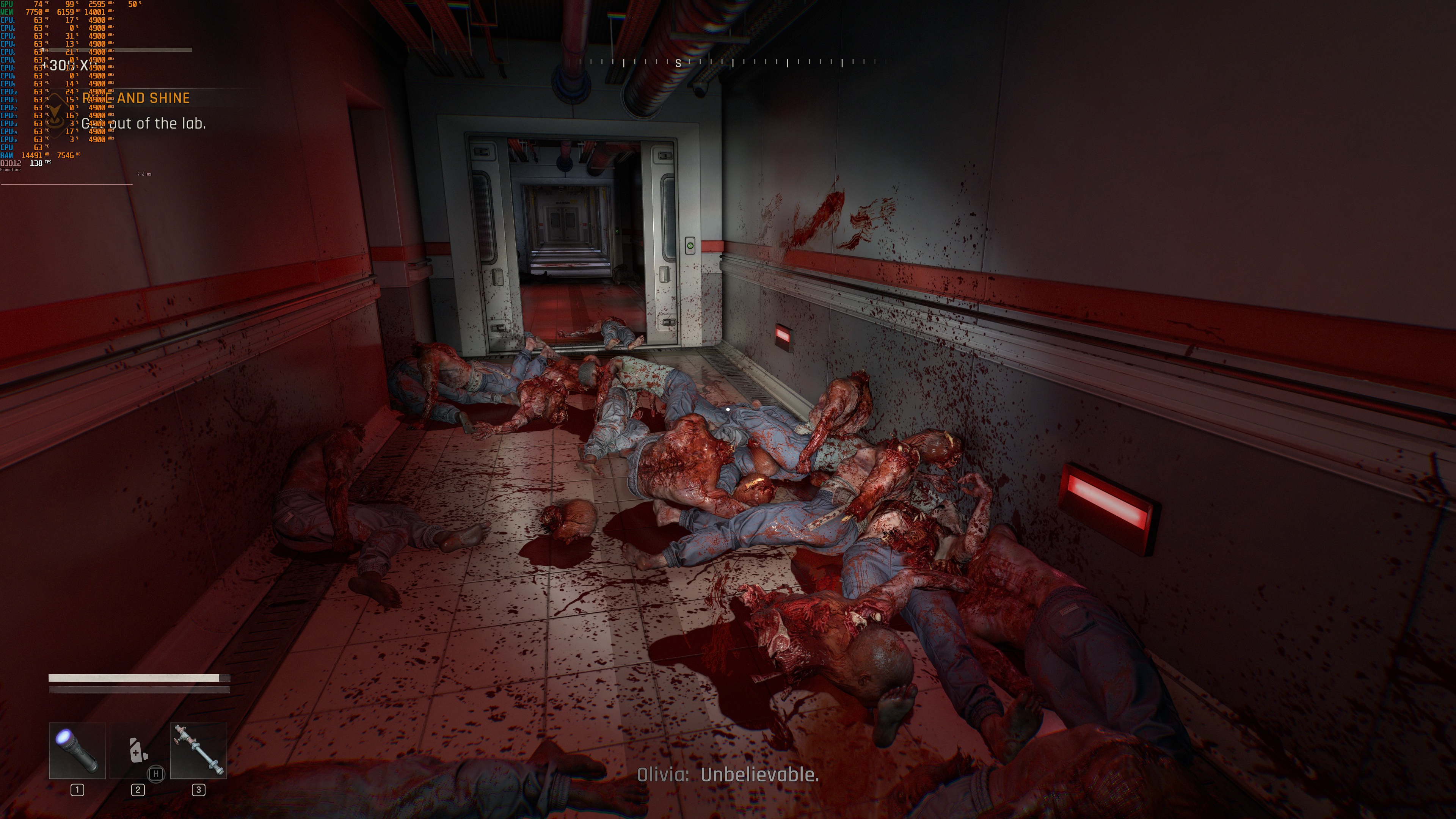
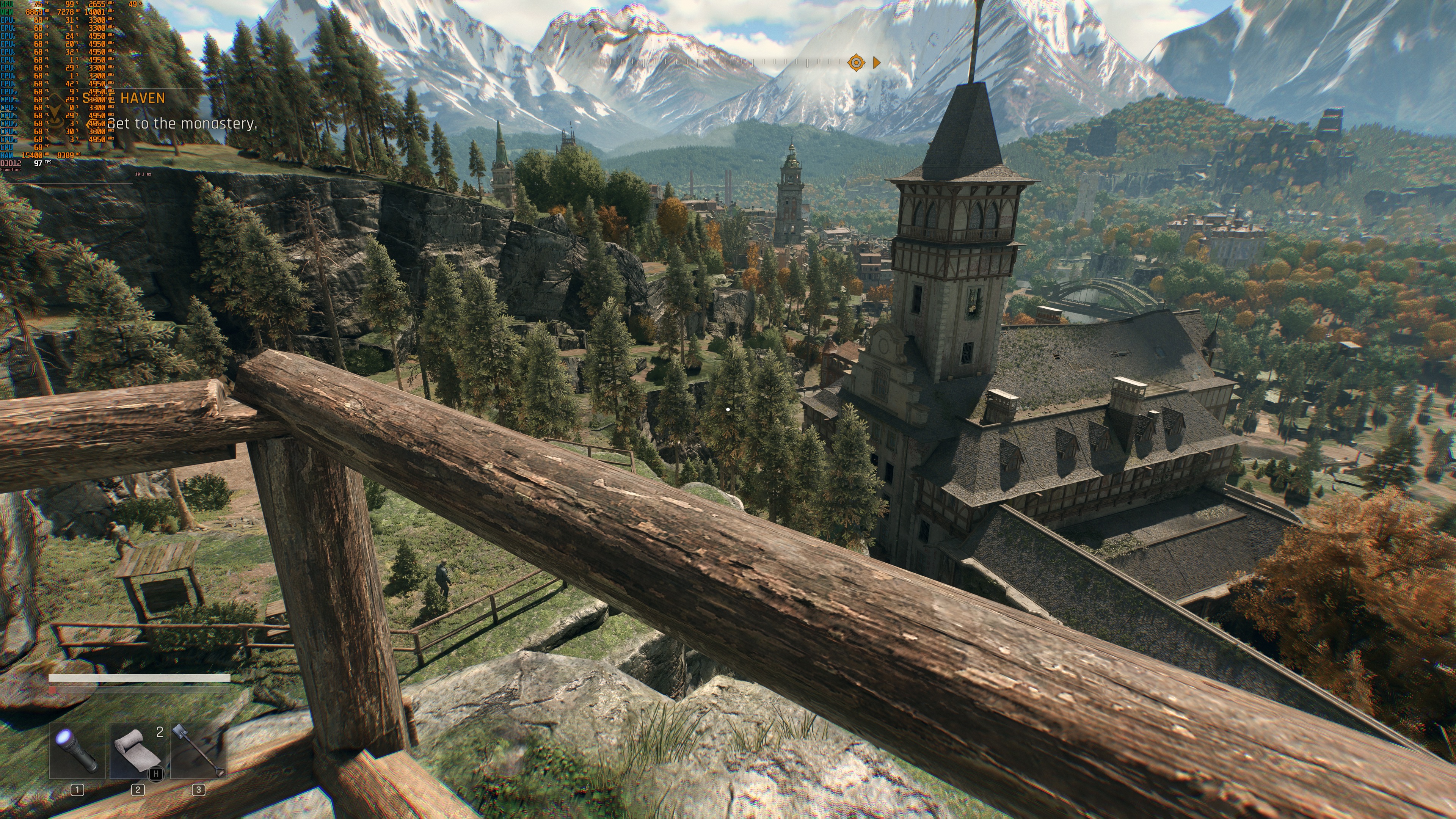
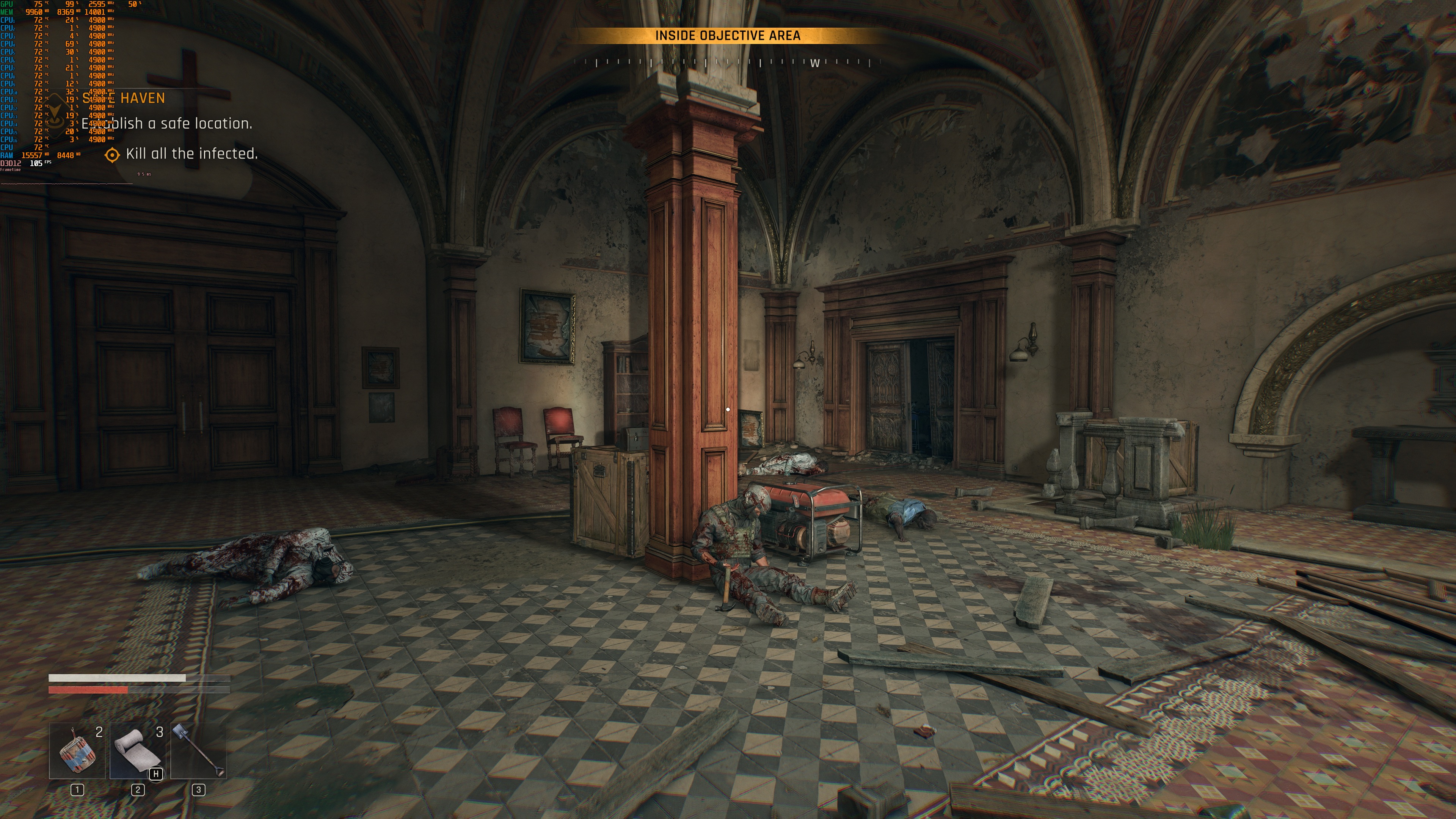
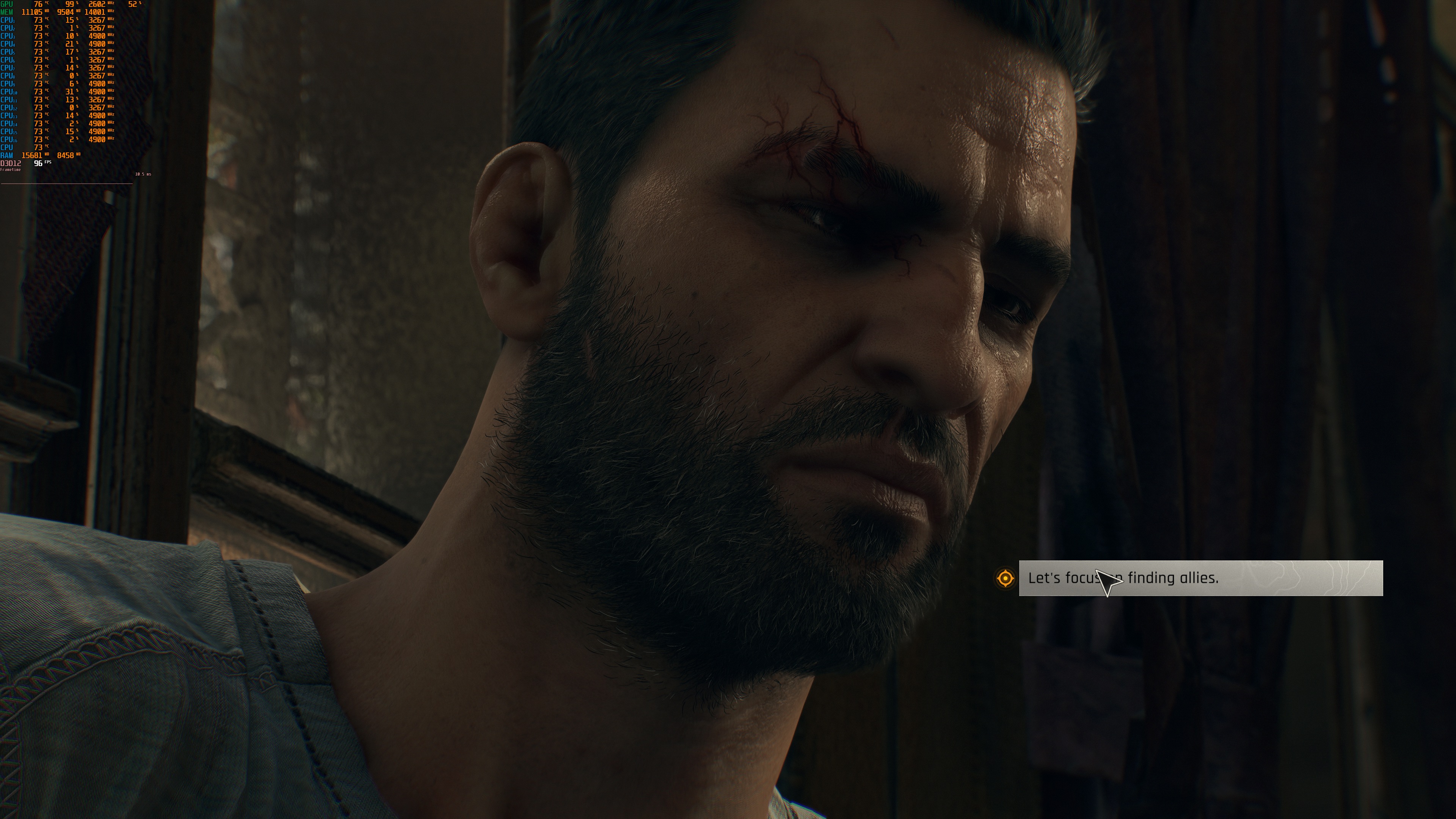
Dying Light The Beast 4K PC screenshots-1Dying Light The Beast 4K PC screenshots-2Dying Light The Beast 4K PC screenshots-3 Dying Light The Beast 4K PC screenshots-4Dying Light The Beast 4K PC screenshots-5Dying Light The Beast 4K PC screenshots-6 Dying Light The Beast 4K PC screenshots-7Dying Light The Beast 4K PC screenshots-8Dying Light The Beast 4K PC screenshots-9 Dying Light The Beast 4K PC screenshots-10Dying Light The Beast 4K PC screenshots-11Dying Light The Beast 4K PC screenshots-12 Dying Light The Beast 4K PC screenshots-13Dying Light The Beast 4K PC screenshots-14Dying Light The Beast 4K PC screenshots-15 Dying Light The Beast 4K PC screenshots-16Dying Light The Beast 4K PC screenshots-17

20 thoughts on “Dying Light: The Beast PC Performance Analysis”

  1. Game : runs good without raytracing…..John : "its dated graphics"
    Videogames should be rendered rasterized. Just like watching a movie. I'm paying to experience it not to get involved into making it.
    I'm convinced now John's got infected with raytracing virus sadly, so I'll let him enjoy upscalers and raytracing while I'll enjoy my native 100+ fps games.

      1. It looks dated cuz no RT.

        Devs did it so the people with AMD trashware don't cry when their slow junk fails to run the game.

        Guy above is blind or a r3tard, lighting is completely last gen, it's in desperate need of some RTGI solution and better ambient occlusion.

    1. I'm a Ray Tracing fan and I love the technological advancements that RT has brought to our screens, but honestly, Dying Light 2 in my opinion is perhaps the worst game to showcase the beauty of ray traced illumination… in that game the lighting looks flat, washed out, I don't know how to explain it, but I don't like it at all. For example, Metro Exodus has much superior ray traced illumination and it came out years earlier, in fact it was one of the first games to use ray tracing for global illumination… DL2 never convinced me, it's as if the final image looks messy, artificial, but this DL The Beast already looks beautiful to me with rasterized lighting, so I really expect beautiful graphics when ray tracing is implemented… I hope soon, because I bought the game but haven't started it yet while waiting for the RT patch… I got an RTX 5080 to enjoy ray tracing, so I'll have to wait for that patch, and then I'll start playing it.

  2. "This is something that will please a lot of PC gamers. At the same time, we should keep in mind that this is a rasterized game."

    Bring back rasterized games. We could be having Batman Arkham Knight games left and right, without the abysmal peformance of Batman Arkham Knight at release date.

    "This appeared to be one of the most demanding scenes we could find early in the game."

    Amateur John strikes again. Dying Light 2 Main town is way more demanding than the beginning area, Old Villedor. What good is it to have a RTX 5090 if you only use it in the starting area? Weak.

  3. "However, its graphics are not that impressive by today’s standards"
    Define today's high standards in layman's terms!!!. vaseline smeared zero interaction lumen bull$h*t whit purple particle effects where every title looks bland and runs like horsecrap? yep this game ain't on par with today's standards

  4. Nothing a free HQ texture dlc and some Reshade tweaking cant solve. Good to know about the performance, hopefully it can be played on entry tier cards, like the rx6600, with some options on mid.

  5. Nothing a free HQ texture dlc and some Reshade tweaking cant solve. Good to know about the performance, hopefully it can be played on entry tier cards, like the rx6600, with some options on mid.

  6. @JohnPapadopoulos, fella some of your comments are not only harsh, but misplaced.

    "Graphics-wise, I wasn’t impressed with what Dying Light" & "However, its graphics are not that impressive by today’s standards" – I have to ask Dude WHAT are you talking about fella!? This is the BEST Dying light experience from Techland, to date. They have steadily iterated from the first game to what we have now. That and they have fixed or addressed numerous gameplay issues present from the first 2 games in DLTB.

    As for not having RT on release, this was a smart move on TL's part. If they so choose, they can add it in a later patch once all the other bugs have been ironed out. But as DL release go, this one has ‘mostly’ been bug free.

    The level of detail and attention to detail far exceeds the previous 2 games. The only fly in the ointment is parts of CW, seem to be having an identity crisis. Its supposedly set somewhere in Europe, but there are Canadian references (the beaver outside town hall) and a lot of the NPC’s have non-European accents (brit accents don’t count as central European). What’s missing are lots of German, Italian, French amongst others.

    On a 9800, DDR5-6k-CL30, 4080 (curve optimised & pwr ltd to 250W) @3440*1440: without upscaling (TAAU native, FOV@70%, Draw multiplier@100, FG@off, other (advanced) settings set to medium), 85-123fps but there is jitter as you pan around. And with TAAU balanced, 120-180fps and the jitter is no longer present and as always up scaling fixes AA on the usual suspects. FG is a shitshow though, not DLTB specific, as have seen the same issue in other games. Basically enabling it introduces a different form of jitter, so its basically worthless for the time being.

    Look at it this way, at least its not the dumpster fire that is BL4….

Leave a Reply

Your email address will not be published. Required fields are marked *