

Earlier this week, MachineGames released the Path Tracing patch for Indiana Jones and the Great Circle. So, time now to benchmark it and see how PT runs on a high-end PC system at different resolutions.
For these benchmarks, we used an AMD Ryzen 9 7950X3D with 32GB of DDR5 at 6000Mhz, and the NVIDIA GeForce RTX 4090. We also used Windows 10 64-bit, and the GeForce 566.14 driver. I know there is a new driver for the game. Moreover, we’ve disabled the second CCD on our 7950X3D.
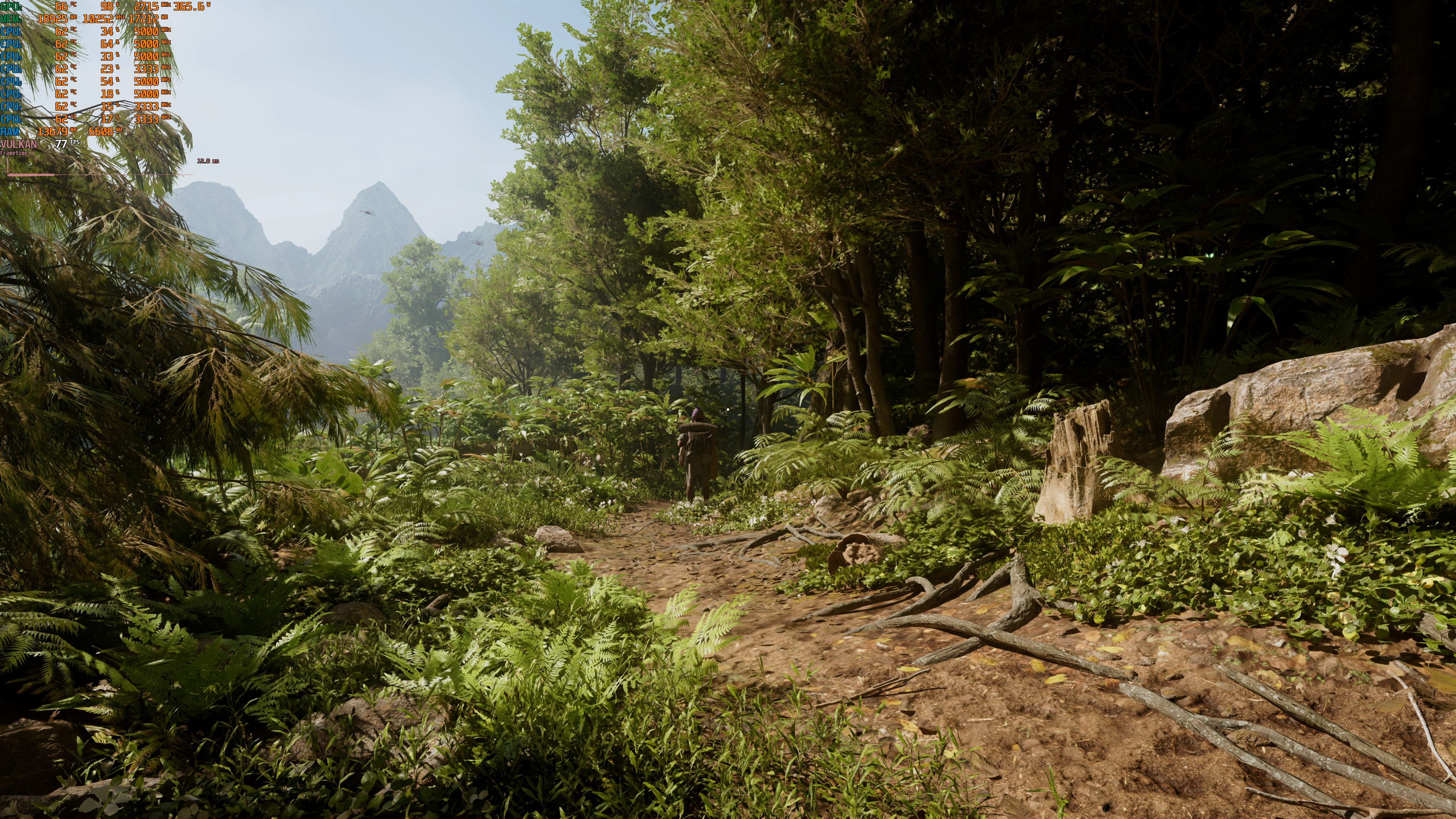
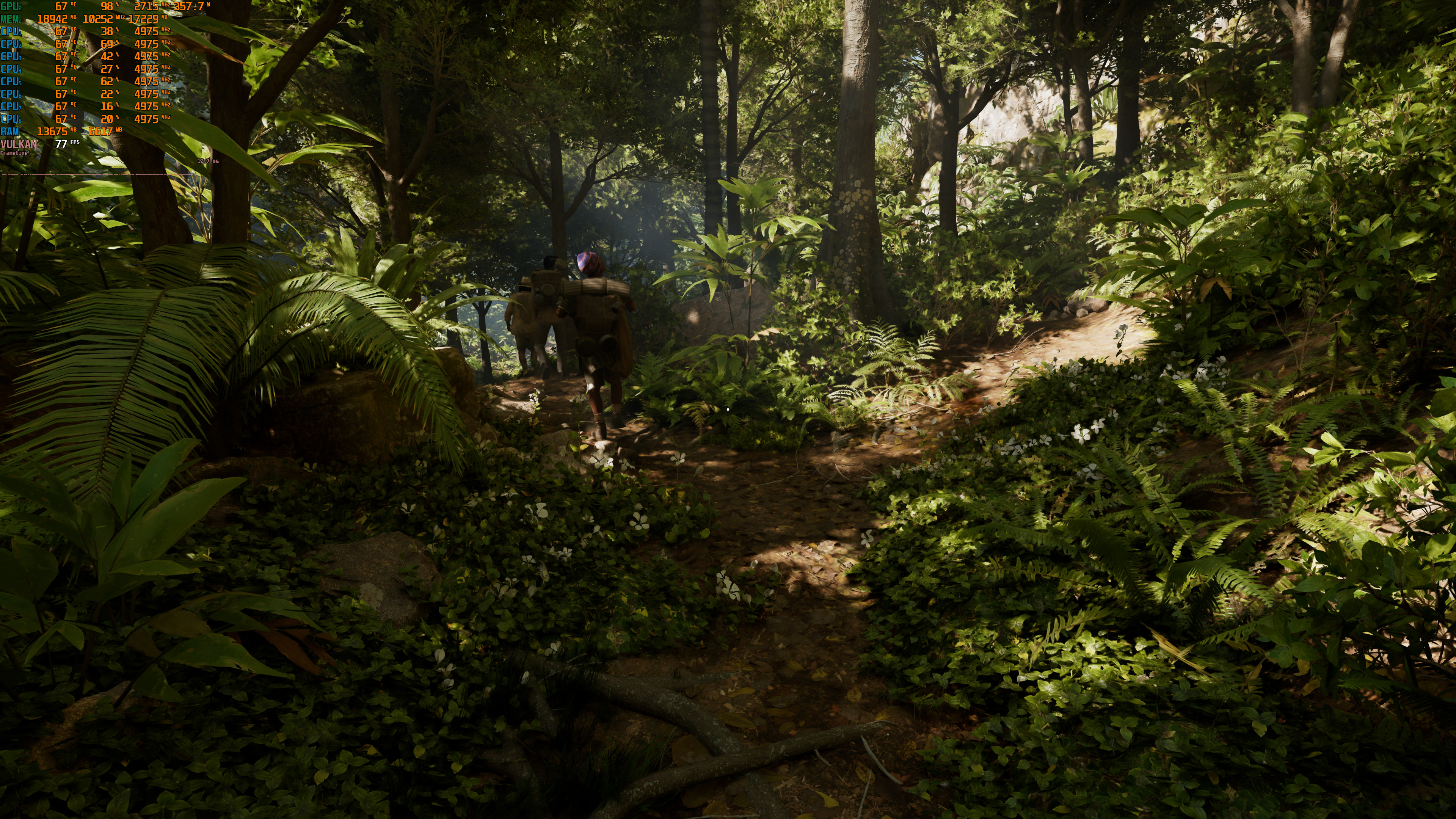
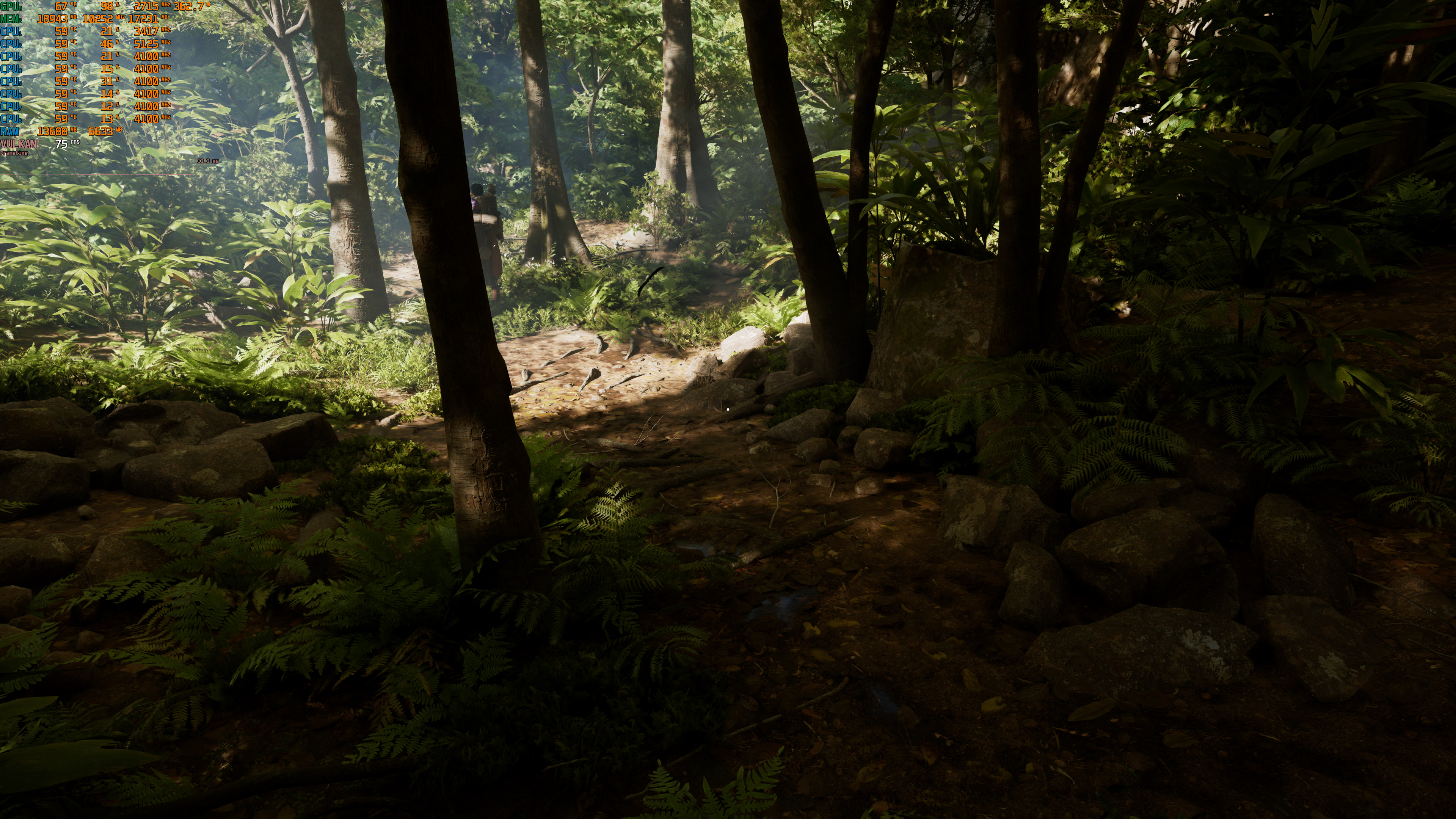
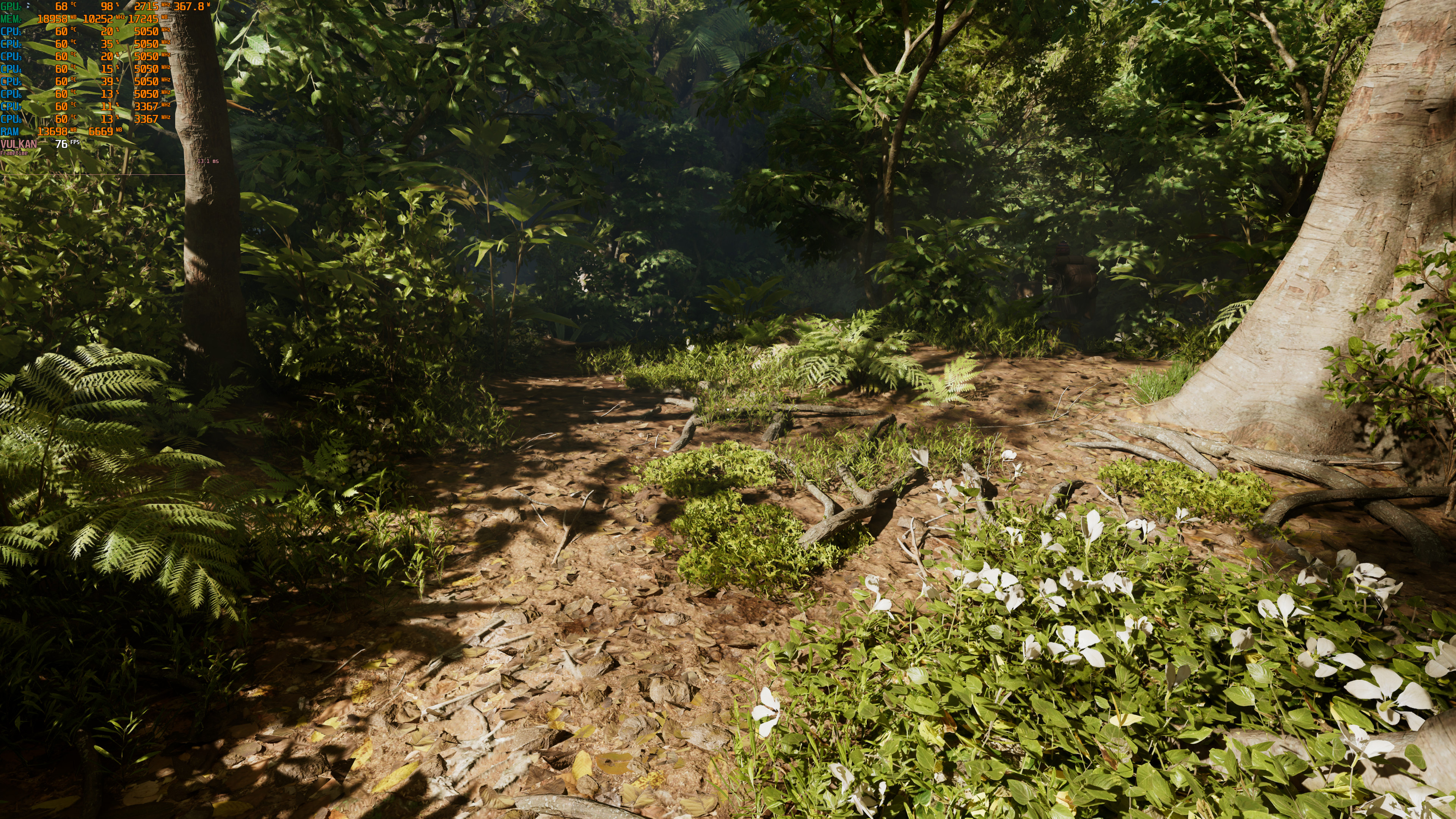
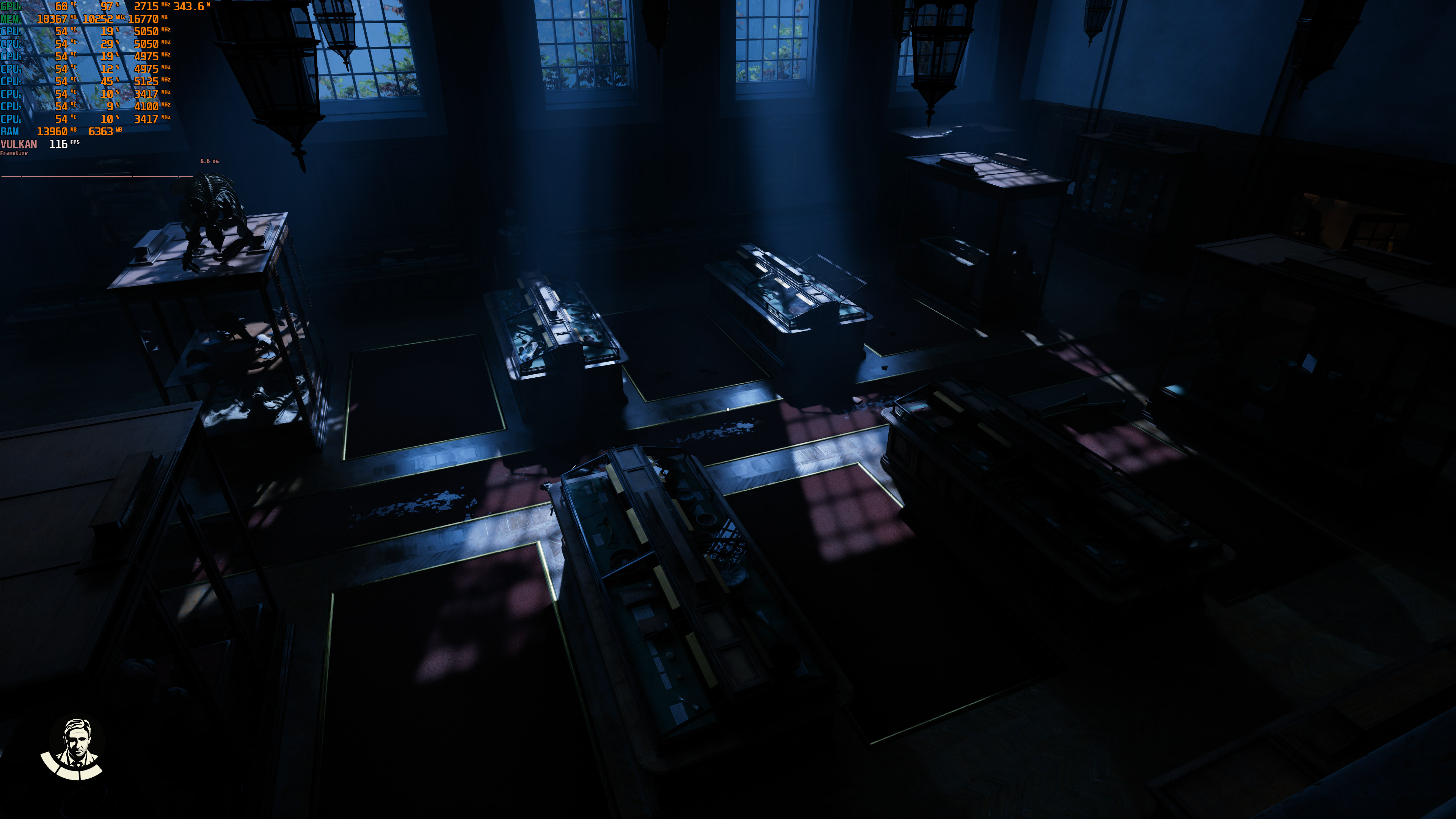
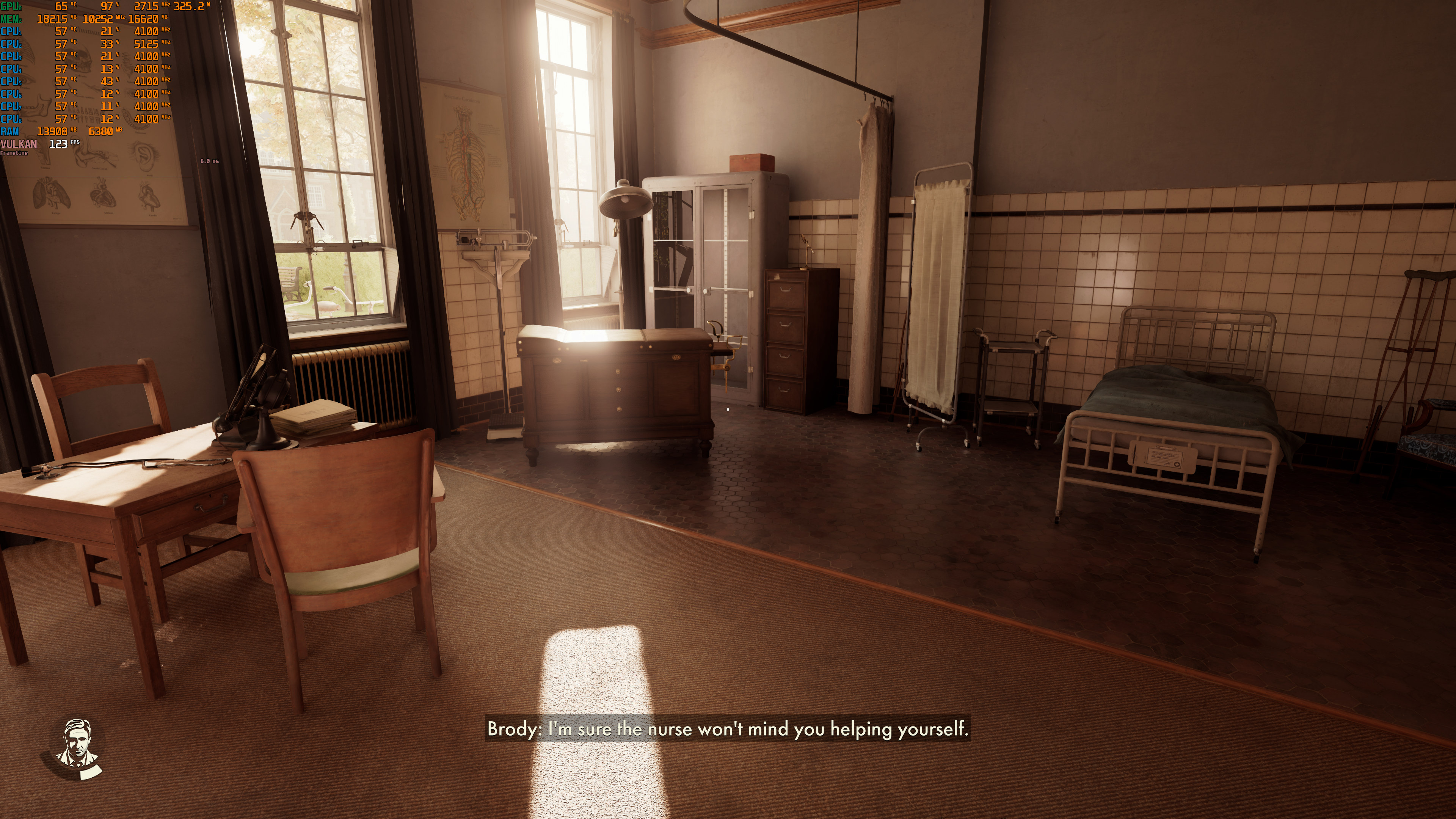
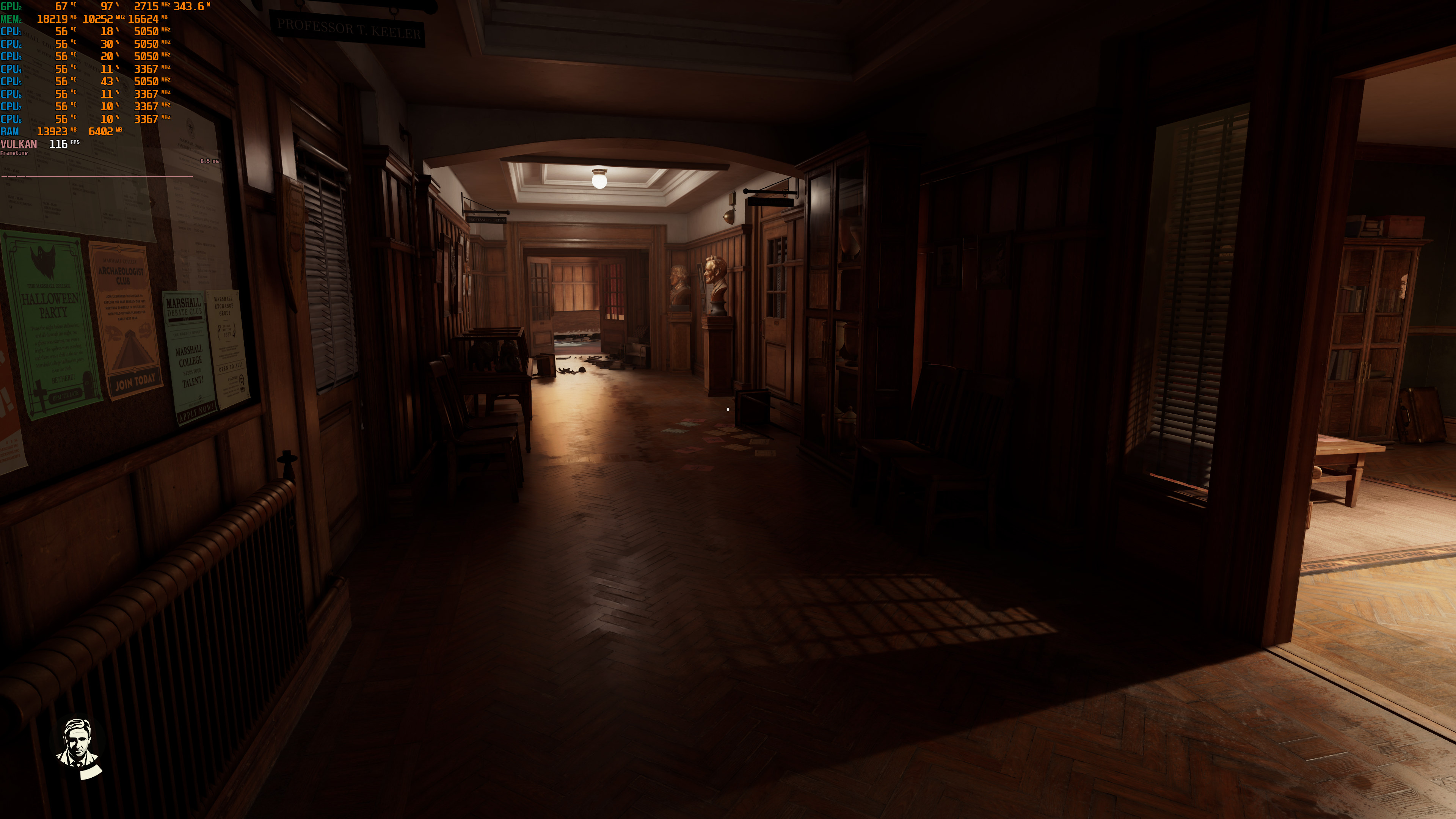
Path Tracing for Indiana Jones and the Great Circle handles pretty much everything. Thanks to it, GI, AO, Reflections and Sun Shadows are ray-traced. And, as we’ve already said, the end result is truly amazing. With Path Tracing, Indiana Jones and the Great Circle is a graphical powerhouse. It looks beautiful and at times it gave me very strong “Crysis” vibes.
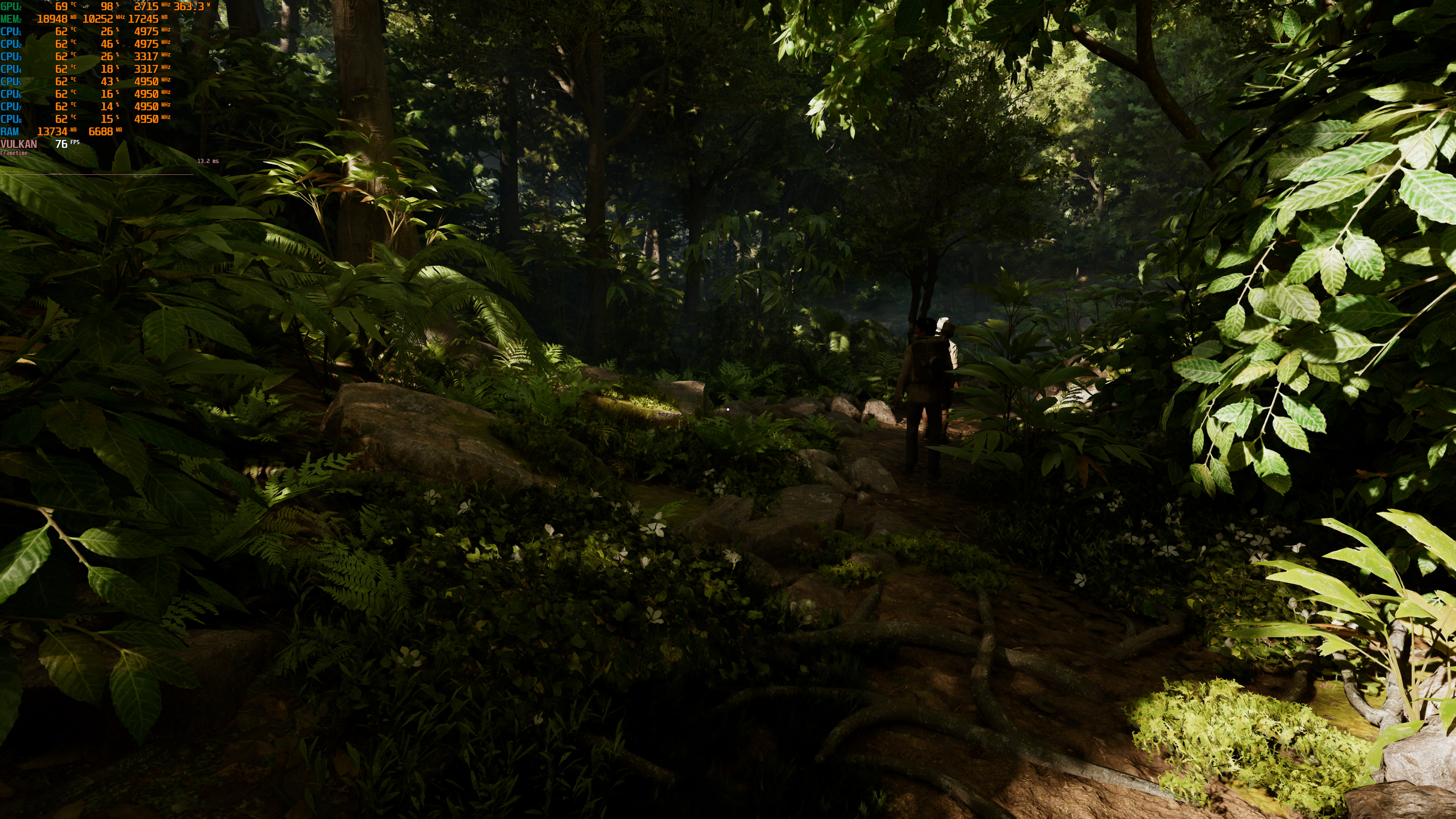
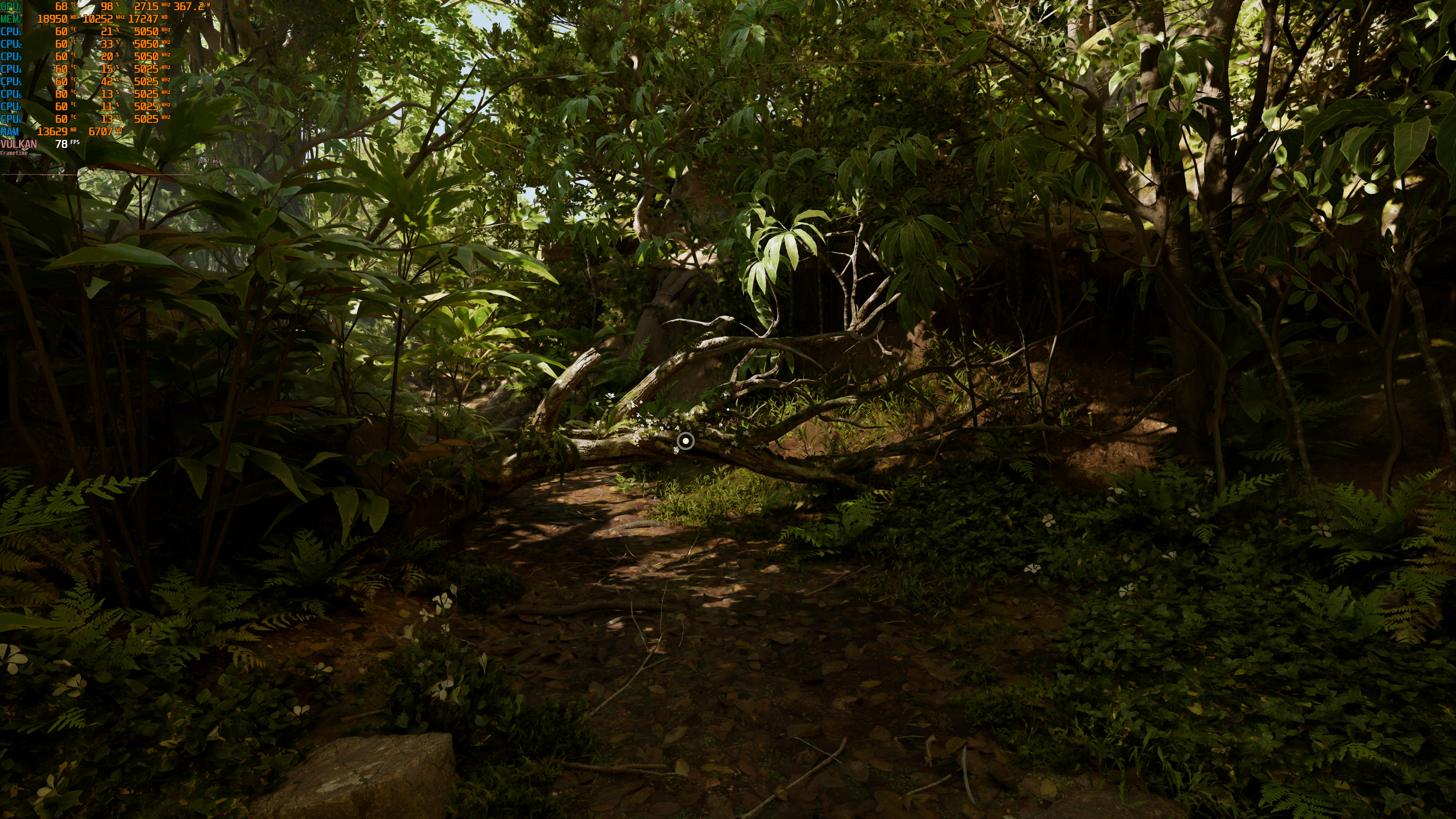
For our benchmarks, we used the starting jungle area. With Path Tracing, this area appeared to be more demanding than the one we used in our PC Performance Analysis.
At native resolutions, the NVIDIA RTX 4090 is only able to run PT smoothly at 1080p. At Native 1440p/Supreme/Path Tracing, we got a minimum of 46FPS and an average of 51FPS. As for Native 4K, we were below 30FPS.

By enabling DLSS 3 Quality Super Resolution, we were able to get a smooth experience at both 1080p and 1440p. However, at 4K we were getting framerates between 43-49FPS. Even with DLSS 3 Balanced Mode, we were below 60FPS at all times.

So, to get a smooth gaming experience at 4K, DLSS 3 Quality with Frame Generation is a must. By enabling FG, we were able to get a minimum of 68FPS and an average of 75FPS. Then, by dropping DLSS 3 to Balanced Mode, we were above 80FPS at all times.

To put it simply, there is no way to run Indiana Jones and the Great Circle with Path Tracing without DLSS 3 Frame Generation. This shouldn’t come as a surprise as Path Tracing is as taxing as it can be. It’s a miracle we can even run a triple-A modern game with Path Tracing.
In my opinion, the best way to experience the game with an NVIDIA RTX 4090 is with DLSS 3 Balanced and Frame Generation. With this combo, there was very minimal input latency. And, since this isn’t a fast-paced game, most of you won’t have any issues with it.
It will be interesting to see how this path-traced game will run on the NVIDIA RTX 5090. According to rumors, this new high-end GPU will be noticeably faster than the RTX 4090. However, you should temper your expectations. It will NOT be able to run modern-day path-traced games at Native 4K.
Enjoy and stay tuned for more!



John is the founder and Editor in Chief at DSOGaming. He is a PC gaming fan and highly supports the modding and indie communities. Before creating DSOGaming, John worked on numerous gaming websites. While he is a die-hard PC gamer, his gaming roots can be found on consoles. John loved – and still does – the 16-bit consoles, and considers SNES to be one of the best consoles. Still, the PC platform won him over consoles. That was mainly due to 3DFX and its iconic dedicated 3D accelerator graphics card, Voodoo 2. John has also written a higher degree thesis on the “The Evolution of PC graphics cards.”
Contact: Email