

Earlier this month, we informed you about a DLSS 3 Frame Generation paid mod for Assassin’s Creed Mirage. And today, we are happy to report that a new free DLSS 3 Mod is currently available for it.
Created by LukeFZ, this mod enables DLSS Frame Generation in Assassin’s Creed: Mirage and adds a hotkey to Chromatic Aberration.
Assassin’s Creed Mirage supported DLSS 2 at launch. And, instead of simply adding support for DLSS 3 Frame Generation, this mod replaces the game’s native FSR2 implementation with DLSS along with implementing support for Frame Generation.
So, if you don’t plan to use DLSS 3 Frame Generation, we suggest staying away from this mod. After all, you can already enable DLSS 2 Super Resolution.
Those interested can download this free DLSS 3 Mod for Assassin’s Creed Mirage from here.
We’ve tested the mod and we can confirm that it’s working. Below you can find some comparison screenshots between the vanilla DLSS 2 Super Resolution (left) and the modded DLSS 3 Frame Generation (right).
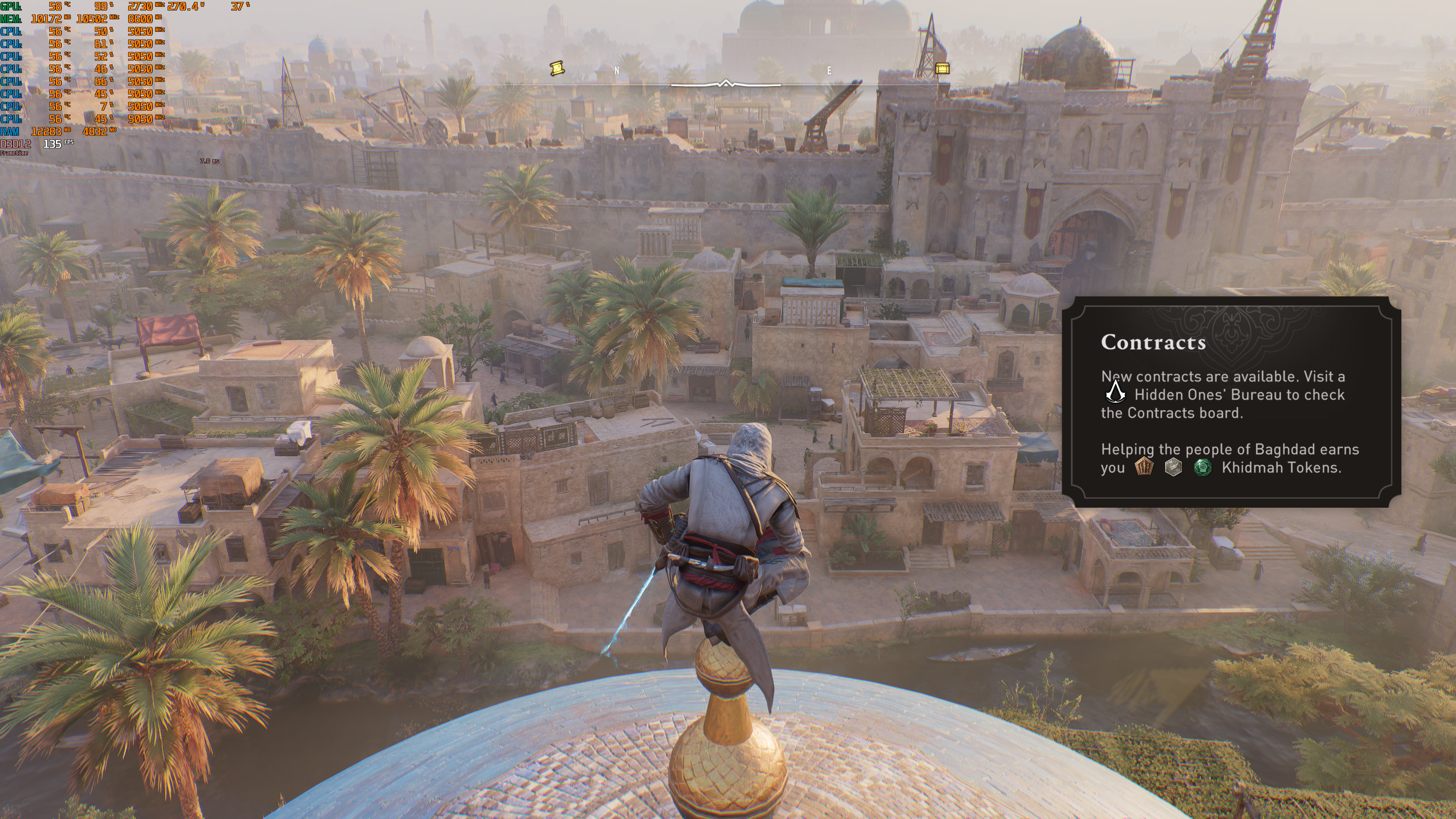
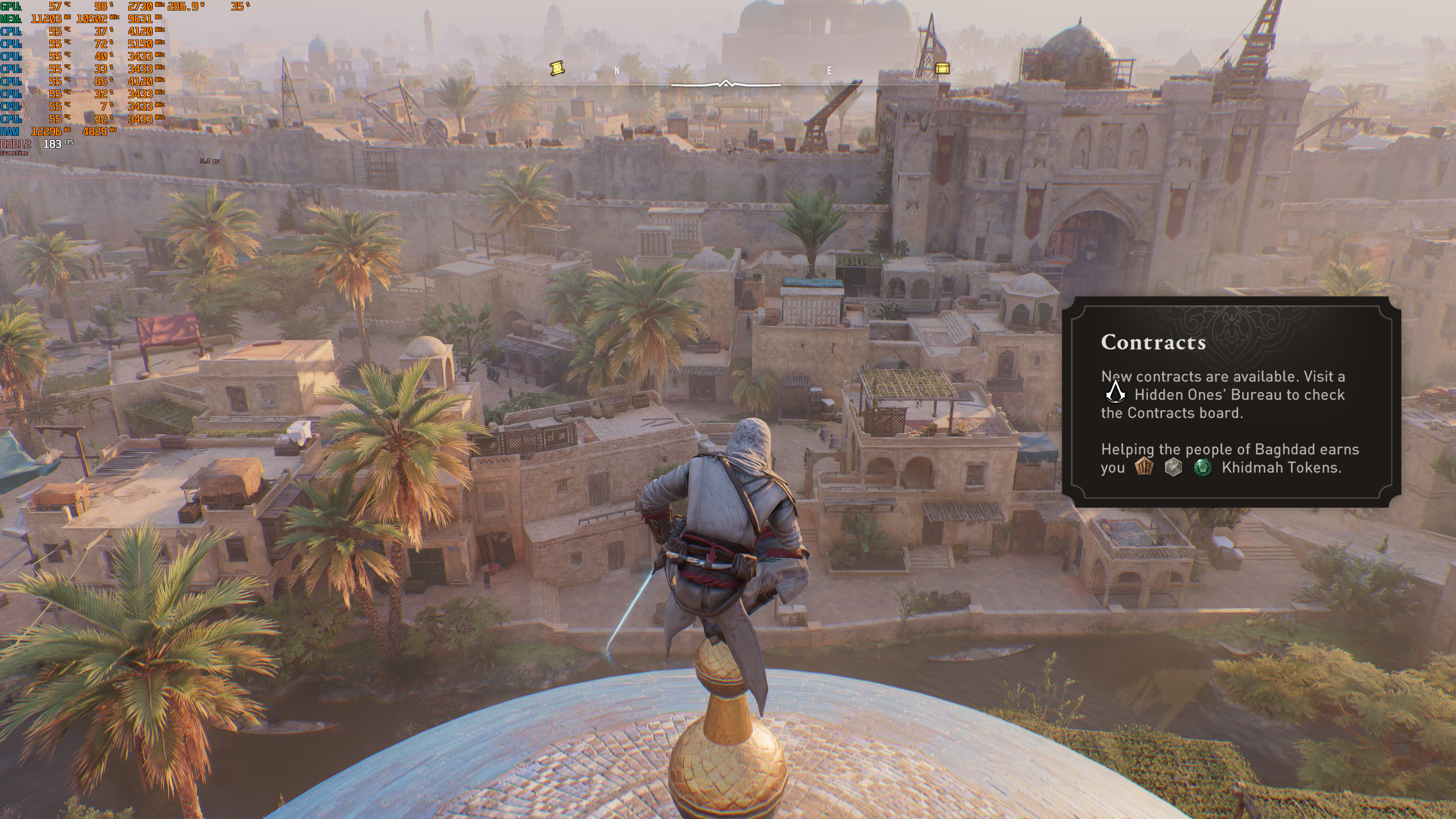
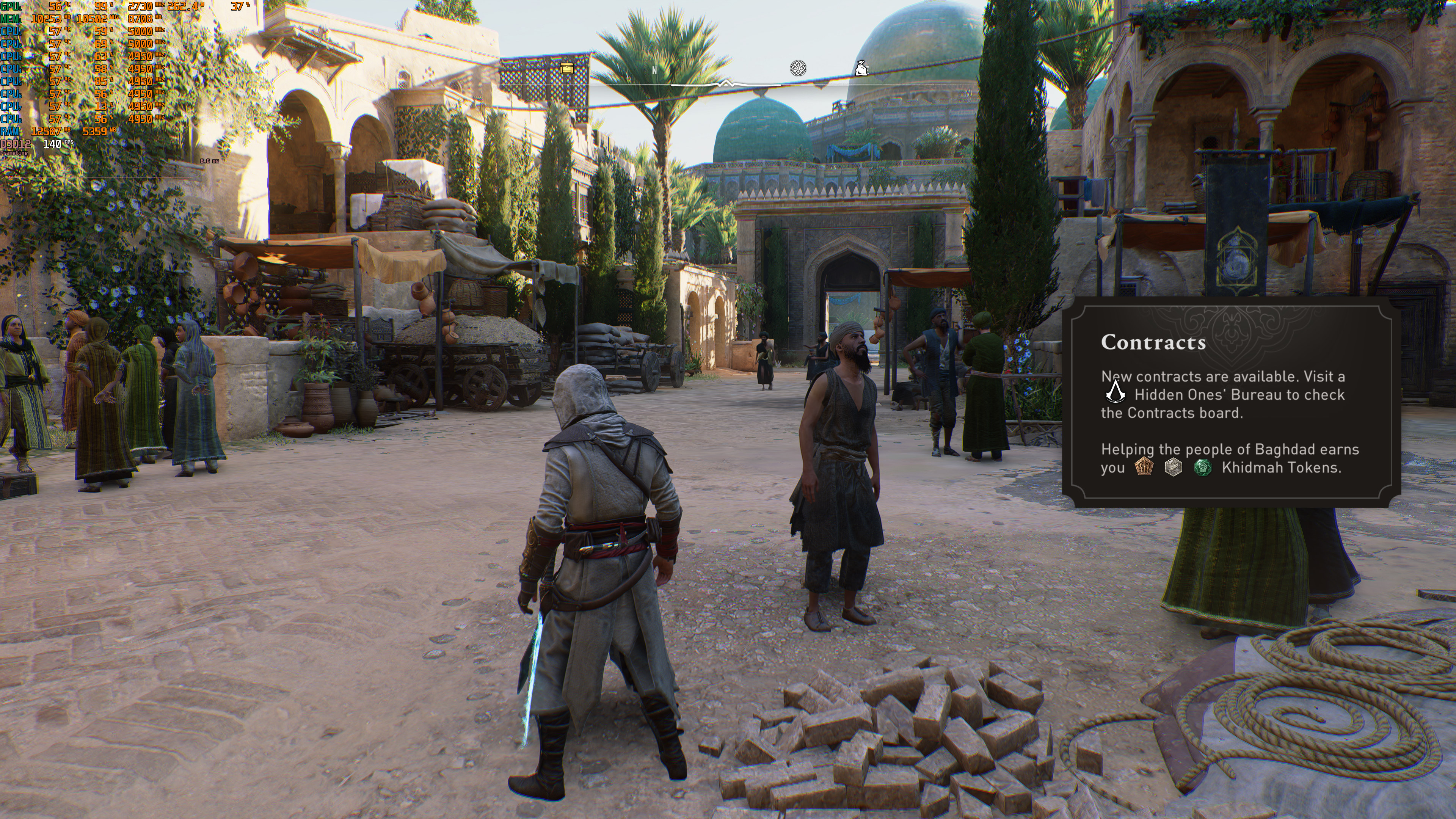
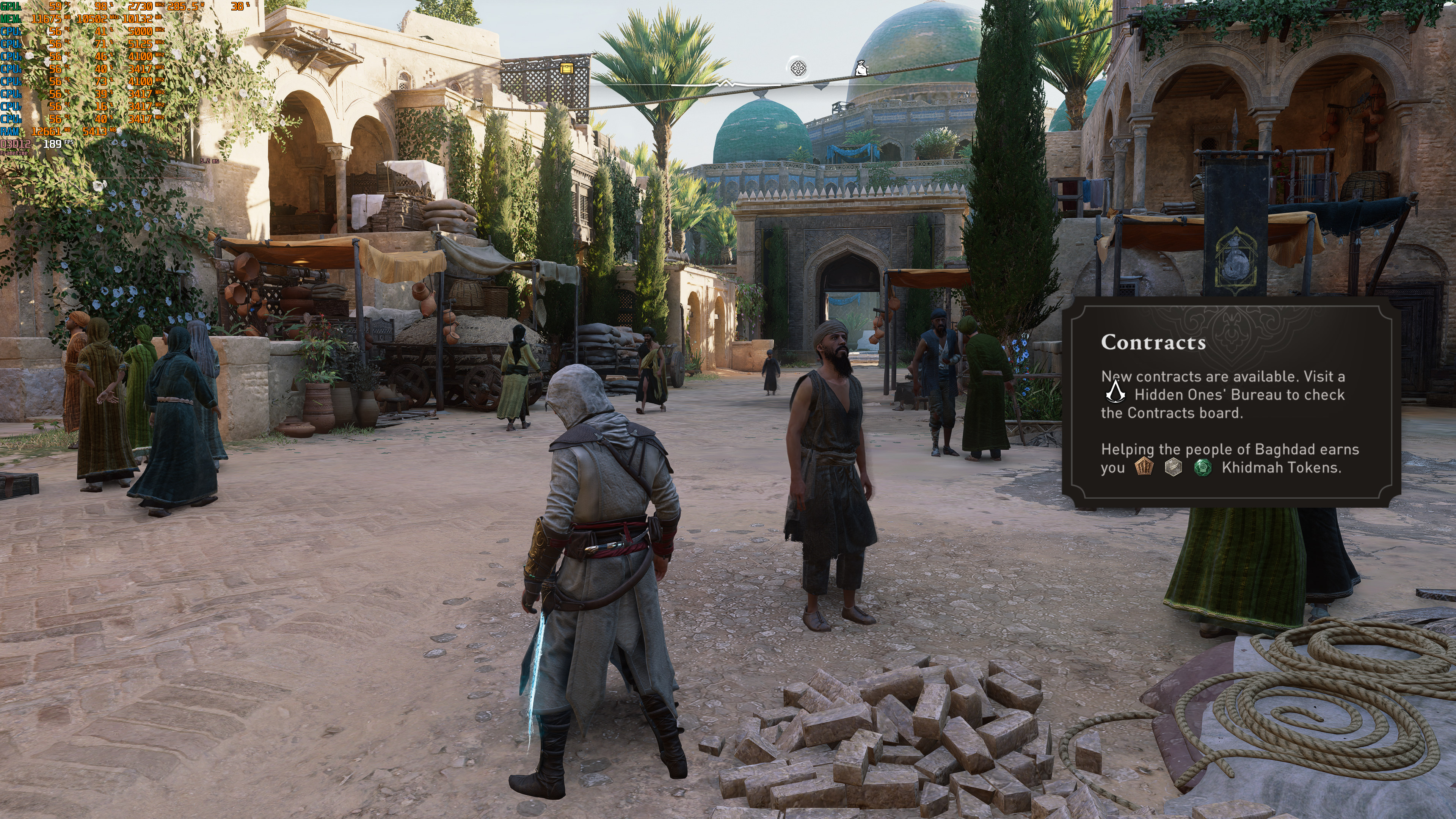
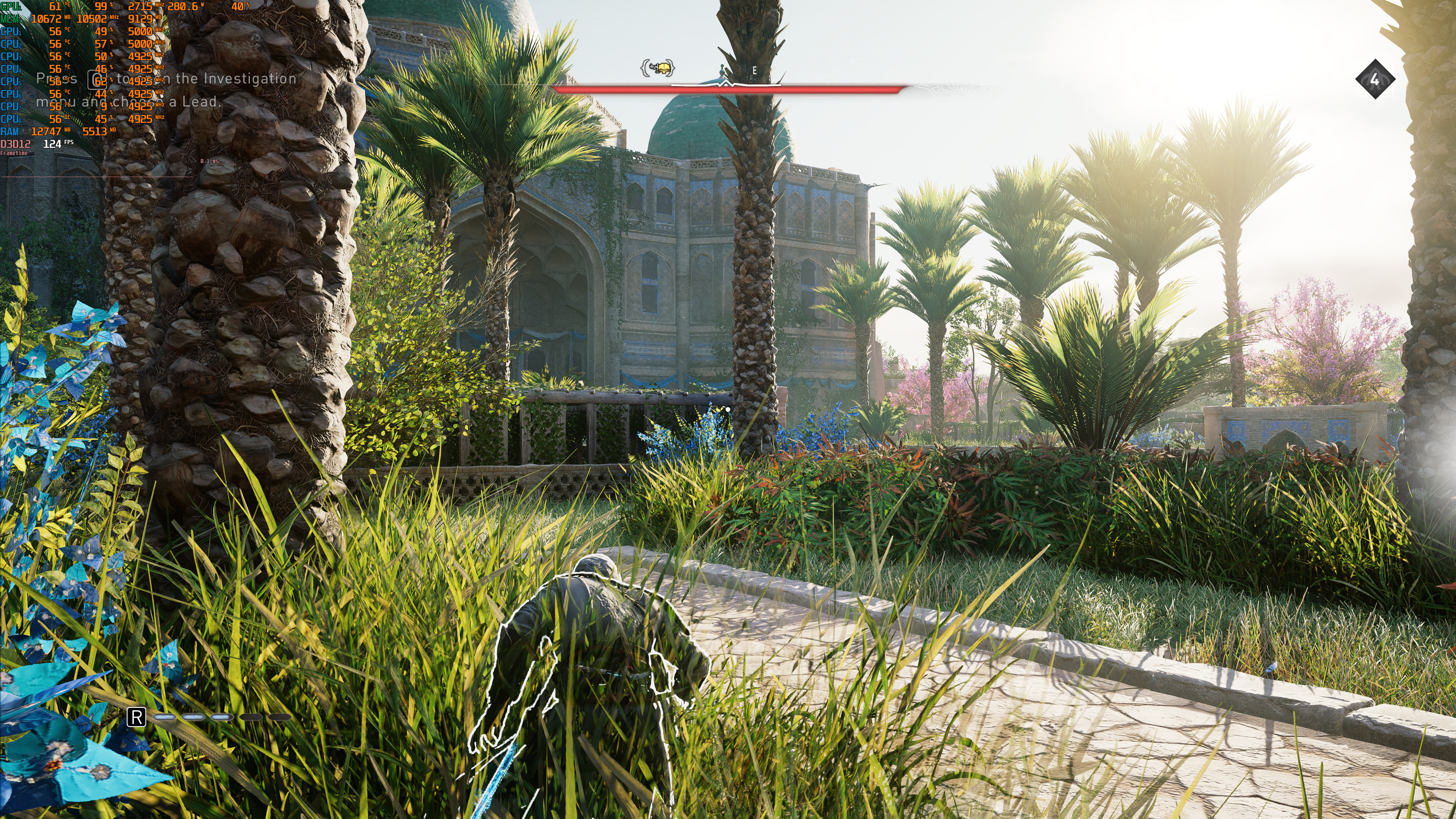
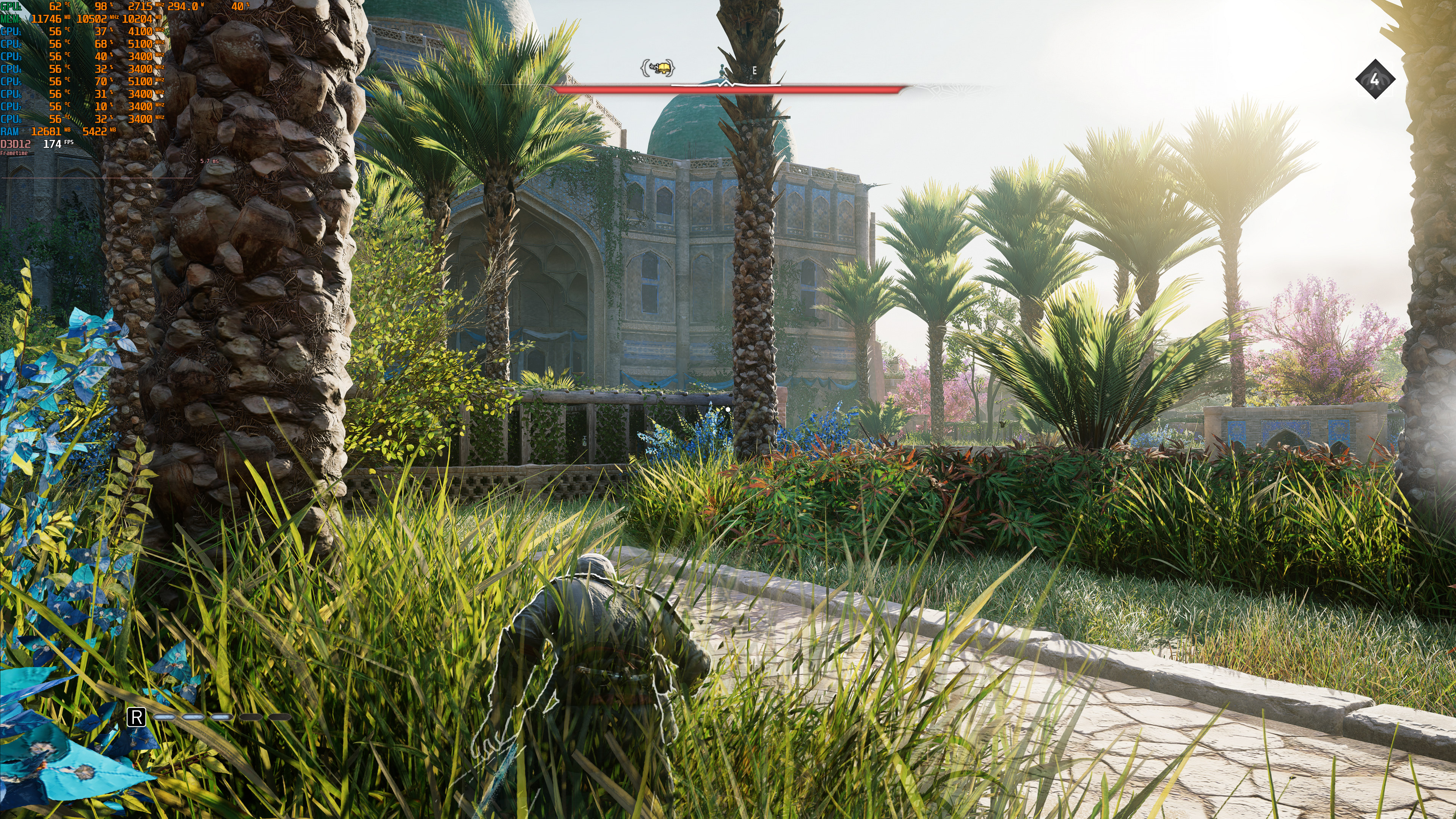
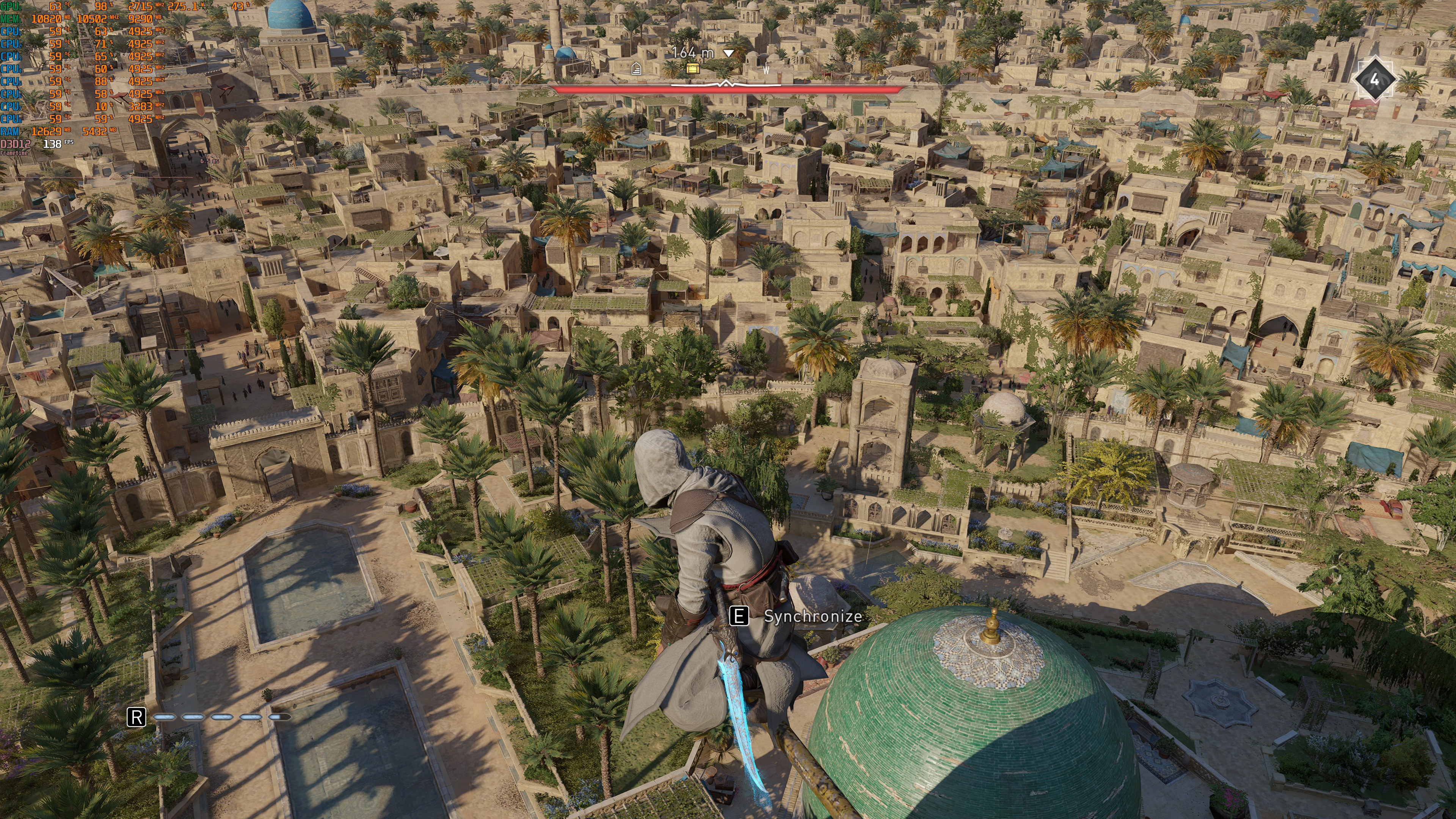
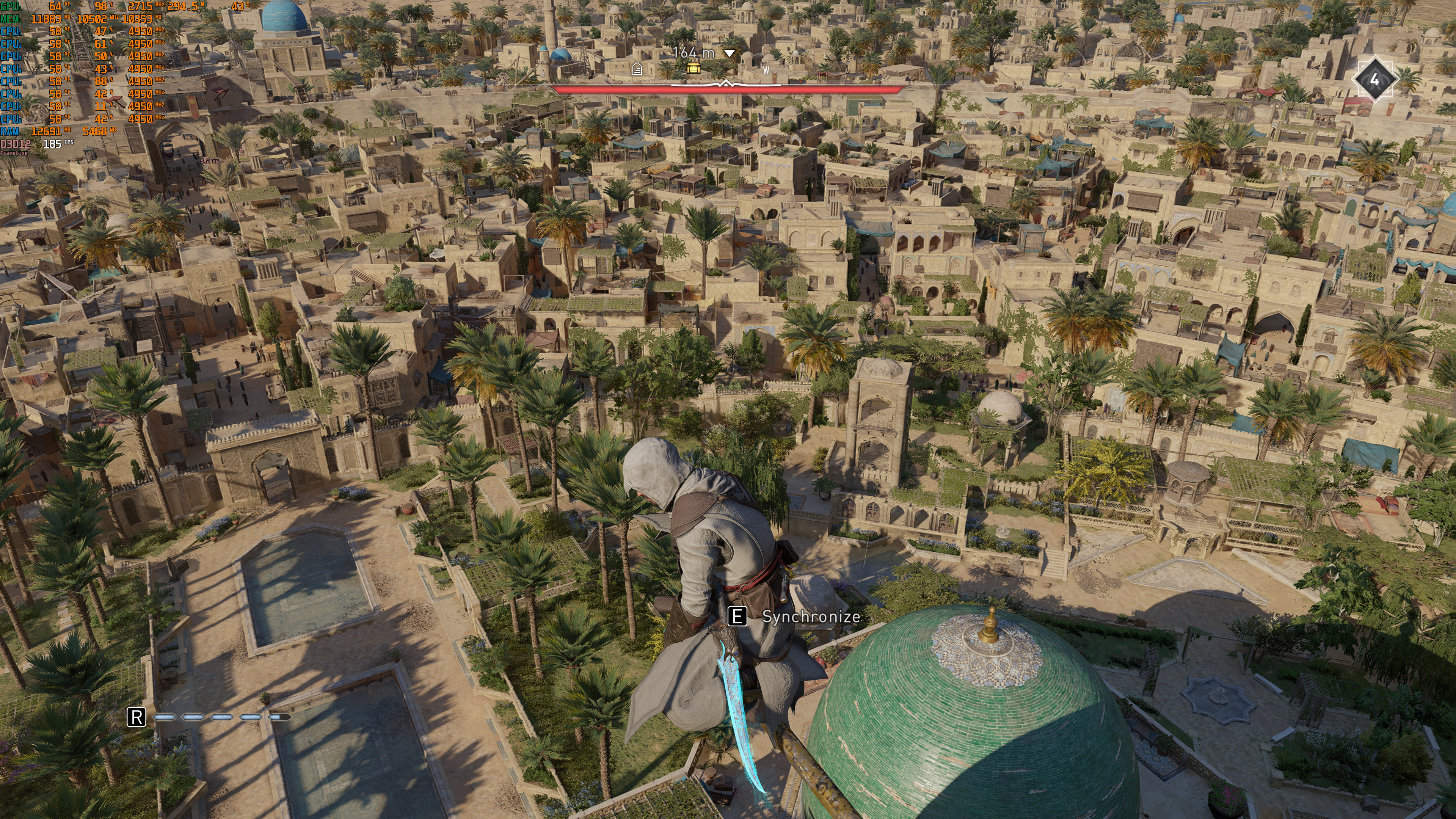
We should also note some issues we’ve encountered with this DLSS 3 Mod. For starters, we could not use the built-in benchmark with this mod as it was constantly crashing. The game would also crash upon loading a save. The only way we could make this mod work was by enabling it after loading a save.
Furthermore, we suggest sticking with the game’s default version of DLSS Super Resolution, version 2.3.1.0. During our tests, there were severe ghosting issues when using the latest 3.5.0 version.
Have fun!

John is the founder and Editor in Chief at DSOGaming. He is a PC gaming fan and highly supports the modding and indie communities. Before creating DSOGaming, John worked on numerous gaming websites. While he is a die-hard PC gamer, his gaming roots can be found on consoles. John loved – and still does – the 16-bit consoles, and considers SNES to be one of the best consoles. Still, the PC platform won him over consoles. That was mainly due to 3DFX and its iconic dedicated 3D accelerator graphics card, Voodoo 2. John has also written a higher degree thesis on the “The Evolution of PC graphics cards.”
Contact: Email